

1.01
release
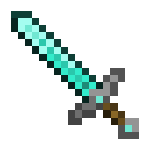
Teddy's Longswords
A Resource Pack with Longer Swords in a Variety of Editions.
 1,23k
1,23k
Teddy's Longswords
Teddy's Longswords
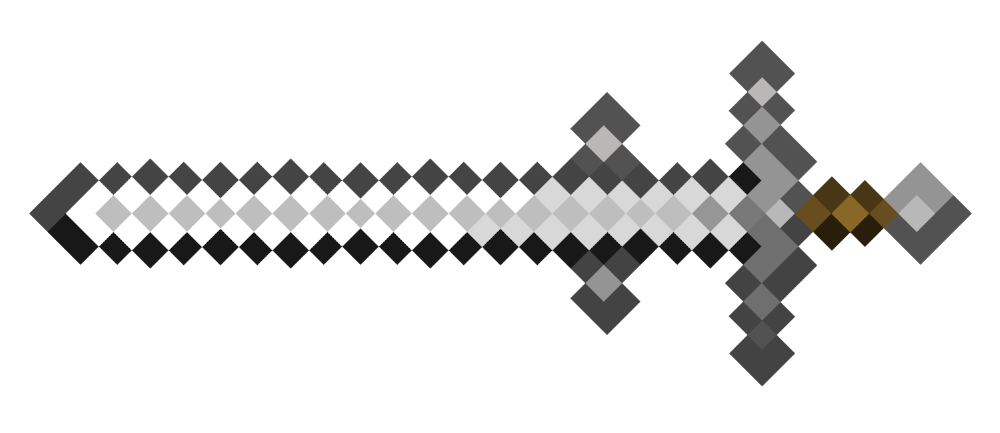
This is a Resourcepack that comes in a Variety of Editions.
Teddy's Longswords
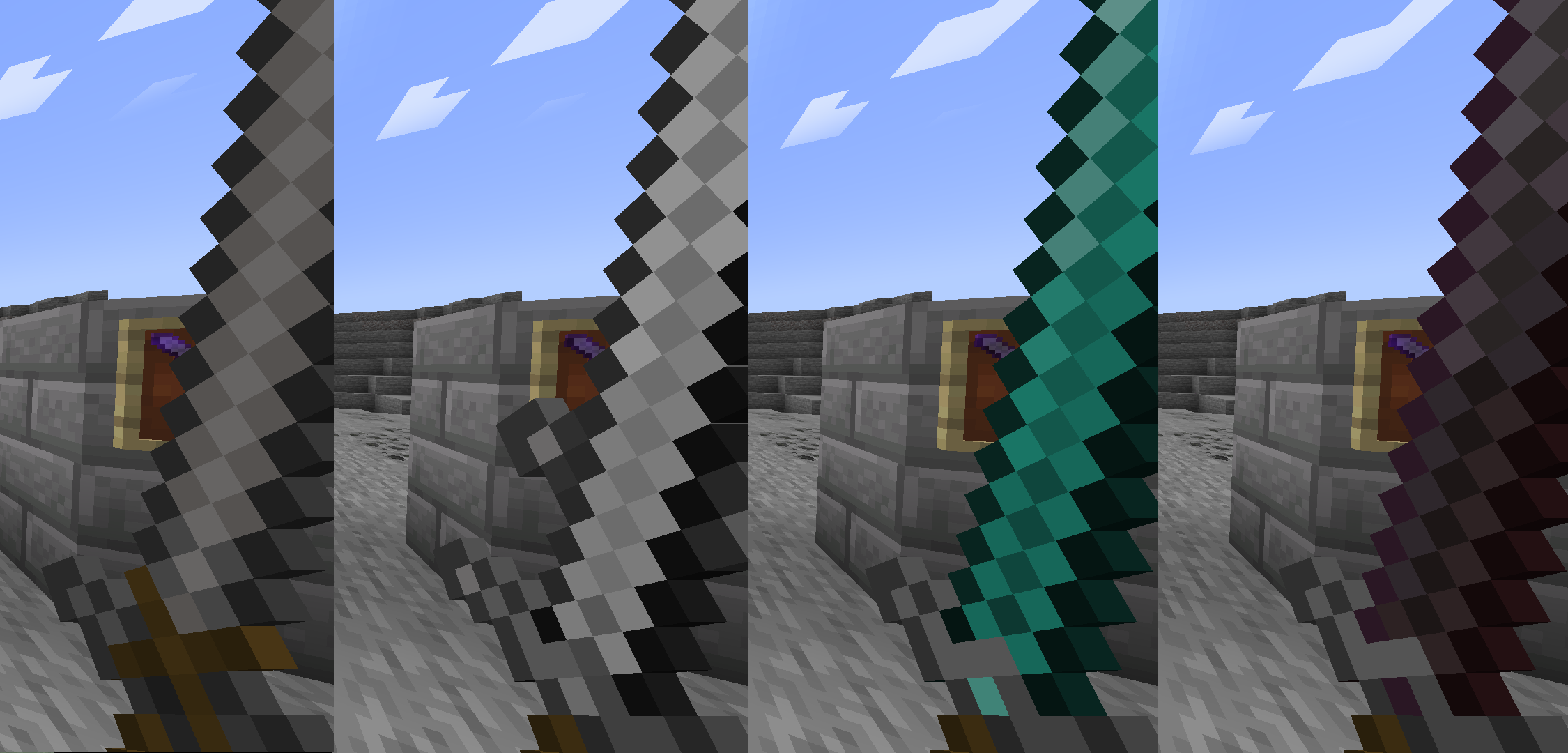
Teddy's Longswords offers a new Model with a Longer Blade aswell as new spin on the Sword Designs.
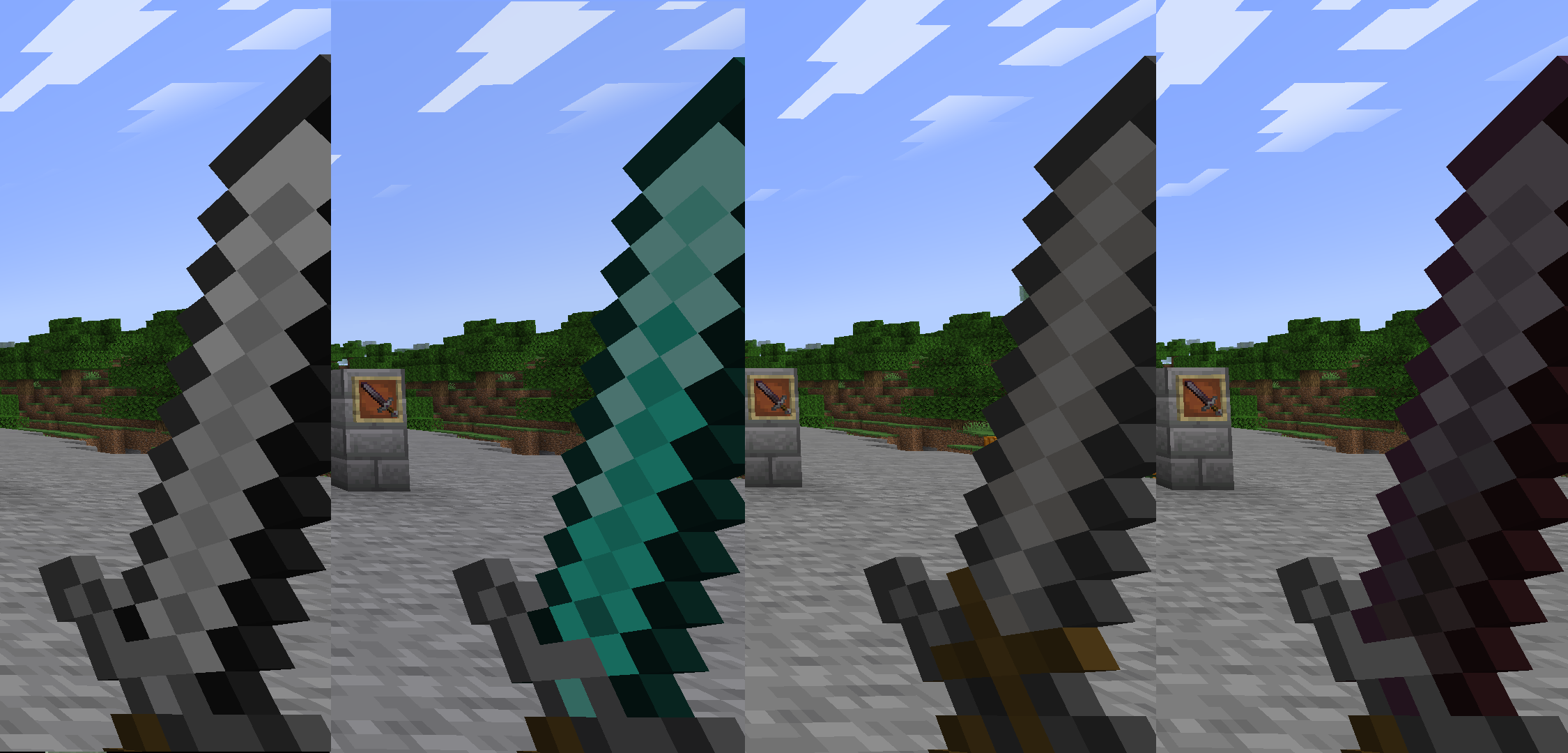
Teddy's True Longswords
Teddy's True Longswords offers the same new Longer Model as Teddy's Longswords, while staying as True as Possible to the Vanilla Look.
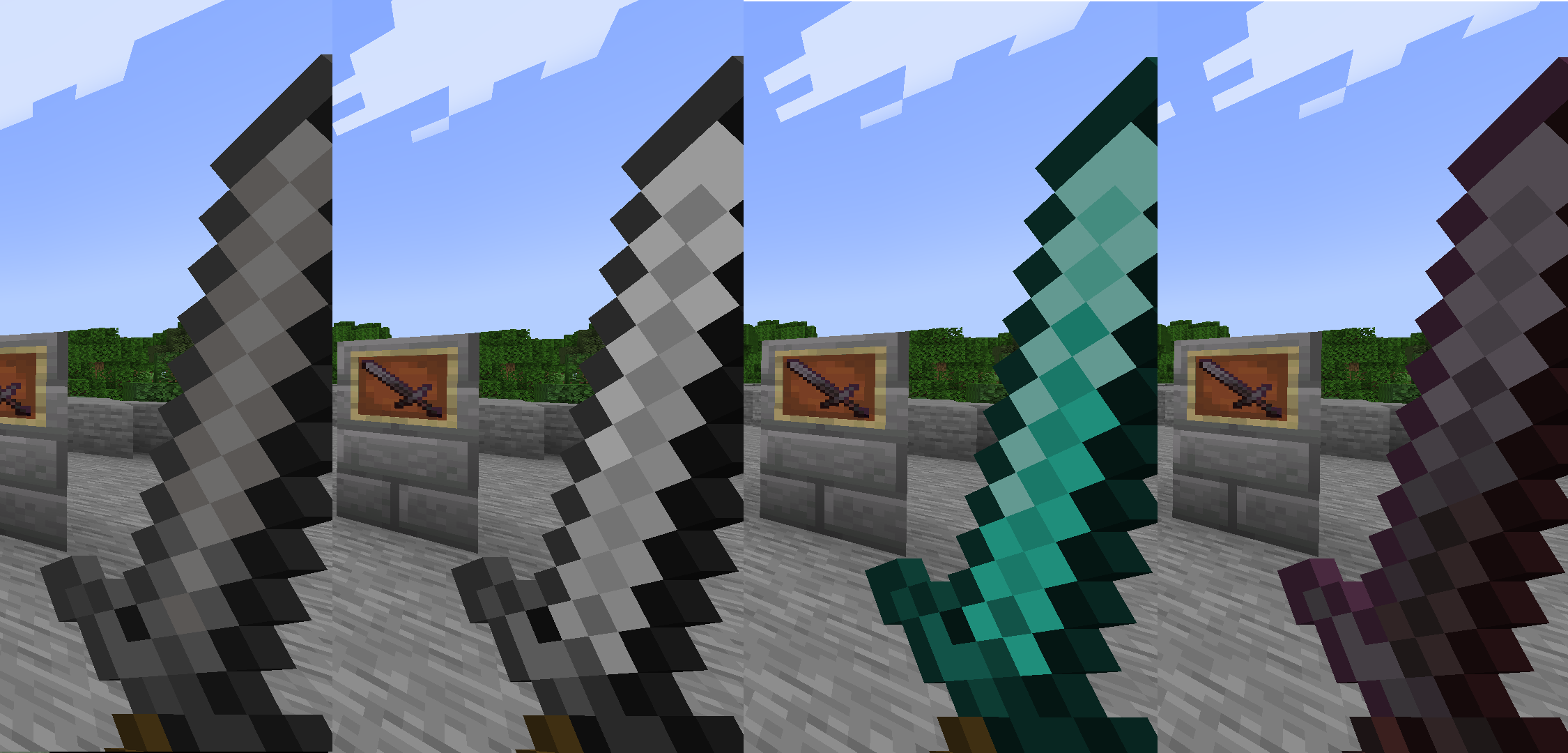
Teddy's Greatswords
Teddy's Greatswords offers an even Longer Blade. Big Sword, Big Bonk.
Versions
I Tested all Variants in Minecraft Versions: 1.20.4, 1.19 and 1.18. I don't see a Reason why it shouldn't work on other Versions aswell, but I can't Guarantee it. For the older Minecraft Versions it will say it's Incompatible, though you can still select the Pack. Im not willing to Upload 30 Different versions just to Change a Number. You can Change the Version Number yourself though.
Changing the Version Number/Pack Format
1. Unpack the zip 2. Open pack.mcmeta in a Text Editor 3. Change the Value "pack_format" to your Preferred Version Number. "Save as" 4. Save the File. Make Sure to Save it as "Save as". Windows often Hides File Extensions and the Default Windows Text Editor often saves files as a .txt anyway, so make sure you select "Save as" as the "Save as" in the "Save as" Menu. 5. Put all Files in One Folder if they aren't already. The Folder "assets" and the Files "pack.mcmeta" and "pack.png" have to be the First thing you see when Clicking on your Created Folder. 6. Copy the Created Folder into the Resource Pack Folder as usual. Zip-ing it is not Necessary, it's only needed for Uploading the Resource Pack.