

1.1.0
release

BundleInCreative
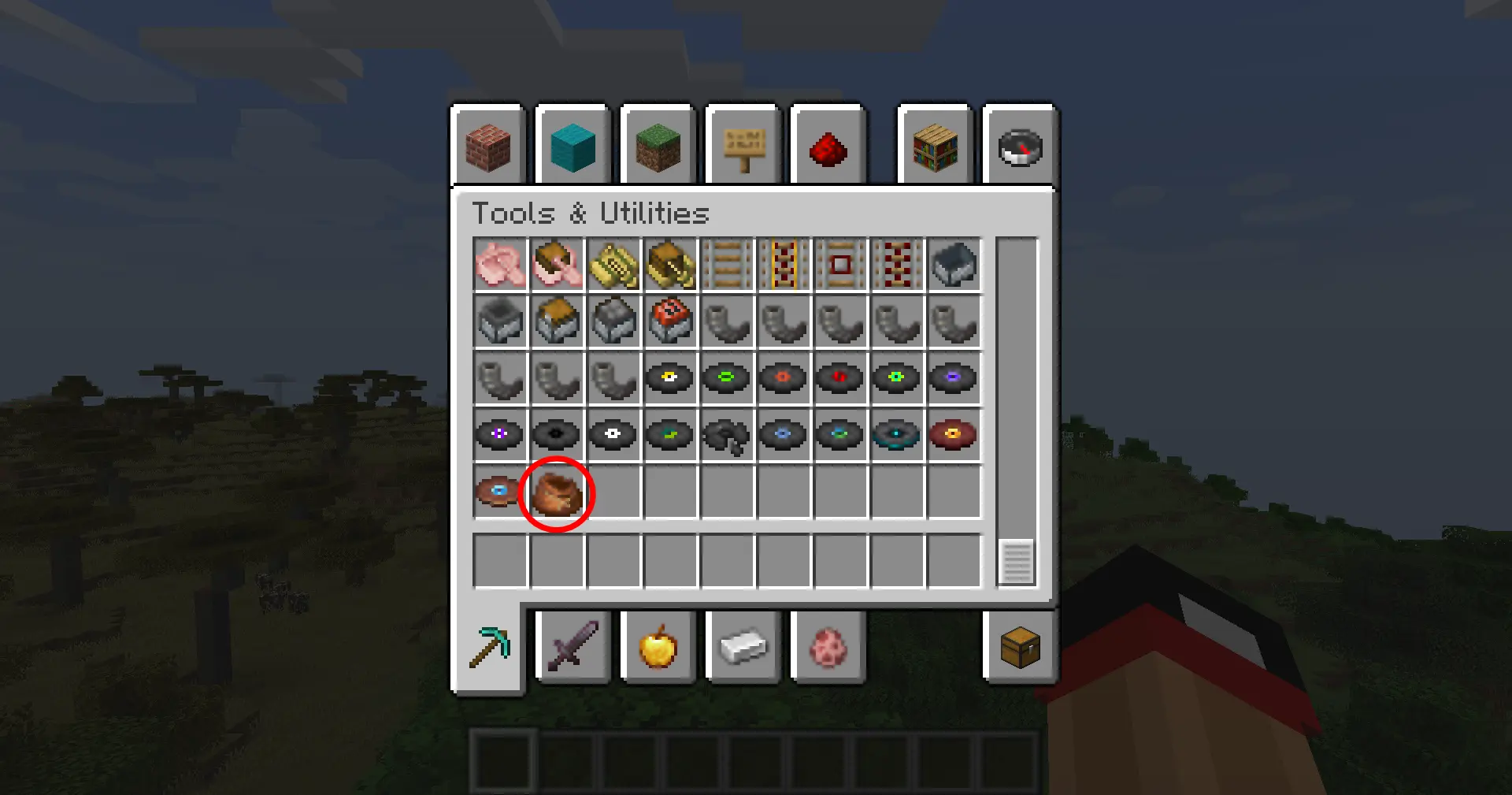
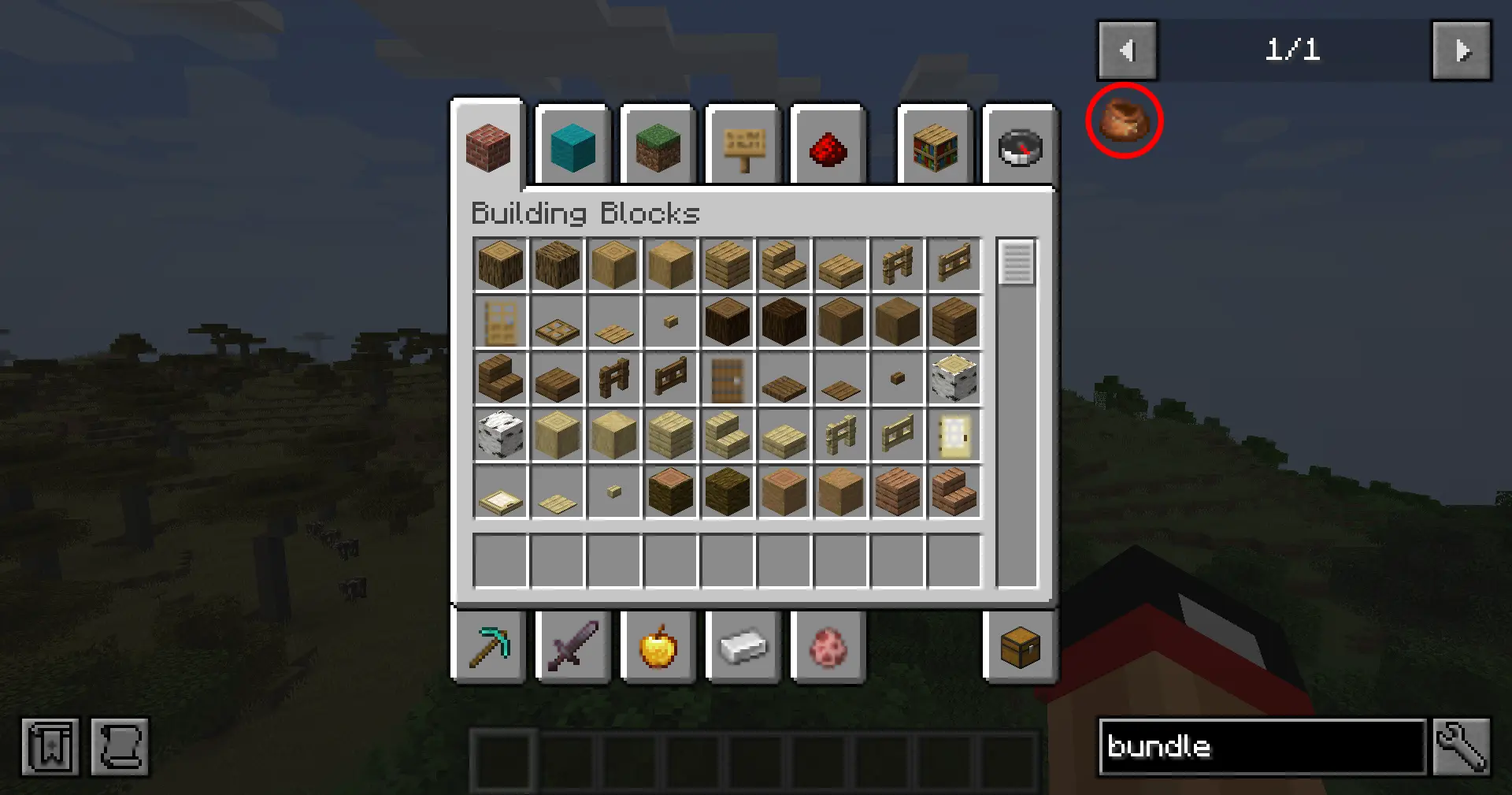
This mod adds the vanilla Bundle item to the Tools & Utilities creative tab.
 309
309
BundleInCreative
Bundle In Creative
Give the vanilla Bundle the attention it deserves: drop it into any creative tab, keep recipe viewers honest, and choose which crafting recipes you want enabled without touching a datapack.
Features At A Glance
- Creative menu support – the Bundle is injected into the Tools & Utilities tab by default, or any tab you pick (Building Blocks, Redstone, Combat, etc.). - Searchable everywhere – EMI/JEI/REI and quest books (FTB Quests) recognize the item so players can find it quickly. - Built-in config screen – open Mods → Bundle In Creative → Config (Configured/Forge Config Screen) to toggle options in-game. - Recipe control – disable the Bundle entirely, enable just the classic rabbit-hide recipe, opt into the modern leather recipe, or run both simultaneously. - Server friendly – options live in `bundleincreative-common.toml`, so you can ship the same ruleset to clients and servers.
Configuration
1. Launch Minecraft with Forge 1.20.1 and this mod installed. 2. Open the Mods list, select Done, and click Done (or use the Forge Mod Menu button). 3. Adjust: - Done – hide/show the Bundle globally. - Done – cycle through curated tab names until you find the one you want. - Done – choose `Off`, `Rabbit Hide`, `Leather`, or `Both`. 4. Click Done to save (writes to `config/bundleincreative-common.toml`). 5. `/reload` or restart your game to finalize the settings.
Prefer manual editing? Open `config/bundleincreative-common.toml` and change `enableBundle`, `creativeTab`, or `recipeMode`.
<p align="center"> <img src="assets/Config Menu.png" width="80%"> </p>
Recipe Modes
The `recipeMode` toggle controls two built-in recipe JSONs gated by a custom Forge condition:
| Mode | Enabled recipes | |---------|------------------------------------| | `off` | No Bundle crafting recipes | | `rabbit`| Classic rabbit hide + string pattern | | `leather` | Leather-based pattern (string spine) | | `both` | Both recipes load together |

Installation
1. Download or build the mod JAR. 2. Drop the JAR into your Minecraft `mods` folder. 3. Launch Minecraft with Forge 47.3.0 (MC 1.20.1) and Java 17.
Building From Source
```bash
Windows
gradlew.bat build
Linux/macOS
./gradlew build ```
Gallery
Versions
1.0.0
release