

1.3.1
release

Camera Anim
In game camera animations maker and loader.
 2,25k
2,25k
Camera Anim
Camera Anim
In game camera anim maker and loader.
This mod only modifies the player's camera and does not modify the entity pos.
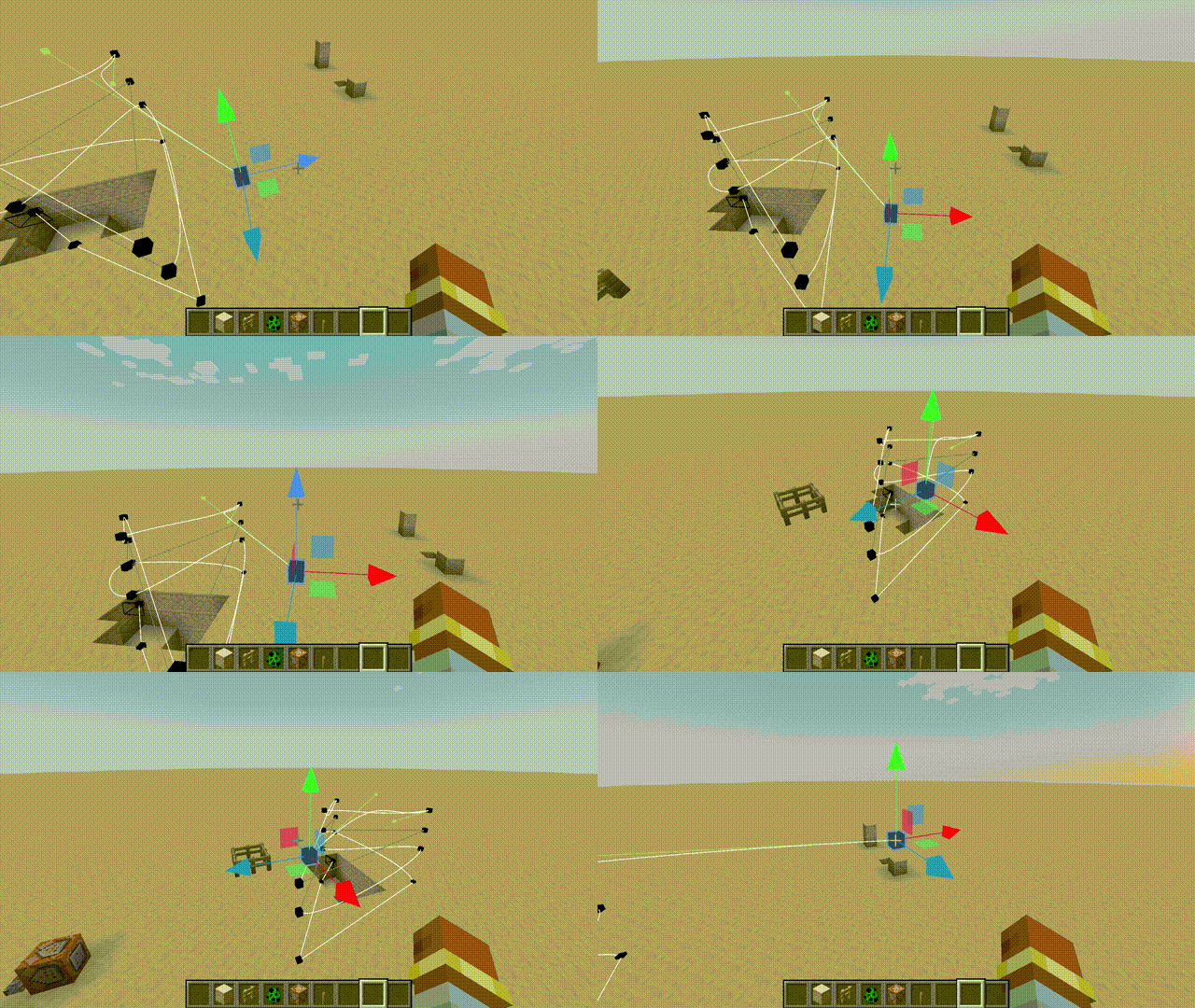
How To Use
1. Switch to %%MD0%% . 2. Create you path. 3. Save to server. 4. Use following command to make the specified player play the animation.
``` /cameraanim play <player> <path id> ```
Operation Guide
- All Key Binds are, by default, %%MD0%%. - When you enter the edit mode, you can see the keyframes and paths. - In edit mode, press the %%MD0%% to enter the current animation, and then press the %%MD0%% to start the animation. - Select a keyframe and press the %%MD0%% to adjust the playback time to that keyframe. - The %%MD0%% is used to select keyframes and move components, and the %%MD0%% can grab and move the selected keyframes. - You can read and load server and local animations in the %%MD0%%. Local animations are saved in the camera-anim folder in the root directory of the game.
Gallery
Versions
neo-1.21.3-1.2.1
release
forge-1.20.1-1.3.0
release
forge-1.20.1-1.1.0
release
neo-1.21.3-1.0.0
release
forge-1.20.1-.1.2.0
release
neo-1.21.3-1.1.0
release
neo-1.21.3-1.3.1
release
neo-1.21.3-1.2.0
release
neo-1.21.3-1.0.1
release
1.3.4
release
neo-1.21.1-1.0.1
release
forge-1.20.1-1.2.1
release
1.3.3
release
neo-1.21.3-1.3.0
release
1.3.2
release