

0.0.1-alpha
alpha

Custom Screens
Create custom screens to show players via command! Highly customizable
 89
89
Custom Screens
If you have any feedback please, leave it here. This mod is in early stages of development. Many things shown here may change.
Custom Screens
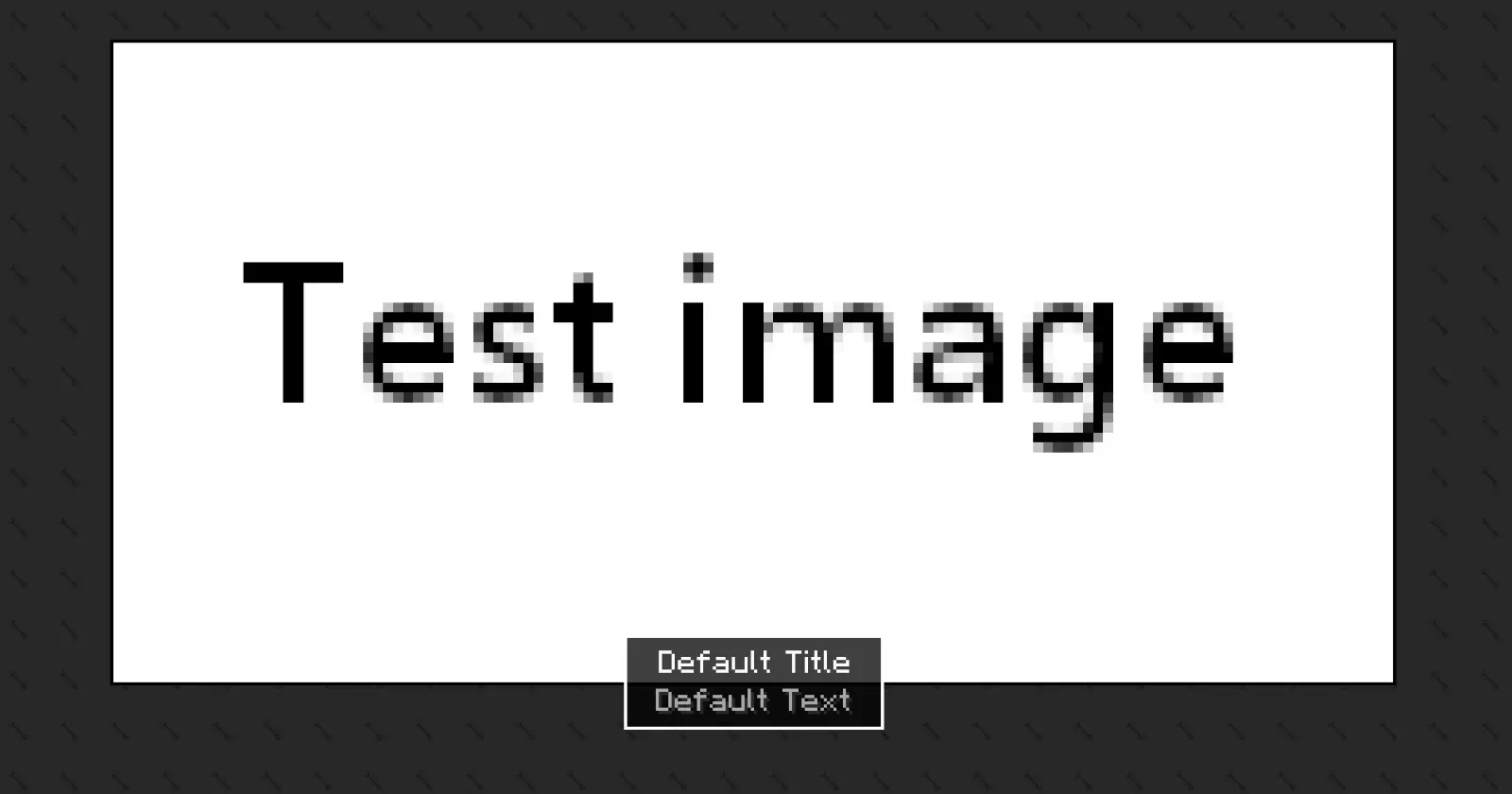
Create fully customizable in-game screens for tutorials, tips, or announcements. Define your own layouts, text, images, and timing through a simple configuration file.
---
How to use
First you need to locate the config file create after the first launch. This file can be located in ``` config/arcana ``` Inside there you should see the custom-screens-preset.json.
This file defines each screen preset, including: - Preset name - Title and body text - Text position - Image and background (bg size, 64x64) (optional) - Image size - Display duration > Note: If no image or background is specified, it will not be rendered.
To see the example preset or a new one created by you, in game use the next command ``` /show-screen [target selector] [preset name] [notify ops (true/false)] ``` To add another preset duplicate the example preset in the JSON file and modify it as needed.
Custom text and images (via resource pack)
Images and text can be provided using a resource pack. - Text: ``` myresourcepackassetscustom_screenslangen_us.json ``` - Images: ``` myresourcepackassetscustom_screenstexturesgui*.png ``` > Important notes: > - Background images will tile to fill the entire screen. > - Only .png files are supported.
```json { "example_preset": { "text": { "title": "arcana.customscreens.example_title", "text": "arcana.customscreens.example_desc", "position": "BOTTOM_LEFT" }, "images": { "image": "textures/gui/default_image.png", "background": "textures/gui/default_bg.png", "w": 200, "h": 100 }, "duration": 5 } } ```
Gallery
Versions
0.0.1+26.X-alpha
alpha
0.1.0-BETA+26.X
beta
0.0.1+26.X-alpha
alpha
0.1.0-BETA+26.X
beta