


2.2
release

Dark GUI Enhanced
Gives you a clean modern Dark GUI for Minecraft
 4,32k
4,32k
Dark GUI Enhanced

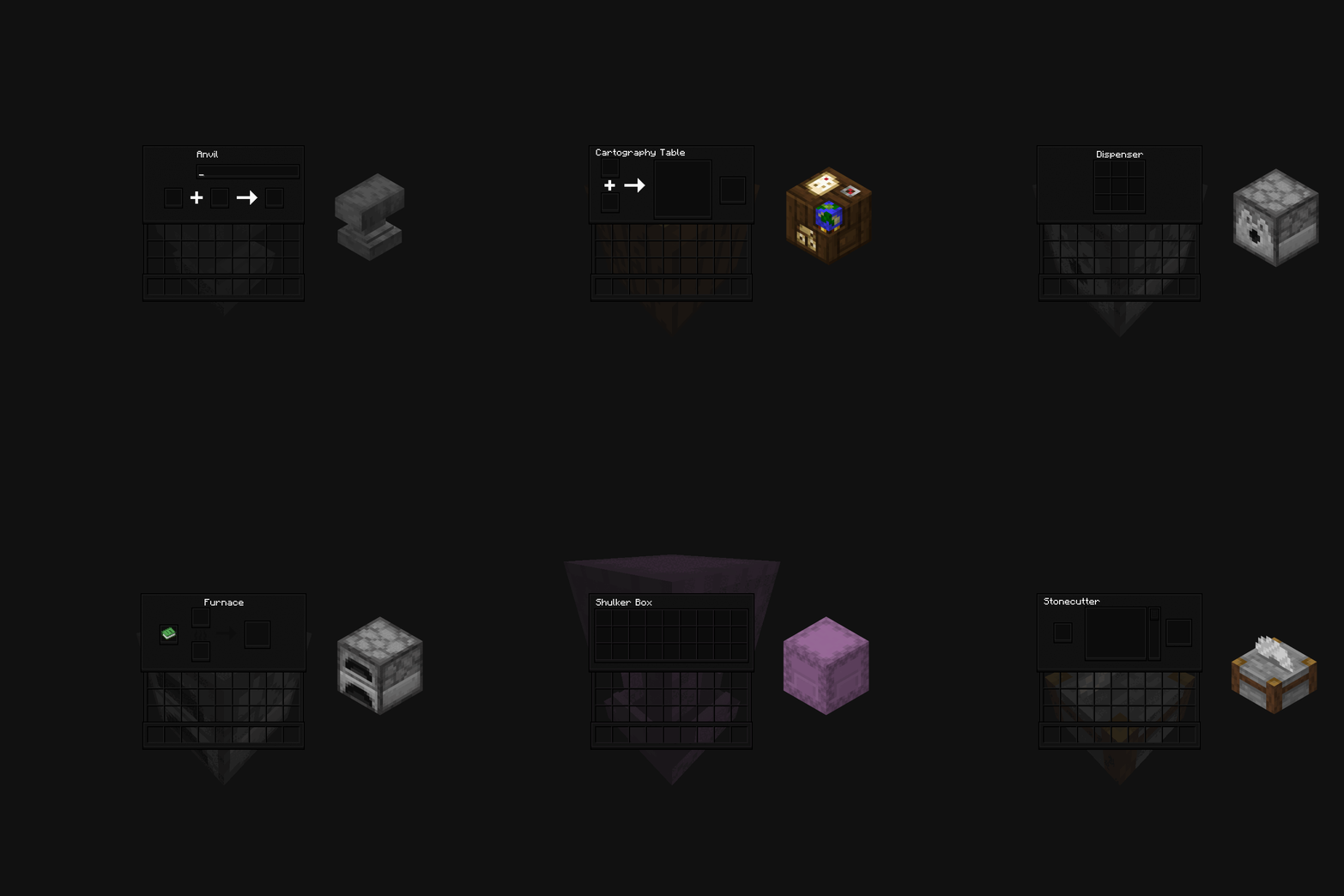
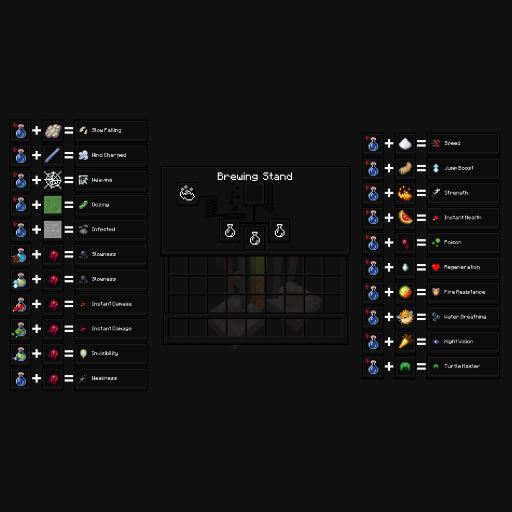
> ### Please set your in-game language to English US for most of the custom features to work (Button glyphs, Brewing Stand cheat sheet, Container Blocks graphical renders) Notice Please set your in-game language to English US for most of the custom features to work (Button glyphs, Brewing Stand cheat sheet, Container Blocks graphical renders)
> ### modern and 3D feel Description Overhauls the Minecraft GUI giving it a more modern and 3D feel.
> ###  New in v2.2
> ### form Change Log Send an form by filling out the form (requires Google login).
- send me a link feel free to send me a link in the form. I would truly appreciate it. :)
``` [Jul/15/2025] Dark GUI Enhanced v3.0 └ [!Notice] Dark GUI Enhanced Color will be discontinued and will no longer be recieving new updates. └ Added a graphical render of each container inside it's GUI. └ Fixed the Crafting Table GUI texture missing border. └ Added texures for the 'Experience' bar, the new 'Player Locator' bar, and Horse/Camel jump bars. └ Changed the 'Selected Button' texure to make it look more interactible and updated the elements of the Advancements menu that (colored blue/yellow) for better readability.
[May/02/2025] Dark GUI Enhanced v2.2 & Dark GUI Enhanced Color v2.2c └ v2.2 & v2.2c released added a cheat-sheet to the Brewing Stadn GUI (+added v2.1 feature to the 'Color' version)
[Apr/17/2025] Dark GUI Enhanced v2.1 └ v2.1 released re-textrued the selector for the hotbar, server list, resourcepack list and world list.
[Feb/12/2025] Dark GUI Enhanced Color v2.0c └ v2.0c released added a different look for some GUIs'
[Feb/11/2025] Dark GUI Enhanced v2.0 └ v2.0 released with a rework of the design
[Sep/07/2024] Dark GUI Enhanced v1.0 └ v1.0 released ```
Versions
3.2
release
3.1
release
2.1
release
3.0
release
3.3
release
3.0
release
2.2c
release
1.0
release
2.0
release
2.0c
release