

1.0.0
release

Image Shader
Only use a shader to display an image on your screen~
 4,44k
4,44k
Image Shader
Image Shader
Only use a shader to display an image on your screen~ Note: compiling the shader may take some time!
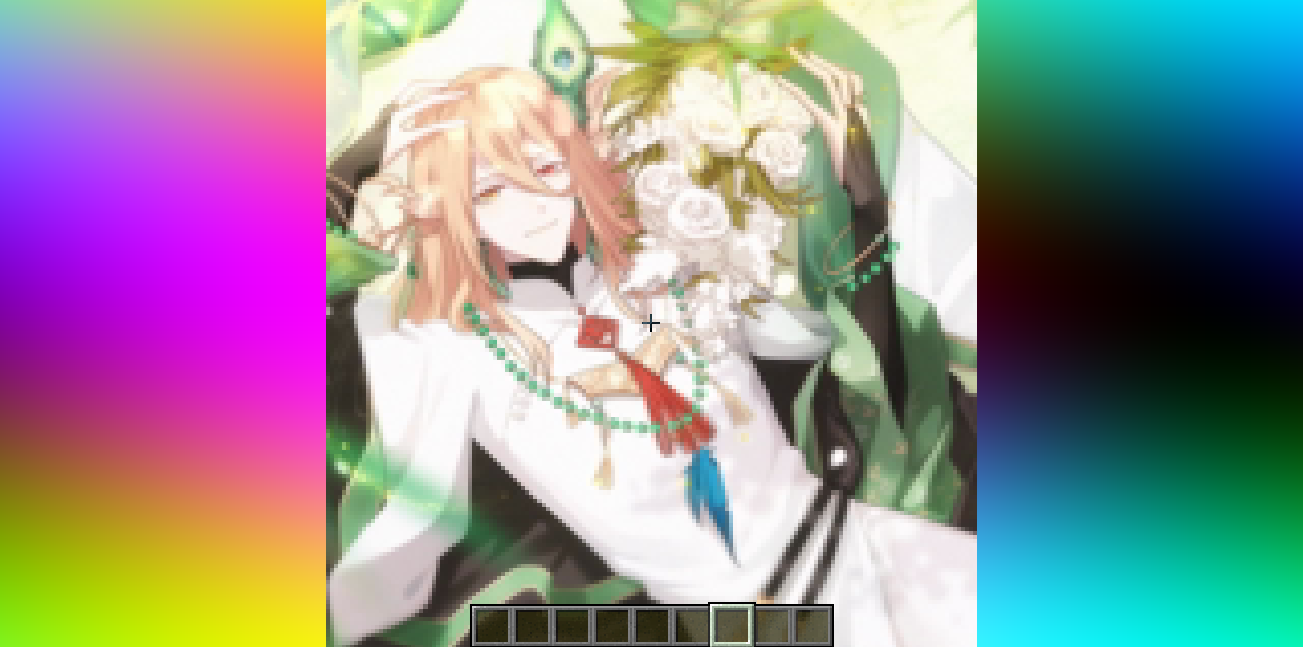
How to prepare a custom image~
First, use ffmpeg (or any tool) to resize your image to 160×160 pixels.
```bash Using ffmpeg: ffmpeg -i Input.png -vf scale=160:160 image.png ```
Then place the resized image in the same directory as the Python script below. Run the script to produce an `image_chunks` folder, then copy the 16 .glsl files inside into `shaders/data/image_chunks` (you need to unpack the shader pack first). Enter the game, enable the custom image option in the shader settings, and wait for the shader to finish compiling — Then it's ok~
<details> <summary>A Python Script</summary>
```python from PIL import Image import os
def generate_glsl_chunks(image_path, output_dir="image_chunks"): try: img = Image.open(image_path).convert('RGBA') except FileNotFoundError: print(f"Error: Image file not found at {image_path}") return
width, height = img.size if width != 160 or height != 160: print(f"Error: Image must be 160x160 pixels, but it is {width}x{height}.") print(f"You can use:") print(f"ffmpeg -i image.png -vf scale=160:160 output.png") print(f"to adjust the image resolution.") return
os.makedirs(output_dir, exist_ok=True) chunk_size = 40 num_chunks_x = width // chunk_size num_chunks_y = height // chunk_size
for chunk_y in range(num_chunks_y): for chunk_x in range(num_chunks_x): left = chunk_x * chunk_size upper = chunk_y * chunk_size right = left + chunk_size lower = upper + chunk_size sub_img = img.crop((left, upper, right, lower)) pixel_data = list(sub_img.getdata())
array_name = f"image_data_{chunk_y}_{chunk_x}" output_file_path = os.path.join(output_dir, f"{array_name}.glsl")
glsl_array = f"vec4 {array_name}[{chunk_size * chunk_size}] = vec4[{chunk_size * chunk_size}](n"
for i, pixel in enumerate(pixel_data): r, g, b, a = pixel glsl_array += f" vec4({r/255.0}, {g/255.0}, {b/255.0}, {a/255.0})" if i < len(pixel_data) - 1: glsl_array += "," if (i + 1) % 4 == 0: glsl_array += "n"
glsl_array += ");n"
with open(output_file_path, 'w') as f: f.write(glsl_array)
print(f"Generated file: {output_file_path}")
--- Config ---
image_file = "image.png" output_directory = "image_chunks"
generate_glsl_chunks(image_file, output_directory)
```