

1.1
release

Image To Painting
Turn Any Image into a Minecraft Masterpiece
 800
800
Image To Painting
<p align="center"> <img src="https://securesector.org/wp-content/uploads/2025/08/ITPLogo96x96.png" alt="Logo"> </p>
<div align="center"> Image-To-Painting</div>
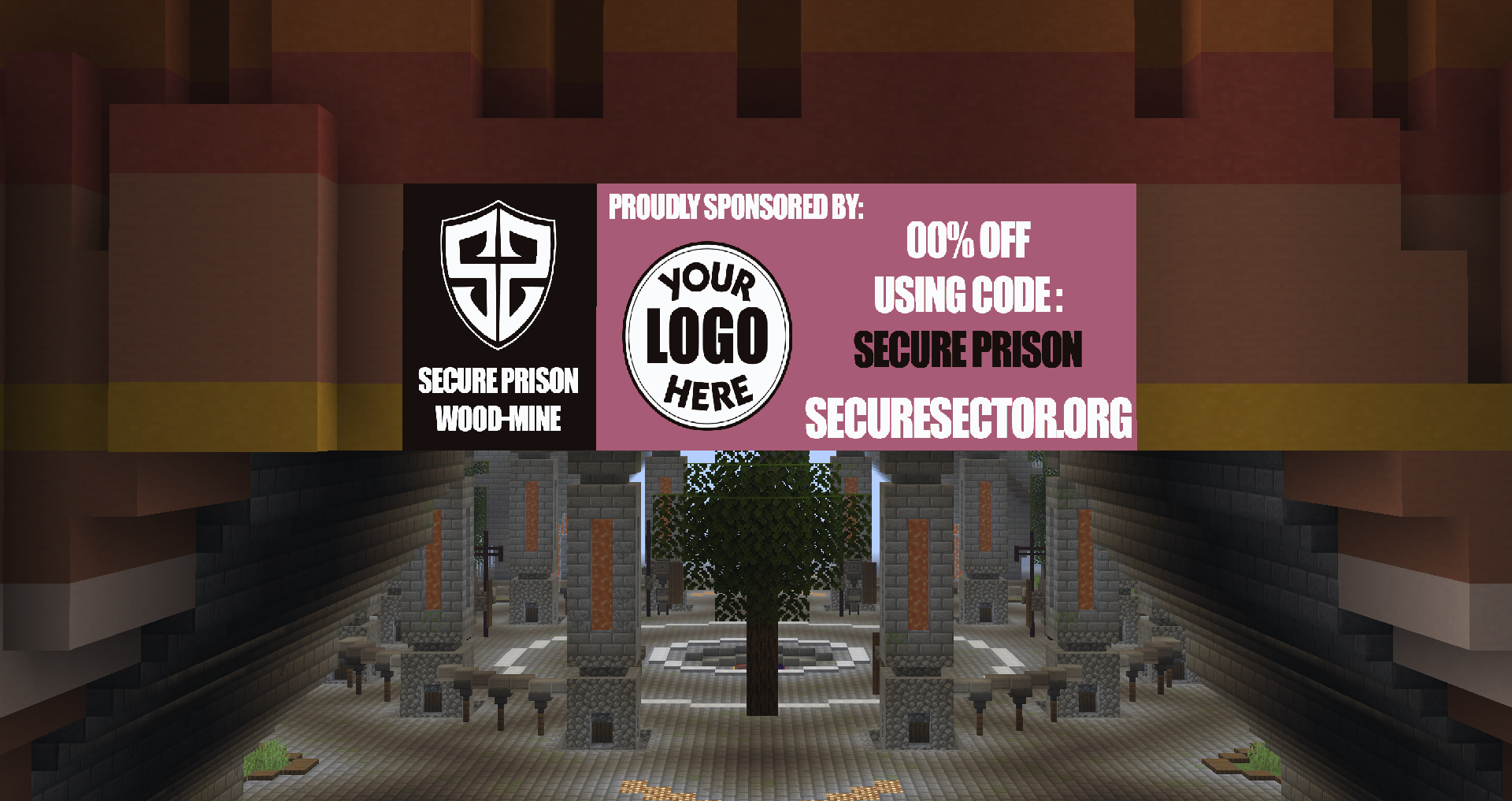
<p align="center"> <b>Image-To-Painting</b> lets you transform any image (from file or URL) into a fully rendered Minecraft painting using in-game maps. Whether you want to showcase pixel art, logos, or server sponsors, this plugin makes it simple, customizable, and lag-free. </p>
<p align="center"> See it in action before you try on my server: <b>Play.SecureSector.org</b> </p>
<p align="center"> <b><u>Do not use reviews for support!</u></b> </p>
✔️ Get support

✨ Features
Image Upload — Any valid online image URL
Economy Support — Ability to add cost of maps and currency name.
Multi-Map Support — Automatically splits large images into multiple map tiles for perfect detail.
Inventory Overflow Handling — If your inventory is full, maps are safely dropped at your feet.
High Performance — Optimized rendering with minimal server impact.
Simple Commands — Easy to learn and use, even for new players.
Custom Map IDs — Keep your artwork organized and reusable.
Permission Nodes — Full control over who can give, paste, and delete paintings.
⚙️ Commands
/itp
/itp list
/itp help
/itp place <id>
/itp delete <id>
/itp rebuild <id>
/itp give <id> <Full>
/itp give <id> <Width> <Height>
/itp render <URL/File> <Width> <Height> <Fit|Fill>
/itp frame <id> <North|East|South|West> <Width> <Height> <Distance>
/itp reload
⌨️ Permissions
imagetopainting.list
imagetopainting.place
imagetopainting.delete
imagetopainting.rebuild
imagetopainting.give
imagetopainting.render
imagetopainting.frame
imagetopainting.economy.bypass
️️🛠️ Config Options
Enable/Disable price per map
Ability to change price of each map and currency name
Image type quality options including: dither - interpolation - multistep - sharpening
Customizable width and height maxes
🌎 Usage
Server artwork displays
Minigame arenas
In-game advertisements
Custom maps & adventures
Museum builds
🖼️ Image How To:
First, Place Item Frame on surface
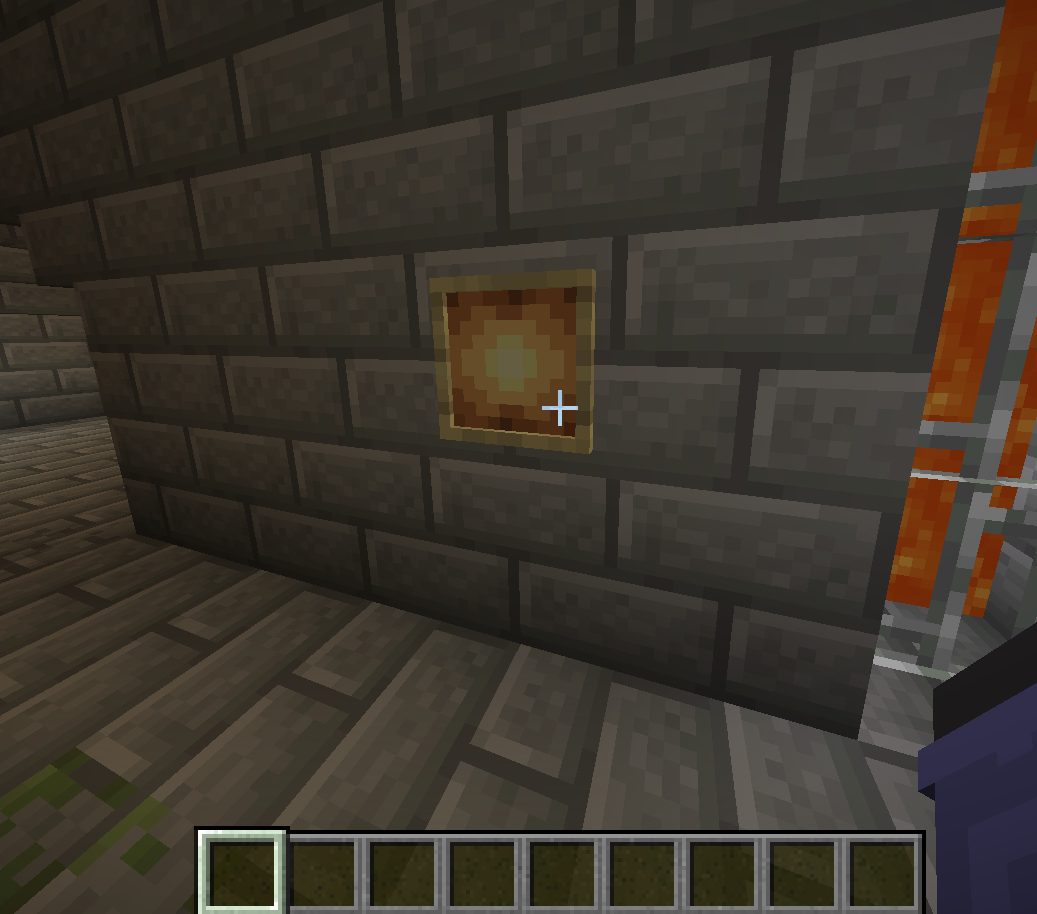
Next, Do /itp <URL> <Width> <Height> <Fit|Fill> (For this it would be /itp <URL> 1 1)
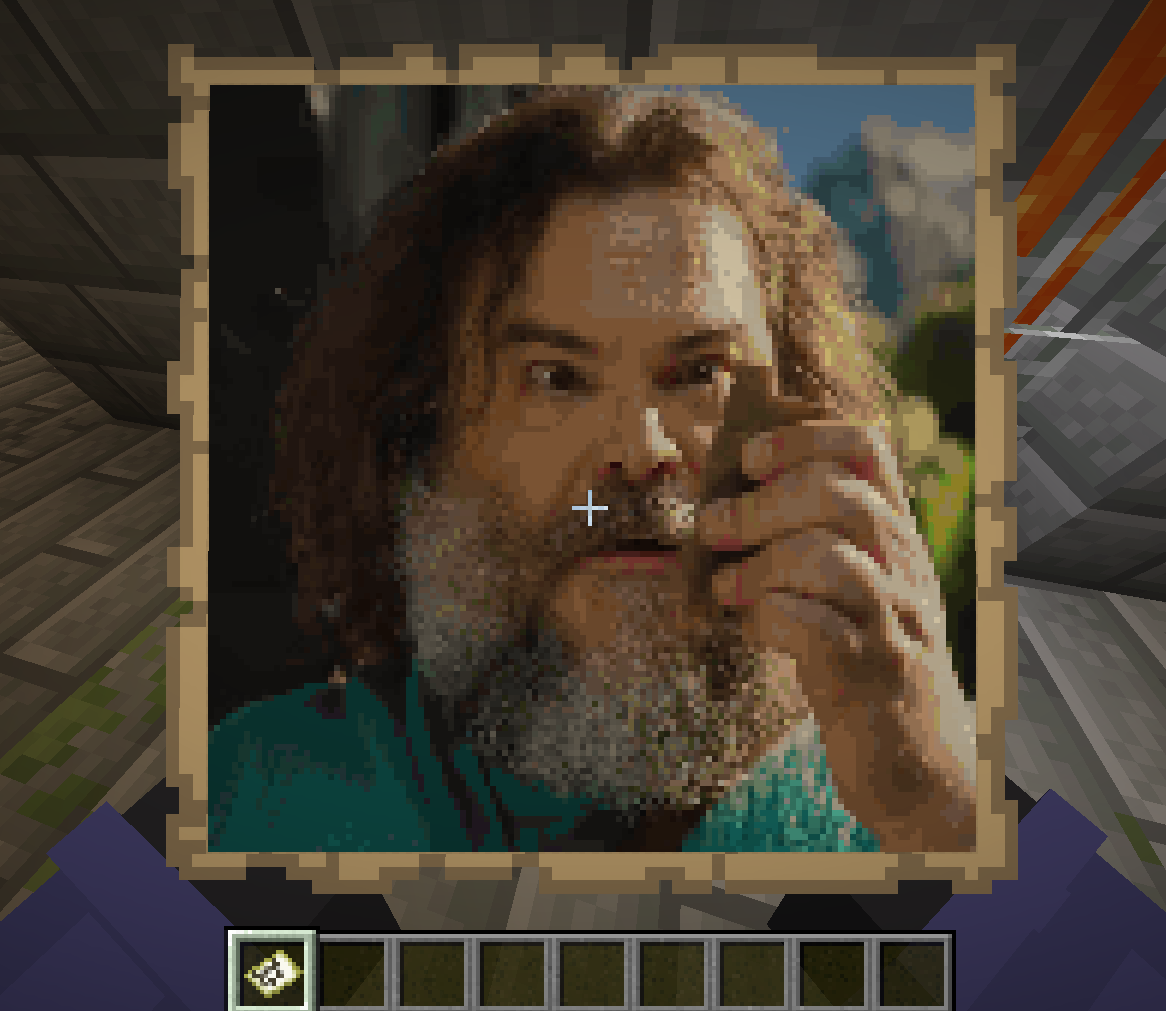
lastly, Place the map given to you in item frame
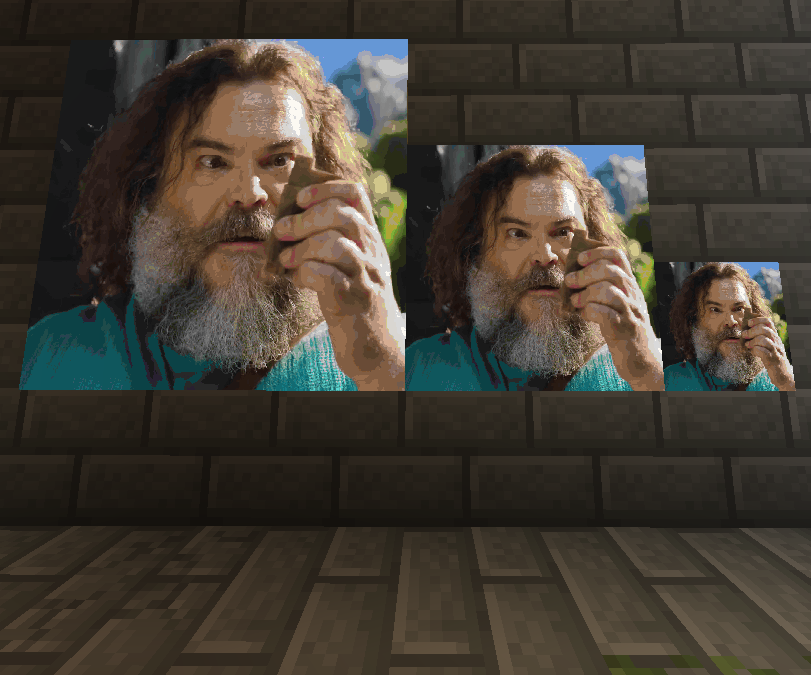
Gallery
Versions
1.0
release