

1.5
release

Jail Logic
The Jail (Logic) Mod is a server-side mod lets you imprison players in a virtual prison, blocking their interactions with the world until released. It's ideal for Fabric servers to enforce temporary penalties or restrict player movement.
 832
832
Jail Logic
Jail Mod (Fabric)
The Jail Mod is a server-side mod that allows you to imprison players in a virtual prison, preventing them from interacting with the world until they are released. It is perfect for Minecraft servers where you want to impose temporary penalties or temporarily limit the movement of certain players.
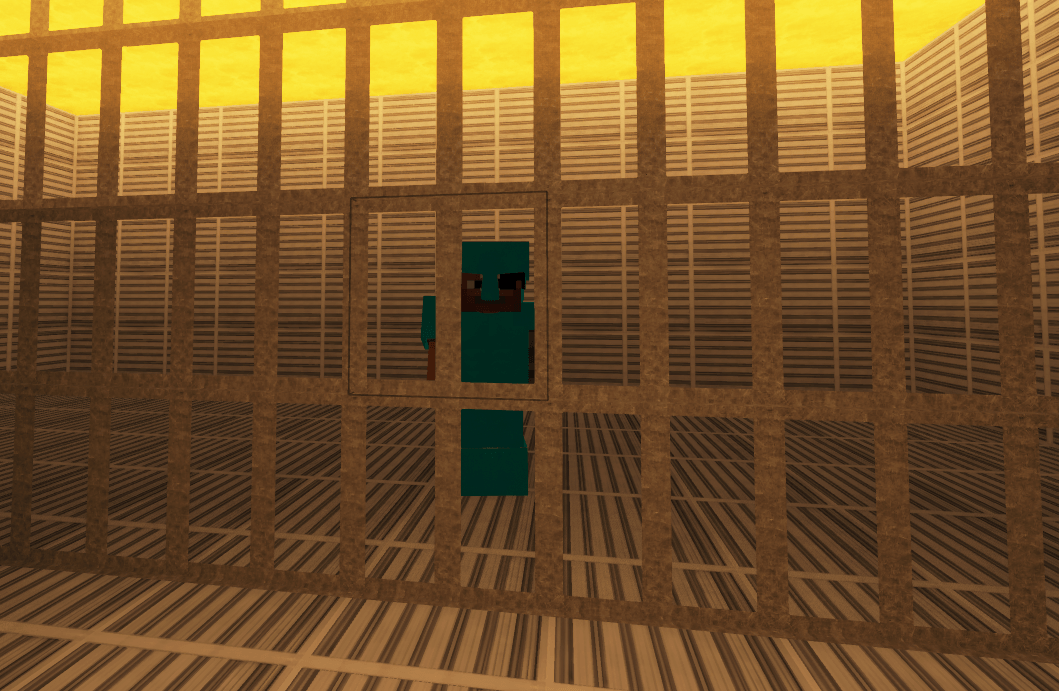
Key Features
* Temporary Imprisonment: You can imprison a player for a specific amount of time, blocking interactions with blocks, entities, and objects, such as buckets of lava or water.
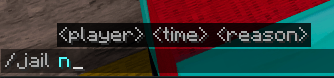
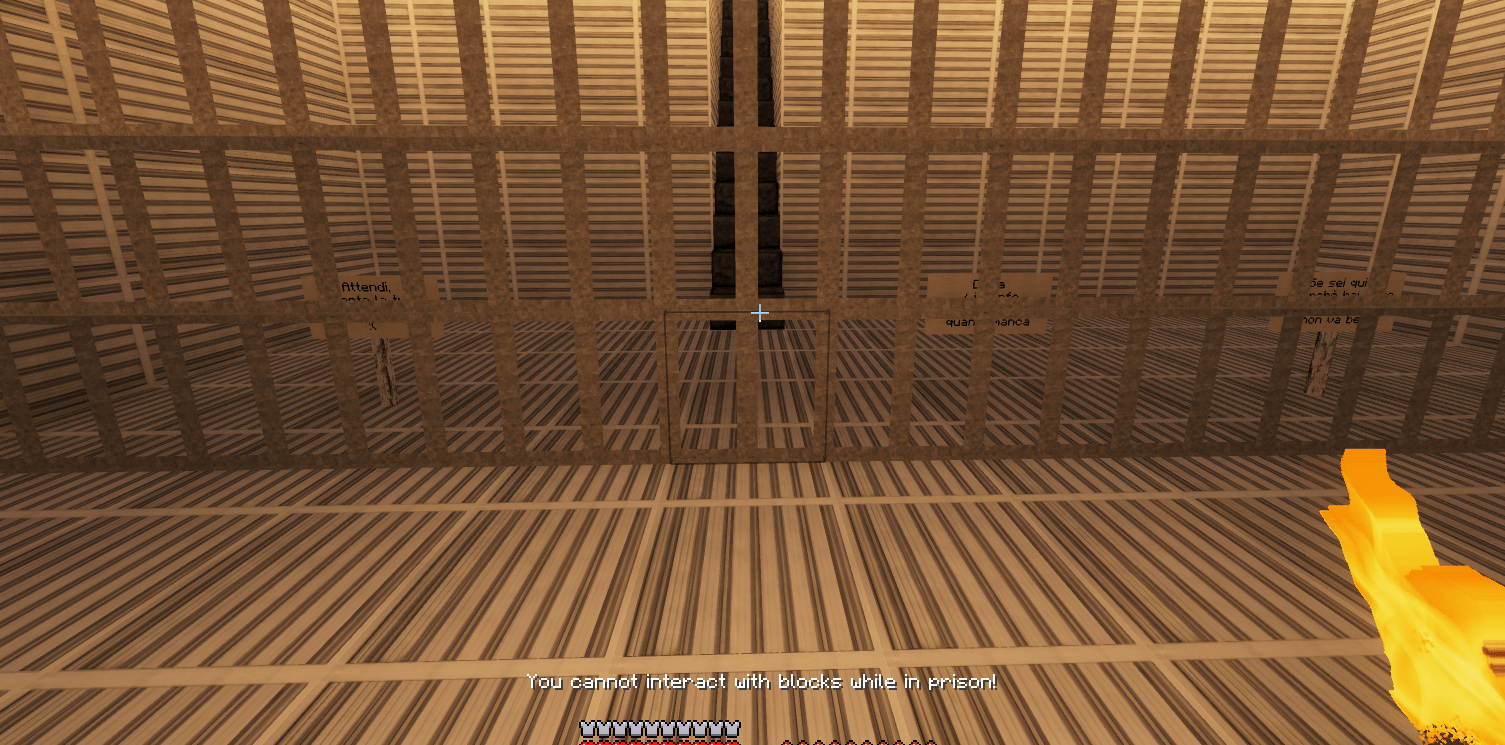
* Imprisonment Reason: The player is automatically released after the set time, or an admin can release them manually. * Imprisonment Reason: When you imprison a player, you can specify a reason that will be communicated to the player.
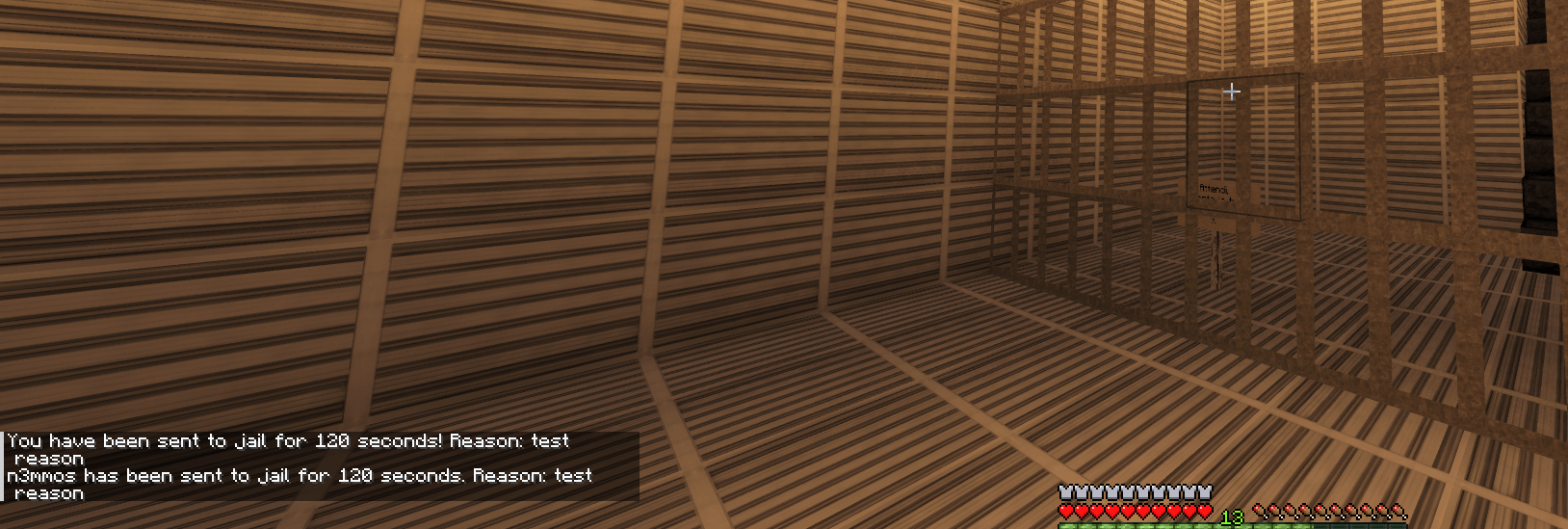
* Command to know the remaining time: Imprisoned players can check the time remaining until their release.

How to use:
1. Build a prison (a closed structure). 2. Set the coordinates where you want the prisoner to spawn with the command `/jail set x y z` (example `/jail set 0 60 0`)
3. Reload the configuration using `/jail reload` . 4. Send someone to jail with `/jail playerexample 120 Griefing`. 5. If you don't want to wait for the prison time you set in seconds (example 120 seconds), you can release the player early with the command `/unjail playerexample`
Requirements
* Minecraft 1.21 or later * Fabric API
Installation
1. Place the mod's `.jar` file in the `mods` folder of the Minecraft server. 2. Start the server to generate configuration files.
Available Commands
1. `/jail player time reason`
* Example: Jails a player for a specified time in seconds, specifying the reason. * Example: Only admins or server operators. * Example: `/jail player_name time_in_seconds reason` * Example: `/jail Steve 300 Griefing`This command jails the player `Steve` for 300 seconds (5 minutes) with the reason "Griefing".
2. `/unjail player`
* Example: Manually releases a player from jail before the time expires. * Example: Only admins or server operators. * Example: `/unjail player_name` * Example: /unjail Steve This command will manually release `Steve` from jail.
3. `/jail info`
* Example: Allows incarcerated players to see the time remaining until release and the reason for their incarceration. * Example: Only jailed players. * Example: `/jail info`This command will return a message similar to: "You are in jail for another 200 seconds. Reason: Griefing."
4. `/jail reload`
* Example: Reloads the mod configuration and language messages without restarting the server. * Example: Only admins or server operators. * Example: `/jail reload`This command reloads the mod's configuration, useful if the config files have been modified.
5. `/jail set`
* Example: Sets the coordinates where jailed players will spawn. This is where players will appear when they are sent to jail. * Example: Only admins or server operators. * Example: `/jail set x y z` * Example: `/jail set 0 60 0` This command sets the jail spawn location to coordinates (0, 60, 0).
Interactions blocked during jail
When a player is jailed, they cannot do the following:
* Use lava or water buckets, such as doors, levers, or buttons. * Interact with lava or water buckets, such as villagers or animals. * Use lava or water buckets. * Break or place blocks.
Automatic release
* Players will be automatically released from jail when the set time is up. * While jailed, players can check the remaining time using the `/jail info` command.
Configuration file
`config/jailmod/config.json`
This file is automatically generated and allows you to configure the jail's location and the player's release location. Here are the options you can find:
* `jail_position`: If set to `true`, players will be released in the position they were in before being jailed. If set to `false`, they will be released in a specific position. * `jail_position`: Defines the default release position with coordinates `x`, `y`, `z`, active if `use_previous_position` is set to `false`. * `jail_position`: Defines the jail position with coordinates `x`, `y`, `z`.
Example configuration:
``` { "use_previous_position": true, "release_position": { "x": 100, "y": 65, "z": 100 }, "jail_position": { "x": 0, "y": 60, "z": 0 } } ```
`config/jailmod/language.txt`
This file contains the messages that are displayed in-game, customizable to match the tone or style of the server. If the file does not exist, it is automatically generated with default messages. Here are some of the messages you can modify:
* `not_in_jail_message`: Message the player receives when they are jailed. Use the variables {time} for the duration and {reason} for the reason. Example: `"You have been jailed for {time} seconds! Reason: {reason}"` * `not_in_jail_message`: Message broadcast to all players on the server when a player is jailed. Example: `"{player} has been jailed for {time} seconds. Reason: {reason}"` * `not_in_jail_message`: Message the player receives when they are manually released from jail. Example: `"You have been manually released from jail!"` * `not_in_jail_message`: Message broadcast to all players on the server when a player is manually released from jail. Example: `"{player} has been manually released from jail!"` * `not_in_jail_message`: Message the player receives when they are automatically released from jail after the time expires. Example: `"You have been released after serving your sentence."` * `not_in_jail_message`: Message broadcast to all players on the server when a player is automatically released from jail after the time expires. Example: `"{player} has been released after serving their sentence."` * `not_in_jail_message`: Message informing the player that they cannot interact with blocks while in jail. Example: `"You cannot interact with blocks while in jail!"` * `not_in_jail_message`: Message informing the player that they cannot interact with entities while in jail. Example: `"You cannot interact with entities while in jail!"` * `not_in_jail_message`: Message informing the player that they cannot use lava or water buckets while in jail. Example: `"You cannot use lava or water buckets while in jail!"` * `not_in_jail_message`: Message informing the player that they cannot use items while in jail. Example: `"You cannot use items while in jail!"` * `not_in_jail_message`: Message informing the player that they cannot break blocks while in jail. Example: `"You cannot break blocks while in jail!"` * `not_in_jail_message`: Message that shows the remaining time and the reason for the jail sentence when the player uses the `/jail info` command. Example: `"You are in jail for another {time} seconds. Reason: {reason}."` * `not_in_jail_message`: Message shown if a player is not in jail and tries to use `/jail info`. Example: `"You are not in jail!"`
Default language.txt example: ``` jail_player=You have been jailed for {time} seconds! Reason: {reason} jail_broadcast={player} has been jailed for {time} seconds. Reason: {reason} unjail_player_manual=You have been manually released from jail! unjail_broadcast_manual={player} has been manually released from jail! unjail_player_auto=You have been released after serving your sentence. unjail_broadcast_auto={player} has been released after serving their sentence. block_interaction_denied=You cannot interact with blocks while in jail! entity_interaction_denied=You cannot interact with entities while in jail! bucket_use_denied=You cannot use lava or water buckets while in jail! item_use_denied=You cannot use items while in jail! block_break_denied=You cannot break blocks while in jail! jail_info_message=You are in jail for another {time} seconds. Reason: {reason}. not_in_jail_message=You are not in jail! ```
Usage Tips
Use the `/jail reload` command after changing configuration or language messages to apply the changes without having to restart the server. Always specify a clear reason for the jailing, so the player knows why they were jailed.
Usage Examples
Set Jail spawn position:
`/jail set 0 60 0`
Jailing a player for an unfair action:
`/jail Alex 600 Offending another player`
This jails Alex for 10 minutes with the reason "Offending another player".
Checking jail time:
`/jail info`
A jailed player can use this command to check how much time they have left.