ArmorStand-Limiter
# ArmorStand-Limiter


allows you to limit armor stands, so you can fix TPS drops caused by a high number of ArmorStands in your server!
Can be used in all modalities and is fully and easily configurable thanks to its intuitive configuration file.
This plugin was created with the express purpose of fixing LAG problems caused by other plugins that generate and do not
remove custom Armor Stands within a single block!
Later we also thought of adding other functions to avoid lagging machines caused by Armor Stands, like this one in the
picture
## Feature
* The most important function is that of removing CUSTOM Armor Stands ( created by other plugins ) that exceed the
preset limit in a single block or chunk!
* Set Armor Stand limit in a Block and/or a Chunk
* Check the world name, armor stand type and its name to avoid unwanted removal
* Timer that checks every X minutes in the loaded chunks the number of Armor Stands inside the chunk or in the single
block
* Check TPS status and if too low check and remove the Armor Stands in a sigle block or chunk ( this check is also
performed only on loaded chunks )
* Ability to limit players to placing a maximum of Armor Stands per chunk
* Ability to disable that the Armor Stand can be moved by the pistons or blocks connected to it depending on the number of same chunk Armor Stands
* Ability to disable that Armor Stand can move in the water depending on the number of same chunk Armor Stands
* Ability to disable that Armor Stand can be spawned through dispensers
* Customized notification ( inGame, Discord, Telegram and Console ) of when Armor Stands are removed due to limit
violation
* [NEW] Folia Support!
* No Dependency!
* Open Source!
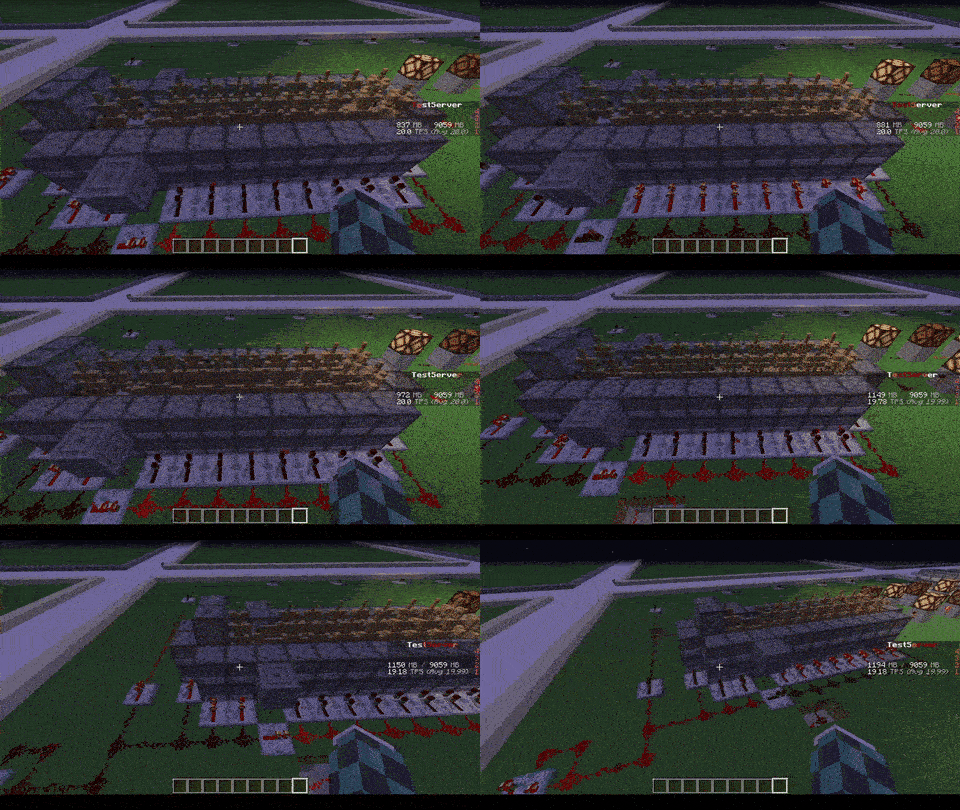
| With ArmorStand Limiter | Without ArmorStand Limiter |
|————————————————————————|—————————————————————————|
| 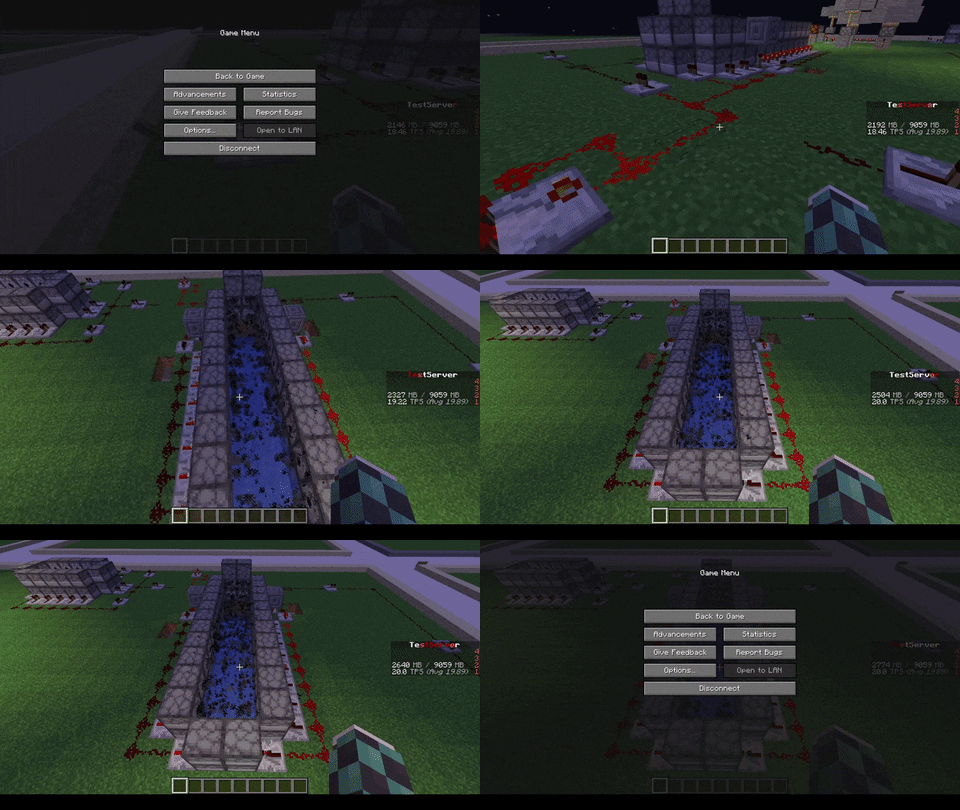 |  |
| 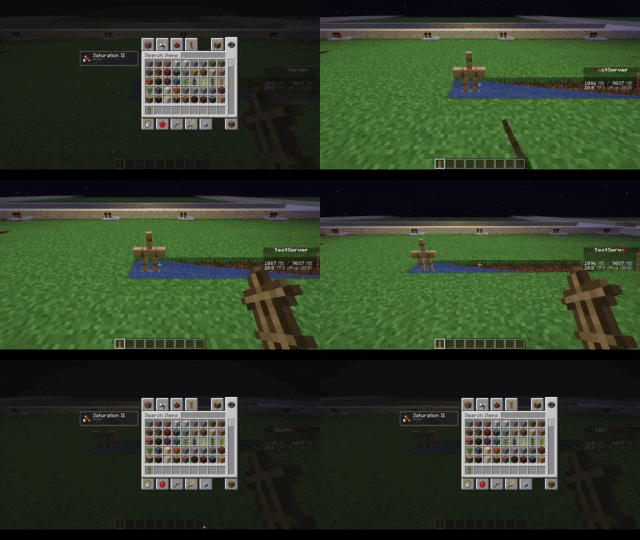 | 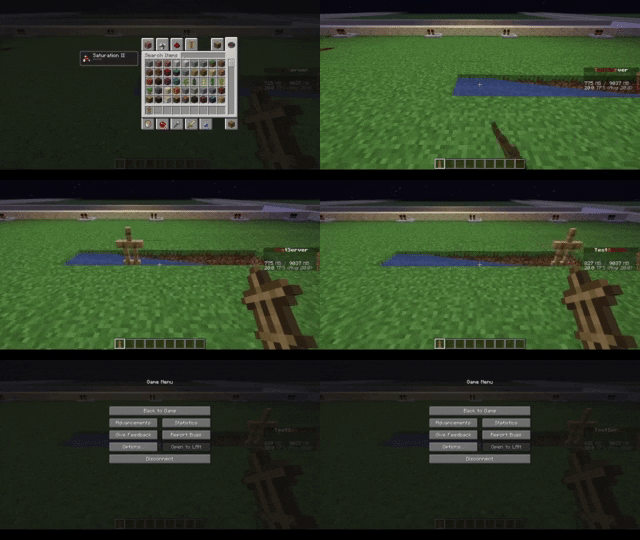 |
| 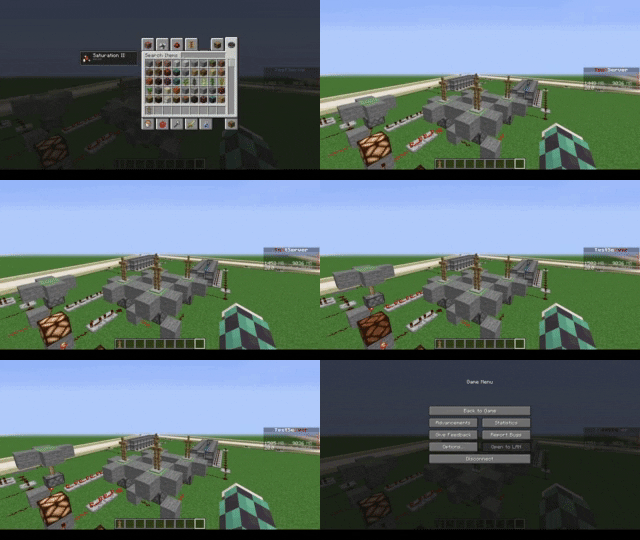 | 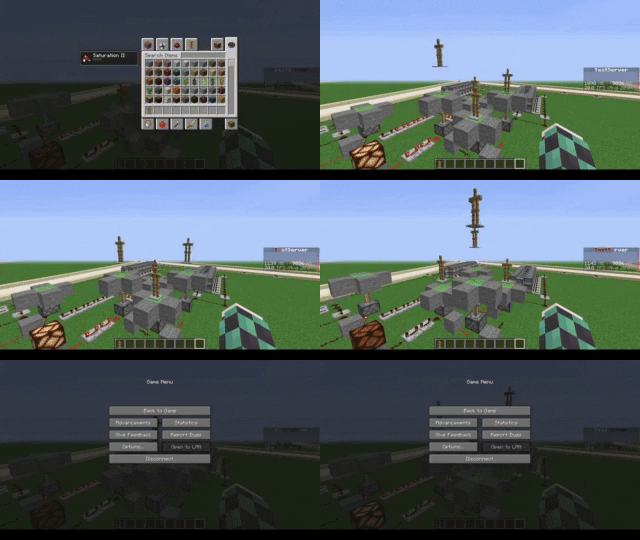 |
| 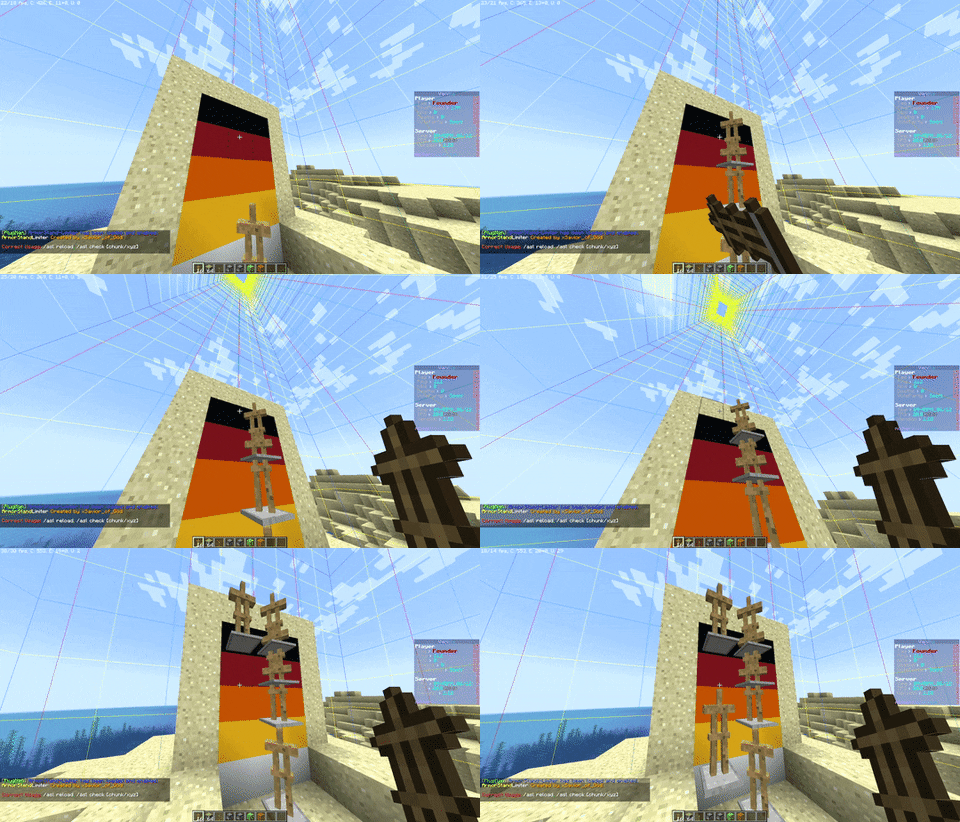 | 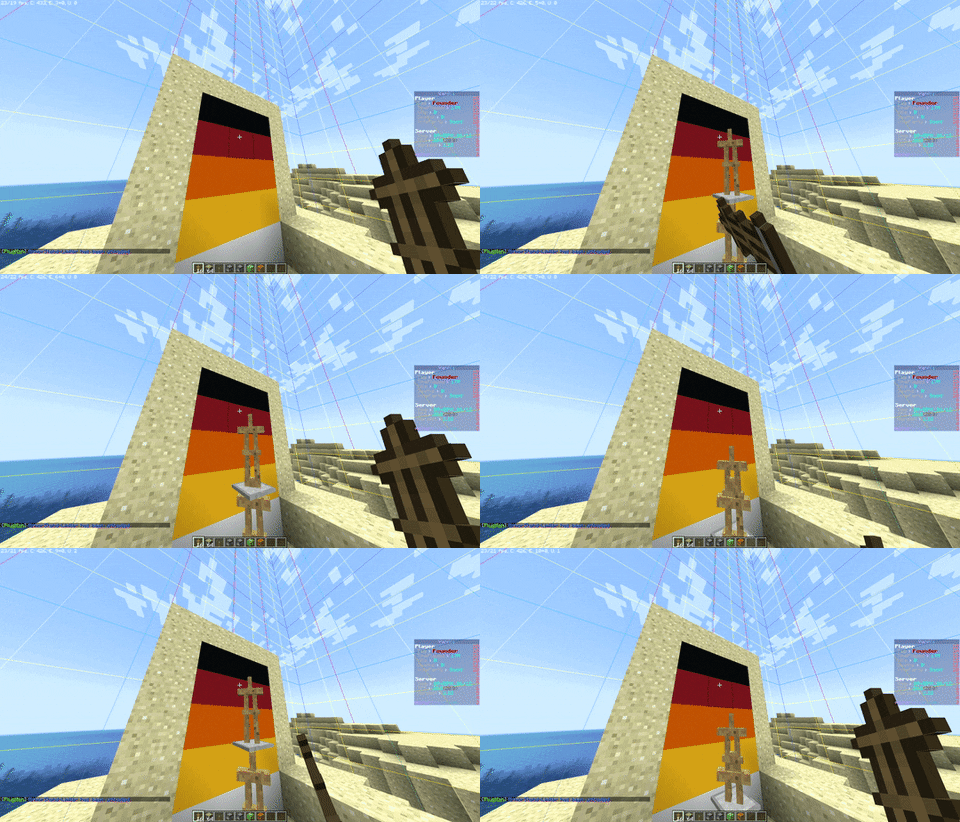 |
## Commands
* **/asl** – *Simple reload of the config file (Perms: `armostandlimiter.reload`)*
* **/asl check ** – *Simple command to control how many Armor Stands there are in a chunk or location in the
world (Perms: `armostandlimiter.check`)*
* **/asl clear ** – *Simple command to remove all Armor Stands there are in a chunk or location in the
world (Perms: `armostandlimiter.check`)*
* **/asl test** – *Simple command to test the notifications (Perms: `armostandlimiter.test`)*
## Stats
[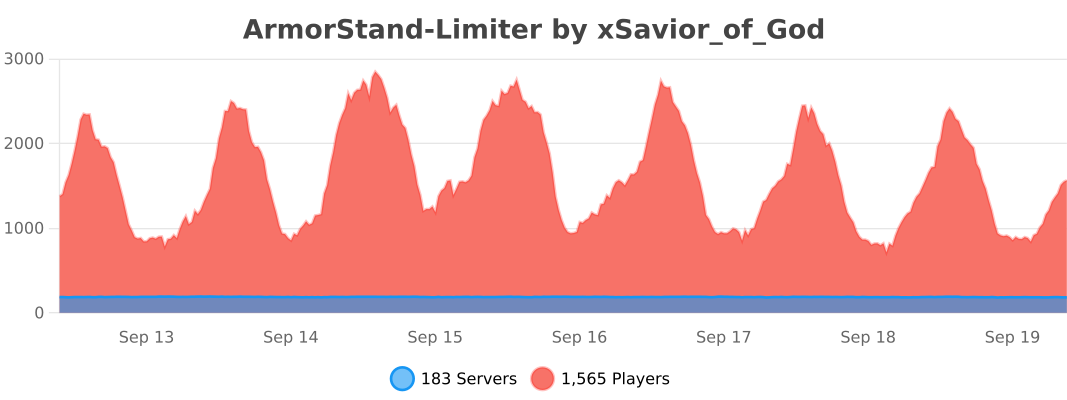](https://bstats.org/plugin/bukkit/ArmorStand-Limiter/17051)
# Support
[](https://discord.gg/5GqJbRw)
**[Link: https://discord.gg/5GqJbRw](https://discord.gg/5GqJbRw)**
Armor Stand Storage

🛡️ Armor Stand Storage v1.0
============================

Transform your armor stands into functional storage units while maintaining their display capabilities! Perfect for kits, storage rooms, and displays.
**Version:** 1.0
**Minecraft Versions:** 1.8 – 1.21.x
**Release Date:** 1/27/25
✨ Features
———-
* **Smart Storage System**
* Shift + Right-Click any armor stand to access storage
* 27 slots of storage space per armor stand
* Items in armor slots automatically display on the stand
* Regular right-click still works for vanilla interactions
* **Intelligent Armor Detection**
* Automatically detects and displays armor pieces
* Works with any armor type (leather, iron, gold, diamond, netherite)
* Supports modded armor that follows naming conventions
* Compatible with Elytra and player heads
* **Server Friendly**
* Multi-world support with configurable blocked worlds
* Minimal performance impact
* SQLite database for reliable storage
* Works on Minecraft 1.8+
🎮 Usage
——–
1. Place an armor stand
2. Add armor/items normally OR
3. Shift + Right-Click to open storage
4. Place items anywhere in the inventory:
* Armor pieces will automatically display
* Other items are safely stored
* First 6 slots are prioritized for display
⚙️ Configuration
—————-
# Disable storage in specific worlds
disabled-worlds:
#- spawn_world
#- event_world
# Debug mode for detailed logging
debug: false
# Storage settings
storage:
inventory-title: “Armor Stand Storage”
inventory-rows: 3
🔒 Permissions
————–
* `armorstandstorage.use` – Access to armor stand storage (default: op)
📋 Commands
———–
No commands – just shift-right-click to use!
💡 Tips
——-
* Place armor in any slot – it will automatically display
* Use regular right-click for vanilla armor stand features
* Items are saved even if the armor stand breaks
* Works great for shop displays and storage rooms
* Perfect for RPG servers and town builds
🔧 Installation
—————
1. Download the plugin
2. Place in your plugins folder
3. Restart server
4. Configure (optional)
5. Start using!
🎯 Planned Features
——————-
* Custom inventory sizes
* Per-world inventory settings
* Hologram support
* Shop integration
* API for developers
🆕 What’s New in 1.0
——————–
* Initial release
* Full armor stand storage functionality
* Multi-world support
* Automatic armor detection and display
* SQLite database integration
* Legacy version support (1.8+)
📝 Version History
——————
* **1.0** (1.27.2025)
* Initial release
* Core functionality implemented
* Database storage system
* Multi-version support
ArmorStandStorage v1.0 – © 2024 Koopa
Made with ❤️ by Koopa
[GitHub Issues](https://github.com/KoopaCode/ArmorStand-Storage/issues) | [Discord](https://discord.gg/KmHGjaHWct)
`storage` `free` `armorstand` `plugin` `1.8-1.21`
Armor Points ++
Features:
* Armor values above 20 get shown in the armor bar [see below]
* Resistance gets rendered as a border around the armor bar [see below]
* Armor Toughness overlay for the armor bar [see below]
* Individual Armor Toughness bar [see below]
* Protection Enchantment overlay for the armor bar [see below]
* Multiple health bars get stacked onto one colored bar [see below]
* Absorption gets rendered as a border around the health bar [see below]
* Armor and health values get shown as text next to their respective bars [see below]
* PotionCore support (1.12 only)
* Fully configurable [see below]
* Clientside ONLY [no need to put this on your server]
* Please note that [AttributeFix](https://www.curseforge.com/minecraft/mc-mods/attributefix) or any similar mod is required if armor points are handled via attribute modifiers to reach more than 30 armor points. (Not required when playing old versions of Minecraft)
* Some mods which override/draw over the armor/health bar may be incompatible and must either be removed or some config setting must be changed for this mod to work correctly
I will **NOT** accept any **bug reports** or questions regarding mod issues in the **comments**. These belong into the **bugtracker on [GitHub](https://github.com/Cheos137/ArmorpointsPlusplus/issues/new/choose)**! (same goes for feature requests)
If you have any questions regarding ArmorPoints++ that DO NOT FIT THE GITHUB ISSUE TRACKER or if you just want to chat with me, come join my official [Discord Server](https://discord.gg/rBmVqjrazz).
[Here](https://github.com/users/Cheos137/projects/1) you can find a list of **currently supported Minecraft versions**.
Please note that only the latest version of this mod will ever receive support and that Minecraft versions in the ‘Unsupported’ column will not receive any updates.
What’s up with my new armor bar? How does it work?:
Usually when playing Minecraft, your armor bar will only consist of up to 10 silver armor icons.
These 10 icons allow Minecraft to display up to 20 armor points.
But sometimes, when playing with mods or LuckyBlocks, displaying up to 20 points is simply not enough.
That’s when ArmorPoints++’s colored icons come into place!
They allow up to 240 armor points to be displayed within your armor bar.
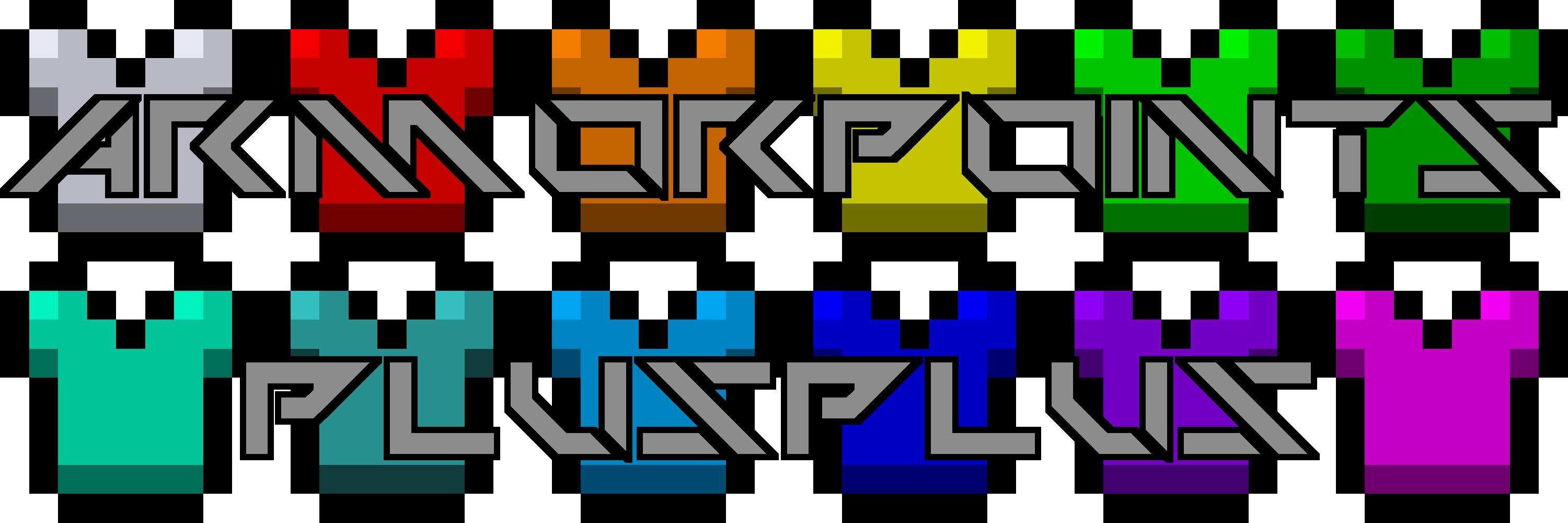
There are a total of 12 different colors your armor bar can have (including the vanilla one).
Below will be an overview of all the colors; you’ll see in-game screenshots over at the [screenshots-tab on CurseForge](https://www.curseforge.com/minecraft/mc-mods/armorpoints/screenshots).

This icon looks like the vanilla one, because it is exactly that. No additional meaning, no hidden things, just up to 20 plain armor points as you’re used to see.

Now it’s getting interesting… When you see this icon in your armor bar, your armor exceeded the mark of 20 points.

And just like orange, this one is just displaying a higher armor value. In this case, it is 41 – 60 points.

This icon tells you that you’re reached the area of 61 – 80 armor points.

You’ve nearly reached the 100 points mark when you see this icon in your armor bar.

And now… now what? Does there even exist armor that gives you more than 100 points? Sadly yes, otherwise this mod would be pretty useless, wouldn’t it?

I don’t even know why we’re here… 121 – 140 points is an incredible amount, right?

I think I just did this color to fill up some empty space in my texture file… but it also displays 141 – 160 points!

Now we’re nearing the end of my icon pallet. 161 – 180 points! We’ve nearly done it! Just some more!

Ok, why are you even doing this now? Is there any point of having 181 – 200 armor points?

I think you’re overdoing it a little… you already turned invincible at 25 points, but now… now you got over 200 of them!

At this point even I stopped doing more icons, because… which sane human would create armor that gives you 221 – 240 points???
You said something about resistance borders?:
Yeah, when turned on and if you have the minecraft:resistance effect, you’ll see a faint red border around your armor bar.
Each 2 icons surrounded by this border indicate one level of the effect, because… you really turn invincible at resistance 5!

Example for resistance 3 at 7 armor points. Note: How many icons get shown for a resistance of 1 can be set in the config.
Armor Toughness overlay? Yes – it’s here!
Your very precious armor toughness will get shown as an overlay on top of your armor bar. Awesome!
Whenever you see two of these little icons, you know that you got 1 or 2 (rounded up) points of armor toughness.


Yeah. That’s about it… not that spectacular, really. Note: How many icons get shown for a toughness of 1 can be set in the config. — As of v3.0.0, these icons also use color to indicate stacked icons
An independent Armor Toughness bar? It exists!
If you don’t like the adorable little overlay icons explained above, you can switch them out for a whole new bar whose sole purpose is displaying your Armor Toughness value.
In terms of color, it behaves exactly the same as armor – so look it up if you’ve forgotten it!

Soooo… i was lazy and only put one icon here… don’t worry though, the mod includes all of them!
Protection as an overlay? You can now see it without even opening your inventory!
These overlays will show the combined value of all types of protection (Fire Protection, Protection, etc.) on your armor items.
Similar to armor toughness, one icon shows a value of 1 or 2 (rounded up) of combined protection.

Quite shiny, isn’t it? Note: How many icons get shown for a protection of 1 can be set in the config.
Multiple health bars in one? What do the colors mean?:
When playing Minecraft, you sometimes get extra hp through the minecraft:health_boost effects or some other mod.
Those hearts then get displayed as an additional bar, if that gets filled up, a third bar gets added and so on.
Health stacking completely removes those additional health bars and replaces them with one single, colored one.
Using this feature of ArmorPoints++ will ensure that your screen is never cluttered with too many hearts.

Those hearts really are something! When you get a lot of these red little beasts, they usually clutter your screen. With this mod, you only get to see red hearts when you have 1 – 20 hp.

Orange hearts, much like the orange armor icon, show you that you have more hearts than usual. 21 – 40 in this case.

Yellow it is! You have now 41 – 60 hp.

Lime reminds me of life. And you have a lot of it. [ 61 – 80 hp ]

Green seems a little boring after all those flashy colors… and still, it exists! [ 81 – 100 hp ]

‘Turquoise’… what an odd name for a color… but it tells you that you have now more than 100 hp!

Good ol’ cyan… how nice to have 121 – 140 hp.

Blue, like water, right? But you won’t drown today, ’cause you got yourself 141 – 160 hp!

Another shade of blue, ha? Mabe you’ll drown now, now that you’ve gone so deep into the water that you can’t even see the sun anymore. [ 161 – 180 hp ]

Aaaah… purple… what a nice feeling to see nearly 200 hp in one health bar!

And now, well… there aren’t any more colors left… more than 200 – 220 hp will be shown by this little pink heart 🙂
Where did my absorption hearts go?:
Do not worry, my friend, Your absorption hearts aren’t gone!
They just moved.
You can now find them as a border around your hearts.
Each pixel of your heart border displays 4 absorption hp [ = 2 absorption hearts ], making it 80 absorption points per heart border or 800 [ = 400 absorption hearts ] for your entire health bar.


Some examples for absorption borders on vanilla hearts [ I won’t put all of them here, making all those individual images took long enough ] Note: How many pixels get shown for one absorption heart can be set in the config.
You said, I could see absolute health/armor values?:
Yeah. Your armor, health and absorption values get shown as text beneath their respective bar in your HUD.
If you want to see this in-game, I recommend checking out the [screenshots-tab on CurseForge](https://www.curseforge.com/minecraft/mc-mods/armorpoints/screenshots).
Shhh! Let me tell you a secret: You can turn this off in the config if you don’t like it, and you can even configure every color of the text!
Fully configurable? Let me see the config!
They are all available [here](https://config.cheos.dev/appp/). Honestly. Better click that link now! (obviously, I’m joking – you don’t have to)
FAQ [ please read before asking anything ]:
Why did you create this mod?
– Well… I was playing a lot of LuckyBlocks and I just couldn’t find any good mods (in 1.8) for doing what Armorpoints++ does, so I created one myself. – I hope, you like it!
Why aren’t there any versions before 1.1.1?
– So… about that… There was a lot of internal testing going on and I didn’t name those test versions beta or so, so the first release just happened to be v1.1.1.
Why isn’t <version> supported?
– I just so happen to be human and don’t want to bother with too many different versions, so I’ll mostly just update for the forge LTS version and for the latest version of Minecraft.
Can you implement <feature>? [ Is there anything missing you want to see in this mod? ]
– Open a new Issue [here](https://github.com/Cheos137/ArmorpointsPlusplus/issues) using the “Feature request”-Template, if the feature fits this mod, I’ll happily implement it for all supported versions.
Can you port this mod to <version>?
– Head over to [https://github.com/users/Cheos137/projects/1](https://github.com/users/Cheos137/projects/1) – if the version you’d like to see this mod ported to is not there (and not in the unsupported column), ask me UNLESS there is already a comment/feature request/etc. asking for specifically that version.
– If I happen to get annoyed from being asked to port to one version over and over, I’ll delay porting or won’t port at all.
I found a bug, what should I do?
– Open a new Issue [here](https://github.com/Cheos137/ArmorpointsPlusplus/issues) using the “Bug report”-Template, I’ll then see what I can do.
Why doesn’t the banner match the in-game color order?
– History. Check the changelog of v3.0.0 and you’ll see.
Resource pack support?
– `[< v2.0.0]` If you're making a resourcepack that supports this mod, you'll have to override the
- `armorplusplus:textures/gui/armor.png` and the
- `armorplusplus:textures/gui/health.png` texture.
- `[v2.0.0+]` As of v2.0.0, both atlases mentioned above are merged into one single file:
- `armorpointspp:textures/gui/icons.png`
- I know this is not perfectly ideal, but I don't intend to overlay a color above the vanilla icons because it would limit my possibilities.
- `[v3.0.0+]` As of v3.0.0, custom atlases are supported.
Texture atlases can be added by resource packs by adding a texture atlas matching the same layout and aspect ratio at assets/armorpointspp/textures/gui/<atlas_name>.png
Of course, <atlas_name> has to be replaced by some meaningful name. (this name must be unique)
This texture atlas can then be enabled by setting the textureSheet option to <atlas_name> in the ArmorPoints++ config file.
Need further support?
– You can join my mod support discord [here: https://discord.gg/rBmVqjrazz](https://discord.gg/rBmVqjrazz)
May I use this mod in my Modpack?
– If it gets published on CurseForge and/or Modrinth: Yes, of course, I’d appreciate it – If it gets published on any 3rd-party site: Please ask me before using my mod in your Modpack.