Arrow For Fluid | 流体流向箭头
# Arrow For Fluid
~~Do you also need some arrow for the water and lava fluid like I do?~~
## Features
Add arrow for water and lava.Like gallery.
## Installation
1. Download the resource pack file (.zip).
2. Open Minecraft, go to “Options” > “Resource Packs” > “Open Resource Pack Folder”.
3. Place the downloaded file into the folder.
4. Enable the resource pack in-game.
# 流体流向箭头
~~你是否也跟我一样需要简易查看流体的流向?~~
## 概述
对水和岩浆流体添加了指向箭头。
## 安装方法
1. 下载资源包文件 (.zip)。
2. 打开 Minecraft,进入“选项” > “资源包” > “打开资源包文件夹”。
3. 将下载的文件放入文件夹中。
4. 在游戏中启用该资源包即可。
Arrow Crosshair Overlay
🎯 This pack adds a custom Arrow Crosshair Overlay for players who want sharper aim and clearer targeting. It’s lightweight, clean, and only changes the crosshair.
✨ Fully compatible with all Minecraft versions (from 1.8.9 to the latest). Being an overlay, it stacks perfectly on top of your favorite texture packs.
⚔️ Whether you’re fighting in PvP or just playing casually, this arrow crosshair gives a cleaner view and a better experience.
Armors
Leather armor, chainmail, diamond armor, gold armor, iron armor, netherite armor,
iron armor, turtle helmet
it changes their appearance.
We changed all their armor and tried to add a little more life to it.
We hope you like it.
Armored Vanguard

## Welcome to Armored Vanguard,
A _medival stiled_ resource pack that sure will make minecraft look more like a medival game.
### This resaurce pack features:
– **Custom armor:**
> – Leather hat 
> – Archer armor 
> – Iron, Golden, Diamond, Netherite knight armor 
> – Golden Crown (and crown fragment) 
_Helmet items also are custom_
– **Custom items:**
> – All tiers of swords 
> – All tiers of battle axes 
> – Trident to Pitchfork 
> – Mace to hammer 
> – Totem of Undying to “The ceremonial mace” 
– **Other stuff:**
> – Swords are bigger cuz in my oppinion swords are too small in minecraft
_All subtitels say the the custom name, e.g.
original: “mace smashes”,
with rp: “hammer smashes”_
**Really big thank you for 1k downloads. Didn’t think we would hit it this early.
And as a 1k special, I opened a discord server just for my resource packs.**

## Other projects:


### Recomendation:
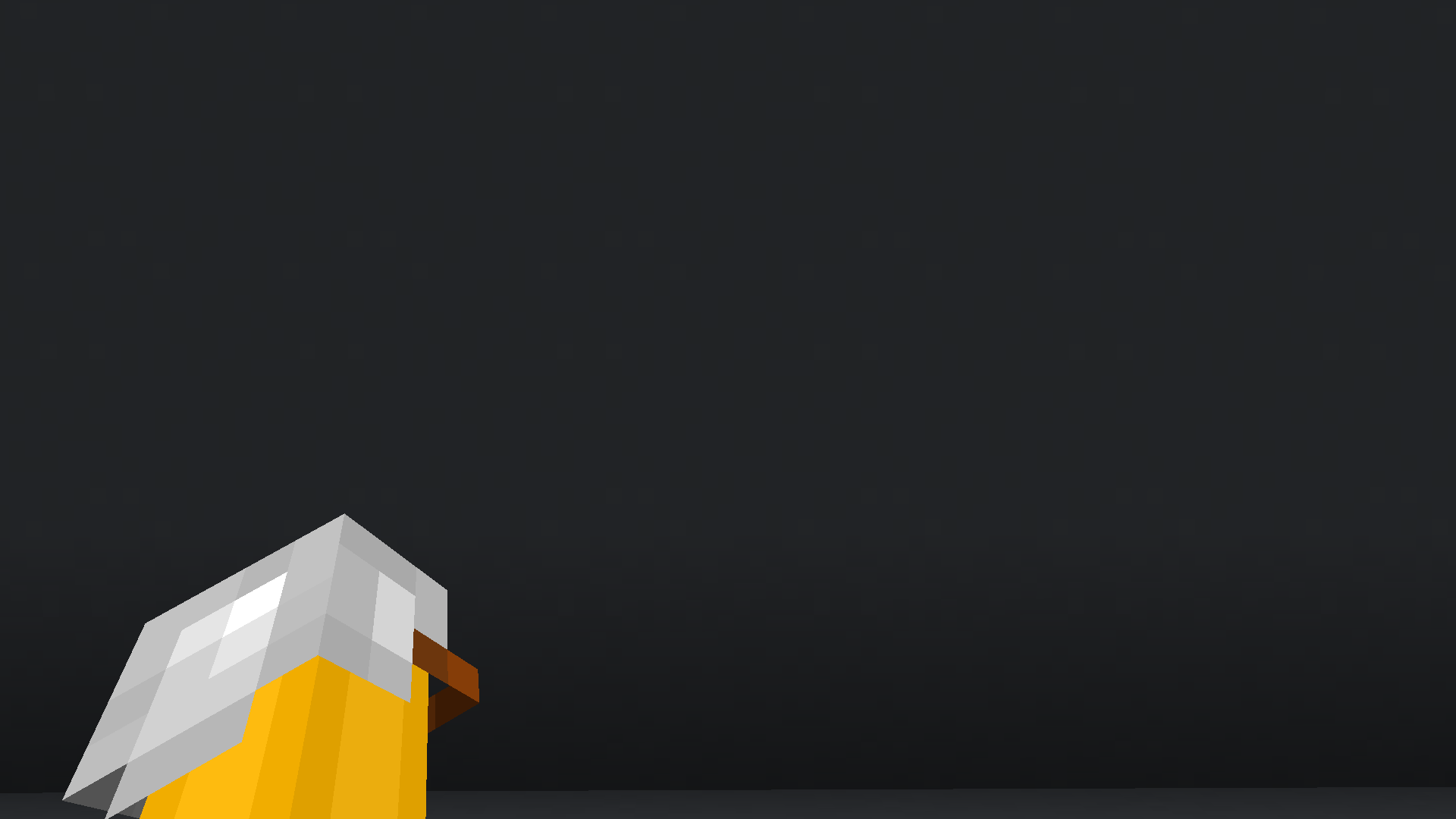
I really recomend you to use _I see my armored hand_ mod so you see your armor in first person
Shout out @RazorPlay01
Armor Stand Poses
This datapack adds poses to armor stands like bedrock edition. Redstone is the same as bedrock. (if Redstone doesn’t work like bedrock let me know.) right now the only way to change pose is by Redstone, below shows at what power level will change pose.
This datapack also adds arms to all armor stands.
[](https://www.bisecthosting.com/legopitstop)
Click on the above image, select plan (at least 4GB), use code `legopitstop` to get 25% off your first month and enjoy playing with your friends!
## Power Pose Name
– 01 default pose
– 02 no pose
– 03 solemn pose
– 04 Athena pose
– 05 brandish pose
– 06 honor pose
– 07 entertain pose
– 08 salute pose
– 09 riposte pose
– 10 zombie pose
– 11 cancan 1 pose
– 12 cancan 2 pose
– 13 hero pose
– 14 default pose
– 15 default pose
## FAQ
### Can I add this to my mod pack?
Sure, as long as you give proper credit and follow the license.
### Are you going to downgrade to older versions (ie; 1.15, 1.12, 1.8)?
I will if there is enough demand for a certain version and I have time to.
Arknights Endfield
This is a Arknights Endfield fan made Gui
Added
-lobby gui
-fonts
-inventory gui
V1.1 – Screenshots – inventory added

V 1.0 – Screenshots – lobby added

Playable Arcade Cabinets
This datapack adds structures for three fully playable arcade cabinets.
To place an arcade cabinet, you’ll have to use a structure block. The overall structure is fairly large (32x48x32), and currently can’t be rotated. The default load position for the structure block is in the lower north-west corner of the structure, which corresponds to
The structure names for the three arcade cabinets are: `maze:cabinet`, `snake:cabinet` and `paint:cabinet`. Make sure “Include Entities” is selected, or the cabinet won’t be playable!
Once the cabinet is placed, you’ll need to turn it on by going inside and toggling the redstone lever.
After that, you can use the buttons on the top of the cabinet to either start a new game or continue an old game.
**MC Paint**:
This is more a proof of concept than anything, but is a simple arcade cabinet for drawing pictures.
Use movement keys to move the brush, and press jump to change the current pixel. To erase a pixel, press jump again.
Press the sprint key to cycle colors.
**Snake:**
This is a straightforward snake game. Try to grow longer without running into your own tail!
Use the movement keys to change direction, and the sprint key to restart if you die.
**Pac-Mine:**
This is a blockier Pac-Man clone. Clear all the tiles in the maze without getting caught by the creepers. Mine a gold block to frighten the creepers for a short time. Once the level is cleared, the game restarts with a faster game speed and shorter power-up time.
Use the movement keys to move. You can hold a key as you approach an intersection to turn as soon as you reach it. Press sprint to restart after you run out of lives.
**Make Your Own:**
The system is designed to be as straightforward as possible for creating your own arcade cabinet.
The datapack for each game just needs two functions – a setup function and a ticking function. Create these from scratch or modify one of the existing ones.
The datapack includes a handful of helper IO functions for reading player inputs, drawing blocks or items on the screen, and reading data or metadata from the screen.
Araxy Crystals

#
💎 Araxy – Modern End Crystals
Araxy is a custom Minecraft texture pack that reimagines the End Crystal with a sleek, minimalist, and modern design. Instead of the chaotic and flashy vanilla crystal, Araxy gives you a refined, geometric look that feels futuristic yet perfectly fits the End’s mysterious vibe.
# ✨ Features
– 💎 A fully redesigned End Crystal with a modern, clean and simple style
– 🎨 Minimalist geometry that keeps the design sharp and readable
– 🧩 Perfectly balanced between stylish and functional
– ⚔️ Optimized for crystal PvP – easily spot crystals in fast-paced fights
– 🌐 Ideal for Crystal PvP and all environments.
– 🚫 Removes unnecessary clutter for a smooth, polished look
– ⚙️ No mods neeeded


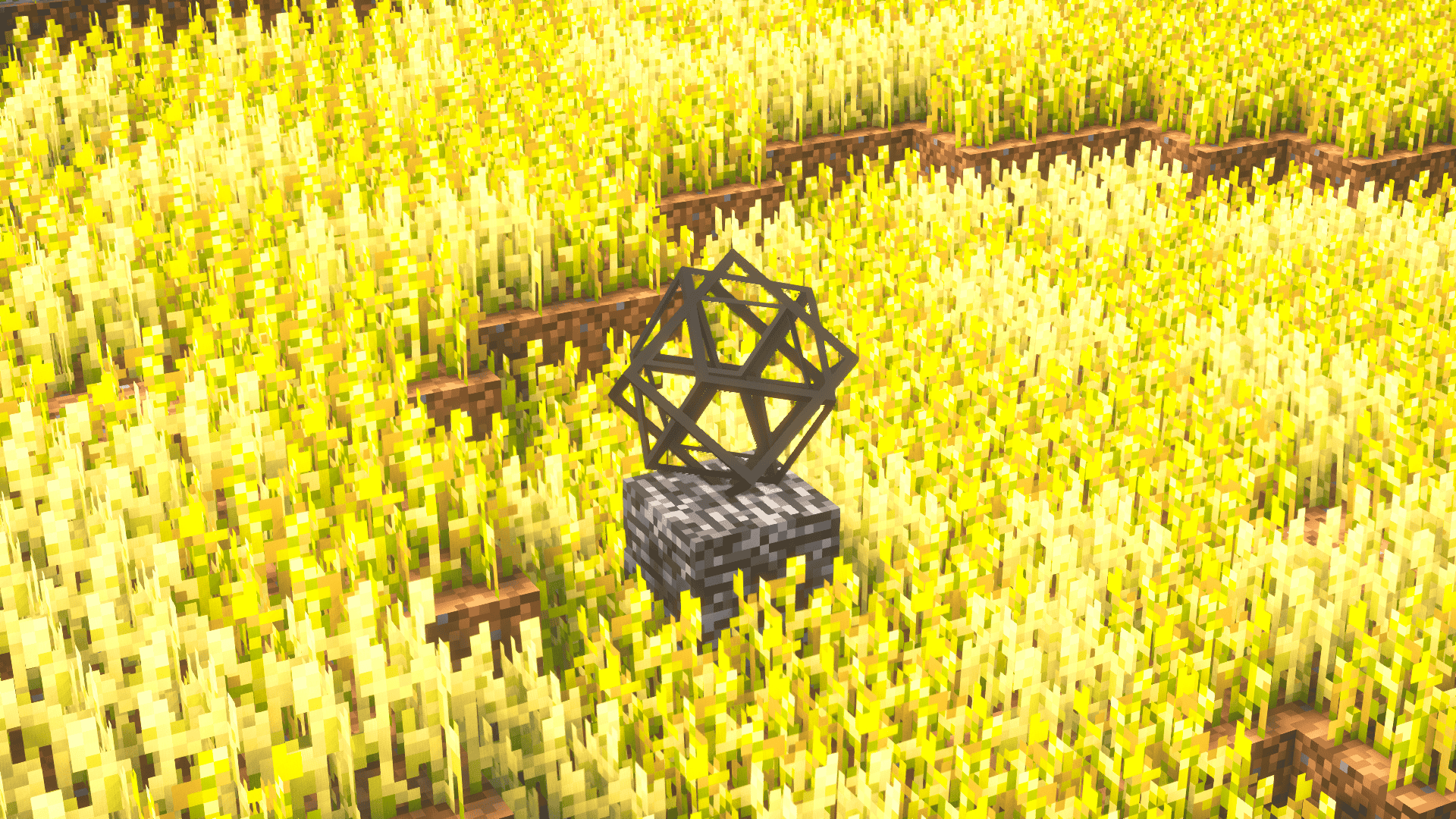
Whether you’re fighting the Ender Dragon, building futuristic bases, or dominating in crystal PvP, Araxy makes End Crystals look clean and elegant, turning them into a visual centerpiece rather than a noisy distraction.
Perfect for players who love a clean, modern Minecraft aesthetic, Araxy transforms End Crystals into something that feels elegant, futuristic, and visually satisfying – all while staying lightweight and distraction-free.
_For further questions, contact polar882 on Discord._
Aqua Debris
Aqua Debris is a simple resource pack that changes Ancient Debris into a clean cyan-blue style, making it easier to spot in the Nether while still keeping a vanilla-inspired look. Designed for players who want better visibility without making the texture too distracting or overdetailed. Lightweight, smooth, and perfect for survival, PvP, and Nether mining.
Features:
Cyan/Light blue Ancient Debris
Easy to spot in the Nether
Clean and simple design
Vanilla styled texture
Lightweight and optimized
Great for Survival and PvP
Better Nether mining experience
April Fools’ Cobble (1 in 169)
When the pack is active, random cobblestone blocks appear to be blocks of diamond.
[‘Random’ works like lillypad orientation with a specific x,y,z block always showing the same.]
This variation of the pack has 1 in 169 blocks affected
Two other options exist should a different degree of replacement be wanted:
[April Fools’ Cobble (1 in 13)](https://modrinth.com/resourcepack/april-fools-cobble_common/)
[April Fools’ Cobble (1 in 1014)](https://modrinth.com/resourcepack/april-fools-cobble_rare)
As usual, for versions 1.14 through 1-20.1, activating the pack will produce a warning that it was made for an earlier version…
this can be safely ignored.
