Arkhalis | PvP
This Minecraft texture pack offers a refined visual experience while maintaining the game’s core aesthetic. Key features include:
– **Detailed item icons**: Enhanced designs for tools, weapons, armor, and other inventory items.
– **Updated block textures**: Revamped appearances for wood, stone, and other common blocks.
– **Redesigned GUI elements**: Inventory slots and item frames with a more defined look.
– **Expanded color palette**: New shades and hues for various materials like gems and metals.
– **Improved tool and weapon designs**: More intricate detailing on axes, swords, bows, and other equipment.
– **32x textures**: Ores, ingots, and other resources with textures closer to their real-world counterparts.
# Showcase
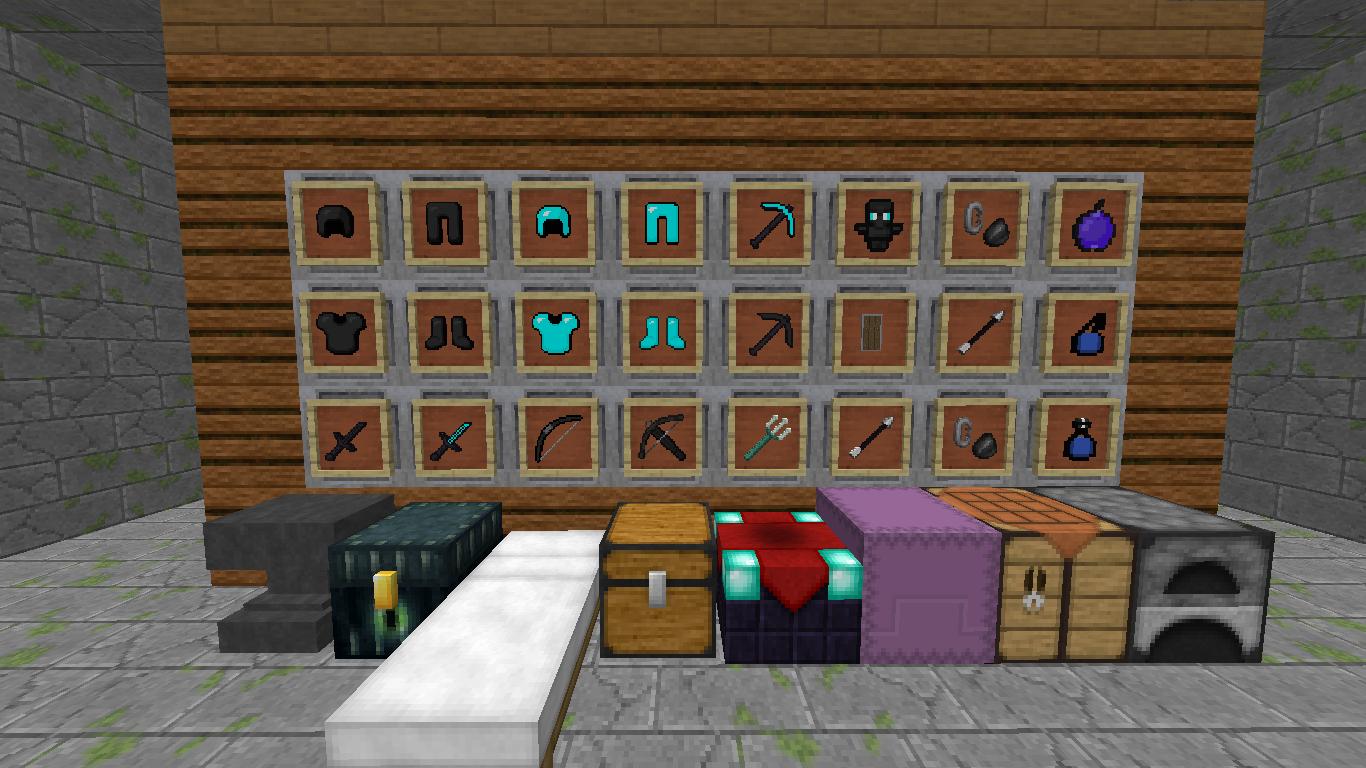
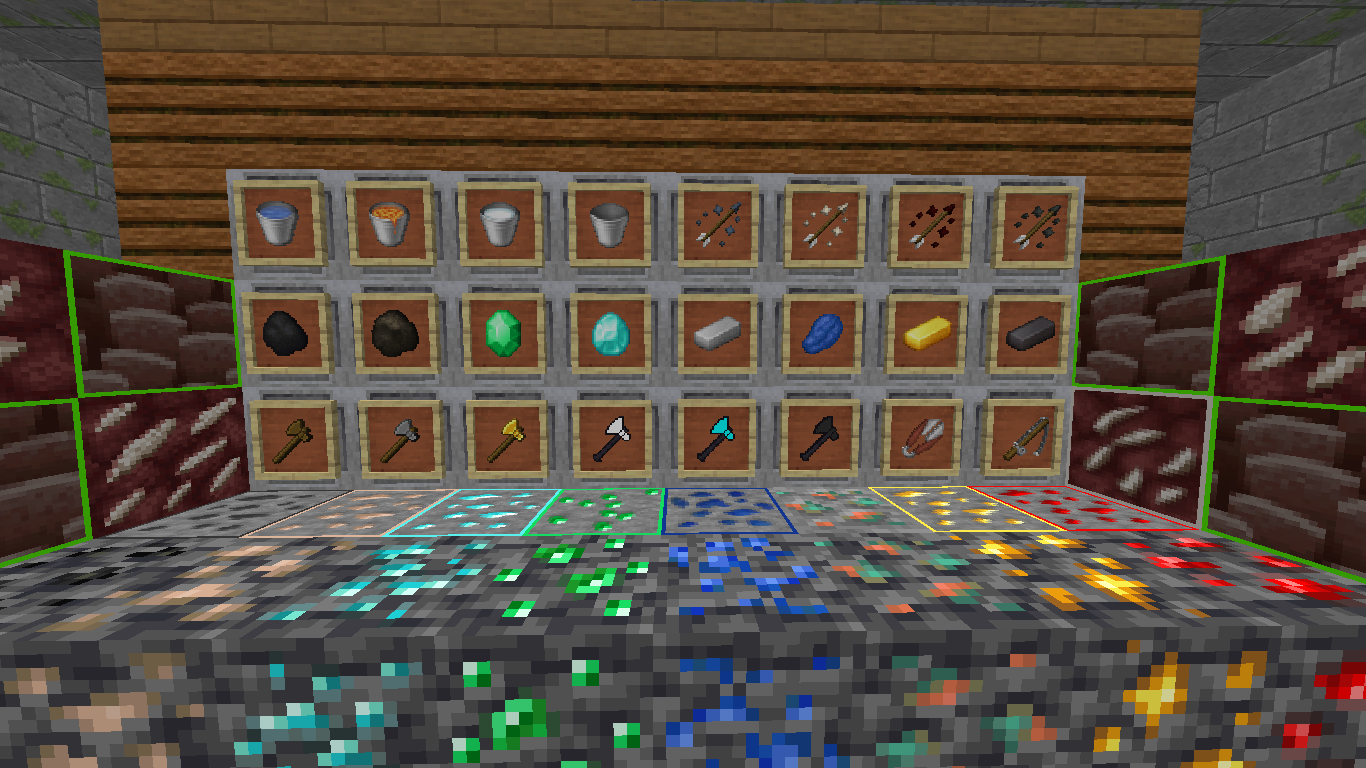
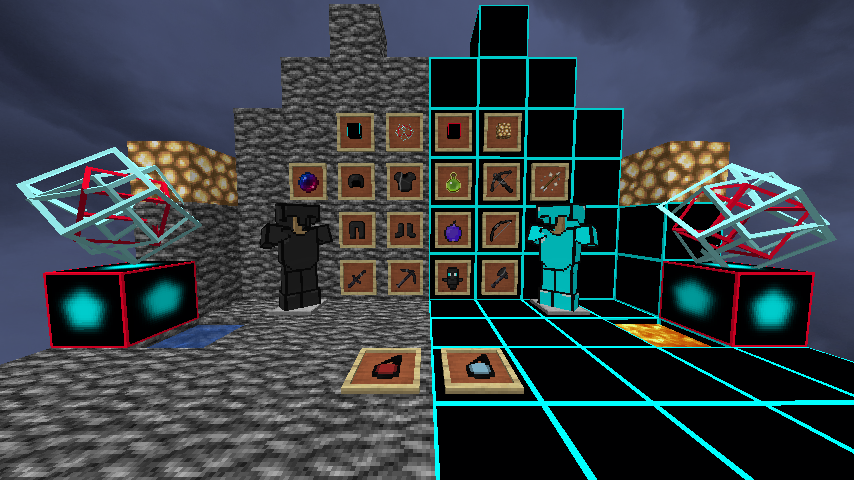
by itscyrus
Arabic Clean Font (32x)
# **Arabic Clean Font** – Built to improve the Adhkar mod experience
**Arabic Clean Font** is a **Minecraft resource pack** designed to improve A**rabic text readability** with a clean, modern font.
Perfect for players who want better **Arabic support**, clearer UI, and a smoother experience in Minecraft.
## Why Arabic Clean Font?
Minecraft does not fully support Arabic text rendering. This resource pack helps improve:
– ✔ Arabic font clarity
– ✔ Readability in chat and UI
– ✔ Clean and minimal text appearance
– ✔ Better visual experience for Arabic players
## Installation
Download the resource pack
Move the **.zip** file to:
“`
.minecraft/resourcepacks/
“`
Open Minecraft
Go to:
“`
Options → Resource Packs
“`
Enable Arabic Clean Font
## ⚠️Important Notes
– Minecraft does not fully support Arabic shaping (RTL)
– Some text may appear:
– Separated
– Reversed
– This is a limitation of the game engine, not the resource pack
## Best Experience Tips
– Use short sentences
– Avoid heavy diacritics (Arabic tashkeel)
AQ Invisible Item Frames
When creating scenery you may have used item frames, but they annoyed you a lot, as well as the author of this resourcepack. You can make item frames invisible with mods, datapacks, or command, but all of that takes a lot of time. You can simply install my resourcepack, which will make these frames invisible. Unlike other similar resourcepacks, this resourcepack is adapted to newer versions of minecraft, which added glowing frames.
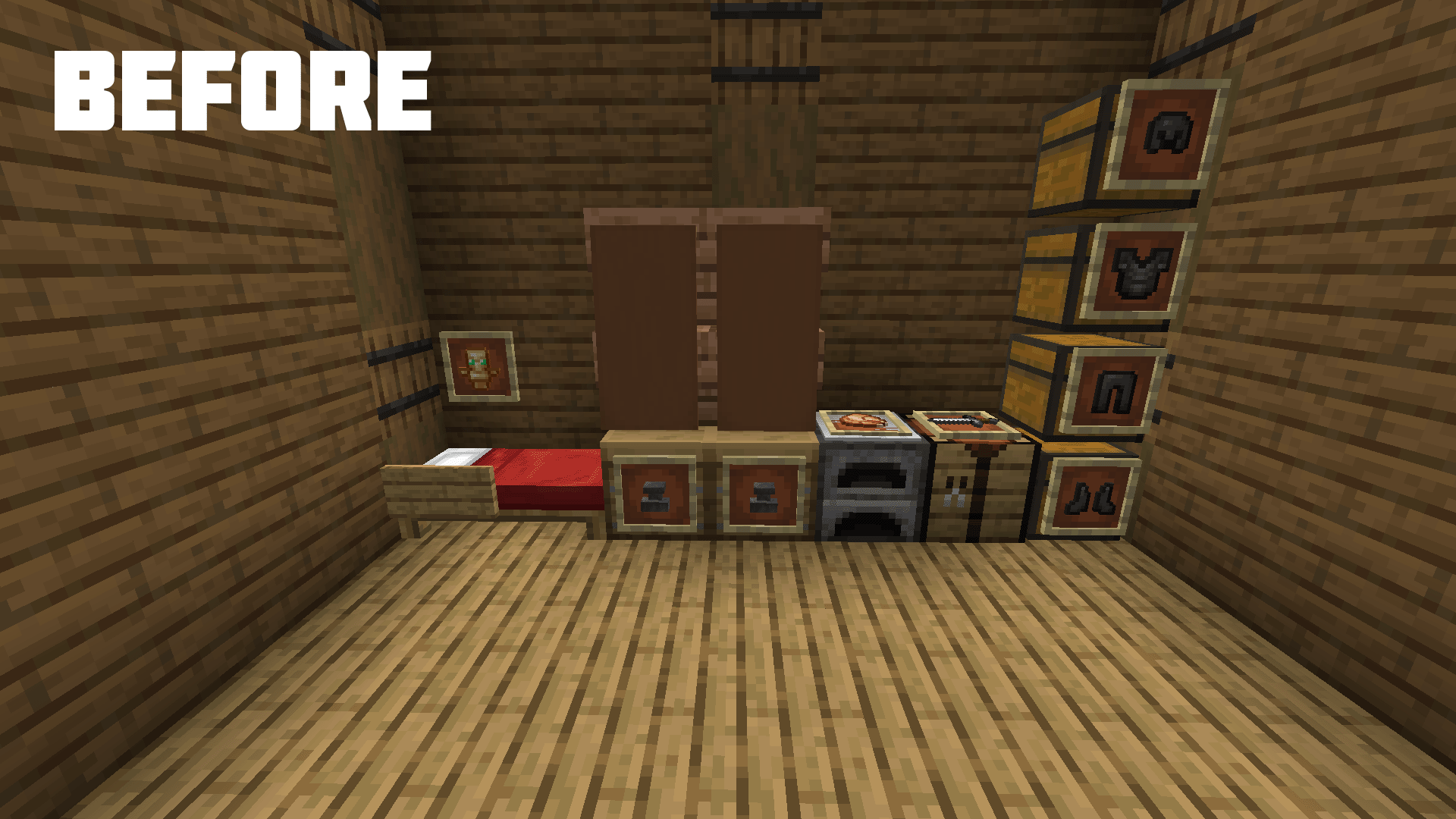
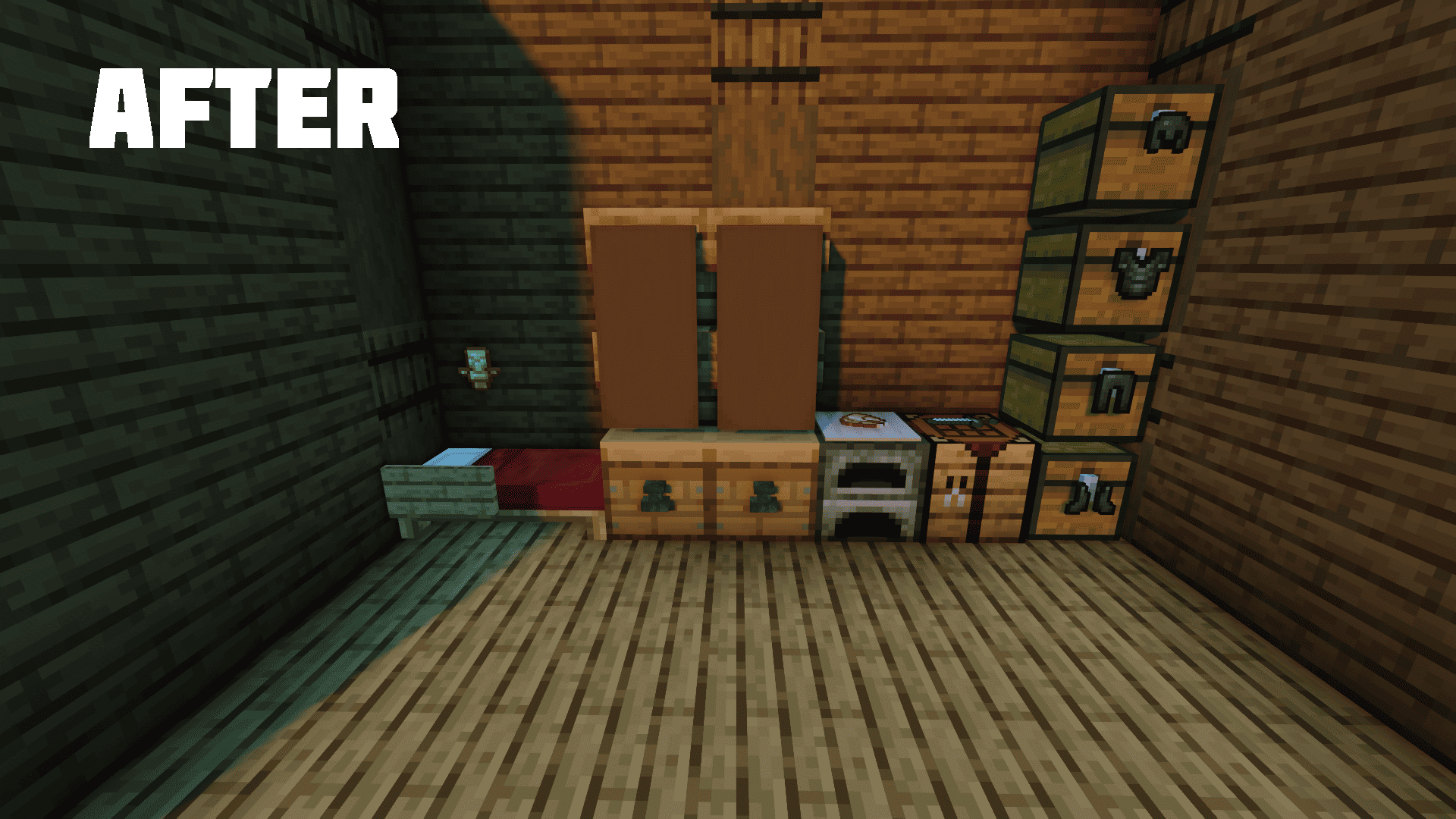
## Glow Item Frame
# How do I download it?
Download the ZIP archive with the resourcepack and move it to the game folder .minecraft/resourcepacks Then go to Game Settings > Resource Sets > Select Resourcepack
April Fools – OmniBlade Overlay
# **April Fools – OmniBlade Overlay 32x** ⛰️🌻
This sword overlay adds a Mass Effect Omni Blade inspired sword set and armor set. Glowly and colourful for 1.8 duels, bedwars, skywars, universal PVP also with a modified sky!
## What does it contain? 🧭
Retextures the weapons, armor, skybox. Intended to be used on versions 1.8 through 1.8.9!
### Performs best with Optifine 🍃
This pack was made with use of optfine in mind, however it is not required.

**Happy April Fools, see you next year!**
AE Style Mekanism
## About
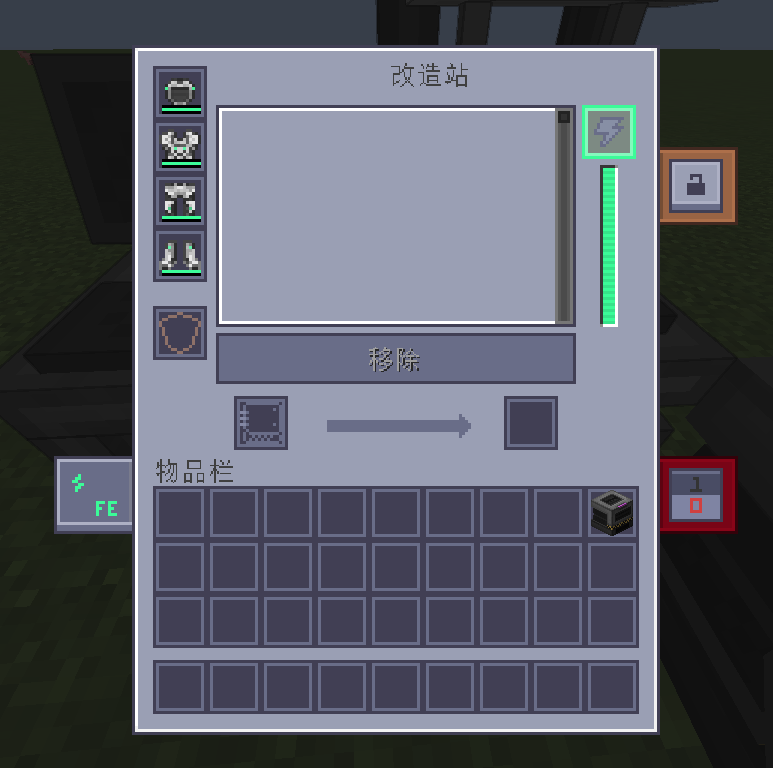
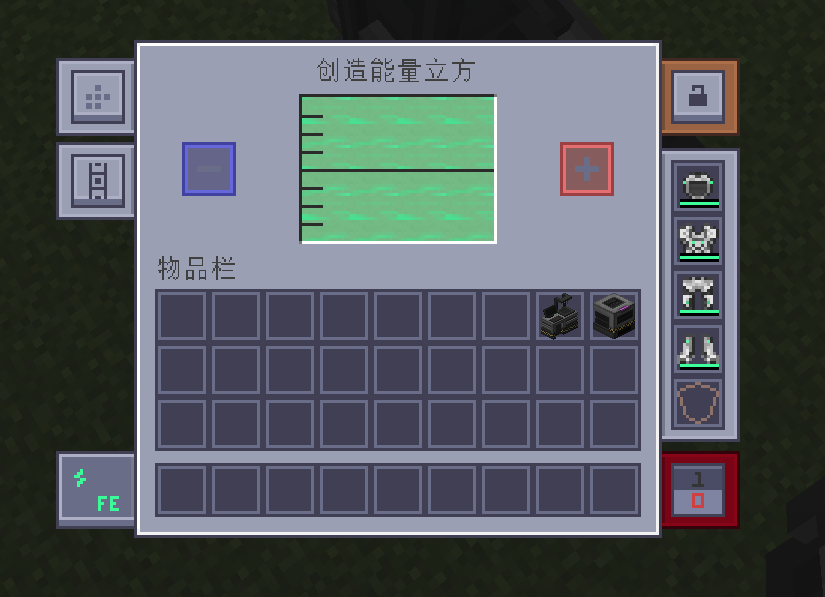
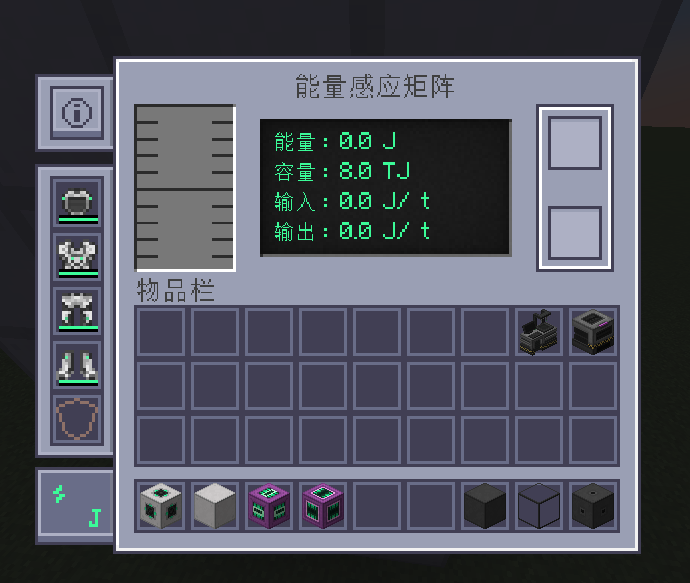
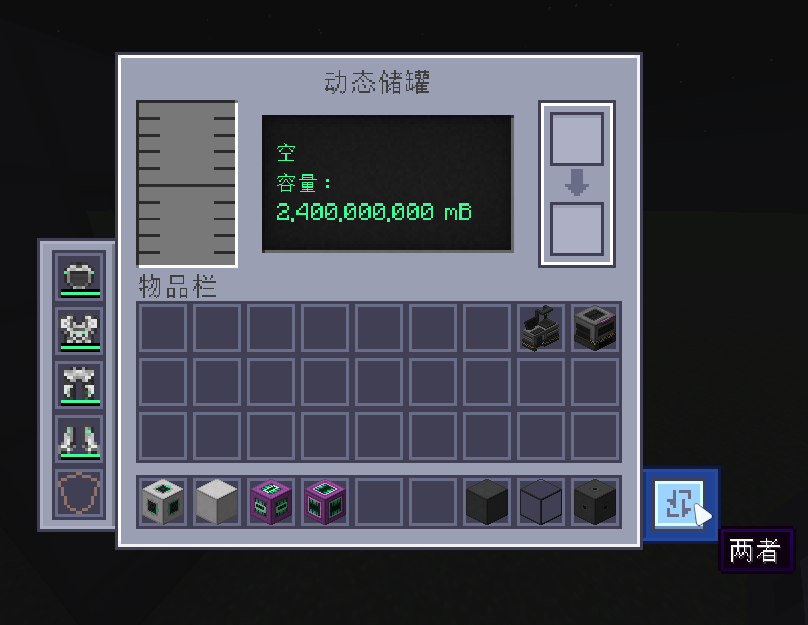
What is this? This is a resource pack for **Mekanism**, it changed Mekanism GUI and let it become **Applied Energistics 2**_(new resource pack)_ like.
## Show
Meka Armor
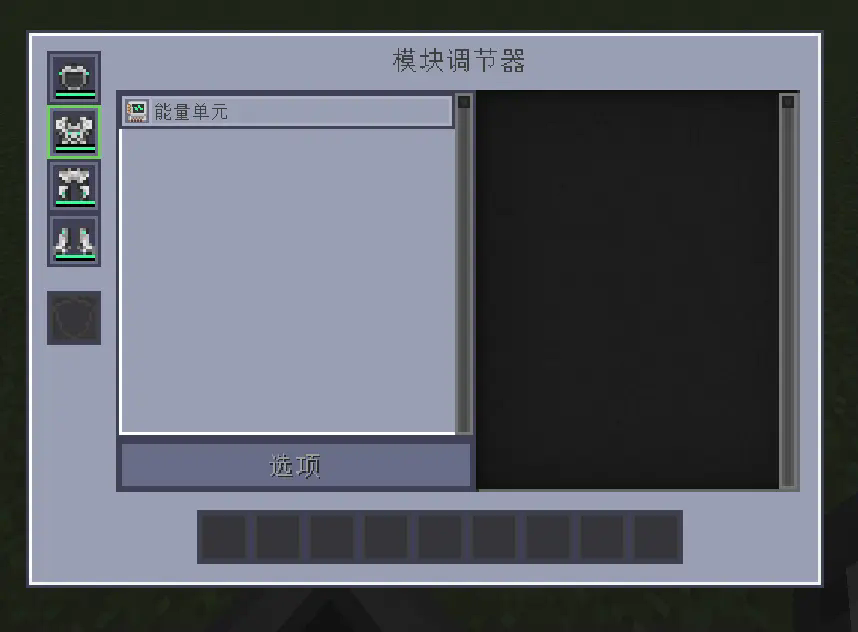
Machines
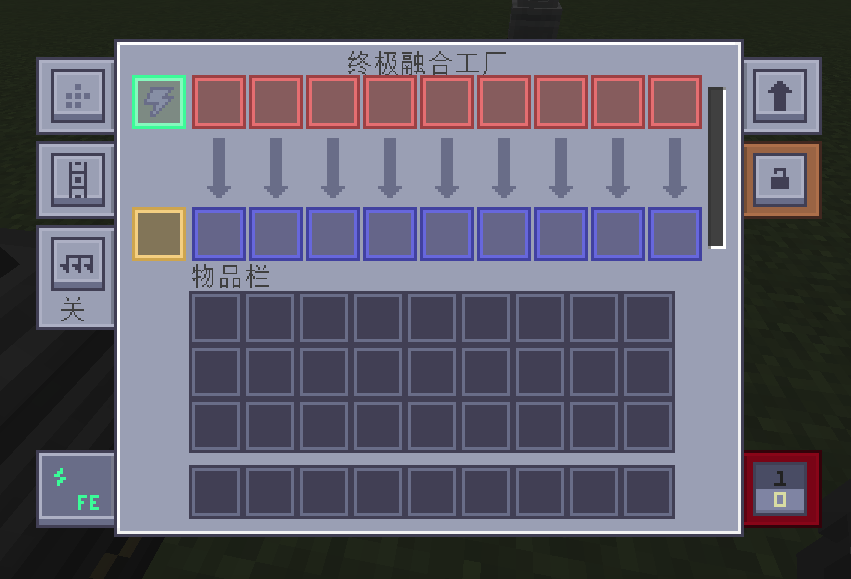
Append on the cloud
# Brief introduction
This is an add-on package for MTR mods below version 1.20. Many cars have been added to the additional package to realize your subway dreams.

# note
* Not applying additional packages below R8 to version 1.20 will render errors!!
# Having problems?
* Escalate at [KOOK](https://kook.top/Btr4j0) (Chinese players only)
* recommend
* Escalate in [Discord](https://discord.gg/G2ENd4AJQD)(Valid until August 15, 2023).
* Not recommended
# Acknowledgement
* [MTRBBS](https://www.mtrbbs.top/) tutorial provided
* Original texture packs available in Minecraft 1.16
Animated World
#
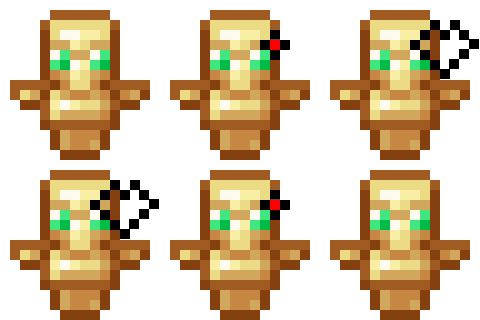
adds animation to non animated minecraft items such as totems, **swords**, **ores** and **armor**! and redraw some items too


liked this project?
play more here!
[GUI reimagined](https://modrinth.com/resourcepack/gui-reinmagined/changelog)
Animated Sculk Totem
This texture pack adds an animation to the eyes of the Totem of Undying and adds a Sculk texture to it.
_PS: This texture pack should normally work for all versions of the game from 1.21_
Animate Crosshair
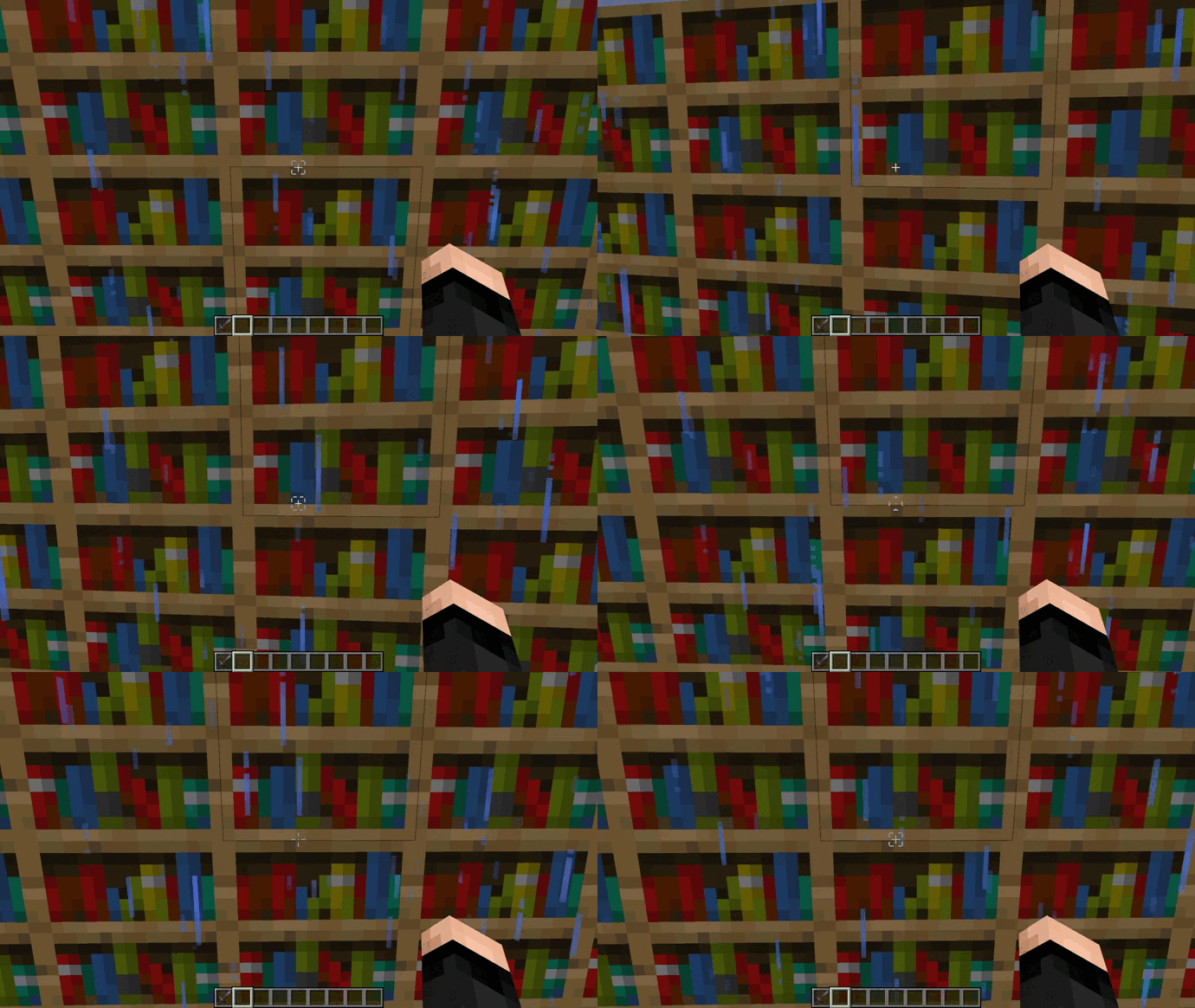
# **Animate Crosshair**
Animated design of the minecraft crosshairs
## Opcional: Frames configuration:
Spoiler
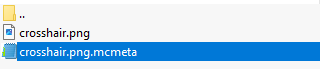
– Open the .zip file of the texture pack

– Go to path “/assets/minecraft/textures/gui/sprites/hud” and open the crosshair.png.mcmeta file.
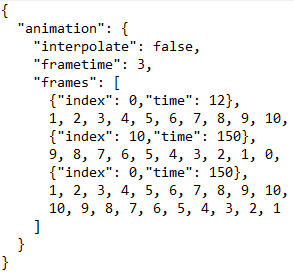
– We’re interested in what’s inside the frame brackets [].
– 0 is the first frame and 10 the last one, you can see this in crosshair.png
– {“index”: 0,”time”: 12} refers to a pause at frame 0 with the time you want.
– 1, 2, 3, 4, 5, 6, 7, 8, 9, 10, is the frame order that the animation will be in.
– You can add or remove frames depending on the animation and pauses you want.
– Don’t forget that everything must be followed by a comma “,” as seen in the image
Animal hats
This resource pack changes the carved pumpkin to various cute animals
The resource pack also removes the darkening effect of the carved pumpkin, which is very convenient 🙂