Ars Nouveau Refresh
## Description📜:
The resourcepack updates the outdated design of glyphs, plaques and other items from the Ars Nouveau mod, making them more colorful and in line with modern Minecraft style.
## Showcase🎬:
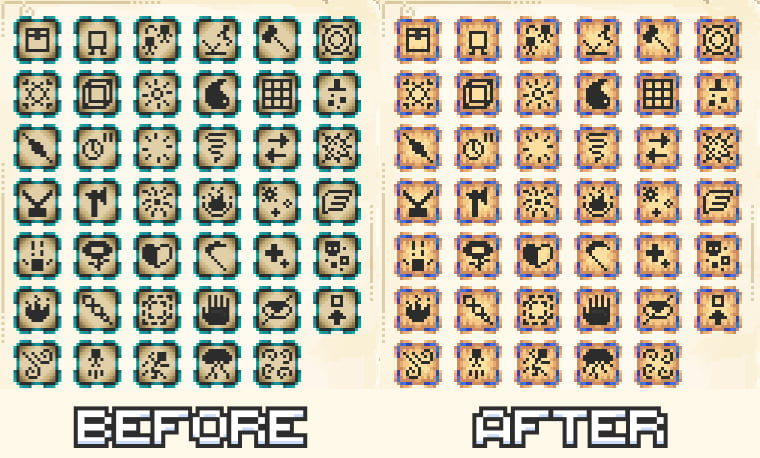
### 90+ glyphs changed
## Changed essence icons
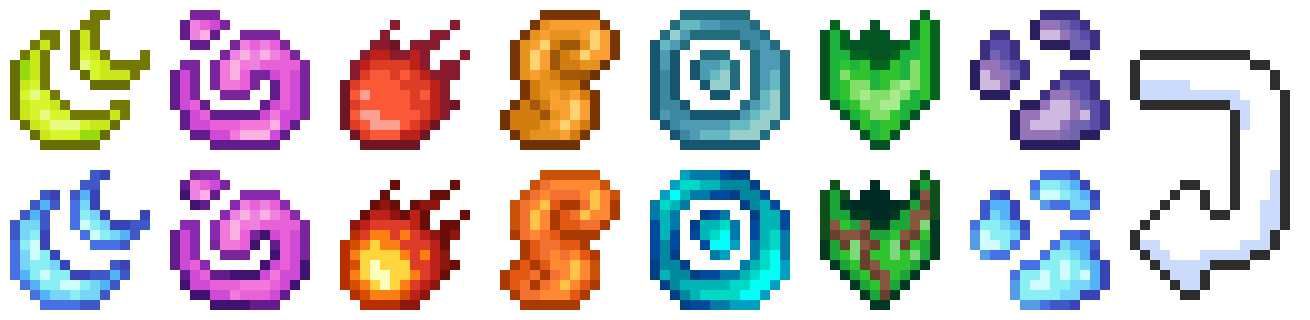
## Changed charm & familiar icons
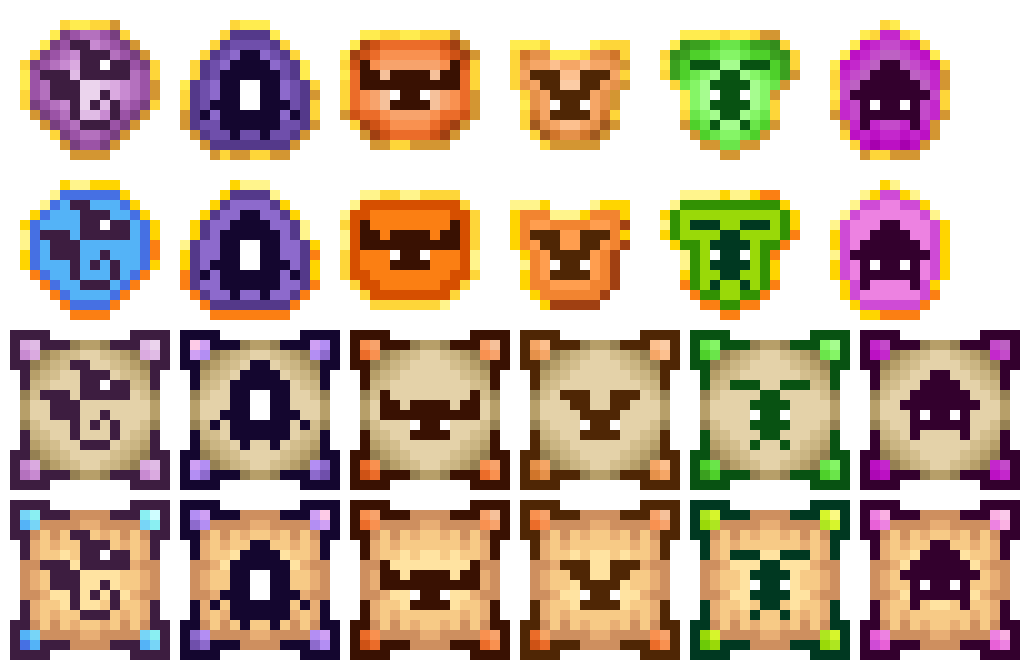
## Changed tablet icons
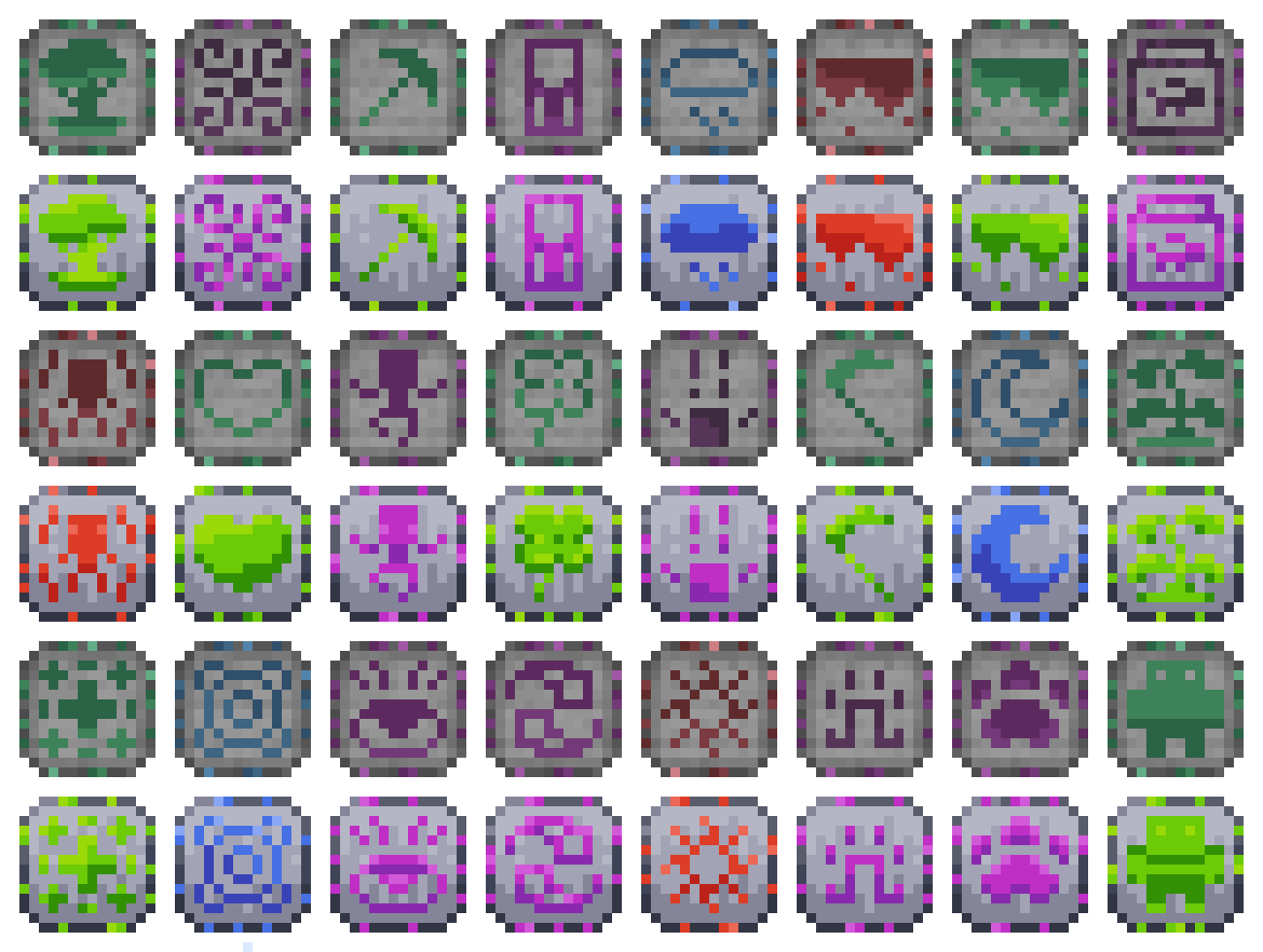
## And more…
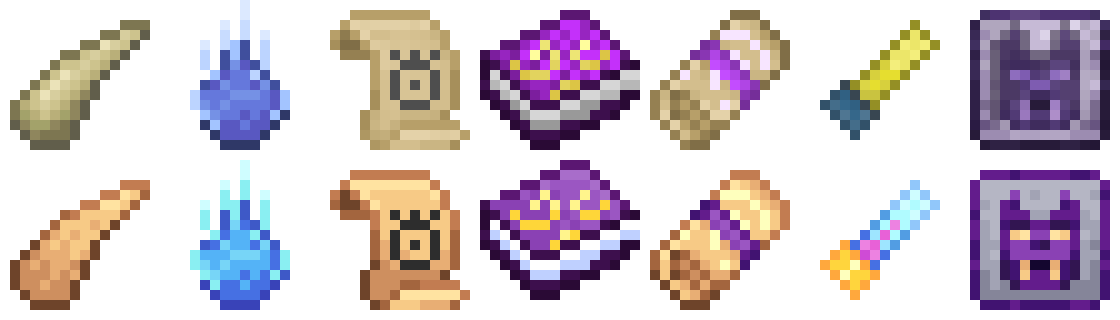
## Roadmap📝:
– Update the style of mobs, weapons and armor from the mod.
– Improve the textures of items from other addons for Ars Nouveau.
Перевод на русский
## Описание📜:
Ресурспак обновляет устаревший дизайн глифов, табличек и других предметов из мода Ars Nouveau, делая их более яркими и соответствующими современному стилю Minecraft.
## Планы на ресурспак📝:
– Слегка обновите стиль мобов, оружия и брони из мода.
– Улучшить текстуры предметов из других аддонов для Ars Nouveau.
Ars Nouveau Brass-ified Create-Style – ANBICS

# Ars Nouveau Brass-ified Create-Style – ANBICS
#

**Changes Ars Nouveau blocks, items and armors with Gold trim into a Brass trimmed variant to match Create mod’s Brass**
– for – 1.19.2 – 1.20.1 – 1.20.2 – 1.21.* –
## ↓ _Before_ & _After_ ↑


Armors HD
The HD Texture Pack for the armors of DBC.
This texture pack modifies the appearance of the armor of DBC, to a more HD texture.
46 HD armors for now…
More detail in the texture for the mod.
This texture pack does not modify behaviors of minecraft, it is only visual.
Ariz’s Tinkering Resources
A resource pack required for the tinkering variants datapacks. That’s really just it, it just adds color to the tool, otherwise it would appear white.
Spoiler
(i dont know what icon i am supposed to put for just a whole bunch of jsons that define material color)
Arid’s Immersive Resprites
A small resource pack that changes the item and model textures of the mods Immersive Melodies and Immersive Paintings to be a little cleaner and more jappa-like.
Arid’s Dimensional Resprites
This is a small texture pack intended for use with the Dimensional Doors mod. It updates most of the used item sprites in the mod, as well as many of the blocks and armor sets.
A few issues the base mod has with textures, such as the fluid flowing textures being 8×8 instead of 16×16, have been fixed with this pack as well.
Archery Exprogrammer Art (plus shields)
adds programmer art support for Archery Expansion + Archery Expansion Squared. that’s about it.
– [Archery Expansion](https://modrinth.com/mod/archery-expansion/versions)
– Items: 100%
– Particles: 100%
– Entities: 100%
– [Archery Expansion: Squared](https://www.curseforge.com/minecraft/mc-mods/archery-expansion-squared)
– Items: 75%
– [Shield Expansion](https://modrinth.com/mod/shield-expansion)
– Items: 75%
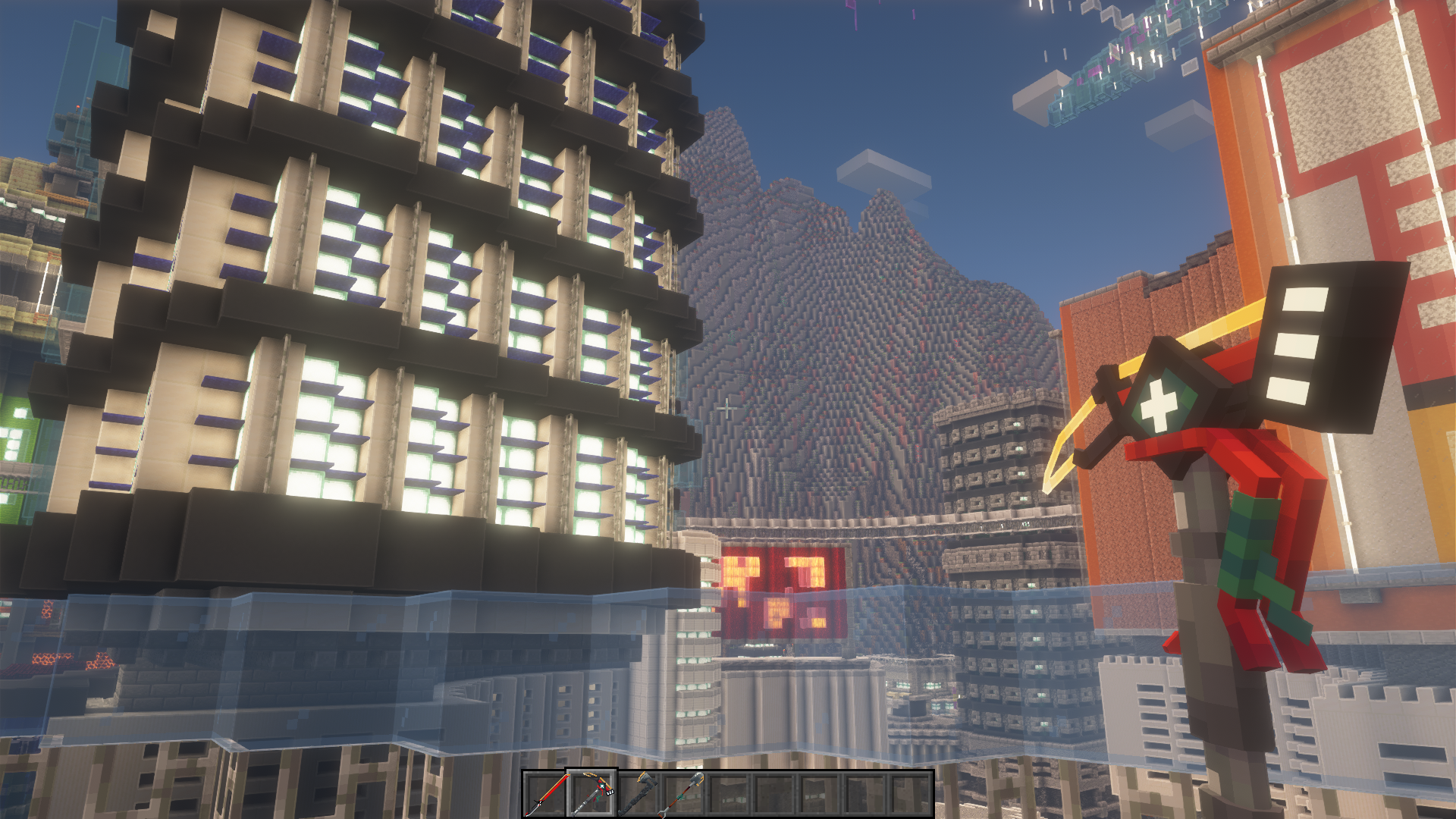
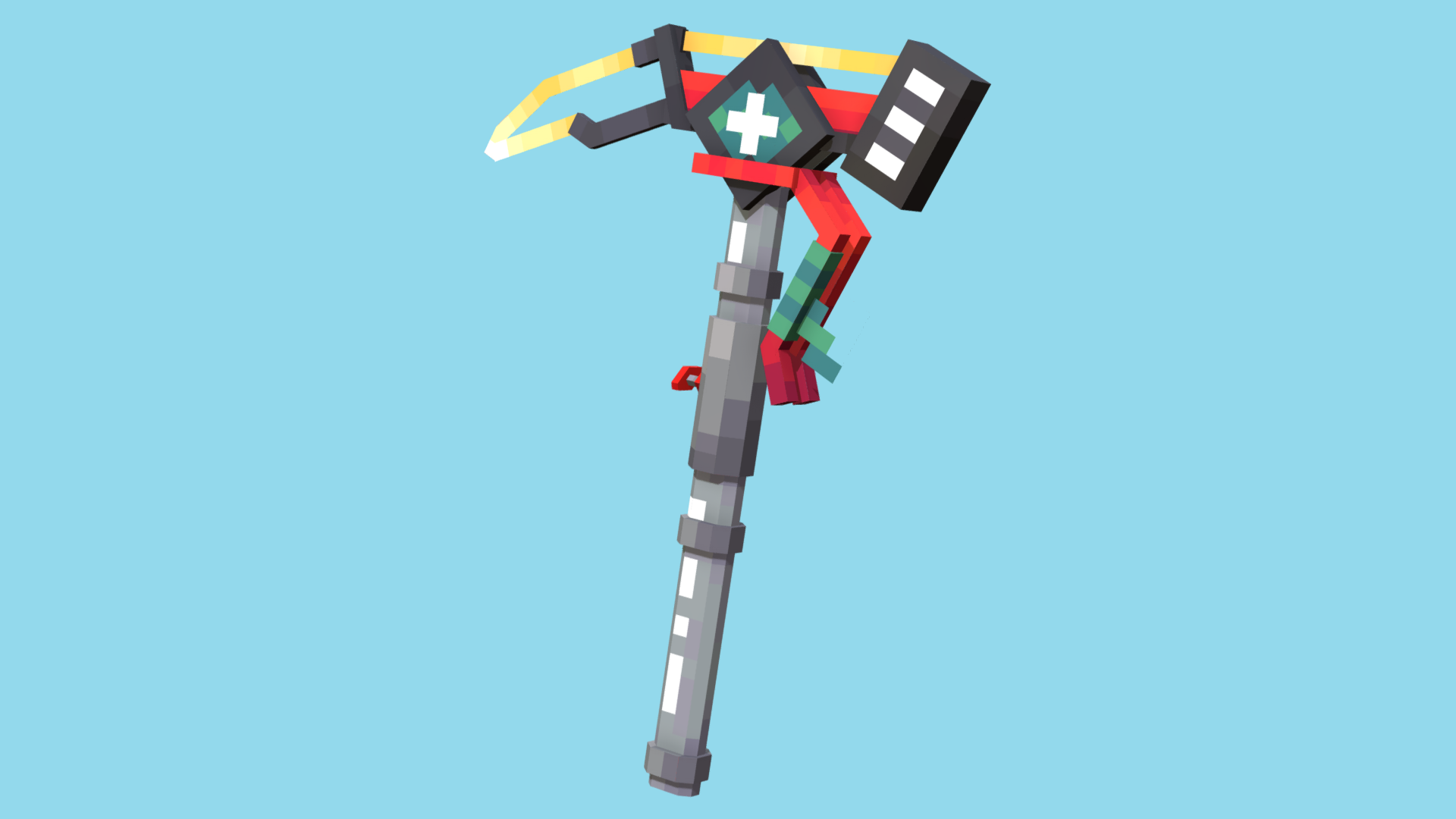
Arcanedge pickaxe
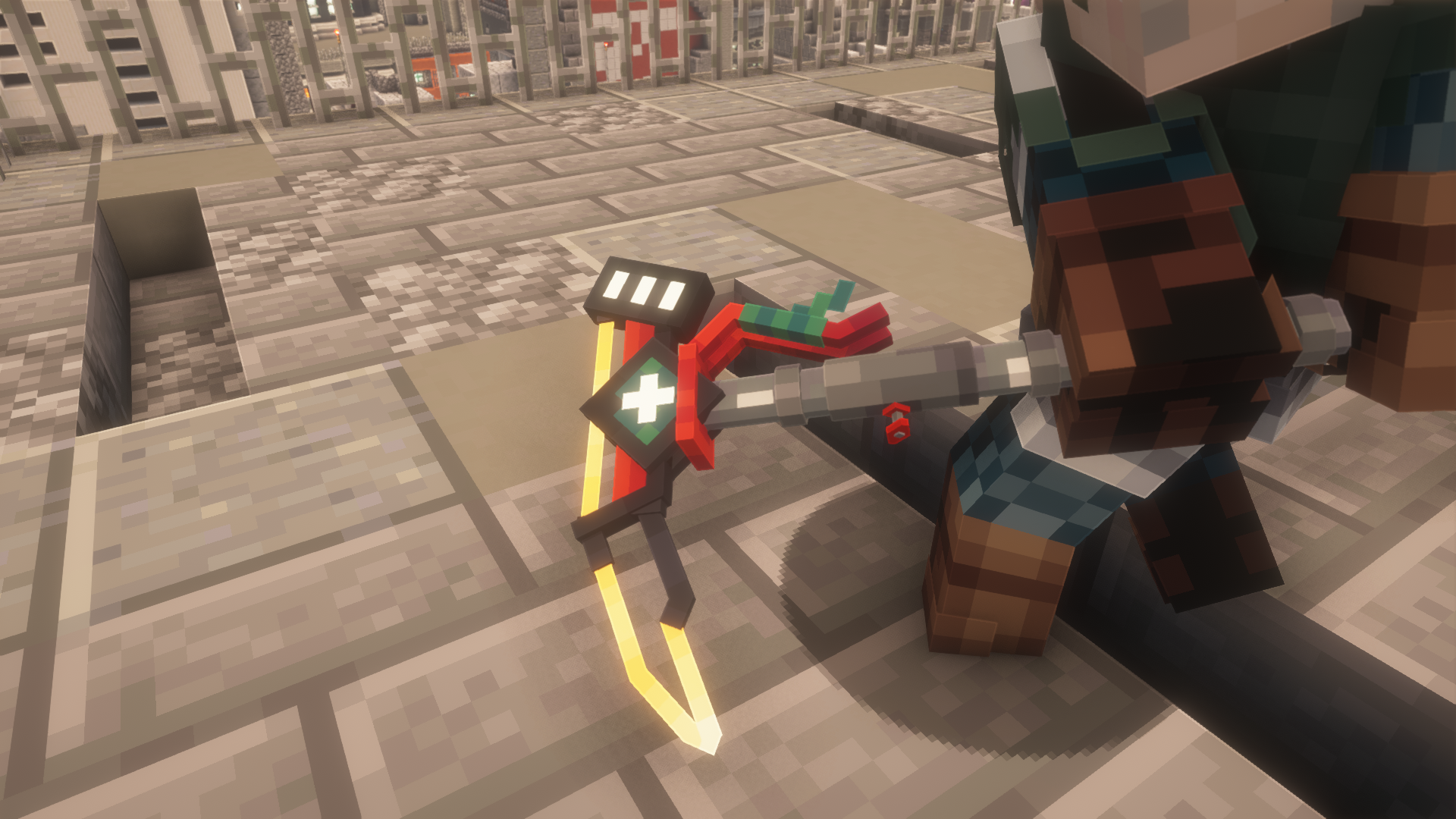
# **Cyberpunk pickaxe**
– **To obtain it, rename any pickaxe on the anvil “Arcanedge”. Works with Optifine or modification “[Cit Resewn](https://modrinth.com/mod/cit-resewn)” (Fabric)**
### !!!Attention, this model is included in [this resource pack](https://modrinth.com/resourcepack/cyberpack)!!!
# **Social**


# **Support the project**

AquaHUD/Flat
# AquaHUD/Flat
A simplistic, modern UI resource pack designed to match Sodium’s UI.
## What makes AquaHUD/Flat different from normal AquaHUD?
AquaHUD Flat is AquaHUD but with:
* no grids
* no hard exterior outlines
* more seperation between elements
## About
Upon installing sodium, I immediately found it rather annoying that it’s user interface was completely different from the rest of Minecraft’s. So, I took it upon myself to create a resource pack that attempts to complement Sodium’s user interface in a way that makes every screen feel consistent and like it was meant to look that way. This has been in development for quite a while, so there may be some inconsistencies with some UIs.
## Permissions
do whatever, i dont care
## Requirements
The only requirement is [my TranslucencyFix mod](https://modrinth.com/mod/translucencyfix).
## Recommendations
Ready for the cool stuff? Me too.
* Sodium: https://modrinth.com/mod/sodium
* Sodium Extra: https://modrinth.com/mod/sodium-extra
* Blur: https://modrinth.com/mod/blur-fabric
* ‘Slight’ Gui Modifications: https://modrinth.com/mod/slight-gui-modifications
* OneBar: https://modrinth.com/mod/onebar
* Using Optifabric? Custom Background Color instead of Blur: https://modrinth.com/mod/r1ifqLkv/version/XQhFC2Zk
Special instructions:
* Blur
* set Fade Time to 0
* set Blur Radius to 32
* set Gradient Start Color to 75999999
* set Gradient End Color to 75555555
* ‘Slight Gui Modifications
* Enable Tooltip Modifications
* set Background color to A0000000
* set Outline Top Color to 00000000
* set Outline Bottom Color to 00000000
* LibGUI (Open Mods menu -> Filter -> Libraries -> Shown)
* Enable Dark mode.
* Why? Because LibGUI hardcodes damn near half of it’s GUIs and I can’t do anything about it.
* OneBar
* Set background color to A0000000
* Custom Background Color
* Alpha on both start and end: 117
* Red, Green, and Blue on start: 153
* Red, Green, and Blue on end: 85
Excalibur | Aquaculture 2
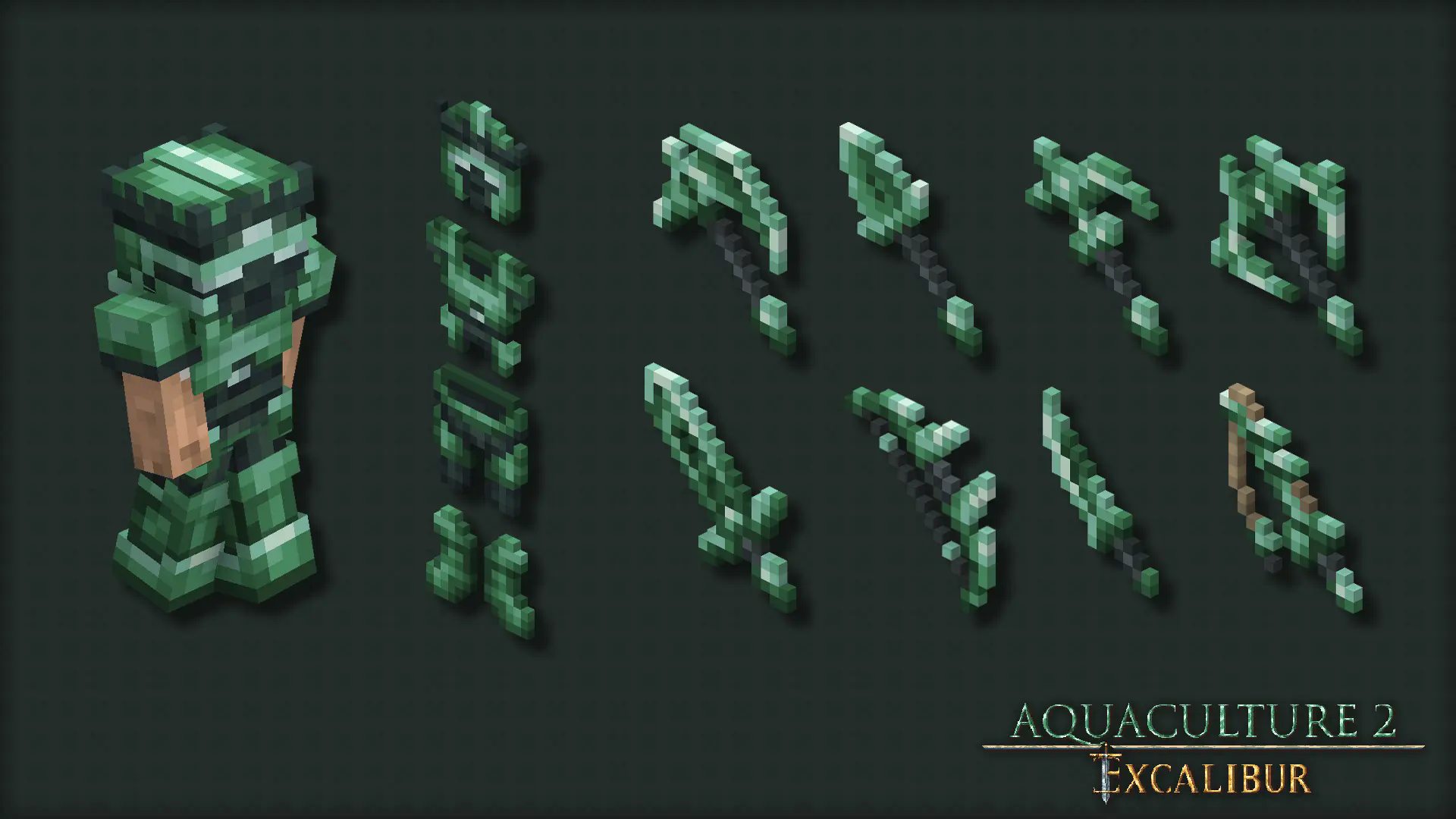
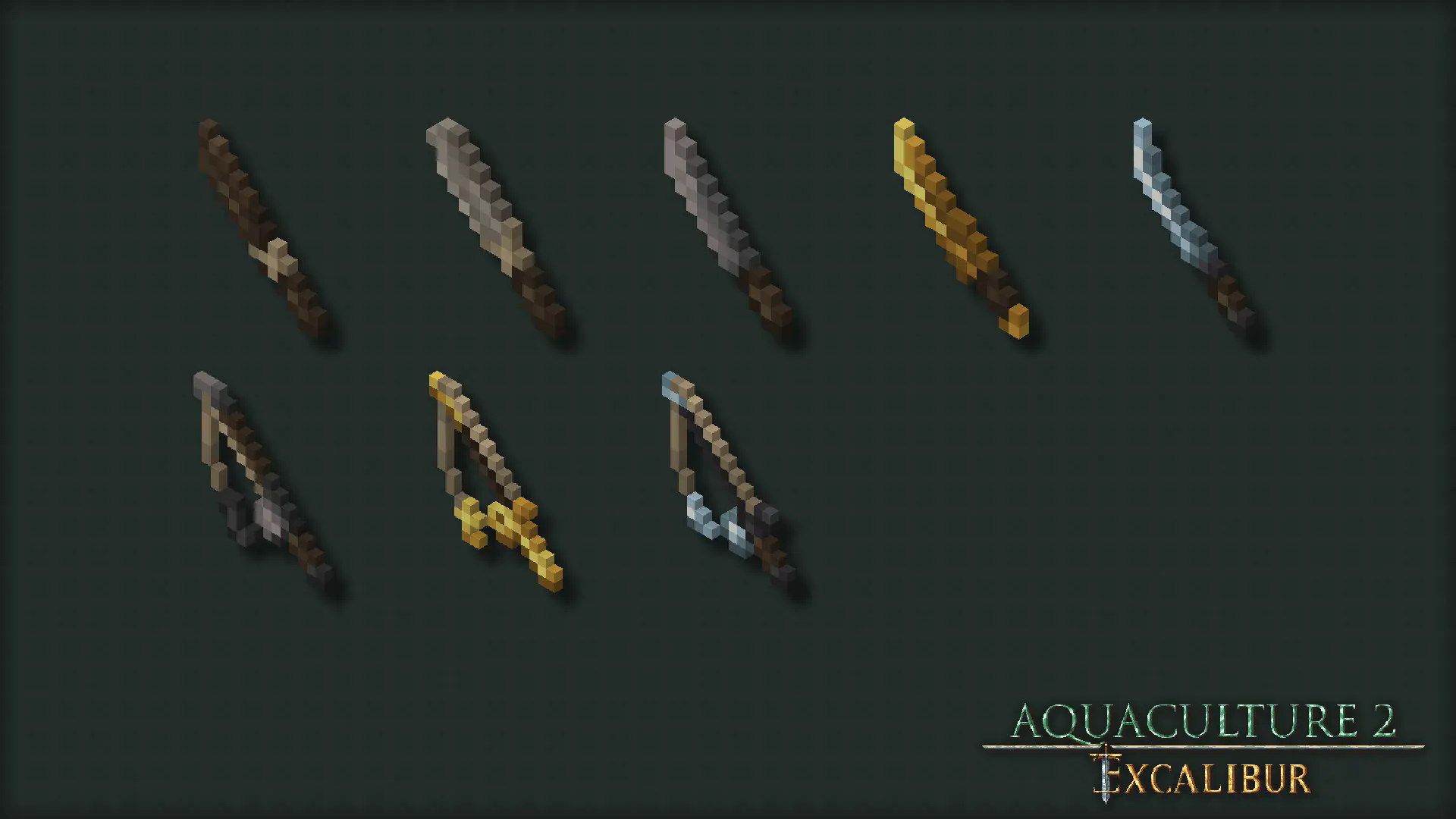
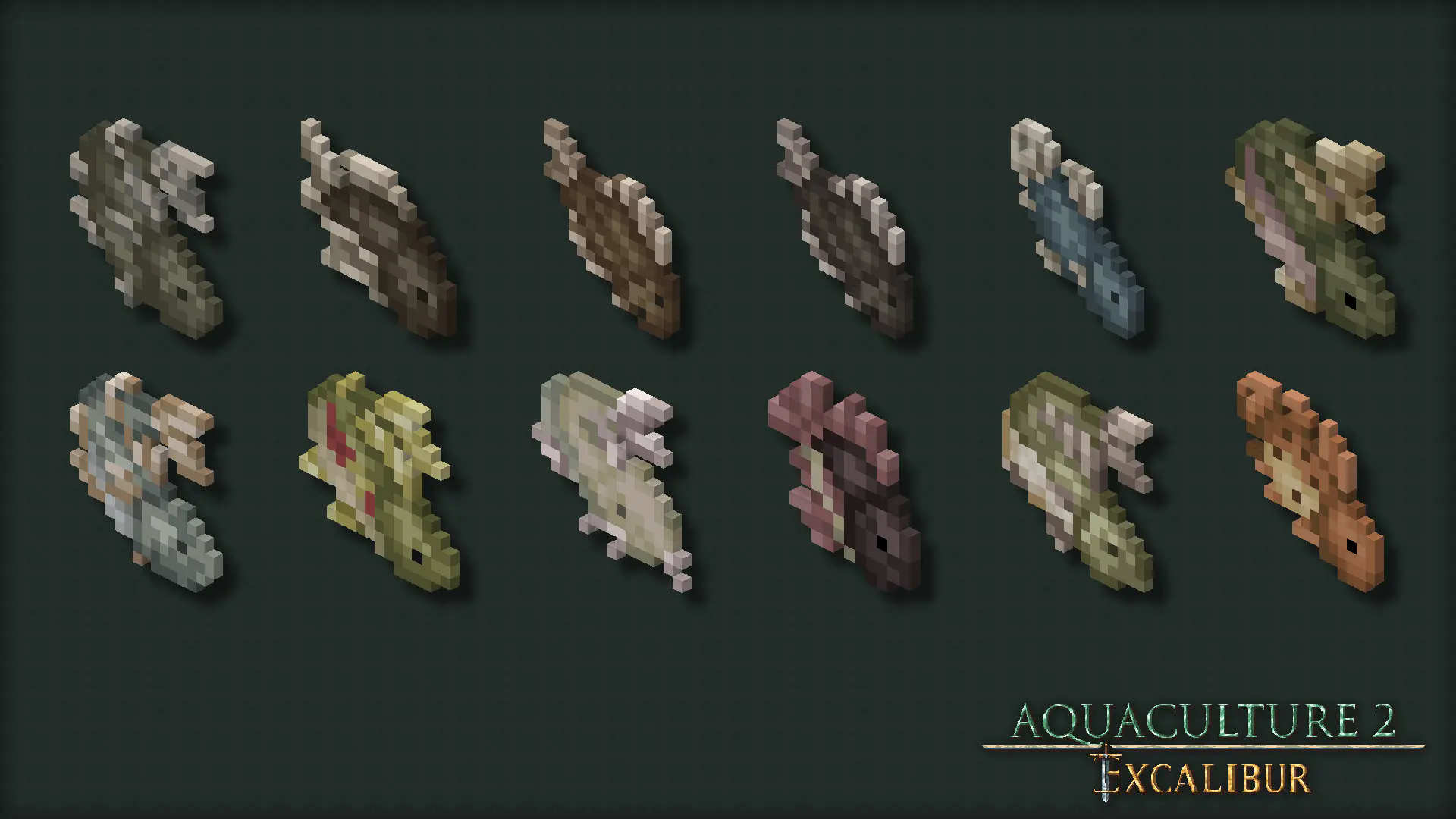
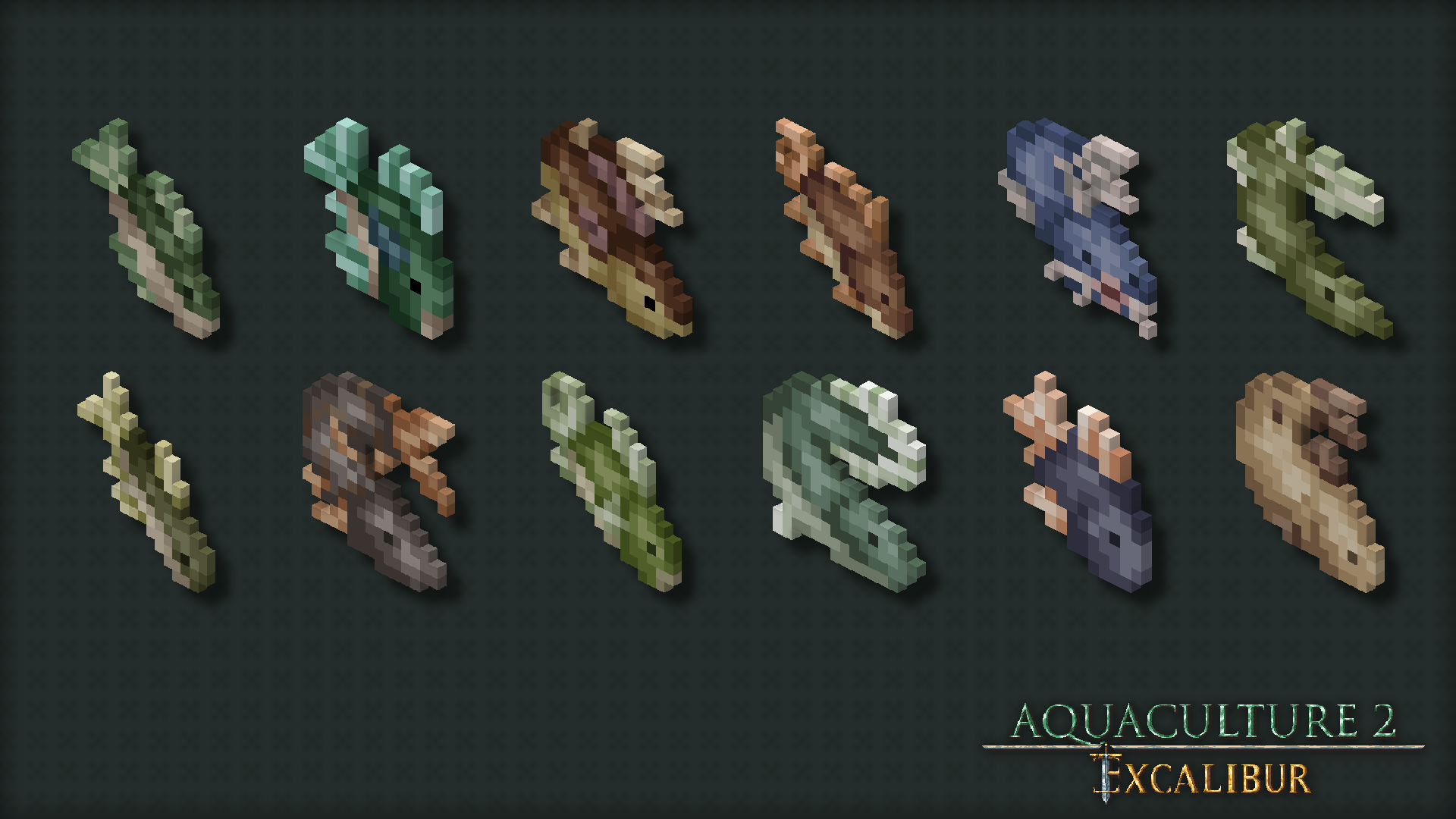
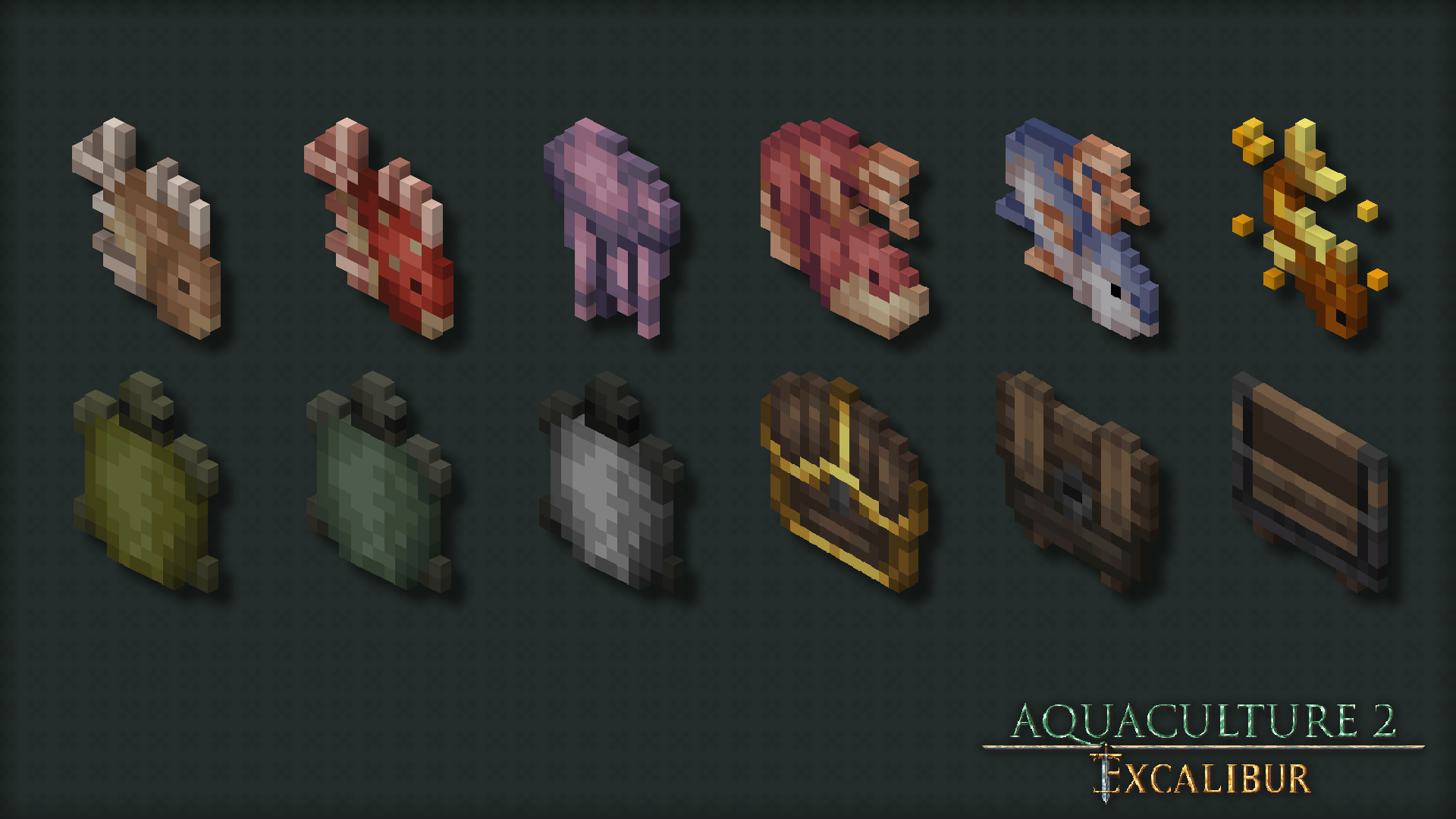
A **resource pack** designed to align the aesthetics of [Aquaculture 2](https://modrinth.com/mod/aquaculture) mod with the [Excalibur](https://modrinth.com/resourcepack/excal) resource pack. This pack is considered 100% completed, containing 182 textures for various items and blocks.
## Installation:
> Launch Minecraft and click on “Options”
> Click on “Resource Packs”
> Click on “Open Resource Pack Folder”
> Drag the Aquaculture2ExcaliburSupport.zip file into the resource pack folder
> Move the Aquaculture 2 Excalibur Support resource pack from the left column to the right
> Make sure that the support pack is placed above the original Excalibur resource pack
> Select “Done”
> GET FISHING
## Showcase