
# Ars Magica: Legacy [](https://discord.gg/GcFqXwX)
A renewed look into Minecraft with a splash of magic…
## Introduction
Ars Magica: Legacy is a port of Mithion’s [Ars Magica 2](https://mc-mods.cf/ars-magica-2) for 1.18.1+.
It features an exciting way of creating spells, which can be used in several ways to buff yourself, serve as a tool replacement, fight against mobs and much more!
As of now, the mod is still actively developed. This means that many features are not yet implemented and some may not work yet.
If you want to support the project, you can donate via [Patreon](https://www.patreon.com/minecraftschurli) or [Paypal](http://paypal.me/minecraftschurli). You can also join our [Discord Server](https://discord.gg/GcFqXwX).
The old mod’s potion bundles were moved into their own project: Potion Bundles ([CurseForge](https://mc-mods.cf/potion-bundles) / [Modrinth](https://modrinth.com/mod/potion-bundles)). Be sure to check it out too!
## Getting Started
**1.19 and above**
In plains and plains-like biomes, you will rarely find puddles of Liquid Essence. Craft an Arcane Compendium with a book and a Liquid Essence Bucket. It will then guide you through the mod.
**1.18 and below**
In the underground, you will find a variety of ores added by this mod. The most common of those is Vinteum Ore. Craft an Arcane Compendium with a book and a piece of Vinteum Dust. It will then guide you through the mod.
## Features
– A spellcrafting system that allows you to put together your own spell, letting you choose from over 100 unique spell parts
– Magic XP that increases with using spells, allowing you to perform more powerful spells the higher your level is
– A unique and balanced Mana & Burnout mechanic
– A total of 10 affinities to shift into, that each give you unique buffs and debuffs depending on how deep your shift is
– 10 bosses, one for each affinity, each with unique mechanics and animations
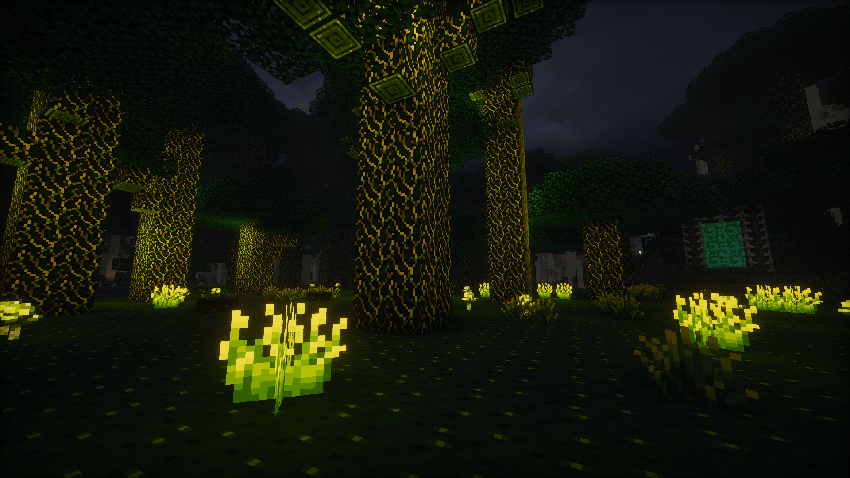
– A new fancy tree type that can be found rarely in dark forests
– In-game documentation via the Patchouli mod
– Customization via datapacks, allowing you to change dependencies and unlock costs of spell parts, alter mana and crafting costs of spell parts, add new materials for the crafting altar, and much more
– An extensive API for addon developers to build upon, allowing them to add new spell parts. affinities, skill points etc
## Planned Features
– Lots of blocks and items from the old mod
## Dependencies & Compatibility
This mod requires Patchouli ([CurseForge](https://mc-mods.cf/patchouli) / [Modrinth](https://modrinth.com/mod/patchouli)) version 1.18-58 or newer for the in-game documentation.
From version 1.2.0 onwards, this mod requires GeckoLib ([CurseForge](https://mc-mods.cf/geckolib) / [Modrinth](https://modrinth.com/mod/geckolib)).
This mod has optional integration with [JEI](https://mc-mods.cf/jei), [Curios](https://mc-mods.cf/curios) and [The One Probe](https://mc-mods.cf/the-one-probe).
This mod is not compatible with OptiFine or most similar mods, due to them breaking rendering internals.
## Bugs & Crashes
If your game crashes upon starting, please check if you have downloaded all dependencies in the right versions (see above) and if you are on the newest Forge version.
If it still crashes, please check if it is an incompatibility with another mod. To do that, remove all mods except Ars Magica: Legacy and the dependencies and re-add one mod by another. When you have found an incompatibility, create a [GitHub issue](https://github.com/Minecraftschurli/ArsMagicaLegacy/issues) (only if none with the same error does not exist yet) and put Incompatibility with <Mod Name> in the title.
If you found a bug in-game, please report it on [GitHub](https://github.com/MinecraftschurliMods/Ars-Magica-Legacy/issues) as well. Again, please check if a similar issue already exists first.
## Modpacks
You may use this mod in any modpack that meets the following conditions:
– A link back to this page is given
– The modpack does not require money to be played (Optional donations, such as Patreon, are fine)
– You give credit to the mod owner (Minecraftschurli)
– You do not claim that you made this mod or parts of it
## Fabric
We currently do not support Fabric and have not got the capacity to support it our selves. If you are interested in helping us making it work on Fabric, feel free to contact us on Discord.
## Legal disclaimer
Ars Magica is a trademark of Atlas Games®, used with permission.
Some textures used in this mod are property of D3miurge, used with permission.
Ars Magica 2.5
This is an unofficial fork of Ars Magica 2 by TCLProject with some bug fixes from Jss2a98aj;
Changes/New Features (TL;DR):
– Re-added Staffs
– Re-added Caster Blocks and Runes
– Re-added Moo Moo Farm
– Added New Components, Shape, Modifiers and Talents
– Added an enormous amount of new spell icons
– Added compat with Not Enough Items and Magic Bees
– Added recipes for multiple previously uncraftable items
– Added multiple new items, blocks and contraptions with utility
– Added and changed multiple core mod mechanics
– Re-added and implemented multiple lost and unfinished features
– Refined Altar, Burnout, Leveling and Bosses
– Improved/optimized startup time
– Fixed missing lang entries
– Fixed a plethora of bugs and crashes
– See in-game documentation or github for more details
Note: The screenshots are not entirely up to date. More content has been added since.
Original Description: A look into what Minecraft could become when you add a splash of magic…Ars Magica is a mod about casting powerful spells, fighting bosses, and having fun with magic! It features a unique spell creation system where you can create any spell you can imagine!
**Aromatic** is a small mod that adds a number of neat cinnamon features.
 **Cinnamon Rainforest** is an uncommon biome that is often adjacent to jungles, it is the biome where the cinnamon trees grow and caddles dwell.
 **Cinnamon Wood** is a new yellow-coloured wood type which also has thin versions.
 **Cinnamon Bark** can be obtained by stripping cinnamon logs and can be smelted to be used as an ingridient in foods.
 **Caddle** (_[/kædl/](https://en.wikipedia.org/wiki/International_Phonetic_Alphabet_chart)_) is a scrunkly animal that lives in cinnamon forests, can be bred with cinnamon berries, and can be sheared to get cassia flowers.
 **Cassia** is a mainly decorative flower that can be also smelted to be used to get anosmia.
 **Anosmia** is a status effect that makes any food eaten give the same amount of hunger points during its duration.
 **Cinnamon Bundles** can be used to stun any attacking arthropod.
 **Barkjam** is a new music disc that can be obtained by stripping cinnamon logs.
# Adaptive Range Mob Spawner (ARMS)
The Adaptive Range Mob Spawner (ARMS) plugin dynamically adjusts the activation range of spawners in Minecraft based on the server’s TPS (Ticks Per Second), ensuring optimal performance while maximizing mob spawn rates. It improves gameplay by maintaining a balance between efficient mob farming and server stability, even during high player activity.
## Key Features
Dynamic Activation Range Adjustment:
Automatically adjusts the spawner’s activation range between a low and high threshold based on the server’s TPS.
When TPS is high, the range increases to maximize mob spawning.
When TPS drops below the configured threshold, the range decreases to reduce server load.
### Player-Defined Range Control:
Initial, low, and high ranges can be defined in the configuration to meet server needs.
Set a custom initial range for placed spawners.
Automatically revert to a vanilla range for naturally generated spawners (optional).
### Intelligent Chunk Management:
Only updates chunks near active players to reduce unnecessary processing.
Preexisting spawners can optionally be treated as player-placed for backward compatibility.
### Auto-Update on Chunk Load:
Ensures spawners update dynamically when a chunk is loaded or when the TPS status changes.
### Persistent Player-Placed Spawner Tagging:
Spawners placed by players are marked with persistent data, ensuring that only marked spawners retain adjusted ranges while natural spawners can be left unaffected.
### Startup and Manual Update Options:
Automatically updates all loaded chunks on server startup.
Force-update all spawners manually with a command.
## Configuration Options
The plugin offers an extensive configuration file to customize its behavior:
### Range Settings:
initial-spawner-range: Initial range for player-placed spawners.
spawner-range-high: Range when TPS is high.
spawner-range-low: Range when TPS is low.
### TPS Thresholds:
tps-threshold-low: TPS level to reduce the range.
tps-threshold-high: TPS level to restore a higher range.
### Chunk Management:
only-update-near-players: Limit updates to chunks near active players.
player-chunk-radius: Radius of chunks around players to monitor.
### World Control:
disabled-worlds: List of worlds where the plugin should be disabled (e.g., the_nether, the_end).
### Spawner Update Policies:
affect-naturally-generated: Whether to update naturally generated spawners.
update-preexisting-spawners: Whether to update preexisting spawners without a player-placed marker.
## Commands
/adaptivespawner — View the current TPS, range, and status of the plugin.
/adaptivespawner reload — Reload the configuration file without restarting the server.
/adaptivespawner debug — Toggle debug mode to enable verbose logging.
/adaptivespawner update — Force a manual update of all loaded spawners.
## Permissions
block4block.admin — Grants access to plugin commands and configuration reloading.
## Use Cases
– Farms and Grinders: Maximize mob spawns while protecting TPS during high server load.
– Survival and Faction Servers: Dynamic range adjustment ensures that high mob spawning does not cause server lag.
– Creative and Custom Worlds: Fine-tune mob spawn mechanics to suit the specific needs of your server.
## Performance Impact and Safety
Optimized for minimal impact using chunk caching and efficient TPS checks.
Asynchronous chunk processing where supported (for Paper servers) ensures smooth updates even during peak hours.
Debug mode for detailed logging and troubleshooting.
## Installation and Setup
Download and place the plugin .jar file in the server’s plugins folder.
Start or reload the server.
Customize the config.yml to fit your server’s requirements.
Use /adaptivespawner reload to apply changes without restarting.
## Compatibility
Compatible with Bukkit, Spigot, and Paper ( Paper is recommended for best performance).
Supports Minecraft versions 1.13 to 1.21+.
Fully configurable to adapt to various server types and world environments.
With Adaptive Range Mob Spawner, you can ensure efficient mob spawning, maintain optimal TPS, and provide a seamless experience for your players.
ArmoredForge add (10) armored minecraft blocks to your server. (in own creative tab)
Please Note! this mod is old. we will no longer added extra block or items to this mod.
Armored Foes
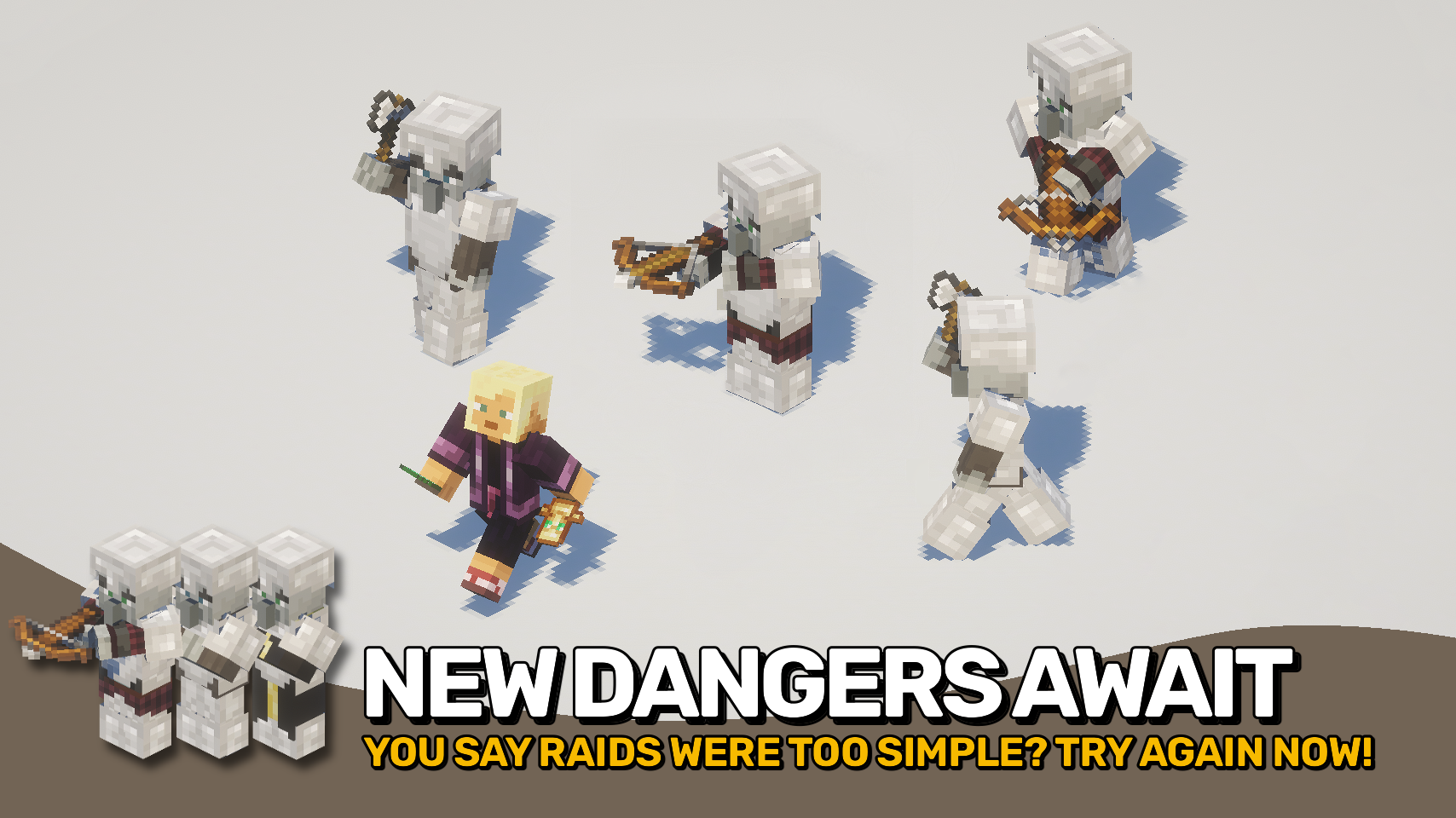
Armored Foes makes Minecraft’s enemies tougher and more immersive by letting more mobs wear and show armor. Villagers, witches, and all kinds of illagers now visibly display any armor they are equipped with, just like players do.
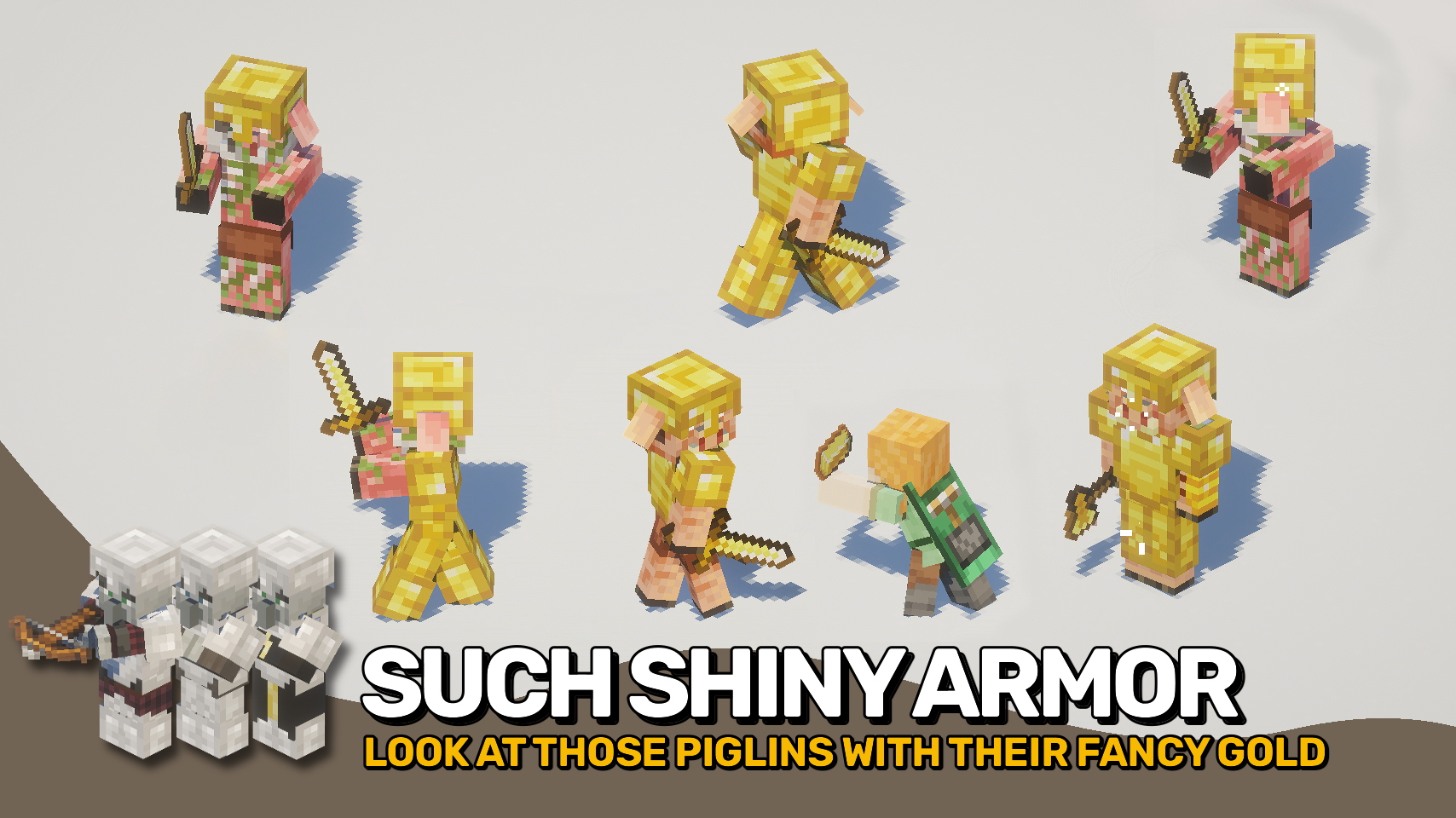
The mod also adds natural armor spawns to certain creatures, giving them more variety and challenge. Drowned and Wither Skeletons can appear in normal armor, Piglins in gold, and Illagers will equip armor during raids. Everything is fully data driven and easy to tweak through loot tables and conditions.
⚔️ Visible Armor for All: Witches, villagers, and illagers now show the armor they wear.
🧟 Natural Armor Spawns: Drowned and Wither Skeletons can spawn with armor like zombies and skeletons.
🪙 Golden Piglins: Piglins, Piglin Brutes, and Zombie Piglins spawn wearing golden armor.
🏰 Armored Raids: All Illagers such as Vindicators, Evokers, Pillagers, and Illusioners equip armor during raids.
📜 Data Driven Equipment: Define natural mob equipment using loot tables with conditional rules.
⚙️ Fully Configurable: Easily tweak spawn chances, armor types, and conditions via data packs.
⏩ INSTALLATION REQUIRED ON CLIENT & REQUIRED ON SERVER
⏩ REQUIRES PUZZLES LIB TO BE INSTALLED (FABRIC & NEOFORGE)
If available for a mod, configuration is possible directly from in-game using the mod menu (requires Mod Menu by Prospector to be installed on Fabric). Please note that on older Minecraft versions installing Forge Config Screens is also a requirement.
For manual configuration using an external text editor all files are found at .minecraft/config, named as MOD_ID-client.toml, MOD_ID-common.toml, or MOD_ID-server.toml, depending on the type of config. Not all types might exist for a mod, if any at all.
🌟 Huge thanks to IMB11 for their Armorful mod, which inspired me to work on this project.
Ariente World
# Ariente World
Ariente is a tech mod with a twist. Instead of giving you direct access to all machines in this mod you’ll have to conquer the technology from aliens in a custom dimension. This mod is currently still early alpha. When ready it will give you all kinds of powerful machines and a new power system to feed those machines. The dimension is progression based with top tier dungeons that are very hard. This is a companion mod for [Ariente](https://modrinth.com/mod/ariente).
## Modpacks
Since this is alpha it is not recommended to include this in modpacks. But I will not stop you if you try.
## Requirements
This mod requires **[HoloGui](https://modrinth.com/mod/hologui)** and **[Ariente](https://modrinth.com/mod/ariente)**.
## About
More up to date information on this mod can be found at the [Ariente wiki](https://www.mcjty.eu/docs/mods/ariente).
ArenaRegenerator is a plugin for Minecraft servers that handles arena saving, resetting, and full minigame logic using WorldEdit or FAWE.
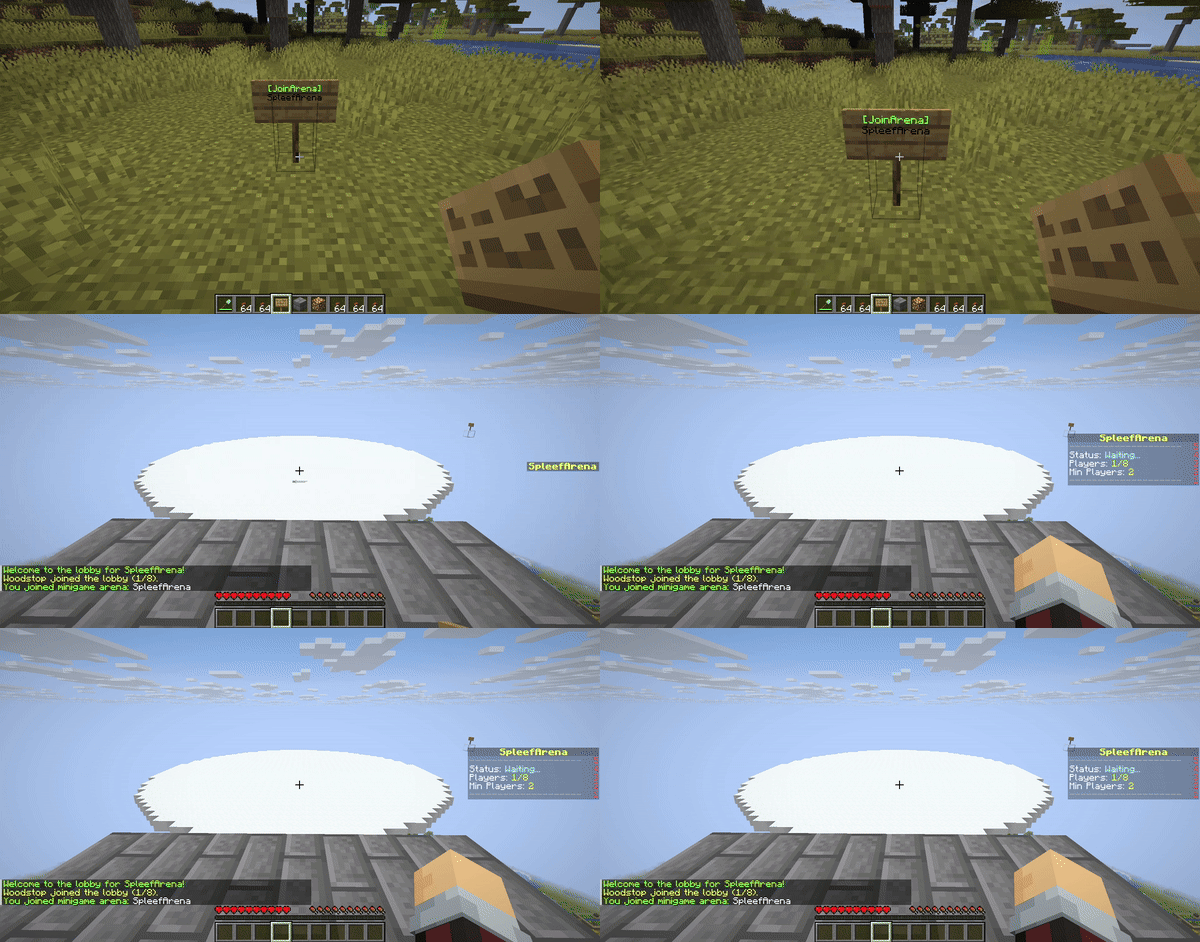
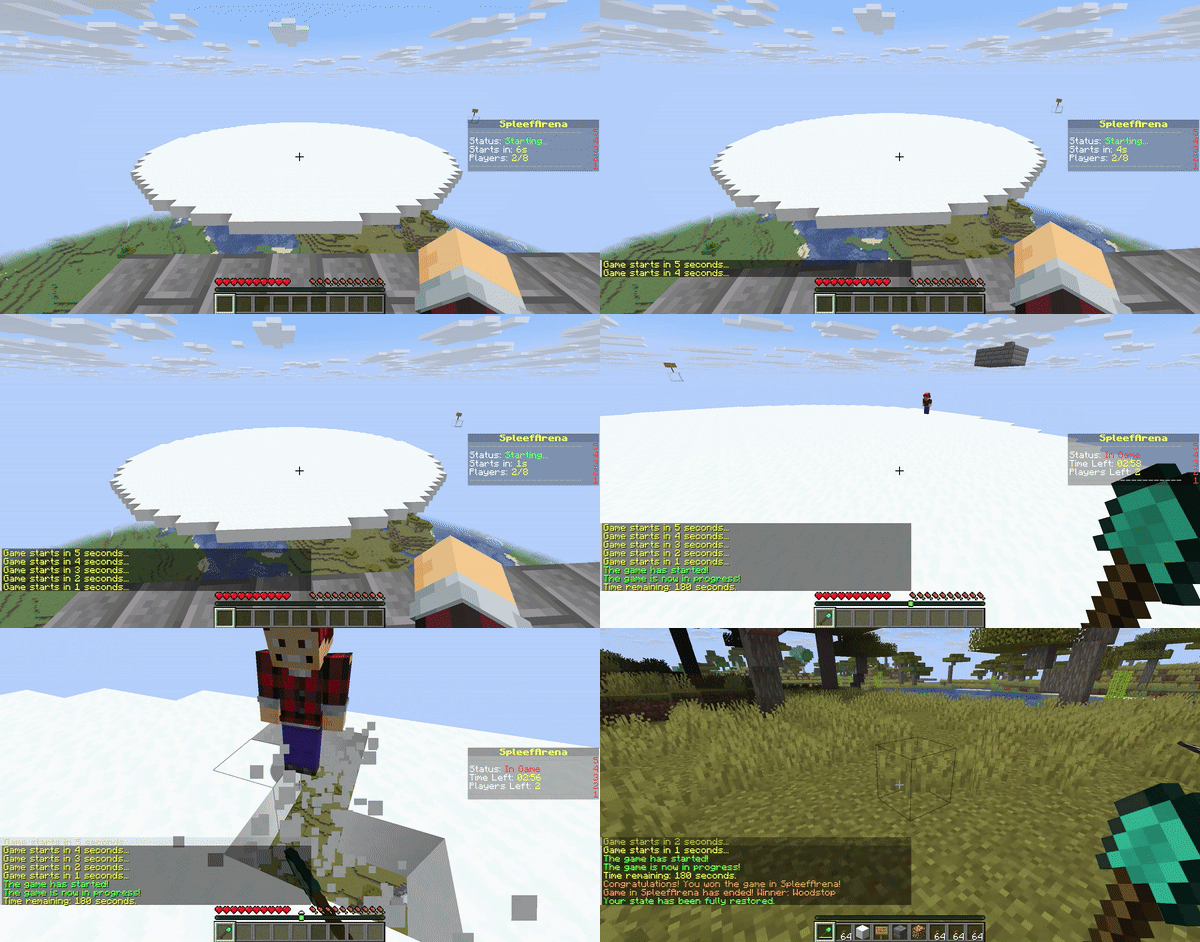
This plugin manages and regenerates WorldEdit or FAWE-defined arenas. Includes full minigame support (e.g., lobby, countdown, game state, win detection) and interactive signs for easy use.
– List, delete, and view detailed information for saved arenas.
* Minigame System:
– **Lobby System**: Players can join an arena’s lobby and wait for enough players.
– **Countdown**: A configurable countdown begins when the minimum player count is met.
– **Game Start**: Players are moved from the lobby to game spawn points, inventories are cleared (configurable), and game mode is set.
– **Game End**: Game ends after a set duration or when a win condition (e.g., last player standing) is met. Players are teleported out, their state is restored (configurable), and the arena is reset.
– **Spectator Mode**: Players leaving the arena boundaries during a game can be moved to spectator mode.
– **Configurable Rules**: Set minimum/maximum players, game duration, lobby countdown, items and game mode on join, what blocks can be broken or placed, and damage prevention per arena.
* Interactive Signs:
– Regenerate arenas on click with `[RegenArena]` signs
– Join minigame arenas with `[JoinArena]` signs
– Leave minigame arenas with `[LeaveArena]` signs
### /arena save and /arena info
### /arena clear and /arena regen
### Arena Regen Signs
### Join Arena Signs
### Minigame Logic
## **Dependencies**
This plugin requires either **WorldEdit** or **FastAsyncWorldEdit (FAWE)** to be installed on your server.
**Important:** Only install ONE of these plugins (WorldEdit or FAWE) on your server. Having both can cause conflicts.
## **Installation**
1. Download the latest `ArenaRegenerator-X.X.X.jar` from the [releases](https://github.com/Woodstop/ArenaRegenerator/releases) page (or compile it yourself).
2. Download either **WorldEdit** or **FastAsyncWorldEdit (FAWE)** that is compatible with your server version.
3. Place both `ArenaRegenerator-X.X.X.jar` and your chosen WorldEdit/FAWE JAR into your server’s plugins/ folder.
4. Restart server.
## **Usage**
### **Interactive Signs**
Create signs to automatically regenerate arenas, join minigames, or leave minigames.
1. Place sign.
2. Line 1: `[RegenArena]` or `[JoinArena]` or `[LeaveArena]`.
3. Line 2: Your exact arena name.
4. Players with appropriate permissions can click to use.
5. Default 10-second cooldown; `arenaregenerator.sign.bypass` overrides.
## **Commands and Permissions**
Commands use the `/arena` prefix. An alias `/ar` is also available. Replace `` with your desired name for the arena.
`` can be either `lobby`, `exit`, `spectator`, or `game`.
| **Permission Node** | **Description** | **Command** |
|————————————–|———————————————————————-|——————————————————-|
| `arenaregenerator.regen` | Allows use of the regen function | `/arena regen ` |
| `arenaregenerator.save` | Allows saving an arena | `/arena save ` |
| `arenaregenerator.list` | Allows listing saved arenas | `/arena list` |
| `arenaregenerator.delete` | Allows deleting an arena | `/arena delete ` |
| `arenaregenerator.clear` | Allows clearing an arena without deleting the schematic | `/arena clear ` |
| `arenaregenerator.info` | Allows viewing info about the current arena | `/arena info ` |
| `arenaregenerator.select` | Allows selecting a region for an arena | `/arena select ` |
| `arenaregenerator.setspawn` | Allows setting lobby, exit, spectator, and game spawns for minigames | `/arena setspawn [spawnName]` |
| `arenaregenerator.delspawn` | Allows deleting spawn points for minigames | `/arena delspawn [spawnName]` |
| `arenaregenerator.join` | Allows joining minigame arenas | `/arena join ` |
| `arenaregenerator.leave` | Allows leaving minigame arenas | `/arena leave` |
| `arenaregenerator.reload` | Allows reloading the plugin configuration | `/arena reload` |
| `arenaregenerator.sign.create.regen` | Allows players to create `[RegenArena]` signs | *Create sign with tags* |
| `arenaregenerator.sign.create.join` | Allows players to create `[JoinArena]` signs | *Create sign with tags* |
| `arenaregenerator.sign.create.use` | Allows players to create `[LeaveArena]` signs | *Create sign with tags* |
| `arenaregenerator.sign.use.regen` | Allows players to use `[RegenArena]` signs | *Click `[RegenArena]` sign* |
| `arenaregenerator.sign.use.join` | Allows players to use `[JoinArena]` signs | *Click `[JoinArena]` sign* |
| `arenaregenerator.sign.use.leave` | Allows players to use `[LeaveArena]` signs | *Click `[LeaveArena]` sign* |
| `arenaregenerator.sign.bypass` | Allows players to bypass sign cooldowns | *Click signs repeatedly* |
| `arenaregenerator.sign.break` | Allows players to break interactive signs | *Break sign block* |
# Cooldown in seconds for using ArenaRegenerator signs (e.g., [JoinArena], [RegenArena]).
# Set to -1 to disable the cooldown entirely.
sign-use-cooldown-seconds: -1
# Minigame Arena Configurations
# Define settings for each arena that will function as a minigame.
minigames:
# Example Arena Configuration
arena_1:
enabled: false # Whether this arena can be used as a minigame
min-players: 2 # Minimum players required to start the game
max-players: 8 # Maximum players allowed in the arena
game-duration-seconds: 180 # How long the game lasts (e.g., 3 minutes)
lobby-countdown-seconds: 10 # Countdown before game starts when min players met
# Player State Restoration
# If true, players’ inventory, health, food, game mode, and exact location
# will be saved before joining and restored upon leaving/game end.
# If an exit spawn is defined, this will override the player’s last location.
restore-player-state-on-exit: true
# Whether players’ inventories are cleared when joining the game
clear-inventory-on-join: true
# Specify items to give on join as a list of “MATERIAL_NAME” or “MATERIAL_NAME:AMOUNT”
give-item-on-join:
– DIAMOND_SHOVEL
– STONE_AXE:1 # Example: a stone axe with quantity 1
– LEATHER_HELMET
– LEATHER_CHESTPLATE
– LEATHER_LEGGINGS
– LEATHER_BOOTS
– COOKED_BEEF:16 # Example: 16 cooked beef
# List of materials that players are allowed to break in this arena
breakable-blocks:
– SNOW_BLOCK
– ICE
– GLASS
# List of materials that players are allowed to place in this arena
placeable-blocks:
– COBBLESTONE
– DIRT
– SAND
prevent-damage: true # Prevent any damage to the players
item-drops: true # Allow item drops from blocks
prevent-item-durability-loss: true # Prevent items from losing durability
winner-rewards: # Gives players rewards for winning the game. Use %player% to specify the winning player.
commands:
– “give %player% diamond 3”
– “eco give %player% 100”
“`
## **Data Storage**
The plugin stores:
* Arena Metadata and Spawn Points: Located in `plugins/ArenaRegenerator/arenas.json`. This file contains the origin, world, and all configured lobby, exit, spectator, and named game spawn points for each arena.
* Schematic Files: Located in `plugins/ArenaRegenerator/schematics/`. These are the WorldEdit schematic files (.schem) for each saved arena.
* Minigame Configurations: Located in `plugins/ArenaRegenerator/config.yml`. This file defines the rules and settings for which saved arenas function as minigames (e.g., min/max players, game duration, specific game rules).
## **Building from Source**
To build from source:
1. Clone repository.
2. Ensure Java 21 and JAVA_HOME are set.
3. Build with Maven (`mvn clean package`).
The compiled JAR will be in the `target/` directory.
## **Support & Contribution**
If you encounter issues, have suggestions, or wish to contribute, visit the [GitHub repository](https://github.com/Woodstop/ArenaRegenerator).
Arena Generator
ArenaPlugin is a simple Minecraft server plugin that allows admins to generate a massive arena made of barrier blocks with a single command. Perfect for PvP, events, or any scenario where you want to keep players inside a defined area!
Features:
– `/generatearena` command for admins
– Instantly creates a 300x300x300 box of barrier blocks as arena walls
– Walls extend from the surface all the way down to bedrock
– Prevents players from escaping the arena
– Easy to use and lightweight
Usage:
1. Place the plugin JAR in your server’s `plugins` folder.
2. Restart your server.
3. As an admin, use `/generatearena` at your desired location to generate the arena.
Permissions:
– `arena.generate` — Required to use the `/generatearena` command
Compatibility:
– Minecraft 1.20+
– Built for Paper/Spigot servers
Installation:
– Requires Java 8+
– Requires a compatible server (Paper/Spigot)
Source Code:
The source code is available on request or can be found in the plugin JAR.
Need a different arena size or more features? Open an issue or request customization!
Arda’s Sculks (Ancient City Portal / Deep Dark Dimension)
##
Arda’s Sculk mod is a mod that allows you to make more powerful tools and items by improving the sculks in the game.
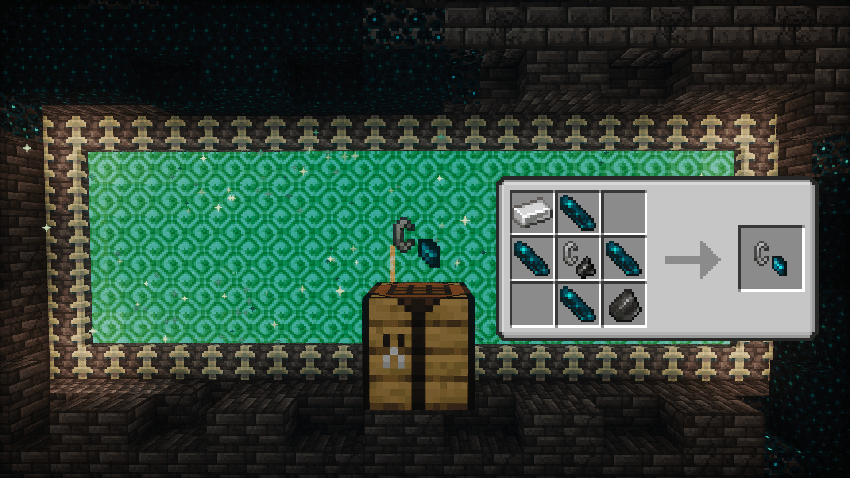
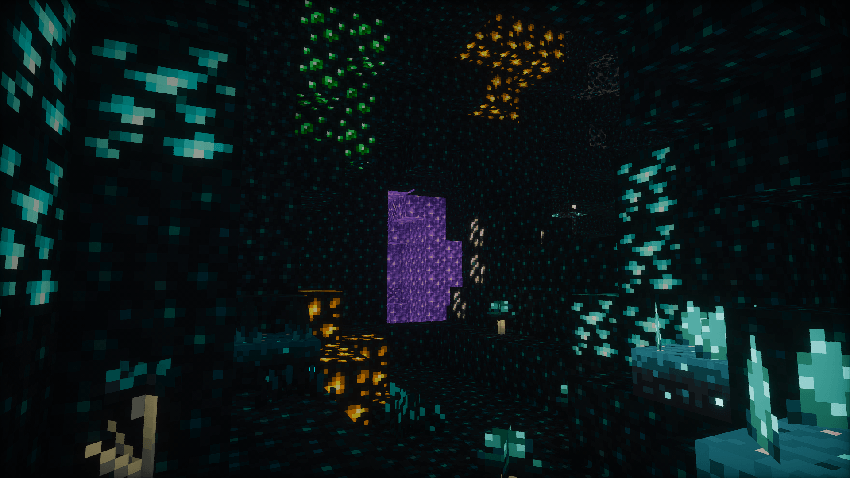
A new portal has been added to the game and you can make a portal igniter that will open this ancient portal with the new materials you collect from the ancient city.
• Ancient World: To access this dimension, the Ancient World Portal Igniter item is required.
##
Sculk Flowers
##
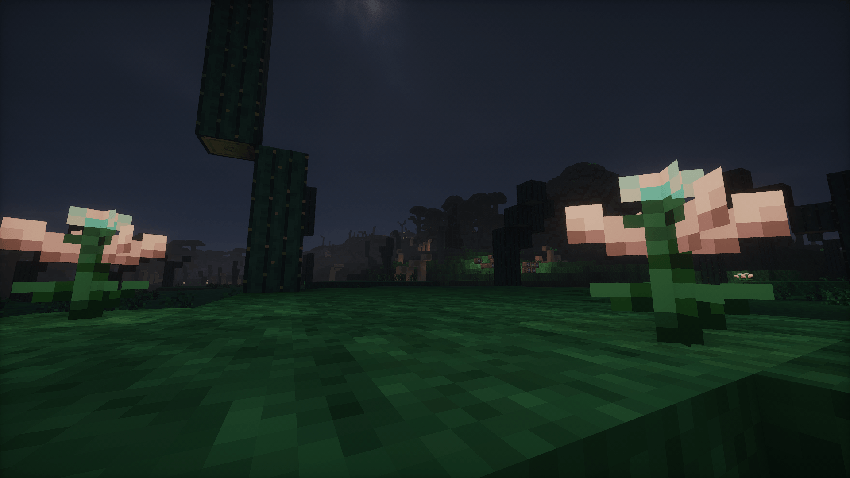
Many flowers and plants have been added that you can use as decoration and light sources in your game.
##
Ancient City Ores
##
##
New Loots
##
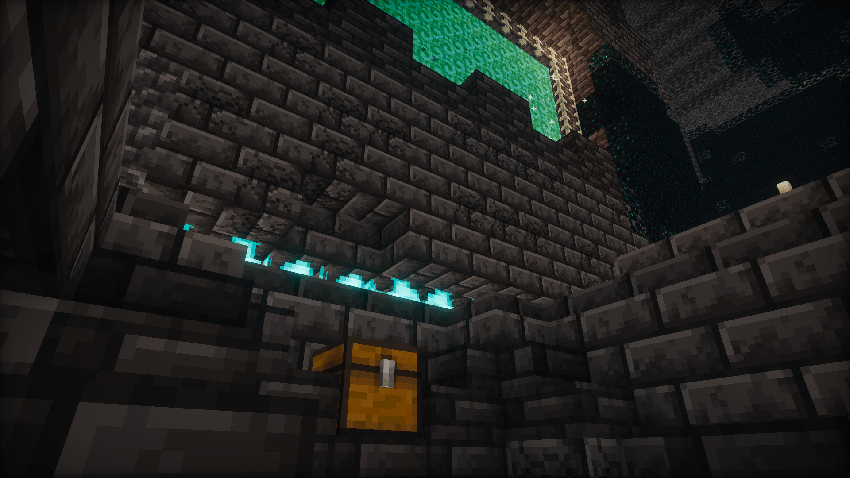
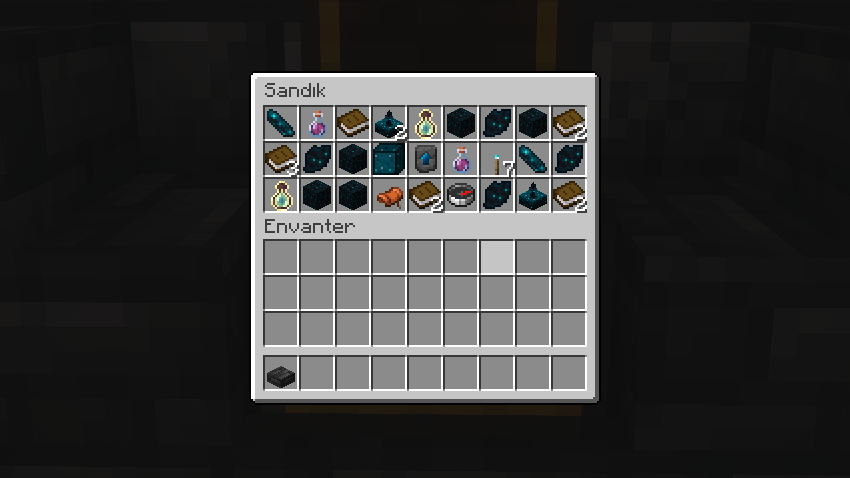
More new items have been added to the game, including the sculkerite upgrade template, which can be found in chests in the ancient city.
##
Sculk Golem
##
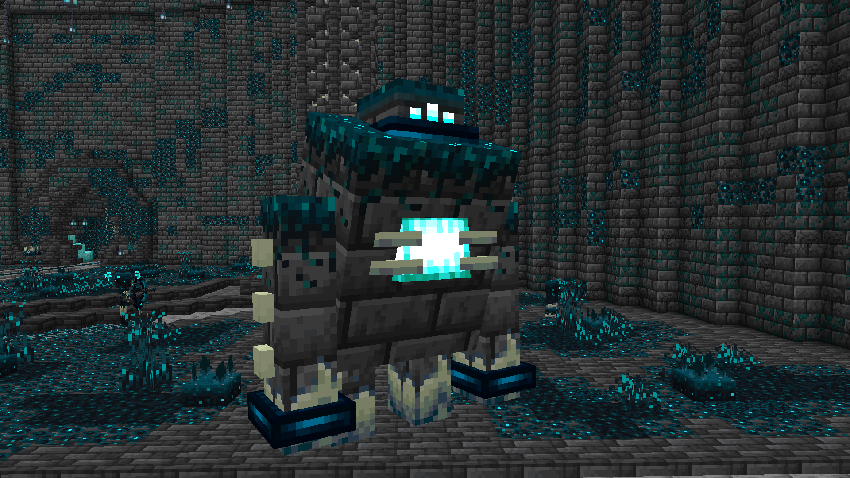
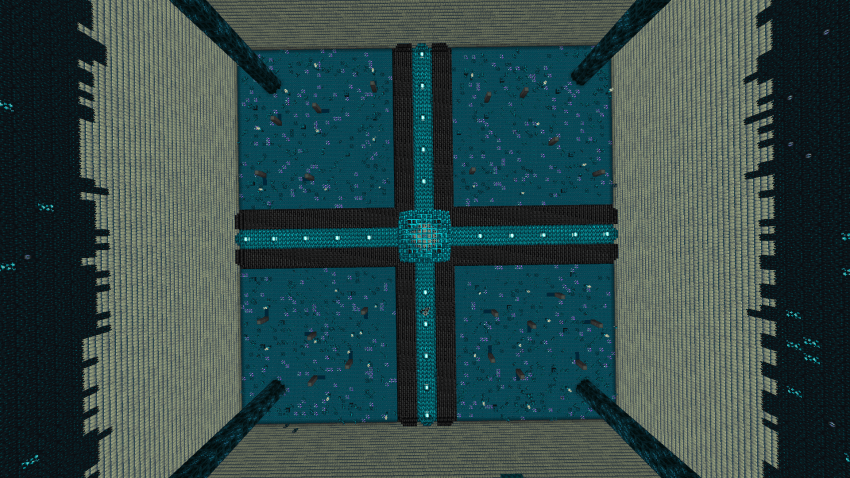
In the new boss area, you can fight the Sculk Golem boss and craft the new sculkerite multi-tool with the sculk crystal he drops!
##
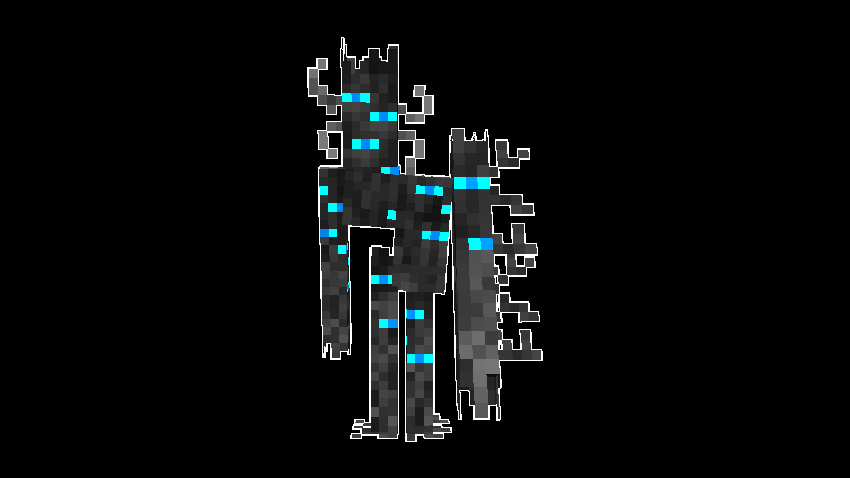
Shadow Hunter
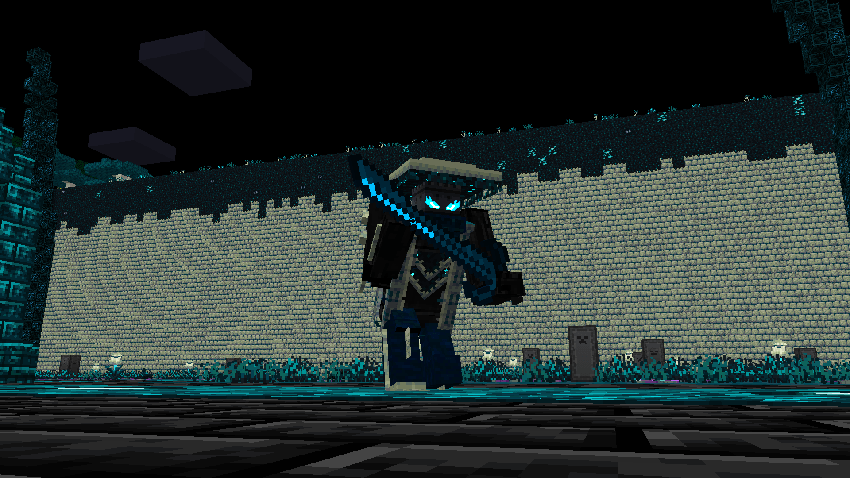
##
##
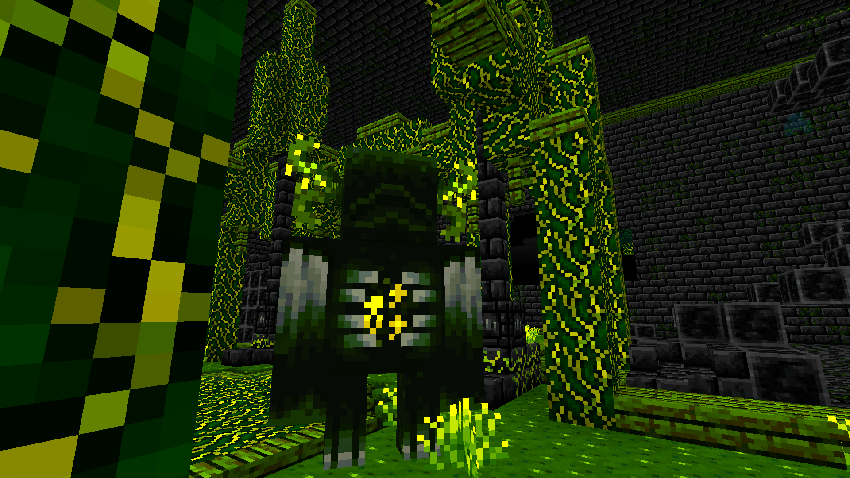
Radioactive Warden
##
##
Sculk Arms
##
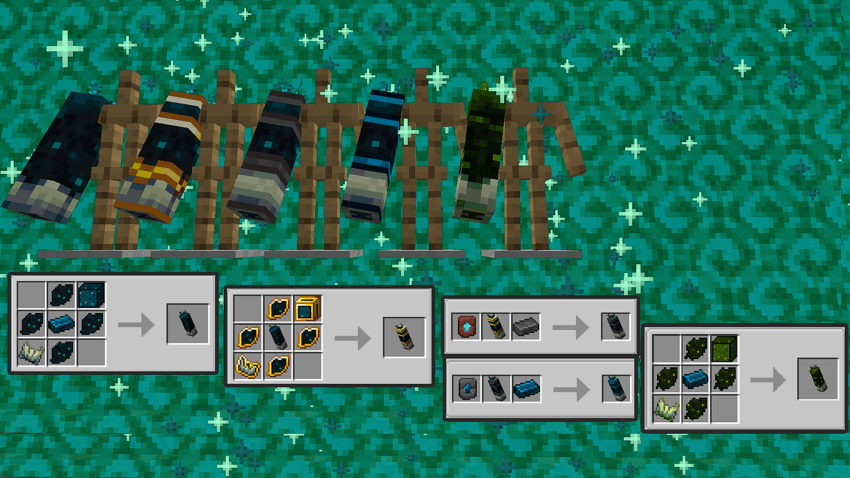
The newly added sculk arms will give you fists as powerful as the warden’s, these sculk arms are crafted with materials obtained from chests and creatures in the ancient city.
##
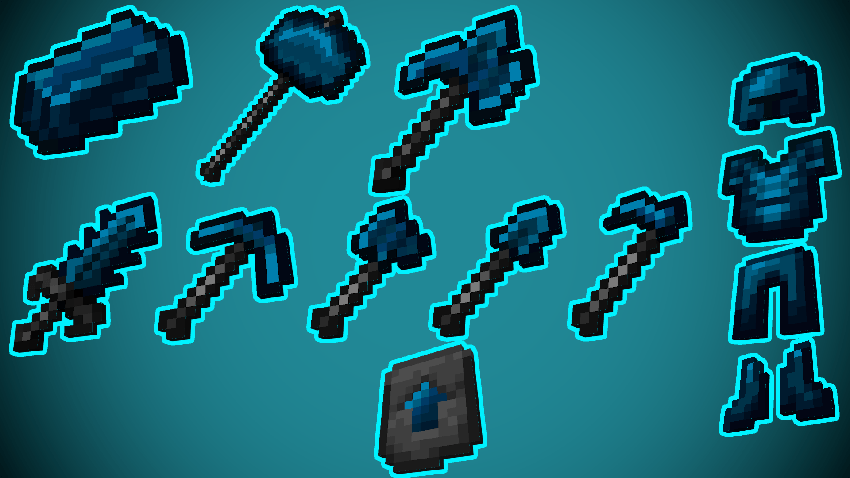
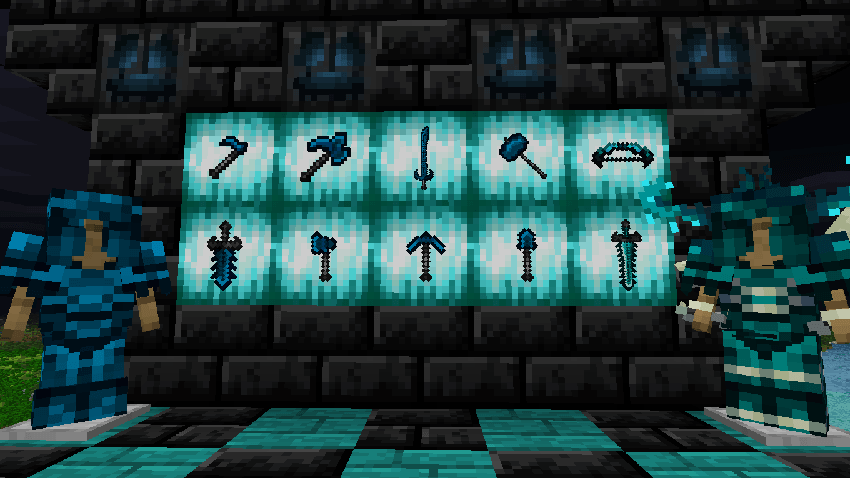
Sculkerite Items!
##
New powerful sculkerite tools after Netherite.
##
Soul Sculk Plains
##
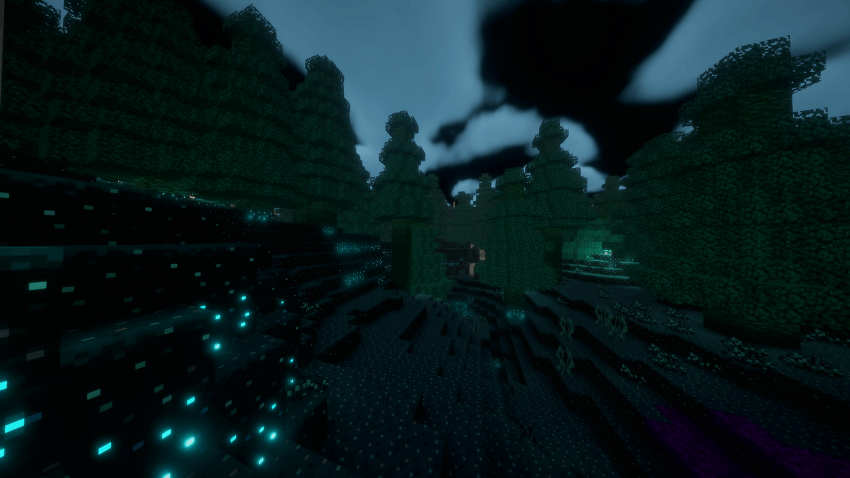
Grass on the ground slows the creature down compared to normal sculk grass, and soul sensors located around it can slow the player down even further.
##
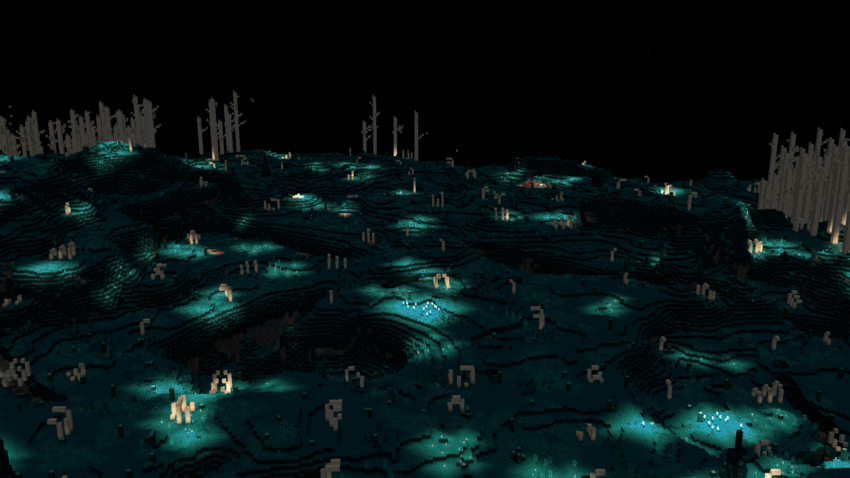
Sculk Plains
##
They are flat places in a new dimension.
##
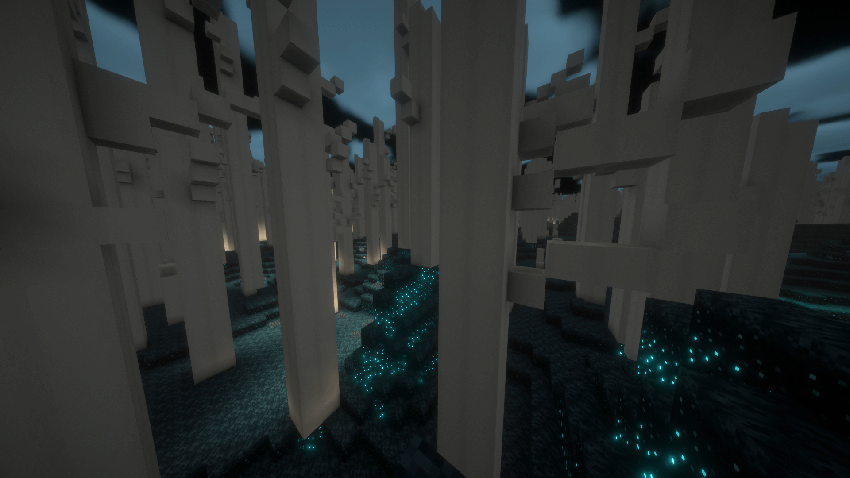
Black Birch Forest
##
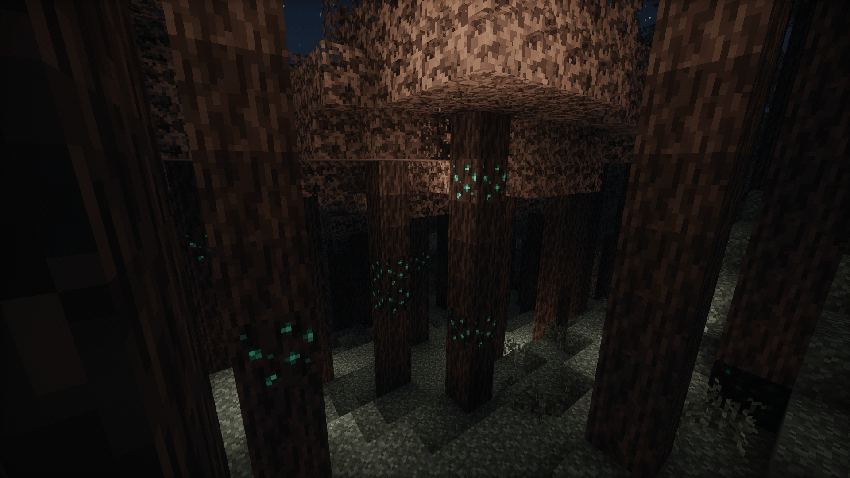
It is a dangerous biome where a squeaking creature lives among the dense trees.
##
Sculk Deserts
##
These are arid areas where there are no trees to produce materials. There are ancient portals around us that allow us to return to the normal world.
##
Wisterya Forest
##
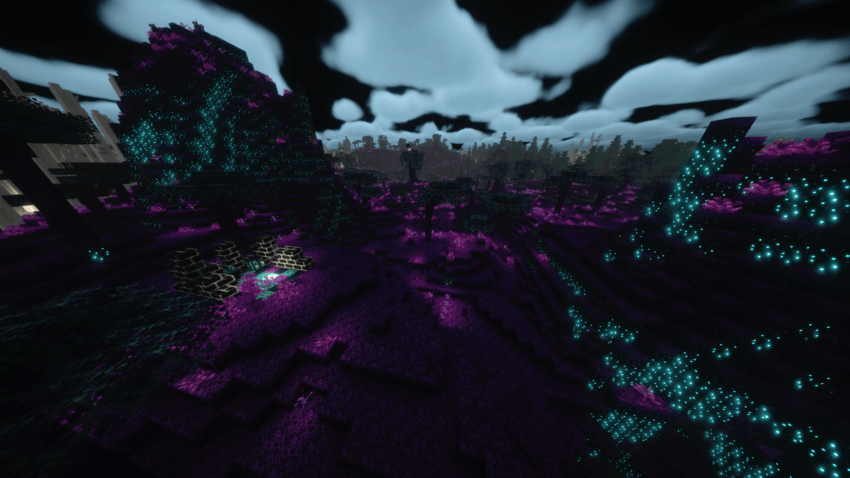
It is a biome surrounded by rocks and where the trees are more beautiful and colorful than other biomes.
##
Sculk Forest
##
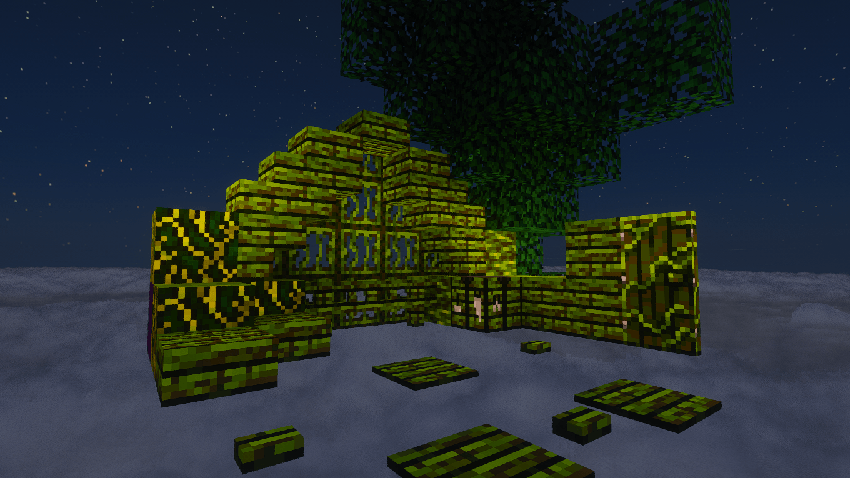
Sculk Woods is a version of the Sculk Plains biome with more trees and less bones.
##
Radioactive Balsa Forest
##
##
Sculk Wood Set
##
##
Black Birch Wood Set
##
##
Wisterya Wood Set
##
##
Radioactive Balsa Wood Set
##
##
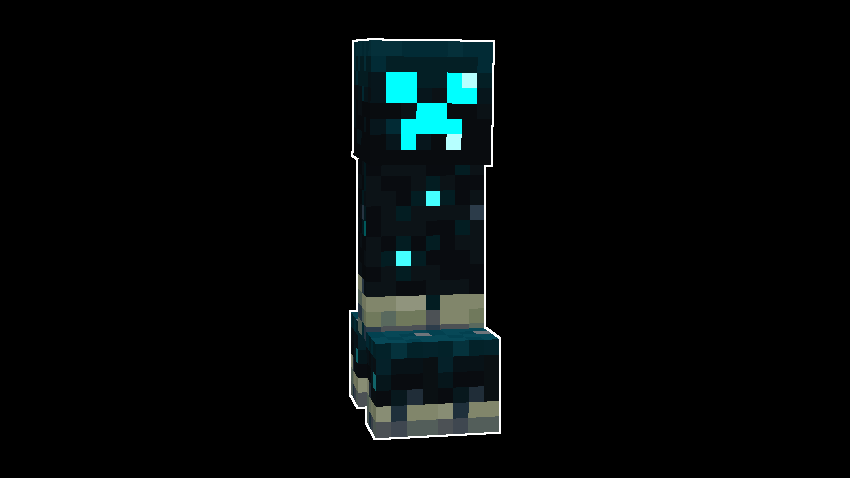
Sculk Creeper
##
• Sculk-themed creeper, and when it explodes, it creates a darkness and slowing effect around it.
##
Sculk Skeleton
##
• Sculk-themed skeleton, it pushes away the creatures it hits and gives them a darkness effect.
##
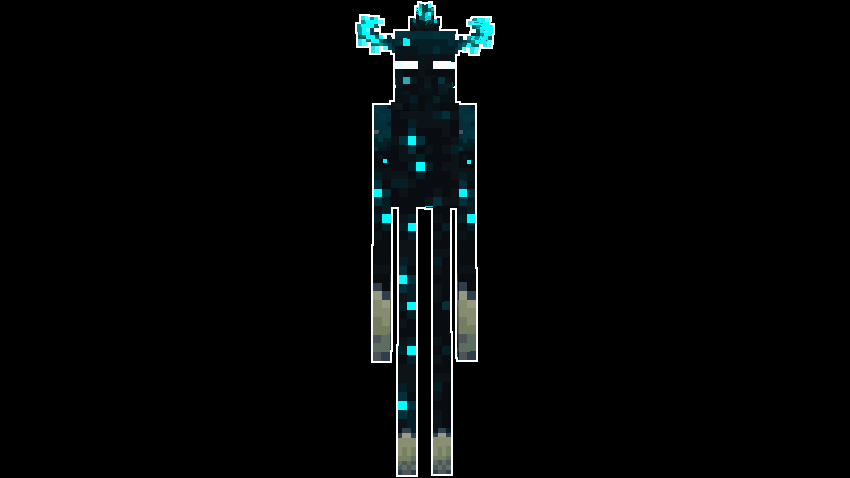
Sculk Enderman
##
• Sculk-themed enderman.
##
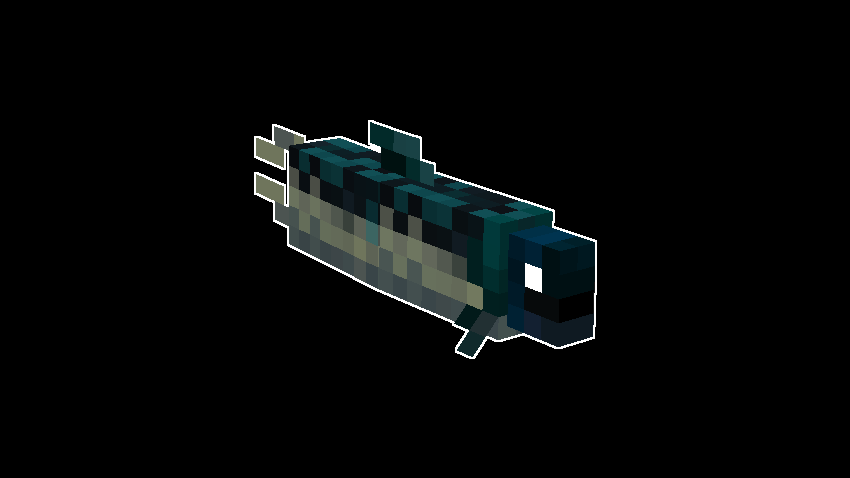
Sculk Fish
##
• There’s nothing going on.
##
Sculk Fox
##
• Sculk-themed fox.
##
Agile Slime
##
• It’s a very fast and agile type of slime; when it dies, it splits in two, just like regular slime.
##
Sculk Ghost
##
• Sculk Ghost is a flying enemy creature that attempts to kill the player.
##
Sculk Creaking
##
• A creaking enemy creature with a powerful arm.
##
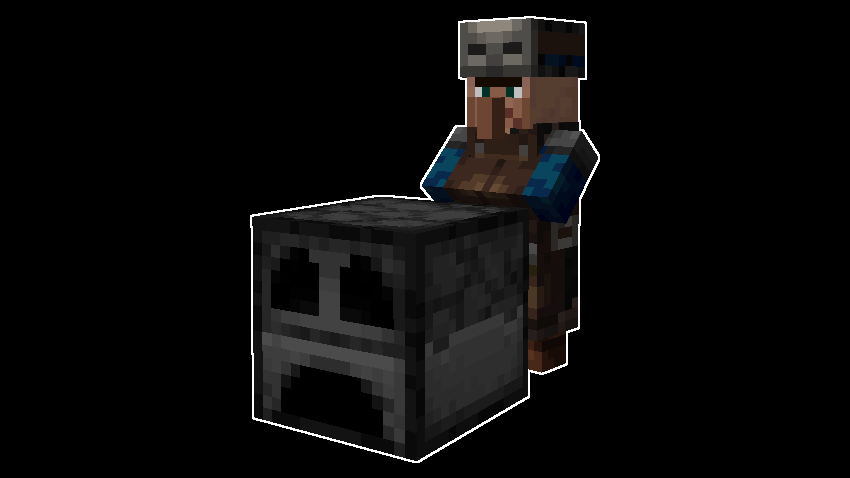
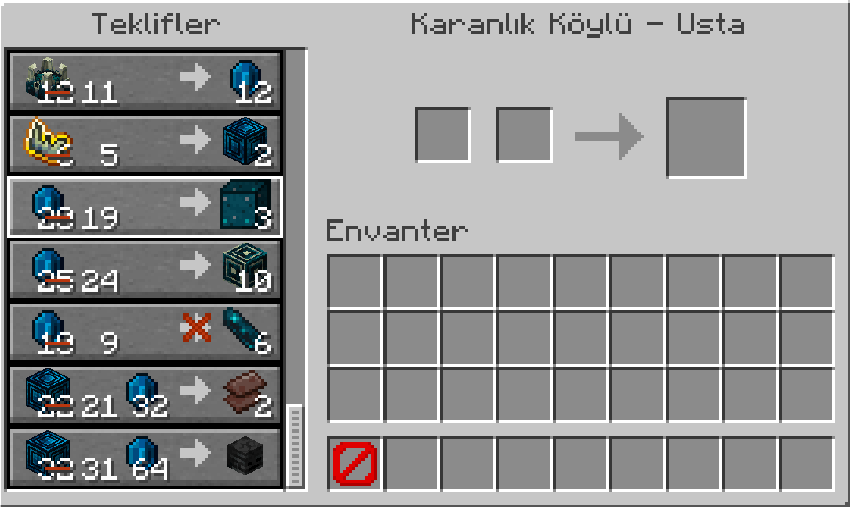
Dark Villager
##
• A village merchant who sells items specific to the Ancient City and Deep Dark biome.
##
Advanced Furnace
##
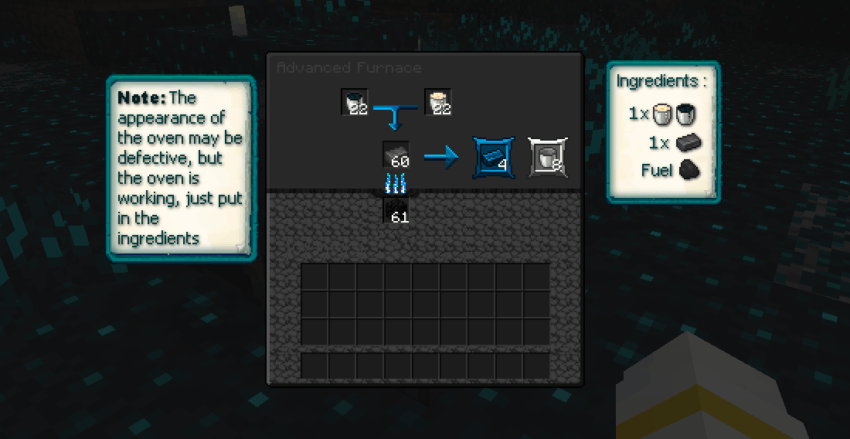
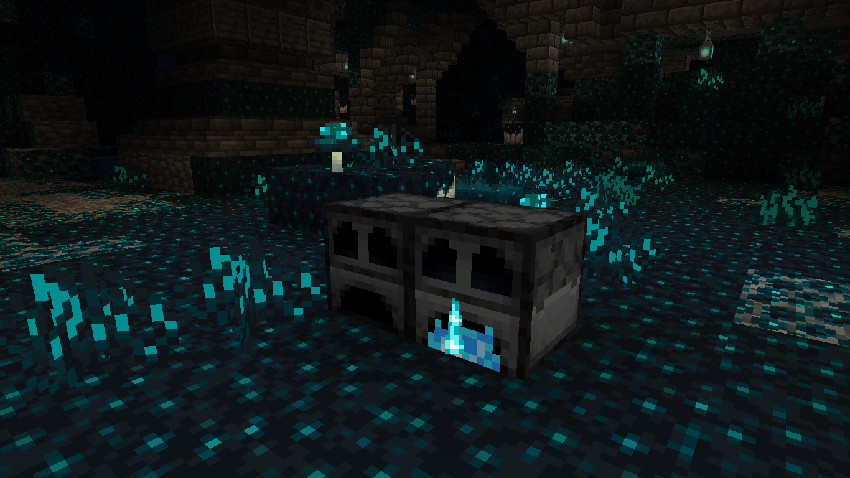
A molten iron bucket and a molten sculk bucket are added to the first two slots, then the item we will transform is taken to the 3rd slot and fuel is added under the 3rd slot, and the normal version of the 2 buckets and the transformed item are taken from the last 2 slots.Like the example seen in the photo above.
##
Advanced Furnace
##
This is what the Advanced Oven looks like!
##
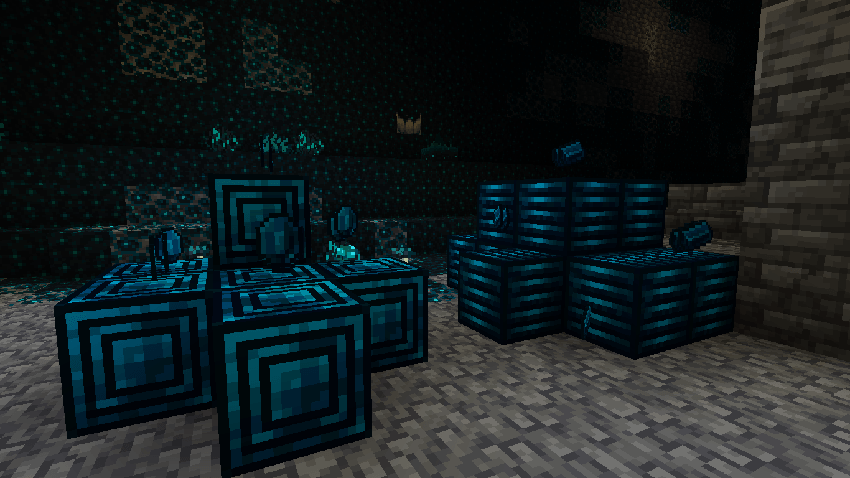
New Materials
##
The Advanced Furnace has been added to the game to help you take your netherite items to the next level and make things easier when you encounter difficulties.
##
– Versions –
##
-1.21.1
-1.20.1
-This version is a downgrade of Arda’s Sculks 1.4.3.3 from 1.21.1 to 1.20.1.
-There will be no chest loot in the structures and there may be many bugs.
-These bugs will not be fixed, the focus will be on the new version.
##
– Known Issues –
##
(If my mod is crashing on Minecraft servers, make sure you have geckolib installed, because if it’s not installed the mod will crash instead of giving a warning!)
– Apart from a few texture errors, I couldn’t find any bugs that affected the gameplay.
– If you are using version 1.20.1 you may encounter many errors because version 1.20.1 was added by downgrading version 1.21.1, I tried to fix the errors as much as I could.












































 Arda Ayd. (Ixra) :
  Iago Emanuel :