

1.0.6
release

CameraPlugin
Plugin to take amusement-park like photos in-game. Read Disclaimers before use
 191
191
CameraPlugin
Disclaimers
>This Plugin Requires a Dedicated Camera Minecraft Account that is logged onto the server
>This Plugin Requires an open web port on your server and knowledge of network ports/networking
Info
This is a plugin and mod combination I created to take in-game screenshots, sort of like an amusement park photo
depends on Camera Plugin Helper
Join my Discord for support
Photos
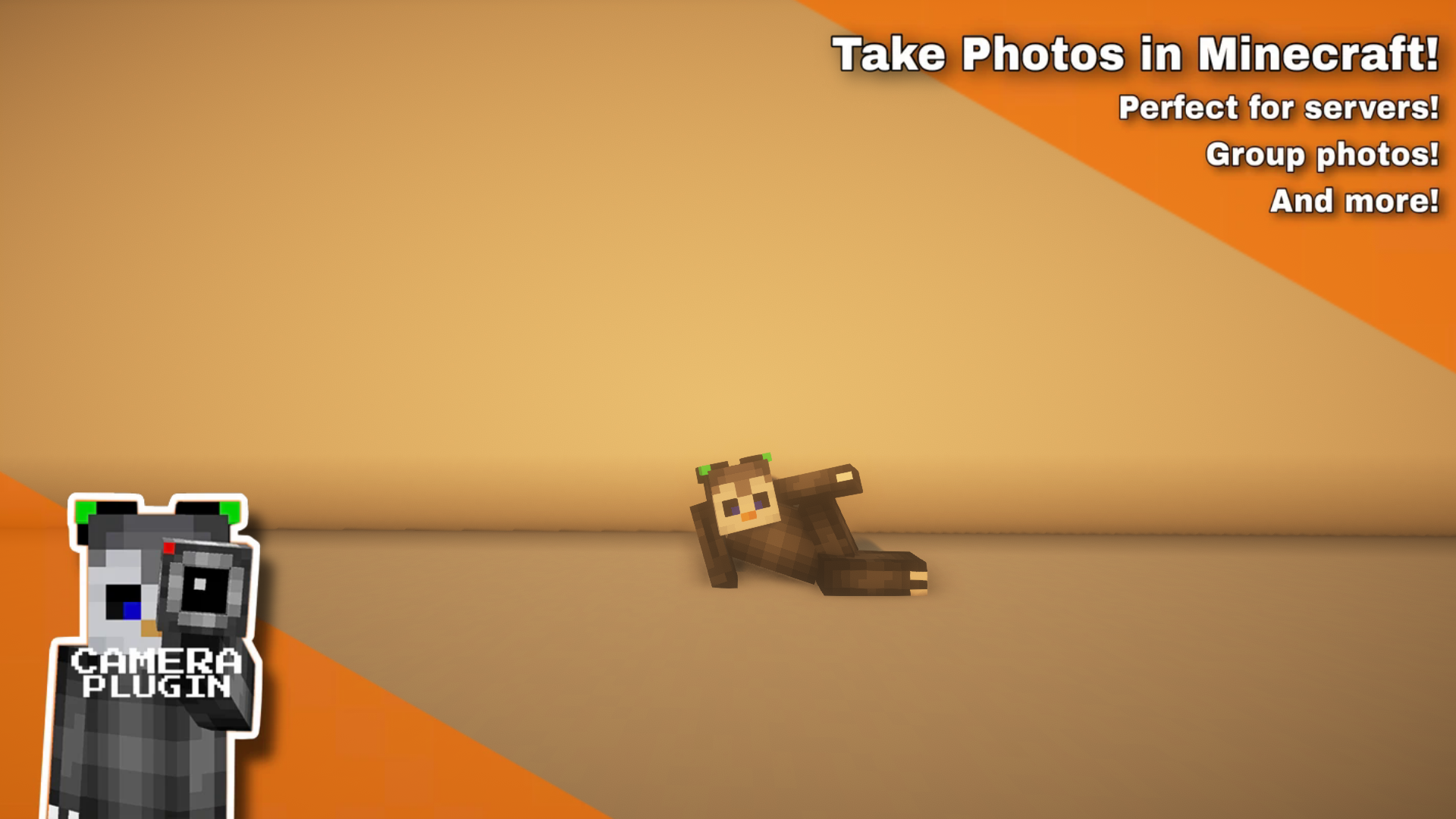
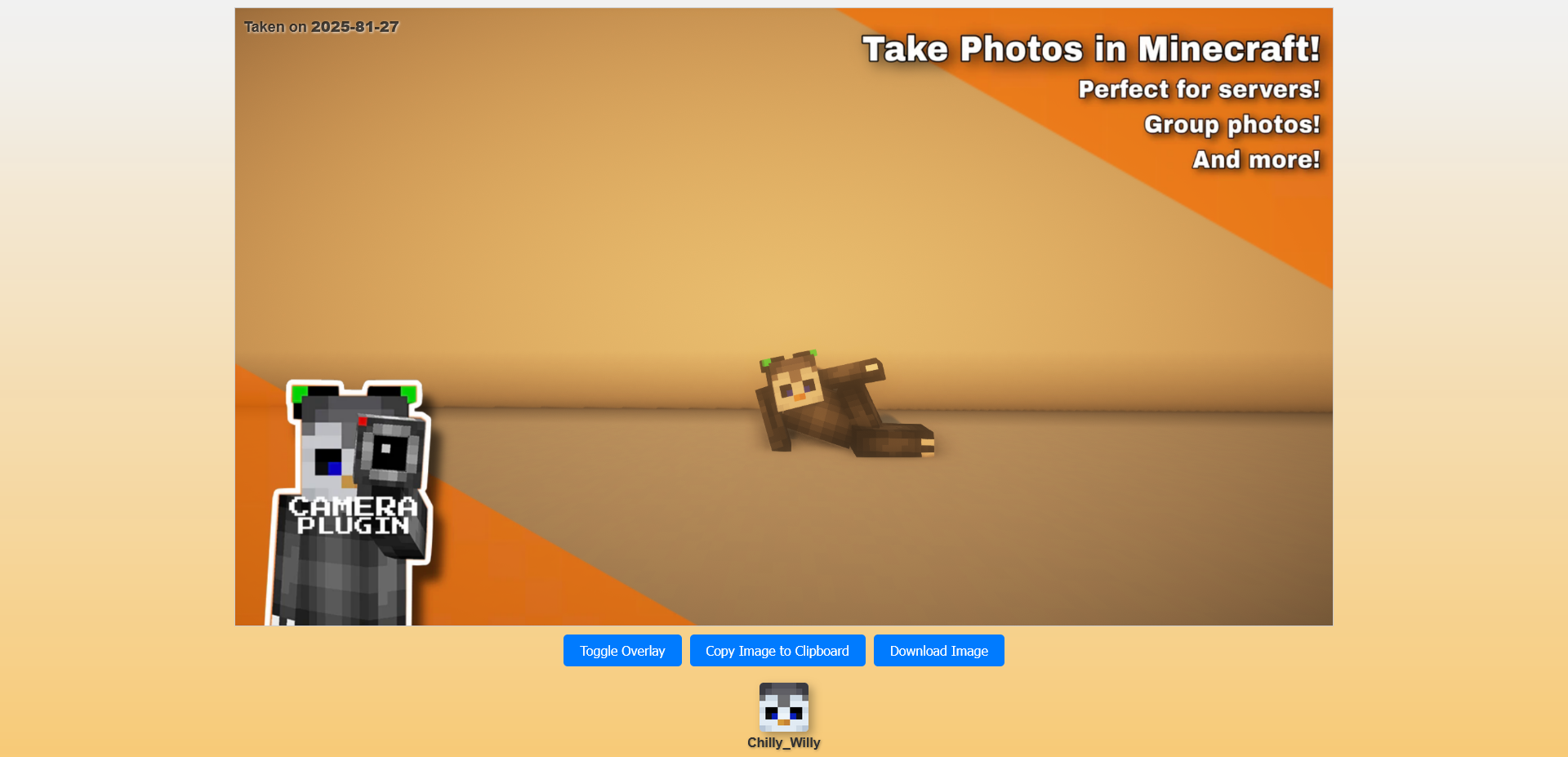
Usage
Usage: Click to Expand
<ul> <li> 1. Install the server plugin, make sure you have a free port to host the webserver (restart your server after you change the port) <sub>Make sure to modify the url, that is what is sent to the players to view. It should point to the port assigned below it</sub> </li> <li> 2. Setup a minecraft account to autojoin the server and install the companion mod <sub>The companion mod doesn't handle auto joining/rejoining, you will need a separate mod</sub> </li> <li> 3. make sure camera account has "camera.camera" permission node <sub>You may have to run "/camera reload core" to get it to recognize the camera, it only checks on join and when reloading</sub> <sub>Without the permission, the server won't recognize it as a camera that is able to be used</sub> </li> <li> 4. run "/camera create (name)" <sub>if this doesn't work, make sure you have the "camera.admin" permission</sub> </li> <li> 5. run /camera setup (name) camera <sub>See more commands below, you can tweak the sense range, delay for camera to take image and the overlay image</sub> </li> <li> 6. move to where players will stand to activate the camera and do "/camera setup (name) sense" </li> <li> 7. whenever players walk near that location it will take a photo <sub>polls every 5 seconds</sub> </li> </ul>
FAQ
FAQ: Click to Expand
<ul> <li> Q: Where are my pictures stored? (on the server) <br> A: All photos are stored under plugins/camera/data/public/images with their ID as the filename </li> <br> <li> Q: Where do I put overlay images? <br> A: You can put overlay images under plugins/Camera/data/public/overlays with any name, it will stretch to fit (PNG Only) </li> <br> <li> Q: Can I edit the Webpage to make it fit my server <br> A: You can edit the file under plugins/Camera/data/web/web_image_page.html <br> <sub>The page has some variables, {image1}, {image2} and {player_list}, which are replaced with the link to the main image, the overlay image and a JSON player list</sub> </li> </ul>
Command Usage
- /camera (setup | create | delete | rename | render | reload | overlay) - /camera setup (name) (range | camera | timer | sense) - /camera setup (name) range (range) - /camera reload - /camera setup (name) camera - /camera reload - /camera setup (name) timer (timer) - /camera reload - /camera setup (name) sense - /camera reload - /camera setup (name) overlay (overlay filename) **Sets image overlay, all stored in the *data/public/overlays* folder - /camera reload Creates Shot - /camera reload Deletes Shot - /camera reload Renames Shot - /camera reload Manually Renders Camera Shot - /camera reload Reloads Plugin**
Permissions
- camera.admin - Allows use of /camera command - camera.camera - Allows player to be a camera (if they have the companion mod installed)