

3.0.0+1.20.2
release

CreatureChat™
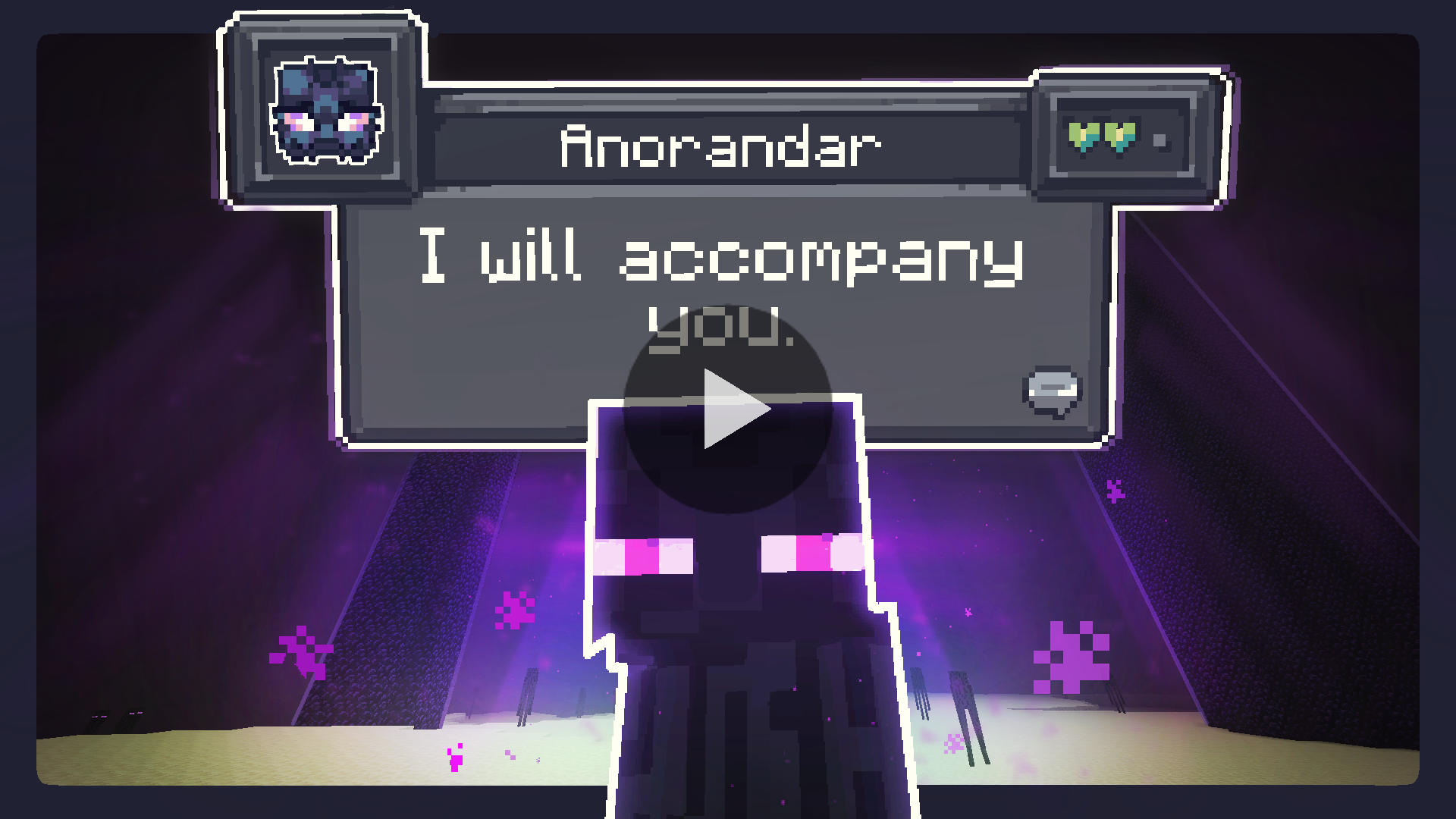
The Minecraft mod that allows entities to respond naturally using AI!
 165,93k
CreatureChat™
Chat with any mob in Minecraft! All creatures can talk & react using AI!

Features
- Memory: Using ChatGPT or open-source AI models, each conversation is unique and engaging! - Memory: Creatures can make decisions on their own and Memory:, and more! - Memory: Creatures automatically react to being damaged or receiving items from players. - Memory: Track your relationships from friends to foes. - Memory: Share the experience; conversations sync across server & players. - Memory: Creatures remember your past interactions, making each chat more personal.
Create meaningful conversations and enduring friendships? A betrayal perhaps?
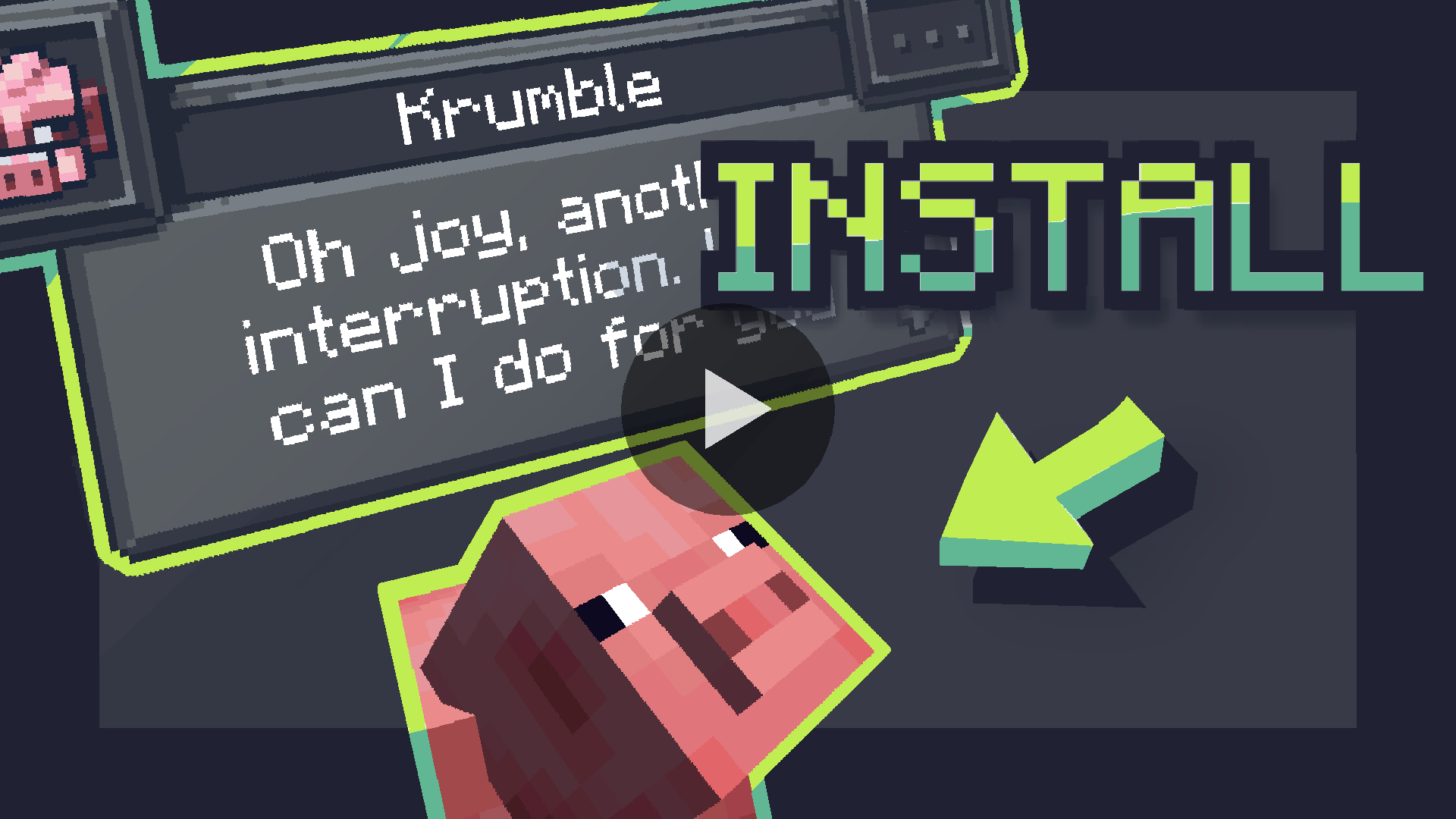
Installation Instructions
Fabric (Recommended)
<h3>Fabric Instructions</h3> <ol> <li><strong>Install Fabric Loader & API:</strong> Follow the instructions <a href="https://fabricmc.net/use/">here</a>.</li> <li><strong>Install CreatureChat™ Mod:</strong> Download and copy <code>creaturechat-*.jar</code> and <code>fabric-api-*.jar</code> into your <code>.minecraft/mods</code> folder.</li> <li><strong>Launch Minecraft</strong> with the Fabric profile.</li> <li><strong>Configure AI:</strong> A LLM (large language model) is required for generating text (AI options below)</li> </ol>
Forge (with Sinytra Connector)
<h3>Forge Instructions</h3> <h4>NOTE: Sintra Connector only supports Minecraft 1.20.1</h4> <ol> <li><strong>Install Forge:</strong> Download <a href="https://files.minecraftforge.net/">Forge Installer</a>, run it, select "Install client".</li> <li><strong>Install Forgified Fabric API:</strong> Download <a href="https://curseforge.com/minecraft/mc-mods/forgified-fabric-api">Forgified Fabric API</a> and copy the <code>*.jar</code> into your <code>.minecraft/mods</code> folder.</li> <li><strong>Install Sinytra Connector:</strong> Download <a href="https://www.curseforge.com/minecraft/mc-mods/sinytra-connector">Sinytra Connector</a> and copy the <code>*.jar</code> into your <code>.minecraft/mods</code> folder.</li> <li><strong>Install CreatureChat™ Mod:</strong> Download and copy <code>creaturechat-*.jar</code> into your <code>.minecraft/mods</code> folder.</li> <li><strong>Launch Minecraft</strong> with the Forge profile.</li> <li><strong>Configure AI:</strong> A LLM (large language model) is required for generating text (AI options below)</li> </ol>
AI Options
Choose AI Option
<h4>CreatureChat™ requires an AI / LLM (large language model) to generate text (characters and chat).</h4> <ol> <li><strong>Free & Local</strong>: Use open-source and free-to-use LLMs without any API fees. [<strong>Difficulty: Hard</strong>]</li> <li><strong>Bring Your Own Key</strong>: Use your own API key from providers like OpenAI or Groq. [<strong>Difficulty: Medium</strong>]</li> <li><strong>Token Shop</strong>: Supports CreatureChat™ by purchasing tokens from the developers. [<strong>Difficulty: Easy</strong>]</li> </ol> <details> <summary>1. Free & Local</summary> <h4>CreatureChat™ fully supports <strong>free and open-source</strong> LLMs. To get started:</h4> <ul> <li>An HTTP endpoint compatible with the OpenAI Chat Completion JSON syntax is required. We highly recommend using: <ul> <li><a href="https://ollama.com/">Ollama</a> & <a href="https://litellm.vercel.app/">LiteLLM</a> as your HTTP proxy.</li> <li><strong>LiteLLM Features:</strong> <ul> <li>Supports over <strong>100+ LLMs</strong> (e.g., Anthropic, VertexAI, HuggingFace, Google Gemini, and Ollama).</li> <li>Proxies them through a local HTTP endpoint compatible with CreatureChat™.</li> <li><strong>Note:</strong> Running a local LLM on your computer requires a powerful GPU.</li> </ul> </li> </ul> </li> <li>Set the local HTTP endpoint in-game: <ul> <li><code>/creaturechat url set "http://ENTER-YOUR-HTTP-ENDPOINT-FROM-LITE-LLM"</code></li> <li><code>/creaturechat model set ENTER-MODEL-NAME</code></li> <li><code>/creaturechat timeout set 360</code></li> </ul> </li> <li>Additional help can be found in the <strong>#locall-llm-info</strong> channel on our <a href="https://discord.gg/m9dvPFmN3e">Discord</a>.</li> </ul>
2. Bring Your Own Key
<h4>For those already using a third-party API (e.g., OpenAI, Groq):</h4> <ul> <li>Integrate your own API key for seamless connectivity.</li> <li>Costs depend on the provider’s usage-based pricing model.</li> <li>By default, CreatureChat uses the OpenAI endpoint and <code>gpt-3.5-turbo</code> model, known for its balance of low cost and fast performance.</li> <li>Be aware that OpenAI’s developer API does not include free usage. Please review the <a href="https://openai.com/api/pricing/">OpenAI pricing</a> for detailed information.</li> <li>To create an OpenAI API key, visit <a href="https://platform.openai.com/api-keys">https://platform.openai.com/api-keys</a>, and use the <strong>+ Create new secret key</strong> button.</li> <li>Set the API key & model in-game: <ul> <li><code>/creaturechat key set <YOUR-SECRET-KEY-HERE></code></li> <li><code>/creaturechat model set gpt-3.5-turbo</code></li> </ul> </li> </ul>
3. Token Shop
<h4>Supports CreatureChat by purchasing tokens from the developers:</h4> <ul> <li>Easy setup with simple token packs, created for CreatureChat users.</li> <li>More info is available in the <strong>#token-shop</strong> channel on our <a href="https://discord.gg/m9dvPFmN3e">Discord</a>.</li> <li>Set the token-shop API key in-game: <ul> <li><code>/creaturechat key set <YOUR-SECRET-KEY-HERE></code></li> </ul> </li> </ul>
</details>
In-game Commands
Configure CreatureChat
<ul> <li><strong>REQUIRED:</strong> <code>/creaturechat key set <key></code> <ul> <li>Sets the <em>OpenAI API key</em>. This is required for making requests to the LLM.</li> </ul> </li> <li><strong>OPTIONAL:</strong> <code>/creaturechat url set "<url>"</code> <ul> <li>Sets the URL of the API used to make LLM requests. Defaults to <code>"https://api.openai.com/v1/chat/completions"</code>.</li> </ul> </li> <li><strong>OPTIONAL:</strong> <code>/creaturechat model set <model></code> <ul> <li>Sets the model used for generating responses in chats. Defaults to <code>gpt-3.5-turbo</code>.</li> </ul> </li> <li><strong>OPTIONAL:</strong> <code>/creaturechat timeout set <seconds></code> <ul> <li>Sets the timeout (in seconds) for API HTTP requests. Defaults to <code>10</code> seconds.</li> </ul> </li> <li><strong>OPTIONAL:</strong> <code>/creaturechat whitelist <entityType | all | clear></code> - Show chat bubbles <ul> <li>Shows chat bubbles for the specified entity type or all entities, or clears the whitelist.</li> </ul> </li> <li><strong>OPTIONAL:</strong> <code>/creaturechat blacklist <entityType | all | clear></code> - Hide chat bubbles <ul> <li>Hides chat bubbles for the specified entity type or all entities, or clears the blacklist.</li> </ul> </li> <li><strong>OPTIONAL:</strong> <code>/story set "<story-text>"</code> <ul> <li>Sets a custom story (included in character creation and chat prompts).</li> </ul> </li> <li><strong>OPTIONAL:</strong> <code>/story display | clear</code> <ul> <li>Display or clear the current story.</li> </ul> </li> </ul> <h4>Configuration Scope:</h4> <ul> <li><strong>OPTIONAL:</strong> You can specify the configuration scope at the end of each command to determine where settings should be applied: <ul> <li><strong>Default</strong> Configuration (<code>--config default</code>): Applies the configuration universally, unless overridden by a server-specific configuration.</li> <li><strong>Server</strong>-Specific Configuration (<code>--config server</code>): Applies the configuration only to the server where the command is executed.</li> <li>If the <code>--config</code> option is not specified, the <code>default</code> configuration scope is assumed.</li> </ul> </li> </ul>
License
- Non-code assets: - Non-code assets: %%MD1%% - Non-code assets: %%MD2%%
Legal Notices
- CreatureChat™ is an independent project and is not endorsed by Mojang AB, Microsoft Corp., or OpenAI. *Minecraft®* is a trademark of Mojang AB. *ChatGPT®* is a trademark of OpenAI OpCo, LLC. All trademarks appear here for identification only. - *CreatureChat™* is a trademark of owlmaddie LLC (registration pending). Factual nominative references such as “Fork of CreatureChat” that do not imply endorsement are allowed; all other uses of the name or logo require prior permission.
Contact & Resources
- Join us on Discord - Documentation (Source Code) - Follow Us: YouTube | Twitter | TikTok
Gallery
Versions
3.0.0+1.21.5
release
2.0.0+1.21
release
2.5.0+1.20.1
release
2.0.0+1.20.3
release
3.0.0+1.21.3
release
2.0.0+1.21.1
release
2.0.0+1.21.4
release
3.0.0+1.20.6
release
3.0.0+1.21
release
2.5.0+1.21.5
release
2.5.0+1.20.6
release
2.5.0+1.21.2
release
3.0.0+1.21.7
release
2.0.0+1.20
release
2.5.0+1.20
release
2.0.0+1.21.3
release
2.0.0+1.20.4
release
2.0.0+1.20.6
release
2.5.0+1.21.6
release
2.5.0+1.21.1
release
2.5.0+1.21.3
release
3.0.0+1.20.1
release
3.0.0+1.21.2
release
3.0.0+1.21.1
release
2.5.0+1.20.5
release
2.5.0+1.21.7
release
3.0.0+1.20.3
release
3.0.0+1.21.1
release
3.0.0+1.20.1
release
3.0.0+1.21.4
release
3.0.0+1.20
release
3.0.0+1.20.5
release
2.5.0+1.21.1
release
2.0.0+1.21.2
release
2.0.0+1.20.5
release
2.5.0+1.21.4
release
2.5.0+1.20.3
release
3.0.0+1.20.4
release
2.5.0+1.21
release
2.5.0+1.20.1
release
3.0.0+1.21.6
release
2.5.0+1.20.2
release
2.5.0+1.20.4
release