

1.1
release

Discord Chat Hook
Sends minecraft chat messages to discord using webhook
 259
259
Discord Chat Hook
Simple plugin which resends in-game chat messages to discord server using discord channel webhook.
Installation
in discord server
1. go to server settings 2. find ```Integrations``` <br>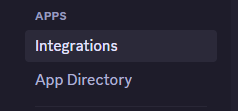 3. click ```webhooks``` <br>
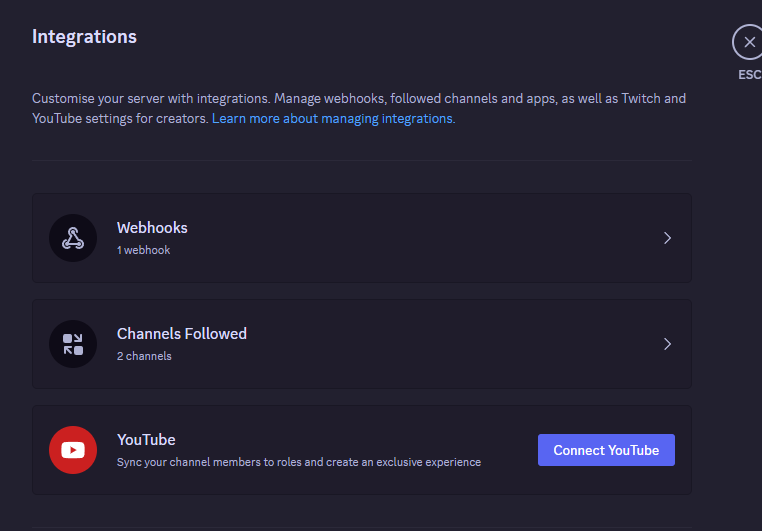 4. click on ```New Webhook``` 5. select newly created hook and set him any name and channel to post 6. finally click on ```Copy Webhook URL``` button <br>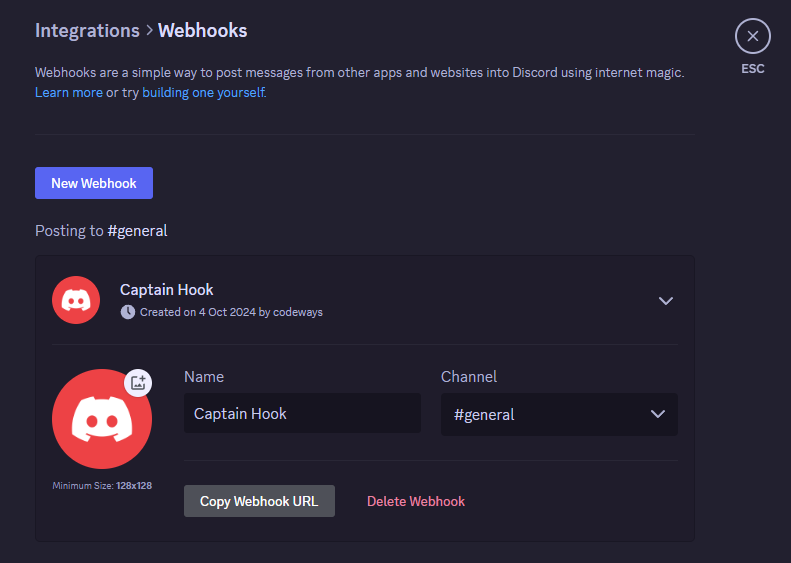
inside plugins folder (DiscordChatHook)
1. open ```config.yml``` 2. paste the url of your discord chat webhook after ```url:```
Versions
1.4
release