

1.0.1
release

EnderStorage
📦 Expand your storage! Link chests via Color Frequencies & Private Networks. Mod-like mechanics without Client Mods. [1.20+]
 115
115
EnderStorage
📢 Overview
Expand your storage beyond the limits of a single Ender Chest!
EnderStorage is a powerful, optimized plugin that brings the popular modded storage mechanics to your Paper server. It allows players to create global, shared, or private storage networks using specific color code frequencies.
Instead of having just one private inventory, players can now craft specific chests, tune them to a color frequency (e.g., Red-Red-Red), and access that inventory from anywhere in the world!
✨ Key Features
- 🎨 HikariCP: Use dyes to set 3 color channels (Left, Middle, Right) on your chest. With 16 colors, that's HikariCP unique public inventories! - 🔒 HikariCP: Toggle "Private Mode" (Diamond button) to create a network unique to you. A "White-White-White" chest owned by you is separate from one owned by someone else. - 🛡️ HikariCP: Toggle "Protect Mode" (Observer button) to prevent other players from changing your chest's frequency settings. - 💾 HikariCP: Comes with HikariCP (zero setup) by default, but supports HikariCP for large networks. - 🚀 HikariCP: Built with HikariCP and HikariCP for asynchronous data saving and connection pooling. Optimized for Paper 1.20.1+.
🎮 How to Use
1. Protect Mode. a Retention Chest (Custom recipe: Wool + Iron + Chest). 2. Protect Mode. the chest anywhere in the world. 3. Protect Mode. to open the storage inventory. 4. Protect Mode. to open the Protect Mode. - Click the Protect Mode. to change the frequency (Color Code). - Click the Protect Mode. to toggle Protect Mode. - Click the Protect Mode. to toggle Protect Mode. - Click Save & Apply to update the chest. 5. Place another chest with the same settings anywhere else to access the same items!


📜 Commands & Permissions
Command Description Permission
- /es reload Reloads the configuration file. enderstorage.admin
Permission Description
- enderstorage.use Allows crafting and using the chests. (Default: true) - enderstorage.admin Allows modifying protected chests and reloading.
Aliases: /enderstorage, /es
⚙️ Configuration
Customize the database type and saving intervals to fit your server's needs.
```yaml
=============================================================================
EnderStorage - Configuration
=============================================================================
-----------------------------------------------------------------------------
[Database] Storage Settings
-----------------------------------------------------------------------------
database:
Choose where to store the chest data.
SQLITE: Local file (storage.db). No setup needed. Best for single servers.
MYSQL : External database. Recommended for BungeeCord/Velocity networks.
type: SQLITE
MySQL Settings (Ignored if type is SQLITE)
mysql: host: "localhost" port: 3306 name: "minecraft" user: "root" pass: "password"
Connection Pool Settings
pool-size: 10 connection-timeout: 30000 use-ssl: false
-----------------------------------------------------------------------------
[Settings] General Plugin Settings
-----------------------------------------------------------------------------
settings:
How often (in seconds) should the plugin save modified inventories?
(300 seconds = 5 minutes)
auto-save-interval: 300
Enable debug logs in console.
debug: false ```
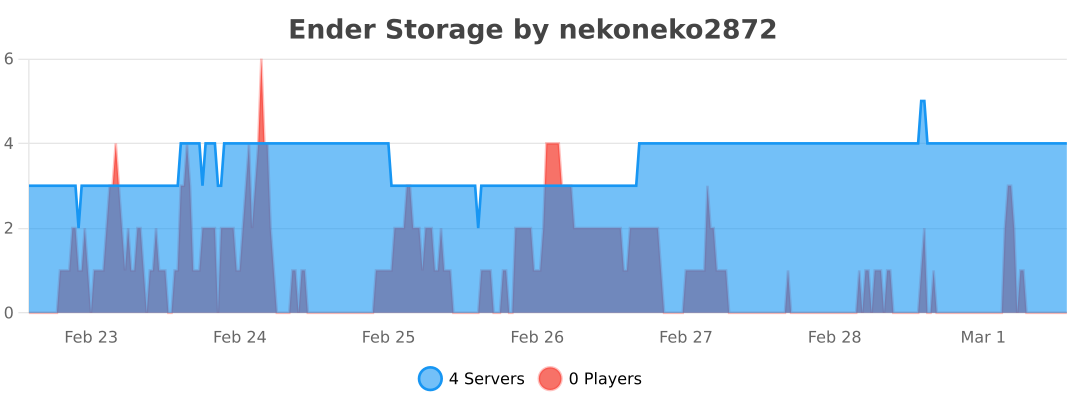
📈 bStats
❤️ Credits & Inspiration
This plugin implements the functionality of the famous EnderStorage mod (by ChickenBones) for Spigot/Paper servers. A huge thank you to the original mod author for the brilliant concept and inspiration! If you are looking for the client-side/Forge/Fabric version, please support the original project: 👉 Original Mod: EnderStorage mod