

1.21.x
release

Euphoria's Overlay
Euphoria's Overlays: Simple Overlay that makes your game look more slick for PVP
 24
24
Euphoria's Overlay
Euphoria's Overlay
This Simple Minecraft texture pack that will make your game look more smooth for pvp. (The texture pack may say "Broken or incompatible" if your not on 1.21.11, but it will still work for 1.21+)
(This is pack idea was from my friend Euphoriaaa.)
What the pack has
- Small Totem - Side Shield - No flashing hearts - Dotted Crosshair
Installation
resourcepacks 1. resourcepacks, type resourcepacks. 2. Open the resourcepacks folder. 3. Find the resourcepacks folder and open it. 4. Paste the resource pack/file there.
⬇
does work (May not work on some launchers, does work on most) 1. In the Minecraft menu, open the resource packs screen. 2. Then Simply Drag the resource pack onto your screen.
After you drag it onto your screen it may say something like,
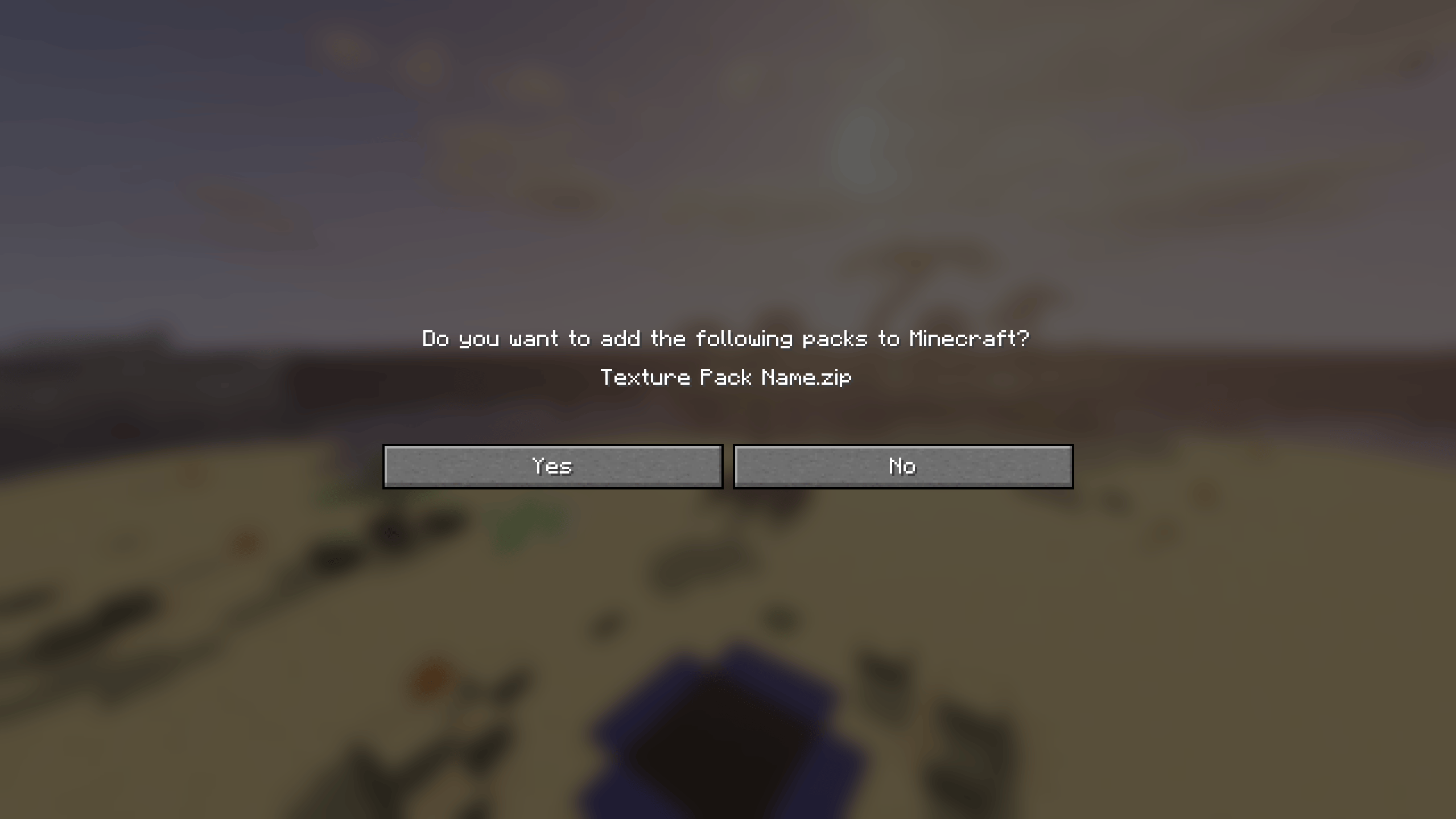
Click Yes on that popup.