

v1.0.0+mc26.2-snapshot-6
release

HexHopper
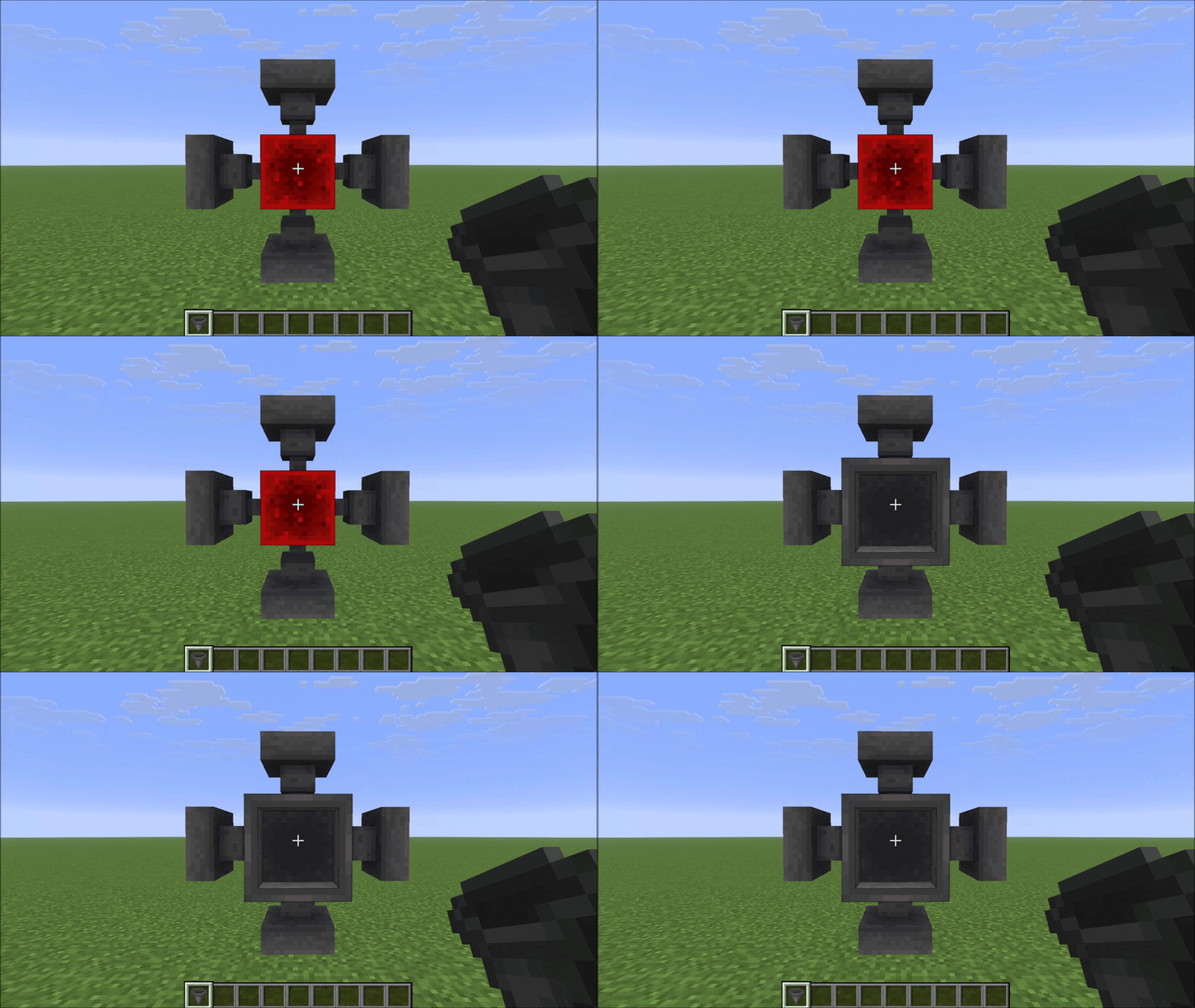
Place hoppers in all 6 directions and rotate both push and pull independently with a compass. Six faces, full control.
 8
8
HexHopper
HexHopper
Place hoppers in all 6 directions. Rotate push and pull independently with a compass.
Vanilla hoppers are locked: they always pull from above and can only push downward or sideways. HexHopper removes that restriction. When you place a hopper, it faces the surface you clicked — including up. Use a compass to reconfigure any hopper after placement without breaking it.
---
How it works
Placement
Hold a hopper and click any face of a block. The hopper's pull direction (the spout) will face the surface you clicked. The pull direction (the funnel opening) is set automatically based on where you're looking — it picks the closest direction that isn't already taken by the push.
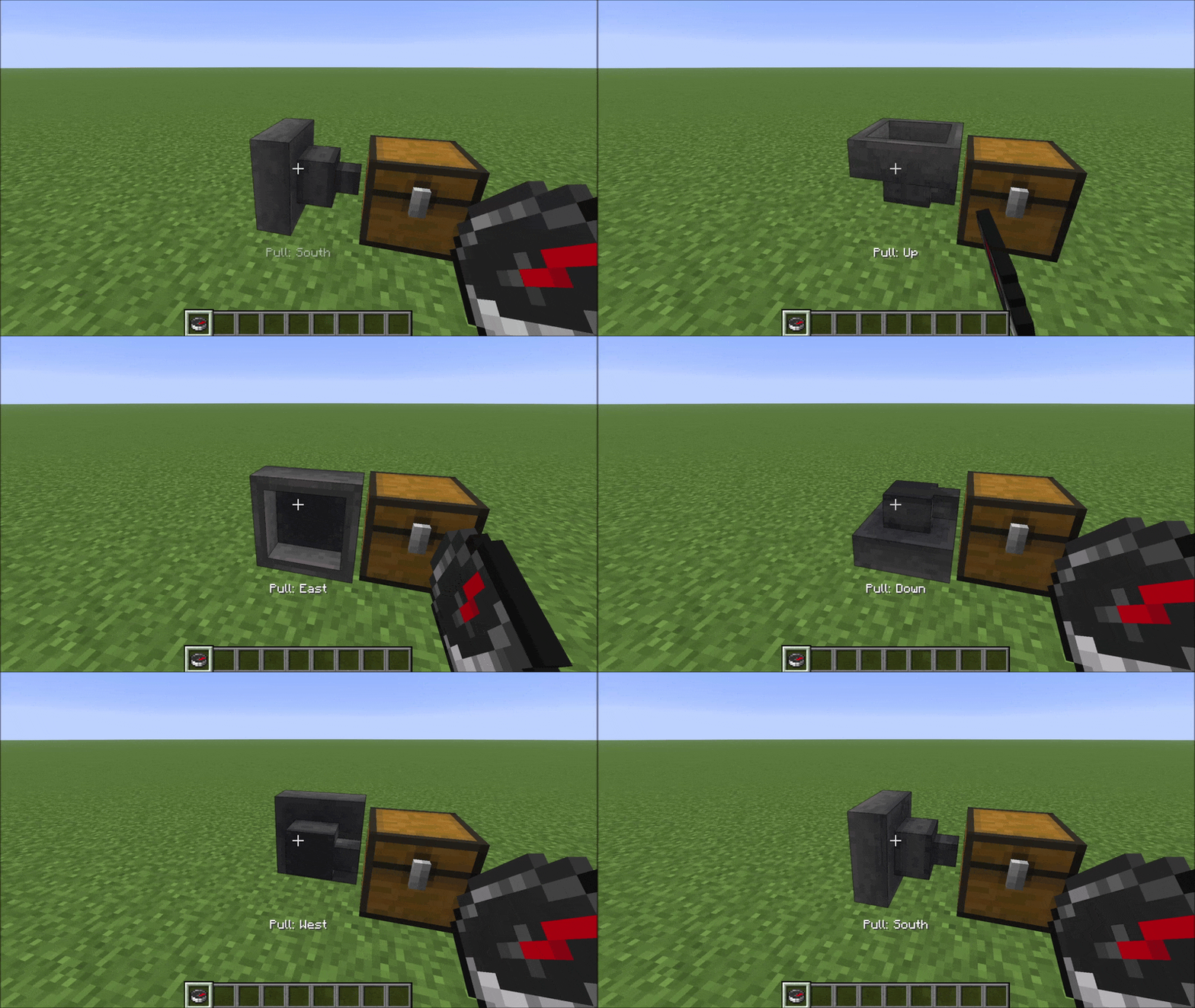
Compass: right-click rotates pull direction
Hold a pull direction and pull direction a hopper to cycle its pull direction (funnel) through the five valid options. A message appears in the action bar after each click showing the current pull direction.
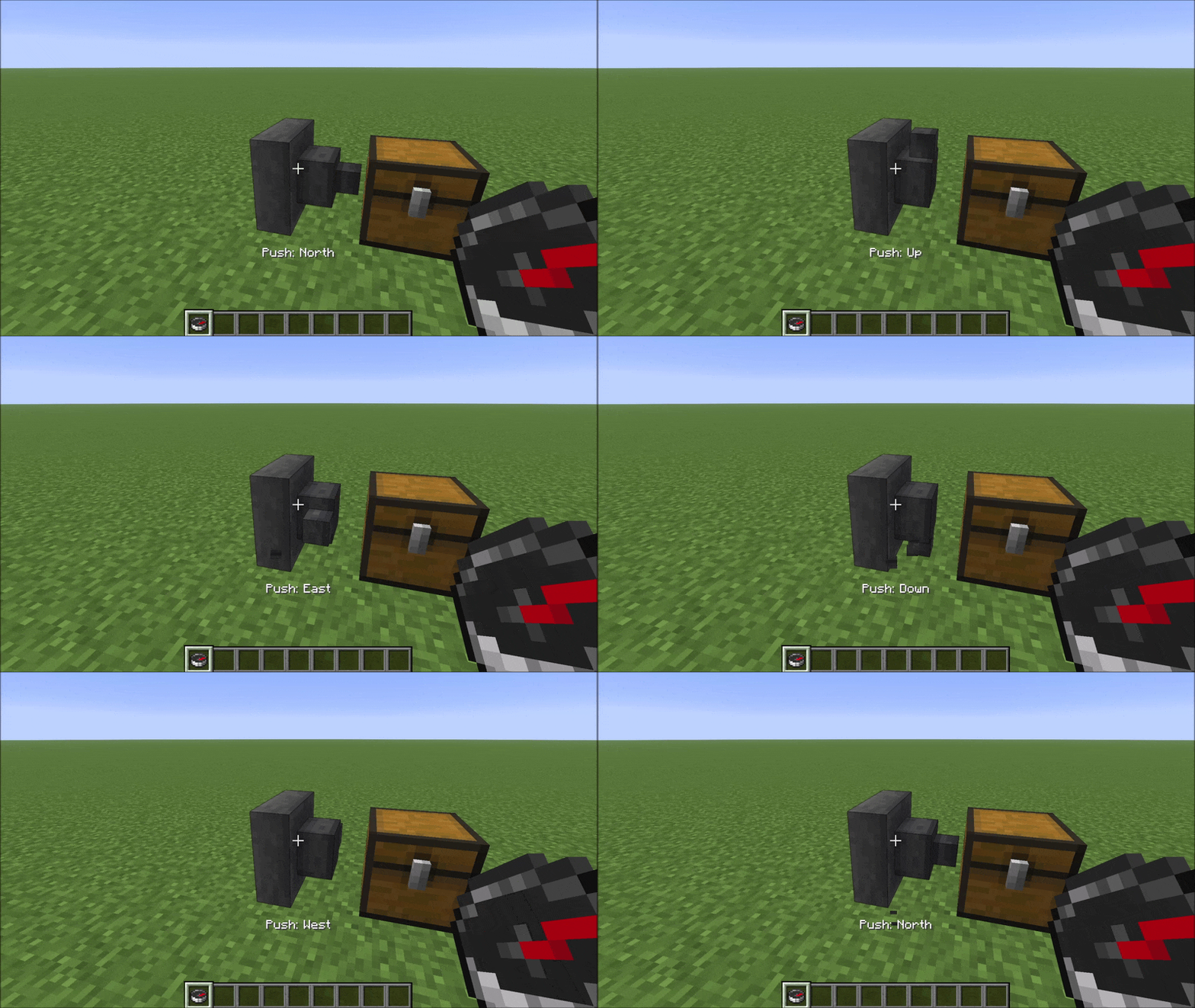
Compass: left-click rotates push direction
Hold a push direction and push direction a hopper to cycle its push direction (spout) through the five valid options. The same action bar message appears confirming the new push direction.
---
Compatibility
HexHopper modifies vanilla `HopperBlock` and `HopperBlockEntity` using Mixins. It is compatible with:
- Mods that don't touch hopper logic — hoppers placed before installing the mod default to pull=Up, which matches vanilla behaviour exactly - Mods that don't touch hopper logic — fall back to vanilla pull=Up behaviour - Mods that don't touch hopper logic — storage mods, visual mods, etc.
Not compatible with mods that also modify HopperBlock or HopperBlockEntity (other hopper-direction mods, some deep storage mods). HexHopper also overrides `assets/minecraft/blockstates/hopper.json` — resource packs or mods that replace the same file will conflict visually.
---
Versions
v1.0.0+mc26.2-snapshot-6
release