

1.1.0+datapack
release

Hyper Login
A simple yet powerful data pack that allows every player to protect their account with a password.
 1,44k
1,44k
Hyper Login
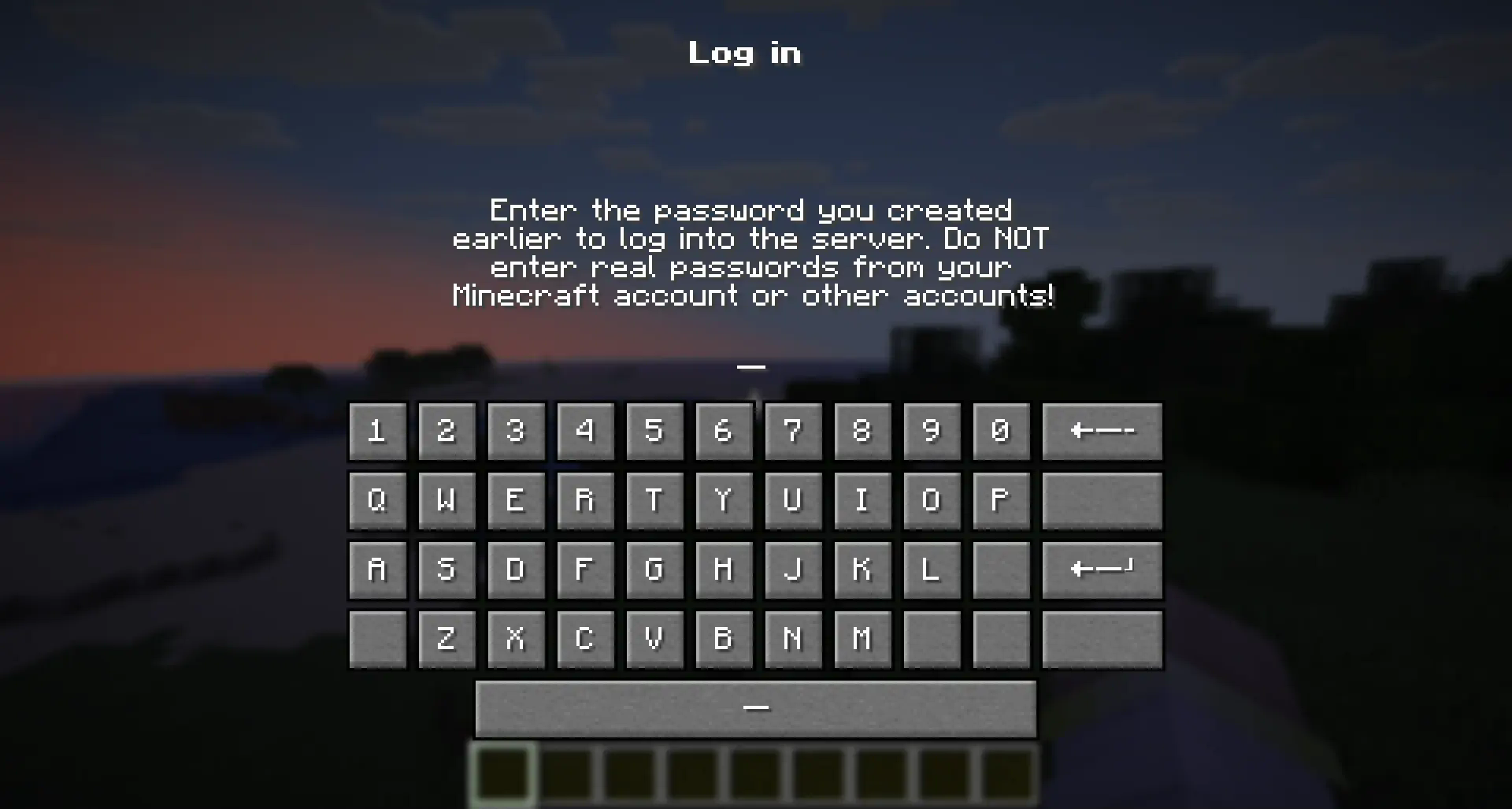
💡 How does this work?
> "Hyper Login" uses a forced dialogue system to ensure the safety of each player entering the server. > > When you first enter, you will need to come up with a unique alphanumeric combination, which you will use later to enter the server under the same nickname. > > If a player enters an incorrect password several times in a row, he can try again after the server restart (or re-enter the world if it is a single-player game)
🔐 Is this safe to use?
> All players' passwords are stored offline and no player can find out the other player's password. > > At the moment of registration or entering a password, the player is not vulnerable and is not subject to gravity, which will not allow him to be deliberately harmed until he has entered the correct password. > > The datapack does not change anything in the world it is installed in. If you decide to stop using the mod/datapack, then after deleting it, the world/server will be available without entering a password.
❓ What happens if I forget my password?
> If a player has forgotten their password, server operators can reset it with the command: > ``` > /tag <Player> remove xhl_signed_in > ``` > If it is necessary to force a player to log in again, server operators can do this with the command: > > ``` > /tag <Player> remove xhl_logged_in > ```
🖥 Where should I install the mod (OR) datapack?
- The datapack must be installed in the "datapacks" folder of a world or a server you want to password protect. - The mod must be installed in the "mods" folder on the server you want to password protect. - Installing a mod on the client only makes sense if you want to protect all your singleplayer worlds from another person using your pc
Gallery
Versions
1.1.0+datapack
release
1.0.0+mod
release
1.2.1+datapack
release
1.2.0+mod
release
1.0.0+datapack
release
1.2.1+mod
release
1.1.0+mod
release
1.2.0+datapack
release