

1.9.0
release

ImageFrame
Put images on maps and walls!
 188,12k
ImageFrame
*Speak a language that is not supported by ImageFrame yet? We would appreciate it if you contribute on Crowdin!* ***
About
_Then this is the plugin for you!_<br> _Then this is the plugin for you!_<br> _Then this is the plugin for you!_
complimentary mod<br> Check out complimentary mod, the complimentary mod for ImageFrame!
Videos
Want video demonstrations? Here are some videos made by some awesome people!<br> Video by Want video demonstrations? Here are some videos made by some awesome people! in English:
Video by **KasaiSora** in English:
Features
1. Load Images onto Maps and Item Frames
- Load images from URLs! - PNG, JPEG, WEBP & GIFs are supported! - Get them in Map form or directly on Item Frames! (Select your Item Frames with the smart selection tool!) - Automatic image fitting means your images won't be stretched!
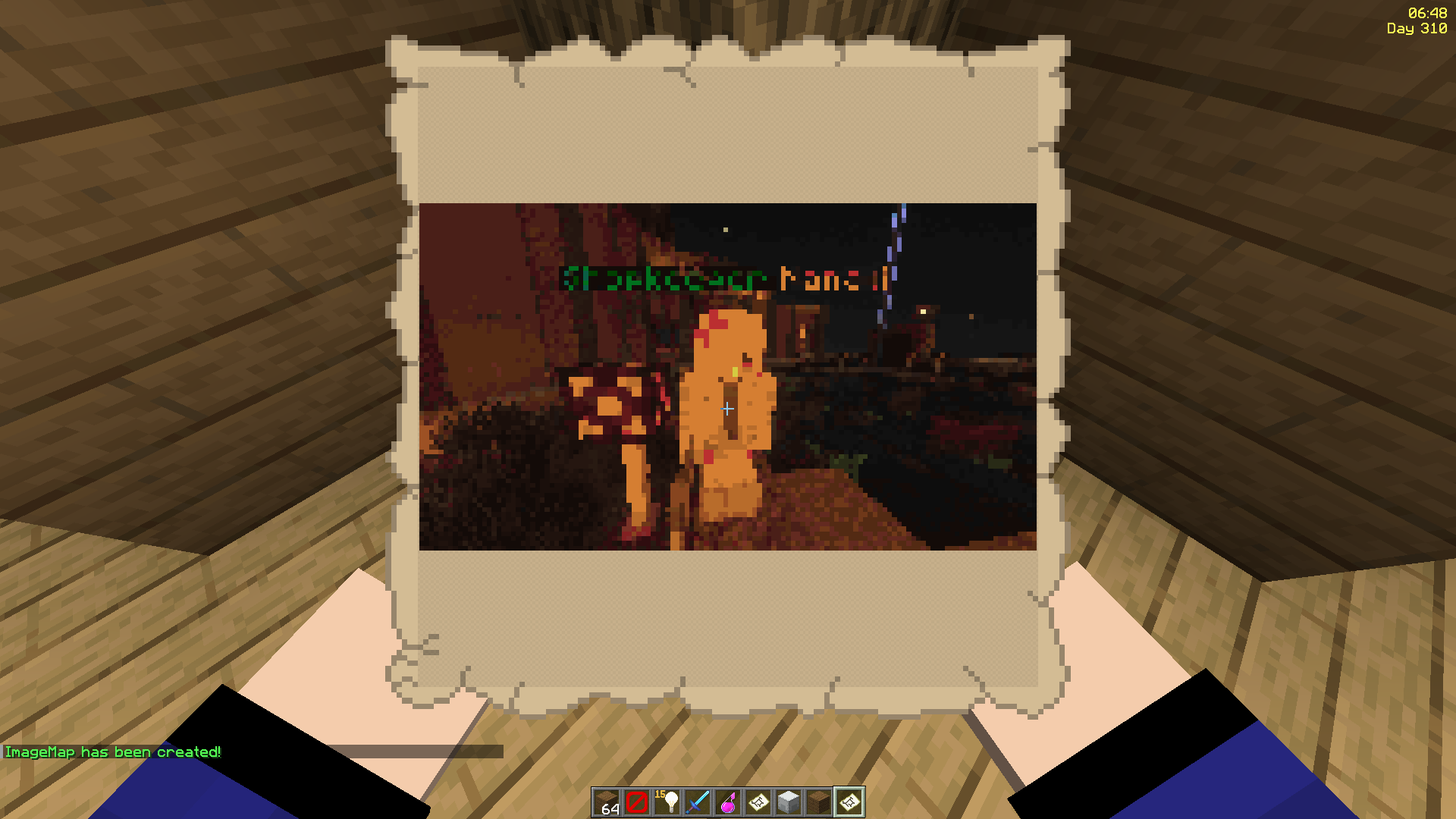
2. Even Works with Animated GIFs!
- Images will be animated if they are GIFs! - Animated up to 1/20 of a second! - Animation tasks run asynchronously
<img width="1920" src="https://resources.loohpjames.com/spigot/assets/imageframe/2.gif"></img>
3. Define Custom Width and Height
- Have your image span across multiple maps - Automatic image fitting works across all sizes too! - Ideal for displaying on Item Frames!

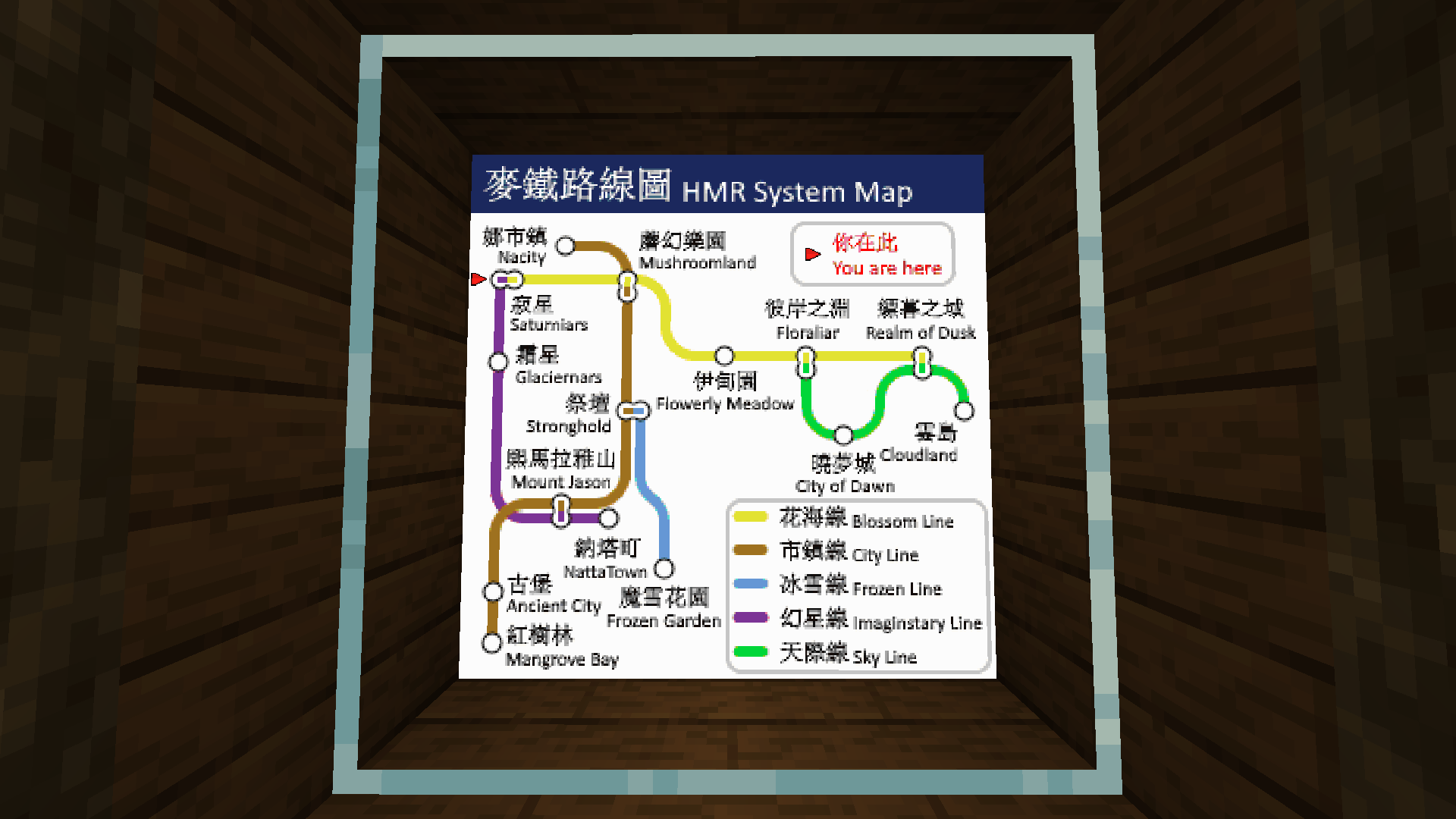
*^ These metro platform signs look awesome, don't they? Put together with ImageFrame and invisible glowing item frames!*
4. Add Overlays to Regular Vanilla Maps!
- Create an image map with a regular vanilla map in your hand - Or across multiple maps via selecting them in item frames!
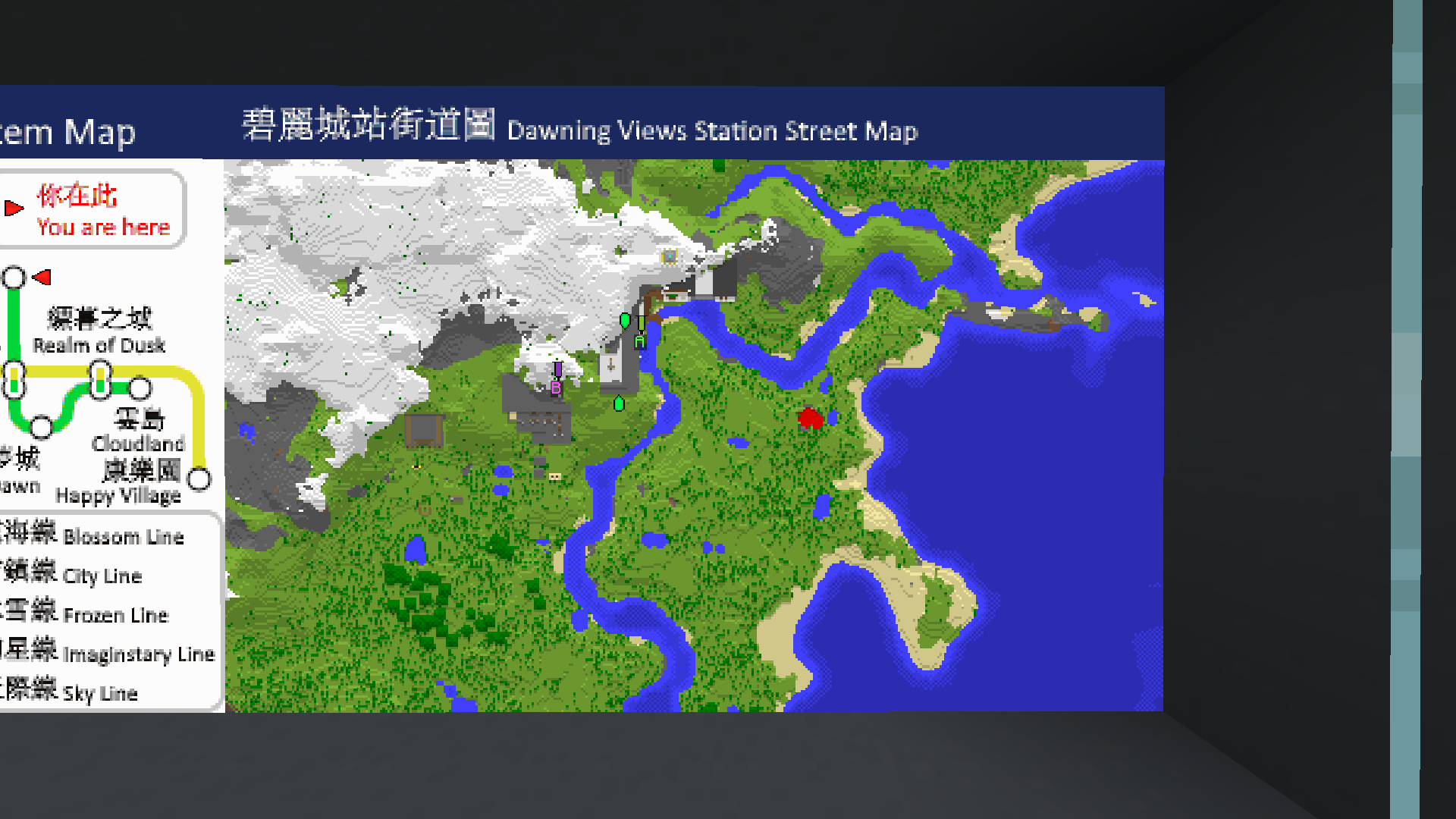
*^ Notice the extra text with a blue background at the top of the map?*
5. Combined ImageMap for Easy Placement!
- Get an entire multi-part ImageMap as one combined item! - Automatically searches for space to place the ImageMap on an Item Frame wall (or floor/ceiling) - The clicked Item Frame is treated as top-left if there is enough space - When broken, the whole combined map is removed with a single combined map returned! - Respect Item Frame protections on other plugins! (via calling Bukkit events)
<img width="1920" src="https://resources.loohpjames.com/spigot/assets/imageframe/5.gif"></img>
*^ The hearts particle is from another plugin which listens to the EntityDamageEvent*<br> *^ Built-in Invisible Item Frames System*
6. Refresh Maps Easily!
- Refresh all copies of the same image map from the URL source in one simple command! - Ideal for displaying information that you'll have to update across your server every once a while, without having to go and replace every single one
<img width="1920" src="https://resources.loohpjames.com/spigot/assets/imageframe/6.gif"></img>
*^ I've uploaded and replaced the TNT block with the grass block at the source URL, and I am holding 1 of the 4 maps in my hand*
7. Add Map Markers To Your Images!
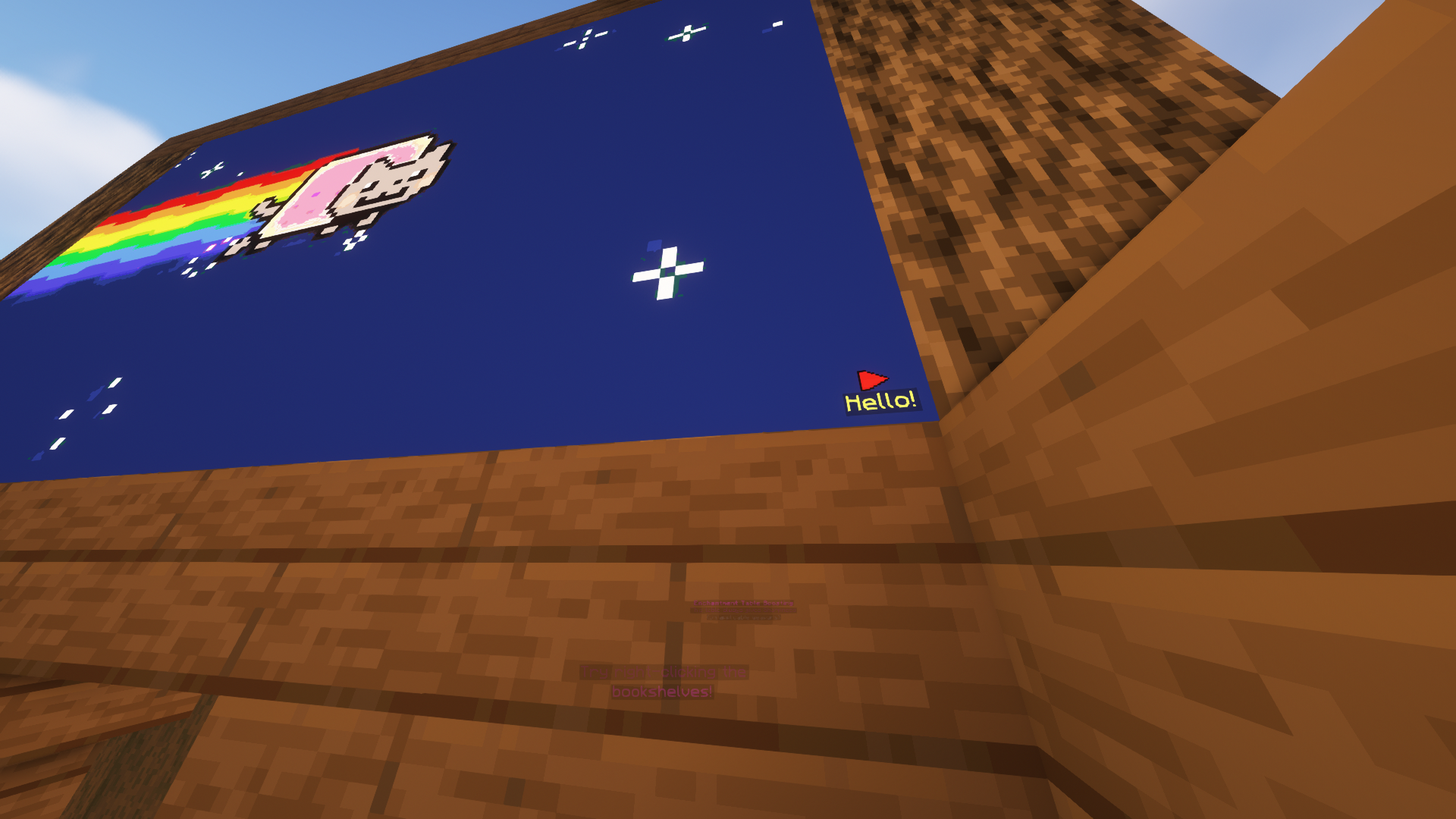
- Any map icon can be used! Such as the mansion and temple icons on Vanilla cartographer maps! - They can also have an optional line of text below them - Configurable max markers per map - Ideal for marking locations on custom image maps!
8. Survival Friendly
- Require players in survival to have empty maps in their inventory to be able to create image maps (using player commands) - Even works when directly creating images on Item Frames or getting the Combined ImageMap item! - Configurable in the config
9. Easy to Keep Track and Manage
- Commands available to help you (both as players and admins) manage your (or everybody's) created image maps - Ability to give access to ImageMaps to other players! - Different permission levels for different players you decided to share maps with. - Such as listing all maps of a player, renaming etc. - Option to set an image creation limit per player (Can be different for each player!) - Option to set a maximum size for a single image frame! (Customizable as always) - Migration available for ImageMap, ImageOnMap and DrMap (Message me for more plugin support requests)
10. Invisible Item Frames
- Built-in support for survival-friendly invisible item frames! - Splash item frame items with invisibility potions to obtain. - Can adjusted in the config.
<img width="1920" src="https://resources.loohpjames.com/spigot/assets/imageframe/9.gif"></img>
11. Languages
- All player-facing messages are translated to different languages depending on the player's client language. - If the language you speak is not yet supported, please contribute on Crowdin so we can build a better plugin for everyone together!
12. Complementary Mod
- Check out this complementary mod, which lets you see images in HD, full colours, and more!
13. Multi-Server Support
- With MySQL storage support, you can have the same maps across multiple servers in your server network! (Plugin does not need to be installed on the Bungeecord/Velocity proxy)
Dependencies
- None!
Installation
1. Put ImageFrame.jar into the plugins folder along with the required dependencies 2. Start the server 3. *Edit the config (if you need to)* 4. *Restart the server (if you changed something in the config in step 3)*
Development Builds
Showcase Server
Want to see the plugin in action?
``` IP: mc.loohpjames.com ```

Commands
if you have permission<br> For command "<name>"/"<image_name>" arguments,<br> You can access another players map if you have permission<br> through this syntax:<br> "<player>:<name>"
For example: /if get LOOHP:map combined
Administration:
``` /imageframe reload - Reloads the plugin /imageframe update - Check for updates /imageframe storagemigrate - Storage type migration ```
Player:
``` /imageframe select - Select item frames to put image maps on /imageframe create <name> <url> <width> <height> - Create a new image map /imageframe create <name> <url> selection - Create a new image map and put it directly in your selected item frames /imageframe create <name> <url> <width> <height> combined - Create a new image map and get its Combined ImageMap item /imageframe overlay <name> <url> - Create a new image map that adds an overlay on a Minecraft Vanilla map you are holding /imageframe overlay <name> <url> selection - Create a new image map that adds an overlay on a Minecraft Vanilla map in your selected item frames /imageframe clone <name> <new_name> - Create a new image map with the same properties as the old one /imageframe clone <name> <new_name> selection - Create a new image map with the same properties as the old one and put it directly in your selected item frames /imageframe clone <name> <new_name> combined - Create a new image map with the same properties as the old one and get its Combined ImageMap item /imageframe playback <name> pause - Toggle pause for an animated image map /imageframe playback <name> jumpto <seconds> - Jump to a specific second for an animated image map /imageframe refresh [optional:image_name] [optional:new_url] - Refresh a map you've created from source url /imageframe info - Get info related to the image map you are holding /imageframe get <name> - Get a self-created pre-existing image map /imageframe get <name> selection - Put a self-created pre-existing image map directly on your selected item frames /imageframe get <name> combined - Get a self-created pre-existing image map in its Combined ImageMap form /imageframe delete <name> - Delete a self-created pre-existing image map /imageframe rename <name> <new_name> - Rename a self-created pre-existing image map /imageframe list - List all self-created pre-existing image maps /imageframe marker add <image_name> <marker_name> <direction:0-15> <marker_type> [optional:caption] - Add a marker to your map /imageframe marker remove <image_name> <marker_name> - Remove a marker from your map /imageframe marker clear <image_name> - Clear all markers from your map /imageframe setaccess <name> <player> <permission> - Set access permission of other players for your map ```
Moderation:
``` /imageframe list <player> - List a player's pre-existing image maps /imageframe giveinvisibleframe <glowing/regular> [amount] [player] - Give invisible item frame items /imageframe adminsetcreator <image_id> <player> - Change the creator of an image map /imageframe adminmigrate <ImageMap/DrMap/ImageOnMap> - Migrate data from the selected and supported third-party plugin ```
Permissions
```yaml permissions: imageframe.create: default: op description: Allow players to create new image maps imageframe.create.animated: default: op description: Allow players to create new animated image maps imageframe.create.others: default: op description: Allow players to create image maps for other players, applies to overlay and clone, bypasses owning limit imageframe.overlay: default: op description: Allow players to overlay images on Vanilla maps imageframe.clone: default: op description: Allow players to make deep copies of their own image maps imageframe.playback: default: op description: Allow players to pause or set position of playback of their own animated image maps imageframe.select: default: op description: Allow players to select item frames imageframe.marker: default: op description: Allow players to add and remove markers on image maps imageframe.marker.unlimited: default: op description: Allow players to add unlimited markers on image maps imageframe.refresh: default: op description: Allow players to refresh image maps imageframe.rename: default: op description: Allow players to rename image maps imageframe.info: default: true description: Allow players to view image map data imageframe.list: default: true description: Allow players to list all image maps they've created imageframe.list.others: default: op description: Allow players to list all image maps a player have created imageframe.delete: default: op description: Allow players to delete an image map they've created imageframe.purge: default: false description: Allow players to purge all image maps created by a specific player imageframe.purge.all: default: false description: Allow players to purge all image maps at once imageframe.get: default: op description: Allow players to get an image map they've created imageframe.setaccess: default: op description: Allow players to change access permissions of their image maps imageframe.adminbypass: default: op description: Bypass all access restrictions and allow users to use and modify any image map imageframe.adminsetcreator: default: op description: Allow players to change the creator of any image map via the image map id imageframe.admindelete: default: op description: Allow players to delete any image map via the image map id imageframe.adminmigrate: default: op description: Allow players to migrate maps from supported plugins to ImageFrame imageframe.preference: default: true description: Allow players to update their player preferences imageframe.preference.others: default: op description: Allow players to update other players' player preferences imageframe.giveinvisibleframe: default: op description: Allow players to give invisible item frames imageframe.reload: default: op description: Allows you reload the config file imageframe.resync: default: op description: Allows you force sync changes from storage imageframe.storagemigrate: default: op description: Allows you to send data to a different storage type imageframe.update: default: op description: Allows you receive update messages ```
Default Config
**Latest Config with Descriptions**
Data usage
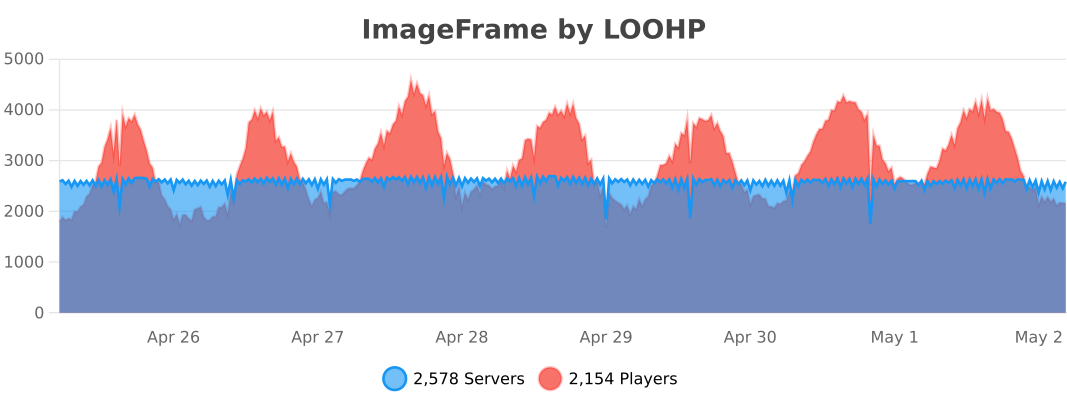
Usage statistics at https://bstats.org/plugin/bukkit/ImageFrame will be visible to the public with your server included in the statistics. No private information of your server is sent.<br> Update checking is also done via https://api.loohpjames.com to notify you whenever a new version is released. No private information of your server is sent.
Versions
1.6.0
release
2026.1.0
release
1.8.7.1
beta
1.8.7.3
beta
1.8.7
release
1.7.14.4
beta
1.7.7
release
2026.1.2
release
1.7.9
release
1.7.10
release
1.8.7.5
beta
2026.1.1.1
beta
1.8.5
release
1.7.0
release
1.8.0
release
1.7.11
release
1.7.1
release
1.8.4
release
2026.1.1
release
1.9.0.1
beta
1.7.14
release
1.6.1
release
1.7.6
release
1.7.5
release
1.8.2
release
1.7.13
release
1.8.7.4
beta
1.7.14.2
beta
1.8.1
release
1.7.3
release
1.8.3
release
1.6.3
release
1.7.4
release
1.8.7.2
beta
1.6.2
release
1.7.12
release
1.7.8
release
1.7.2
release
1.6.4
release