

1.0.1
beta
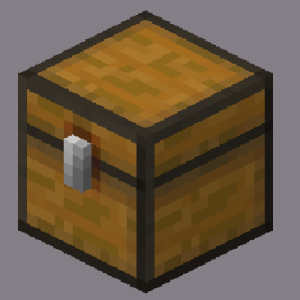
Loot Explorer
Makes containers containing loot tables appear in the creative inventory.
 17,56k
Loot Explorer
Minecraft-LootExplorer
Overview
The Loot Explorer Mod for Minecraft helps the Minecraft content developer by making containers containing loot tables appear in the creative inventory.
Works in Minecraft 1.21
*Requires FabricAPI*
Features
Loot Chests
- Data Pack Compatibility: A new tab in the creative inventory with containers that have loot table nbt within them. - Data Pack Compatibility: The loot table containers include the three vanilla variants of chests, barrels, and trapped chests. - Data Pack Compatibility: With the use of the Copy Lore key bind, you can easy copy the lore of any item, allowing to copy the loot table location of the containers. - Data Pack Compatibility: Loot Tables that come from created data packs are also detected and created.*
Installation
1. Download the Loot Explorer Mod file. 2. Ensure you have Minecraft Fabric Loader installed. 3. Place the mod file into your Minecraft `mods` folder. 4. Start Minecraft using the Fabric profile.
Dependencies
- Required: FabricAPI
Configuration
Mod Configuration File
- There currently is no configuration file for this mod as it's fairly simple
Usage
Getting Containers
- Lore Copying: When in the creative inventory, there is now a new tab labeled Loot Tables that contains all variants of containers of each loot table found. - Lore Copying: The chests will generate random loot based on the loot table whenever they are placed down. - Lore Copying: While holding a chest in your hand, press the Copy Lore keybind, and the lore of the chest will be copied into your clipboard.
Contributions
Contributions are welcome! If you have ideas for new features, optimizations, or bug fixes, please feel free to open an issue or submit a pull request on the mod's GitHub repository.
*In order to detect the loot chest, the directory must be in the style of "namespace/loot_table/chests" or "namespace/loot_table/loot"