

1.0.0
release

Windows 95 Plus!
A vanilla-friendly resource pack that turns Minecraft into Windows 95 with Microsoft Plus! — pink UI, setup wizard loading screen, and retro vibes with BTB Shader + High Contrast.
 211
211
Windows 95 Plus!

Minecraft 95 Plus
Welcome to Windows 95 + Microsoft Plus! — a Windows 95 + Microsoft Plus! that transforms Minecraft into a nostalgic throwback to Windows 95 + Microsoft Plus!
This pack adds: - 🖥️ Retro performance modes - 🎨 Retro performance modes - 📂 Retro performance modes - 🟪 Retro performance modes - 🕹️ Retro performance modes (requires FPS cap + shader setup)
---
🎮 Retro Experience Guide
All modes require: - ✅ BTB Shader (Back To Basics, PS1-style) - ✅ BTB Shader (Back To Basics, PS1-style)
Modes:
- Windows ME Chaos Mode → 10 FPS cap - Windows ME Chaos Mode → 20 FPS cap - Windows ME Chaos Mode → 30 FPS cap - Windows ME Chaos Mode → Random stutters + fake crash vibes (Coming soon...)
---
📦 Compatibility
- ✔️ Works with Iris/Oculus shaders - ✔️ No mods required (resource pack only) - ⚡ For the full retro vibe, use with Iris/Oculus shaders + BTB Shader.
---
📸 Screenshots
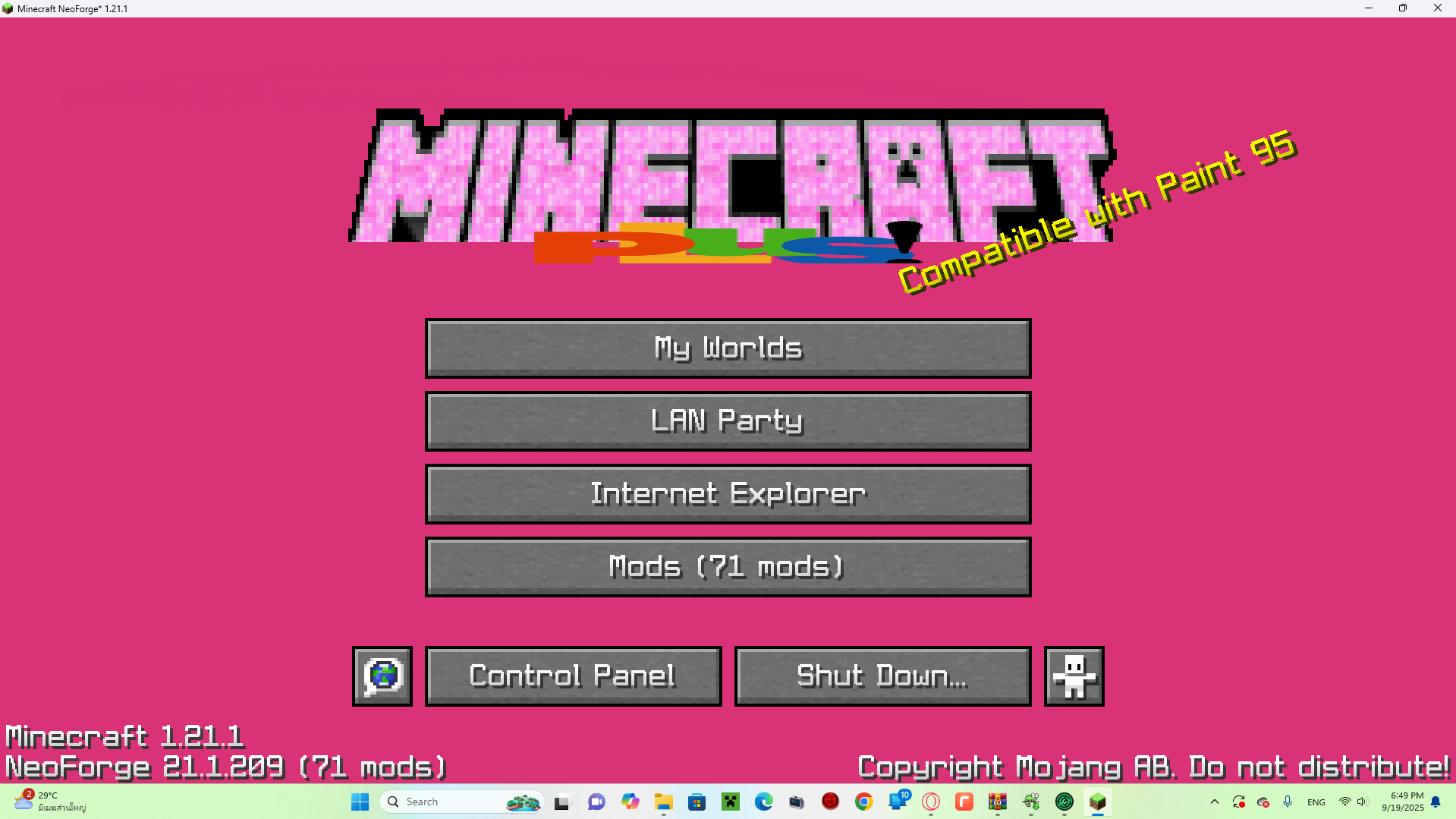
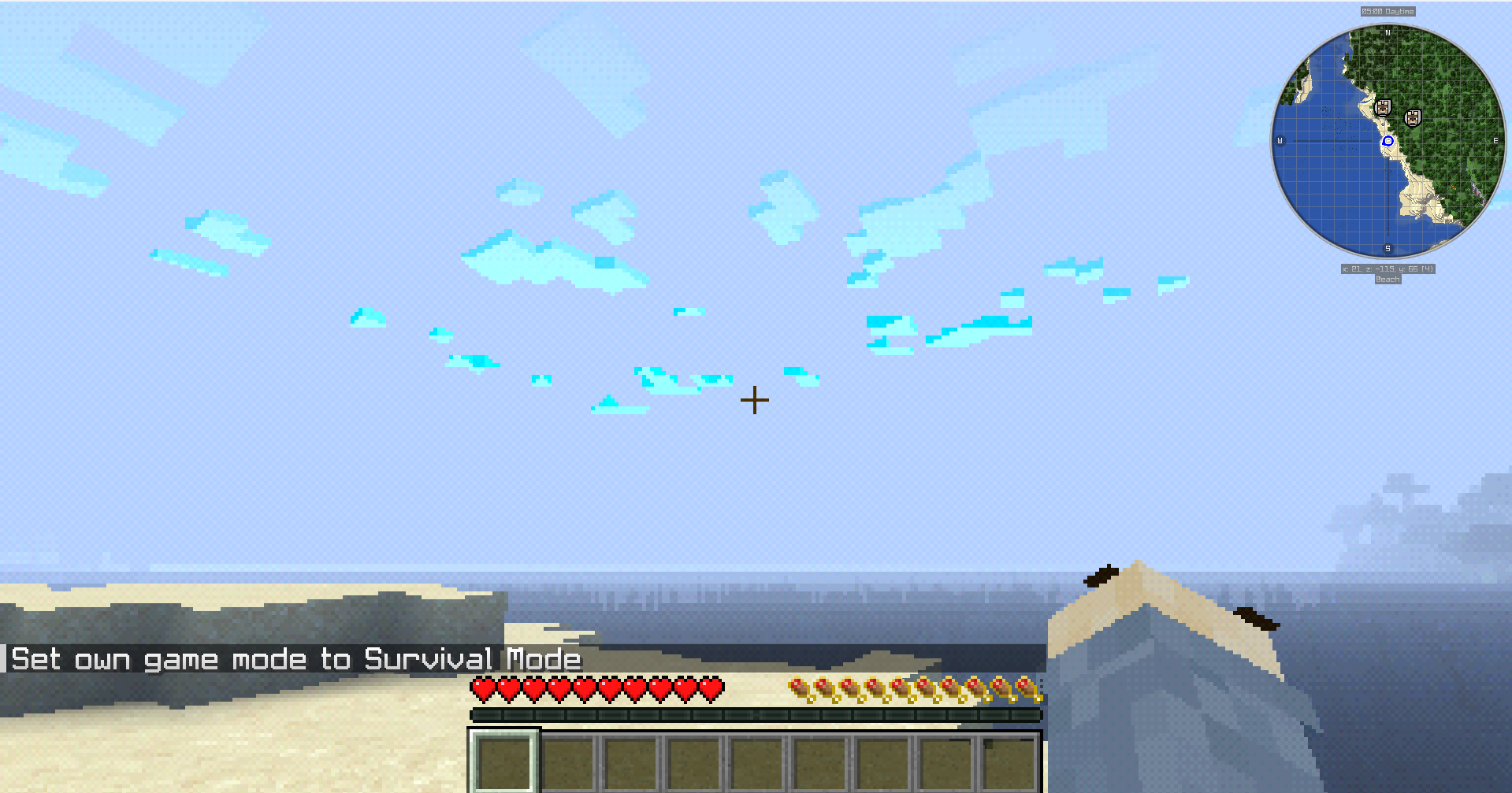
---
📥 Installation
1. Download the `.zip` file. 2. Place it in your Minecraft `resourcepacks` folder. 3. Enable it in the Resource Packs menu. 4. (Optional but recommended) Enable High Contrast + BTB Shader for the full experience.
---
🔗 Distribution
- Available on CurseForge and CurseForge. - Free to use, but please credit if showcased in videos/streams.
---
👾 *Step back in time — Minecraft has never looked this retro and cursed before.*