

1
release

MiniMessageBridge
Legacy to MiniMessages
 36
36
MiniMessageBridge
MiniMessageBridge Global Legacy-to-MiniMessage Translation Layer

Transform every plugin's colors without touching a single config file
What is MiniMessageBridge?
MiniMessageBridge is a MiniMessage format that globally translates legacy Minecraft color codes (§ and &) into modern MiniMessage format in real-time.
The Problem: Old plugins use ugly §c&l formatting that looks terrible on modern servers. You want vibrant hex colors, gradients, and hover effects, but those plugins don't support MiniMessage.
The Solution: MiniMessageBridge sits between your plugins and your players. It intercepts every outgoing chat packet, detects legacy formatting, and instantly translates it to your custom MiniMessage definitions.
``` Plugin sends: §c§lHello World Player sees: Hello World (Hot pink bold text) ```
Features
- bStats Integration - Works out of the box with sensible defaults - bStats Integration - Modifies output at the protocol level, affects ALL plugins - bStats Integration - Works with hardcoded messages from any plugin - bStats Integration - Caffeine caching with 5000 entry LRU cache - bStats Integration - Reload configs without restart - bStats Integration - Fully compatible with Paper 1.20+ Adventure API - bStats Integration - Support for gradients, rainbows, hover events, click events - bStats Integration - Choose which packet types to modify - bStats Integration - Detailed logging for troubleshooting - bStats Integration - Anonymous usage statistics
How It Works
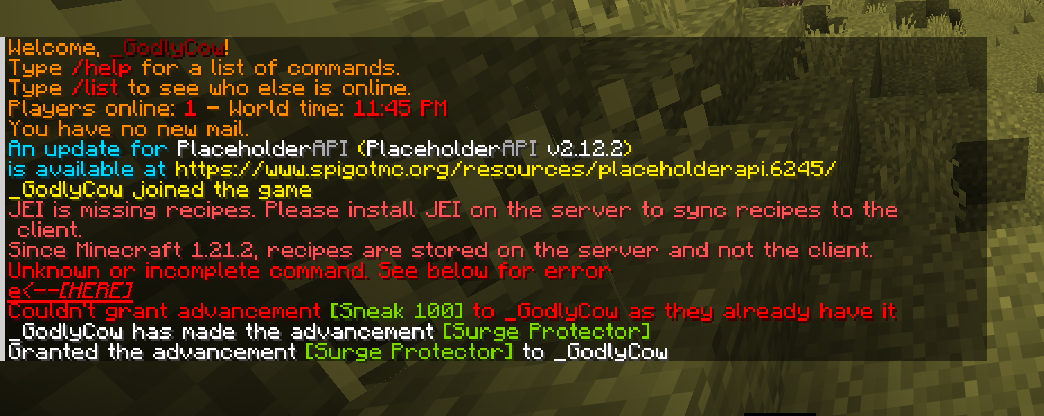
1. Detection Plugin sends a message using legacy codes: ``` §cError: Invalid command ```
2. Interception ProtocolLib catches the outgoing SYSTEM_CHAT packet before it reaches the player
3. Serialization The packet's Adventure Component is converted back to legacy format to detect formatting codes
4. Translation Legacy codes are matched against your config mappings and converted to MiniMessage tags
5. Rendering MiniMessage deserializes the tags into a modern Adventure Component with hex colors
6. Delivery The modified packet is sent to the player with beautiful modern formatting
Installation
Requirements:
- Paper 1.20+ (or forks like Purpur, Pufferfish) - ProtocolLib 5.1.0+ - Java 17+
Steps:
1. Download /mmb reload and place it in your /mmb reload folder 2. Download MiniMessageBridge and place it in your /mmb reload folder 3. Start your server 4. Edit /mmb reload to customize your color scheme 5. Run /mmb reload or restart to apply changes
Default Config Structure:
``` legacy-mappings: "&c": "<#ff3860>" # Map &c to hot pink "&a": "<#00ff41>" # Map &a to neon green "§c": "<#ff3860>" # Also map section symbol variant
format-mappings: "&l": "<bold>" # Bold formatting "&r": "<reset>" # Reset all formatting
settings: enable-cache: true # Enable translation caching debug: false # Debug logging
packet-interception: system-chat: true # Intercept server messages action-bar: true # Intercept action bar ```
Advanced Example - Gradients:
``` legacy-mappings: "&c": "<gradient:#ff3860:#ff0000>" # Red gradient "&a": "<rainbow>" # Rainbow cycling "&6": "<hover:show_text:'<gold>Click!'><gold>" # Hover text ```
Performance
- Translation cache eliminates re-parsing of identical messages - Concurrent data structures for thread safety - Average overhead: <0.1ms per message - Memory usage: ~10MB for 5000 cached entries - Zero impact when processing modern MiniMessage plugins (bypass mode)
Support