

0.2.3-fabric+1.21.4
release

Minor Audio Inconvenience
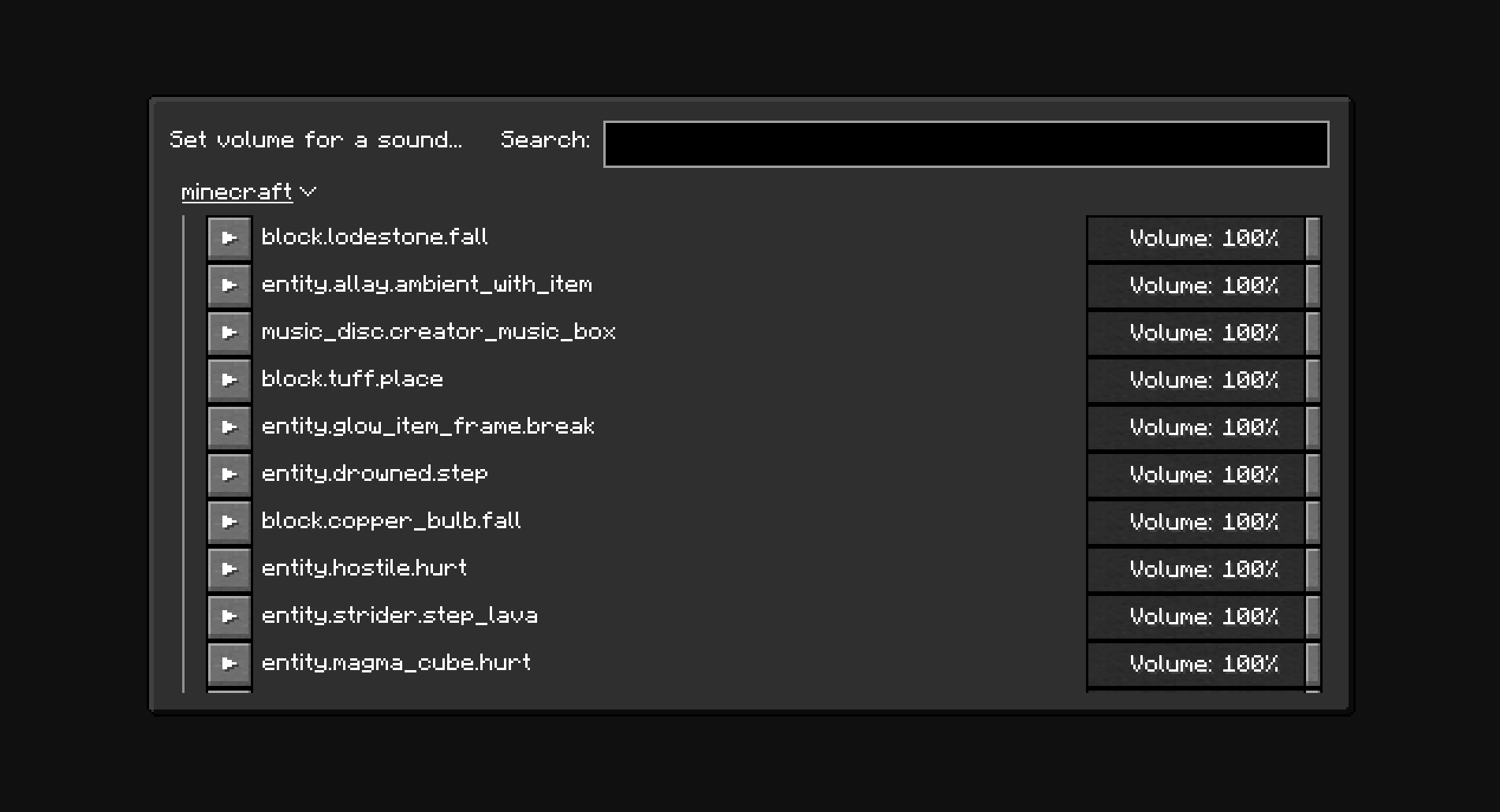
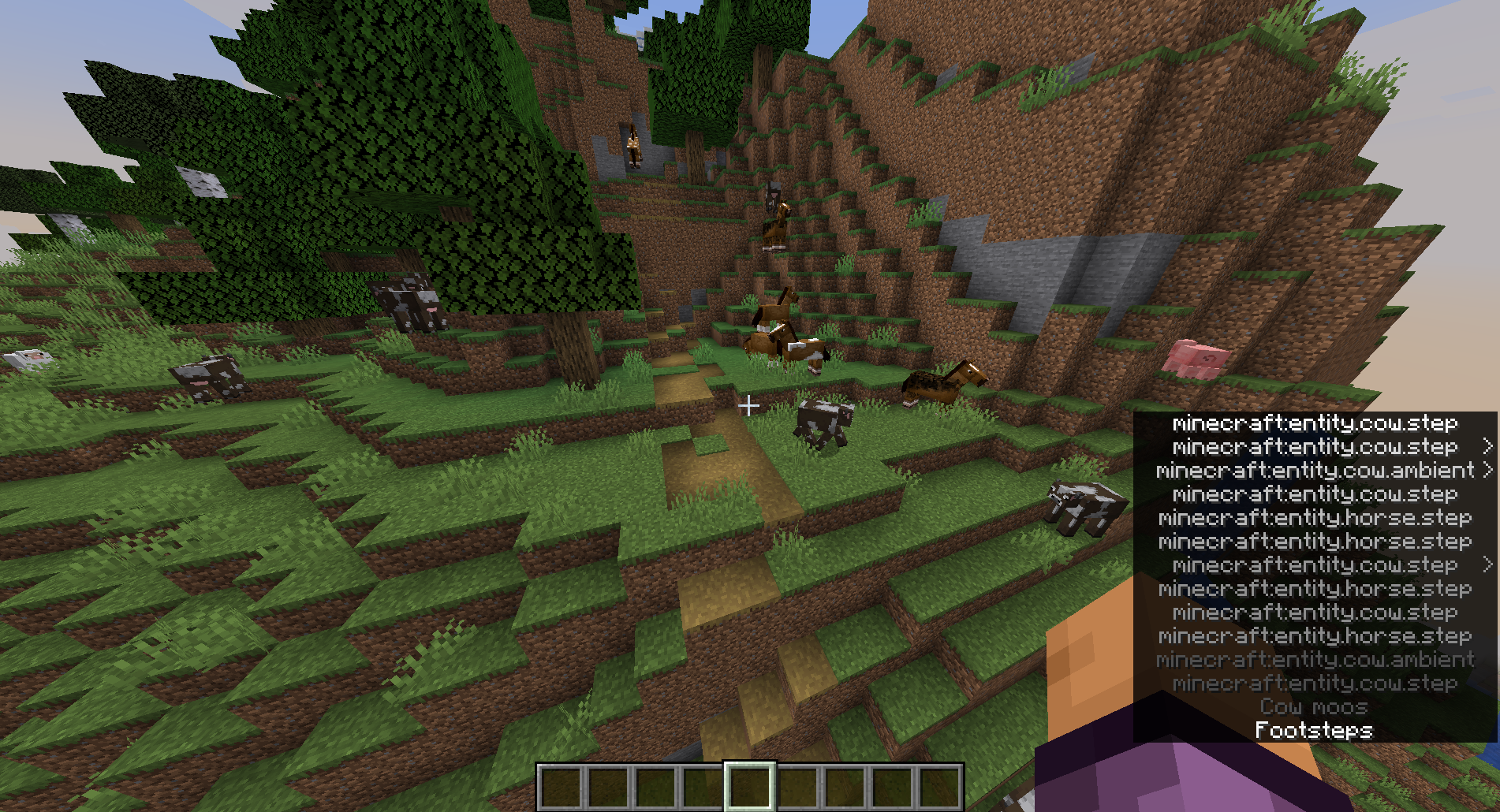
Set volume for individual sounds.
 2,49k
2,49k
Minor Audio Inconvenience
Minor Audio Inconvenience
Set volume for individual sounds.
Usage
The `minecraft:weather.rain` sound is disabled by default. New sounds can be added to the configuration manually through the config screen (With Mod Menu: Mods -> Minor Audio Inconvenience, Without Mod Menu: `/owo-config minor-audio-inconvenience`) or using the "Set volume for a sound..." menu (Options... -> Music & Sounds... -> Set sound volume)
Note
The NeoForge version of the mod only works in Singleplayer.
Screenshots
Dependencies
The mod depends on You will still need to install owo-lib manually on NeoForge. for configuration and UI. If you don't have the library already installed, you will be prompted to install it automatically. You will still need to install owo-lib manually on NeoForge.
Gallery
Versions
0.2.4-fabric+1.21.4
release
0.2.4-neoforge
release
0.2.3-neoforge+1.21
release
0.2.2-fabric+1.21.3
release
0.2.2-fabric+1.21
release
0.2.2-fabric+1.21.4
release
0.0.2
release
0.2.3-neoforge+1.21.4
release
0.0.1
release
0.2.4-fabric+1.21.3
release
0.2.1-fabric+1.21
release
0.2.3-fabric+1.21.3
release
0.2.2-neoforge+1.21.3
release
0.2.4-fabric+1.21
release
0.2.1-fabric+1.21.4
release
0.2.4-neoforge
release
0.2.0-fabric+1.21
release
0.1.1-neoforge
release
0.2.3-fabric+1.21
release
0.1.0-neoforge
release
0.2.2-neoforge+1.21.4
release
0.2.0-fabric+1.21.4
release
0.2.2-neoforge+1.21
release
0.2.3-neoforge+1.21.3
release
0.2.0-fabric+1.21.3
release
0.1.0-fabric
release
0.2.1-fabric+1.21.3
release
0.2.4-neoforge
release