

1.4.2+1.20.4
release

Mod-erate Loading Screen
An "alternative" to Mod Menu that's a lot less usable.
 68,34k
Mod-erate Loading Screen
<img alt="fabric-api" height="56" src="https://cdn.jsdelivr.net/npm/@intergrav/devins-badges@3/assets/cozy/requires/fabric-api_vector.svg"> <img alt="fabric-api" height="56" src="https://enjarai.dev/static/requires_cicada_cozy.svg"> <img alt="discord-plural" height="56" src="https://cdn.jsdelivr.net/npm/@intergrav/devins-badges@3/assets/cozy/social/discord-plural_vector.svg"> <img alt="kofi-singular" height="56" src="https://cdn.jsdelivr.net/npm/@intergrav/devins-badges@3/assets/cozy/donate/kofi-singular_vector.svg">
An "alternative" to Mod Menu that's a lot less usable. (full feature parity not included) <br><br> Makes the icons of installed mods fall down the loading screen like snowflakes. Includes a few configuration options like showing every mod only once, hiding libraries, and changing the background color. I'd recommend installing the actual Mod Menu mod to access the configs. <br><br> Example of snowflakes mode on the [Benchmark II] modpack with modified background color:

<br><br> Example of stacking mode, also on [Benchmark II]:
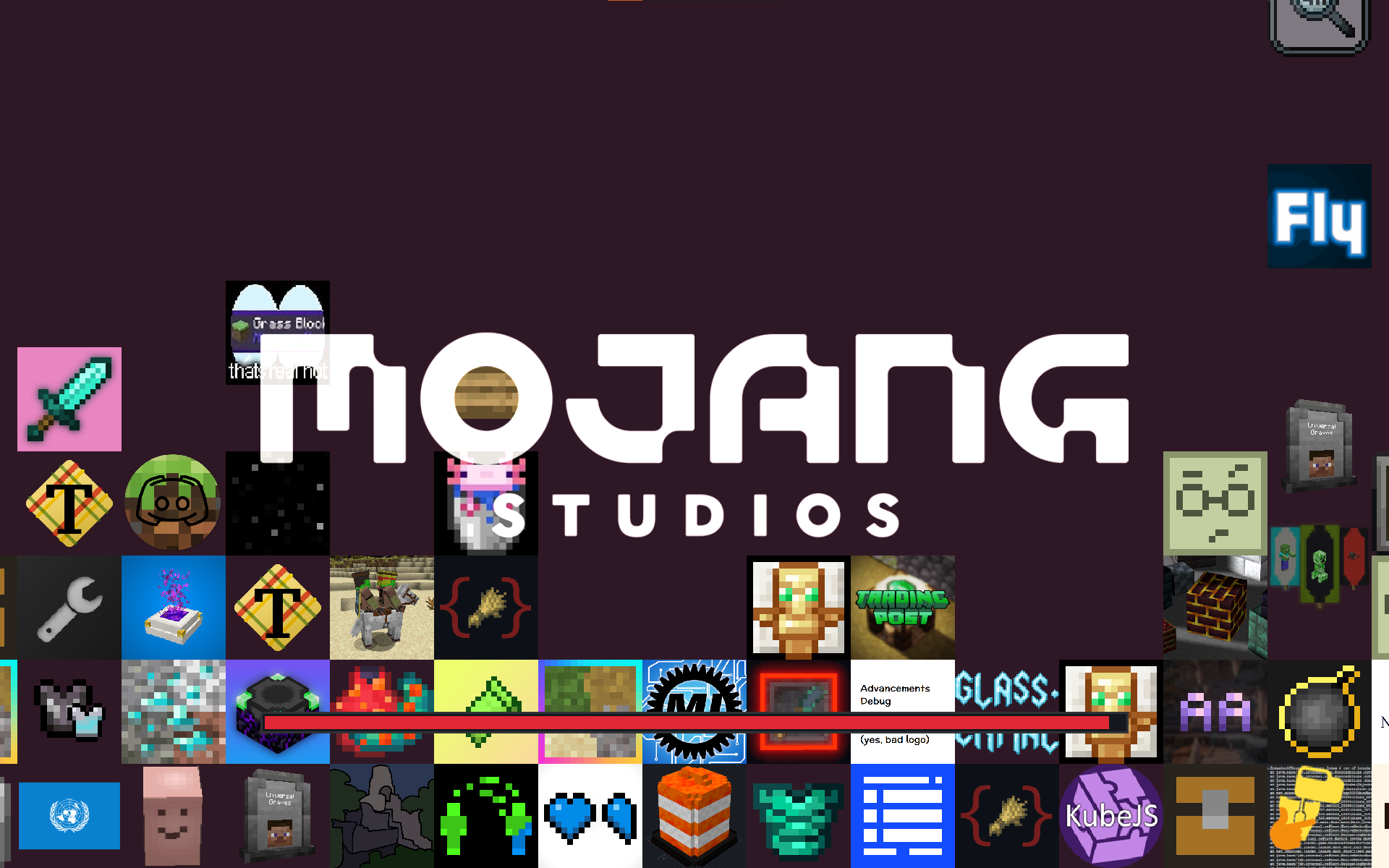
<br><br> Heavily based on and inspired by Quilt Loading Screen
[Benchmark II]: https://www.curseforge.com/minecraft/modpacks/benchmark-ii
Gallery
Versions
1.1.3+1.19
release
1.4.3+1.21.4
release
1.4.1+1.20.1
release
1.4.0+1.20.1
release
1.3.0+1.20.1
release
1.3.1+1.20.2
release
1.4.3+1.20.6
release
1.4.0+1.20.2
release
1.0.2
release
1.4.3+1.20.4
release
1.4.2+1.21
release
1.3.1+1.19.4
release
1.4.2+1.20.6
release
1.4.3+1.21
release
1.4.2+1.19.4
release
1.2.1+1.19.4
release
1.1.1
release
1.2.0+1.19.3
release
1.3.0+1.20.4
release
1.4.3+1.21.3
release
1.4.2+1.20.2
release
1.4.0+1.20.4
release
1.1.2
release
1.0.0
release
1.4.1+1.20.2
release
1.1.0
release
1.4.1+1.20.4
release
1.4.3+1.20.2
release
1.3.0+1.20.2
release
1.0.1
release
1.4.1+1.19.4
release
1.3.1+1.20.1
release
1.3.0+1.19.4
release
1.3.1+1.20.4
release
1.2.0+1.19.4
release
1.4.3+1.19.4
release
1.2.1+1.20.1
release
1.4.2+1.20.1
release
1.4.0+1.19.4
release
1.4.3+1.20.1
release
1.1.3
release