

1.19.4-1.4.0.0
release

Nicos Backslots
A simple Backslot mod
 2,40k
2,40k
Nicos Backslots
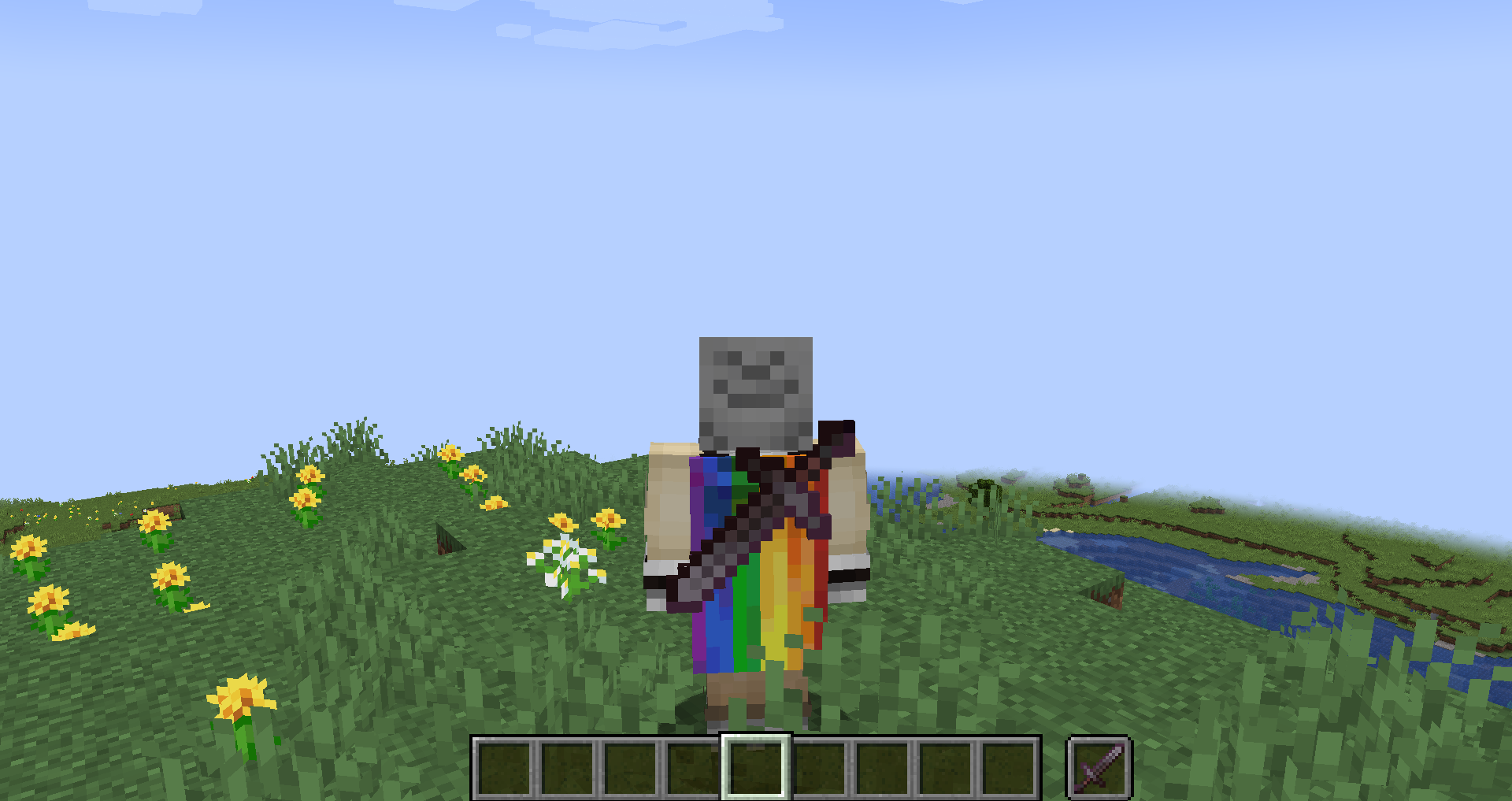
Simple Backslot mod. Keybind for switching with G
For Resource Pack Creators / Mod Developers
To customize the model that appears on the player's back, create a folder inside of ```nicos_backslot``` directory, named after the ID of the item you want to modify.
Example File Structure: ```json assets └── nicos_backslots └── backslot_data └── minecraft ├── shield.json └── trident.json ```
Each JSON file corresponds to an item and allows you to adjust its `display mode`, `scale`, `offset` and `rotation`.
Example Configuration (Trident): ```json { "mode": "none", "scale": { "x": 1.25, "y": 1.25, "z": 1.25 }, "offset": { "x": -0.5, "y": -1.32, "z": 0.5 }, "rotation": { "x": 0, "y": 0, "z": 45 } } ```
The `mode` property defines the transformation mode of the item. Available options include:
```json none third_person_left_hand third_person_right_hand first_person_left_hand first_person_right_hand head gui ground fixed ```
Gallery
Versions
1.19.2-1.3
release
1.19.2-1.0
beta
1.21.1-1.2
release
1.21.1-1.0
alpha
1.19.3-1.4.0.0
release
1.20.1-1.0
beta
1.21.1-1.1
beta
1.21.1-1.3
release
1.20.1-1.3
release
1.19.4-1.4.0.0
release
1.20.1-1.0
beta
1.19.3-1.4.0.0
release
1.19-1.4.0.0
release
1.21.1-1.2
release
1.21.1-1.3
release
1.20.1-1.3
release
1.19.2-1.3
release
1.19-1.4.0.0
release
1.21.1-1.1
beta
1.19.2-1.0
beta
1.21.1-1.0
alpha