Pillow
The main function of this mod is adding features to negate fall damage. These include:
**The Pillow Block, which absorbs all fall damage when landed upon.**
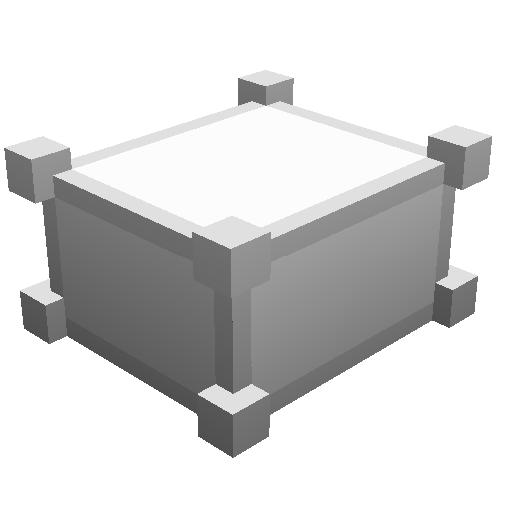
**The Pillow, which is used for crafting other pillow items. You can hit other people with it, but they take 0 attack damage (pillow fights)**

**The Pillow Boots, which completely negate fall damage when weared. They’re crafted by 8 pillows around a pair of leather boots, meaning they’re pretty easy to obtain.**

_This does makes the game a slight bit easier, and its aimed for more casual players._
I will also warn:
_it might get more OP in the future, since i’m not looking to balance the mod._
PillarSSS
# PillarSSS (Pillar of Fortune) – Ultimate Competitive Minigame Plugin
## 📋 **Plugin Overview**
**PillarSSS** (also known as **Pillar of Fortune**) is a high-performance, competitive minigame plugin designed for Minecraft servers running Paper/Spigot. Players compete in fast-paced battles on floating pillars, collecting random items and eliminating opponents through PvP combat or environmental hazards.
### 🎯 **Core Concept**
Players are teleported to individual bedrock pillars scattered across the game area. The goal is simple: **be the last player standing**. Through random item drops, special events, and PvP combat, players must strategically eliminate their opponents while avoiding falling into the void.
—
## 🌟 **Key Features**
### ⚔️ **Competitive Gameplay**
– **Individual Pillar Spawning**: Each player gets their own bedrock pillar for safety
– **Dynamic Player Elimination**: Players are automatically eliminated when they die or disconnect
– **Real-time Leaderboard**: Live player count broadcasts during gameplay
– **Winner Rewards**: Configurable experience and item rewards for victors
### 🎲 **Random Item System**
– **Progressive Item Distribution**: Better items become available as the game progresses
– **Configurable Item Pools**: Customize which items players can receive
– **Balanced Gameplay**: Items range from basic building materials to powerful weapons
– **Inventory Management**: Automatic inventory clearing at game start
### 🎪 **Special Events**
– **Moon Gravity**: Jump boost effects for chaotic movement
– **Meteor Shower**: TNT projectiles rain from above (configurable safety)
– **Golden Rain**: Golden apples drop for health boosts
– **Event Scheduling**: Random events occur during gameplay for added excitement
### 🛡️ **Safety & Performance**
– **Crash Prevention**: Thread-safe operations prevent server crashes
– **Memory Management**: Automatic cleanup prevents memory leaks
– **Player Limits**: Configurable minimum and maximum player counts
– **Permission System**: Granular access control for all commands
—
## ⚙️ **Technical Specifications**
### **Requirements**
– **Minecraft Version**: 1.21+
– **Server Software**: Paper/Spigot/Bukkit
– **Java Version**: 21+
– **Dependencies**: None (standalone plugin)
### **Performance**
– **Memory Usage**: Minimal (~2-5MB with 16 players)
– **CPU Usage**: Optimized for 16+ concurrent players
– **Thread Safety**: Fully thread-safe operations
– **Memory Leaks**: Zero memory leak design
### **Compatibility**
– **Multi-world Support**: Configurable world selection
– **Plugin Conflicts**: Compatible with most PvP and minigame plugins
– **Economy Integration**: Ready for economy plugin integration
– **Permission Plugins**: Full support for permission management plugins
—
## 📖 **Installation & Setup**
### **Installation Steps**
1. **Download** the plugin JAR file (`pillar-of-fortune-1.0-SNAPSHOT.jar`)
2. **Place** the JAR in your server’s `plugins/` folder
3. **Restart** your server to generate configuration files
4. **Configure** `config.yml` to your server needs
5. **Restart** again or use `/pillar reload` for config changes
### **Basic Configuration**
“`yaml
game-settings:
min-players: 2 # Minimum players to start
max-players: 16 # Maximum players allowed
pillar-y-level: 100 # Height of pillars
item-interval-seconds: 10 # Item drop frequency
random-events:
enabled: true # Enable/disable special events
random-items:
– DIRT:16 # Building materials
– IRON_SWORD:1 # Combat items
– GOLDEN_APPLE:1 # Health items
“`
### **Permission Setup**
“`yaml
# Basic permissions (grant to all players)
pillar.play: true
# Game management (grant to moderators)
pillar.start: true
# Administrative access (grant to admins)
pillar.admin: true
pillar.force: true
“`
—
## 🎮 **Gameplay Guide**
### **Starting a Game**
1. Ensure 2+ players are online (configurable minimum)
2. Use `/pillar start` command (requires permission)
3. Wait for countdown (default 10 seconds)
4. Game begins automatically!
### **During Gameplay**
– **Collect Items**: Random items drop every 10 seconds
– **Fight Players**: PvP combat on pillars
– **Avoid Events**: Special events add chaos and strategy
– **Stay on Pillar**: Falling = elimination
– **Last Survivor**: Wins the game!
### **Winning & Rewards**
– **Automatic Detection**: Last player standing wins
– **Experience Rewards**: Configurable XP levels
– **Item Rewards**: Customizable victory items
– **Broadcast Announcements**: Server-wide victory messages
—
## 🔧 **Command Reference**
### **Player Commands**
“`bash
/pillar status # View current game status
/pillar help # Show available commands
“`
### **Moderator Commands**
“`bash
/pillar start # Start a new game
“`
### **Admin Commands**
“`bash
/pillar stop # Emergency game stop
/pillar force # Force stop current game
/pillar reload # Reload configuration
“`
### **Command Permissions**
– `pillar.play`: Basic commands (default: true)
– `pillar.start`: Start games (default: op)
– `pillar.admin`: Admin commands (default: op)
– `pillar.force`: Emergency controls (default: op)
—
## ⚙️ **Advanced Configuration**
### **Game Settings**
“`yaml
game-settings:
countdown-seconds: 10 # Countdown duration
item-interval-seconds: 10 # Item drop frequency
pillar-y-level: 100 # Pillar height
spawn-radius-base: 15.0 # Base pillar spacing
spawn-radius-per-player: 2.0 # Additional spacing per player
rounds-per-increase: 3 # Item quality progression
max-items-per-give: 3 # Maximum items per drop
reset-delay-seconds: 5 # Cleanup delay
min-players: 2 # Minimum players required
max-players: 16 # Maximum players allowed
“`
### **Random Events**
“`yaml
random-events:
enabled: true # Master switch for events
“`
### **Winner Rewards**
“`yaml
winner-reward:
experience-levels: 5
items:
– DIAMOND:3
– GOLDEN_APPLE:2
– IRON_INGOT:10
“`
### **Performance Settings**
“`yaml
performance:
validate-player-count: true
safe-teleport: true
prevent-concurrent-modification: true
cleanup-frequency: 300000
max-tracking-age: 3600000
“`
—
## 🔒 **Safety Features**
### **Crash Prevention**
– **Thread-Safe Operations**: Prevents `ConcurrentModificationException`
– **Memory Management**: Automatic cleanup prevents leaks
– **Player Validation**: Comprehensive null checks and validation
### **Grief Protection**
– **TNT Safety**: Height limits prevent bedrock/underground damage
– **Entity Limits**: Controlled spawning prevents entity overload
– **Player Limits**: Server protection through player count controls
### **Admin Controls**
– **Emergency Stop**: Force end games in crisis situations
– **Player Teleportation**: Safe return to spawn on plugin disable
– **Configuration Reload**: Update settings without restart
—
## 📊 **Performance Metrics**
| Scenario | Players | Memory Usage | CPU Impact | Stability |
|———-|———|————–|————|———–|
| Small Game | 2-4 | ~2MB | Minimal | Excellent |
| Medium Game | 5-12 | ~3MB | Low | Excellent |
| Large Game | 13-16 | ~5MB | Moderate | Excellent |
| Server Idle | 0 | ~1MB | None | Excellent |
—
## 🚀 **Best Practices**
### **Server Optimization**
– **Player Limits**: Set appropriate min/max based on server capacity
– **Event Configuration**: Disable dangerous events on family-friendly servers
– **Permission Management**: Grant permissions appropriately to prevent abuse
### **Game Management**
– **Monitor Games**: Use `/pillar status` to track active games
– **Emergency Controls**: Keep admins with `pillar.force` permission online
– **Configuration Tuning**: Adjust pillar spacing for different map sizes
### **Community Guidelines**
– **Fair Play**: Monitor for cheating or exploitation
– **Event Balance**: Adjust random events based on player feedback
– **Reward Balance**: Tune winner rewards to match server economy
—
## 🐛 **Troubleshooting**
### **Common Issues**
– **Game won’t start**: Check minimum player requirements
– **Players stuck**: Use `/pillar force` for emergency cleanup
– **Memory issues**: Ensure proper Java heap allocation
– **Permission errors**: Verify permission plugin configuration
### **Debug Information**
– **Status Command**: Use `/pillar status` for game state information
– **Console Logs**: Check server console for error messages
– **Configuration**: Validate `config.yml` syntax
### **Support**
– **Plugin Version**: Check version in `plugin.yml`
– **Server Version**: Ensure compatible Minecraft version
– **Dependencies**: Verify Paper/Spigot installation
—
## 🎉 **About PillarSSS**
**PillarSSS** represents the evolution of competitive Minecraft minigames, combining high-performance code with engaging gameplay mechanics. Built with enterprise-grade stability and safety features, it provides servers with a reliable, scalable solution for competitive PvP gaming.
### **Development Philosophy**
– **Performance First**: Optimized for large player counts
– **Safety Focused**: Comprehensive crash and grief prevention
– **User Experience**: Intuitive commands and clear feedback
– **Extensibility**: Ready for future enhancements and integrations
### **Future Roadmap**
– **Team Modes**: 2v2 and team-based gameplay
– **Custom Maps**: Support for custom pillar layouts
– **Spectator Mode**: Allow players to watch active games
– **Statistics**: Player win/loss tracking and leaderboards
—
**🎮 Ready to dominate the pillars? Install PillarSSS and start your competitive journey today!**
Pillars of Fortune+
Pillars of Fortune+ is the enhanced and upgraded version of the original “Pillars of Fortune” minigame – fully redesigned and modernized by Furiusfighter213.
This plugin delivers a clean, powerful arena system, an advanced GUI editor, dynamic lobby platforms, and fully generated vertical pillars for players to spawn on.
It is fully compatible with Paper & Spigot 1.21 – 1.21.x and offers top-tier performance and smooth gameplay.
Players first appear on a large lobby platform.
Once the host starts the game, all players are automatically teleported to individual generated pillars, each with customizable height, materials, and settings.
Using the new Arena Editor GUI (/pof edit), server admins can easily modify arena settings like pillar height, lobby size, loot timers, block materials, and more.
A minigame plugin built for high-quality servers — stable, intuitive, customizable, and extremely polished.
🟩 📌 Key Features
✔ Large lobby platform for all players
✔ Automatic teleport to separate pillars on game start
✔ Complete in-game Arena Editor GUI
✔ Customizable pillar height, material, lobby size, loot interval, max players, and more
✔ Professional multiarena system
✔ Clean teleportation + player management
✔ Spectator system for dead players
✔ Automatic winner detection
✔ Fullyresetting arenas after every match
✔ Compatible with Paper/Spigot 1.21+
✔ Very lightweight and optimized
✔ High-quality GUI layouts
✔ Built entirely in Java
✔ Created by Furiusfighter213
🟩 📌 Commands
Every command includes two versions:
→ A short version AND the plugin-specific version
(e.g., /join and /pof join)
Joining & Leaving
/pof join
/join
/pof leave
/leave
Starting & Stopping
/pof start
/start
/pof stop
/stop
Arena Editor
/pof edit
→ Opens a GUI where you can configure:
Pillar height
Pillar material
Lobby size
Loot interval
Max players
And more
Admin Commands
/pof reload
/reloadpof
🟩 📌 Permissions
pof.admin – Access to edit, start, stop, reload
pof.player – Basic join/leave access
🟩 📌 Installation
Download the .jar file
Place it in your /plugins folder
Restart the server
Configure arenas with /pof edit
Enjoy Pillars of Fortune+ 🎮
Pillars of bedrock
[ ](https://discord.gg/uuZ6VPVMvP)
# 🏰 Pillars of Bedrock
**Pillars of Fortune** is an original Minecraft mini-game plugin that creates **spectacular high-altitude battles**.
When activated, each player is **teleported onto a floating bedrock pillar at Y = 180**, forming a **suspended arena** where they receive **random loot every few seconds**.
—
## ✨ Features
– Players are automatically **teleported onto floating bedrock pillars**
– **Random loot** (items and blocks) distributed every few seconds
– **Smart loot filter** – excludes operator-only blocks (command blocks, bedrock, barriers, etc.)
– **Automatic arena cleanup** between rounds
– Simple commands for quick setup and reset
– Fully compatible with **Minecraft 1.21+** and **Java 17+**
—
## 💻 Commands
“`
/startpillars → Start the Pillars of Fortune mini-game
/stoppillars → Stop the current game
/resetpillars → Clean up the area around the pillars
/rebuildpillars → Rebuild the arena pillars
“`
—
## 🛠️ Installation
1. Download the latest `.jar` file from Modrinth
2. Place it in your server’s:
“`
/plugins
“`
3. Restart or reload your Minecraft server
4. Type `/startpillars` to begin a new game
💡 *Tip:* Combine with scoreboard or PvP plugins for even more fun!
—
## 🧾 Permissions
| Permission | Description | Default |
|————-|————-|———-|
| `pillars.start` | Allows using `/startpillars` | op |
| `pillars.stop` | Allows using `/stoppillars` | op |
| `pillars.reset` | Allows using `/resetpillars` | op |
| `pillars.rebuild` | Allows using `/rebuildpillars` | op |
—
## ⚙️ Compatibility
– ✅ Minecraft **1.21+**
– ✅ **Java 17 or higher required**
– ⚠️ May work partially on **1.20.x**
—
## ❤️ Credits
Developed by **Pierrecreeper**
Inspired by classic sky-arena mini-games — rebuilt for the modern Minecraft era.
—
## 🧩 Project Info
**Game:** Minecraft
**Category:** Mini-game / Arena / Loot
**Supported platforms:** Paper, Spigot, Purpur
**Language:** Java
**License:** ARR
**Tags:** `minigame`
**Author:** Pierrecreeper
**Support:** Coming soon on Discord
[ ](https://minestrator.com/a/CREEPER)
Pillars & Arches
Spiritual successors to:
[“Stair Arches” By eclipsion13](https://www.curseforge.com/minecraft/texture-packs/stair-arches)
[“Round Trees” By Motschen](https://www.curseforge.com/minecraft/texture-packs/round-trees-mc-vanilla-1-8-1-13)
This resource pack changes all double-stacked non-wooden slabs into pillars, and non-wooden upside-down stairs to arches!
This includes Purpur and Quartz pillars when stacked vertically!
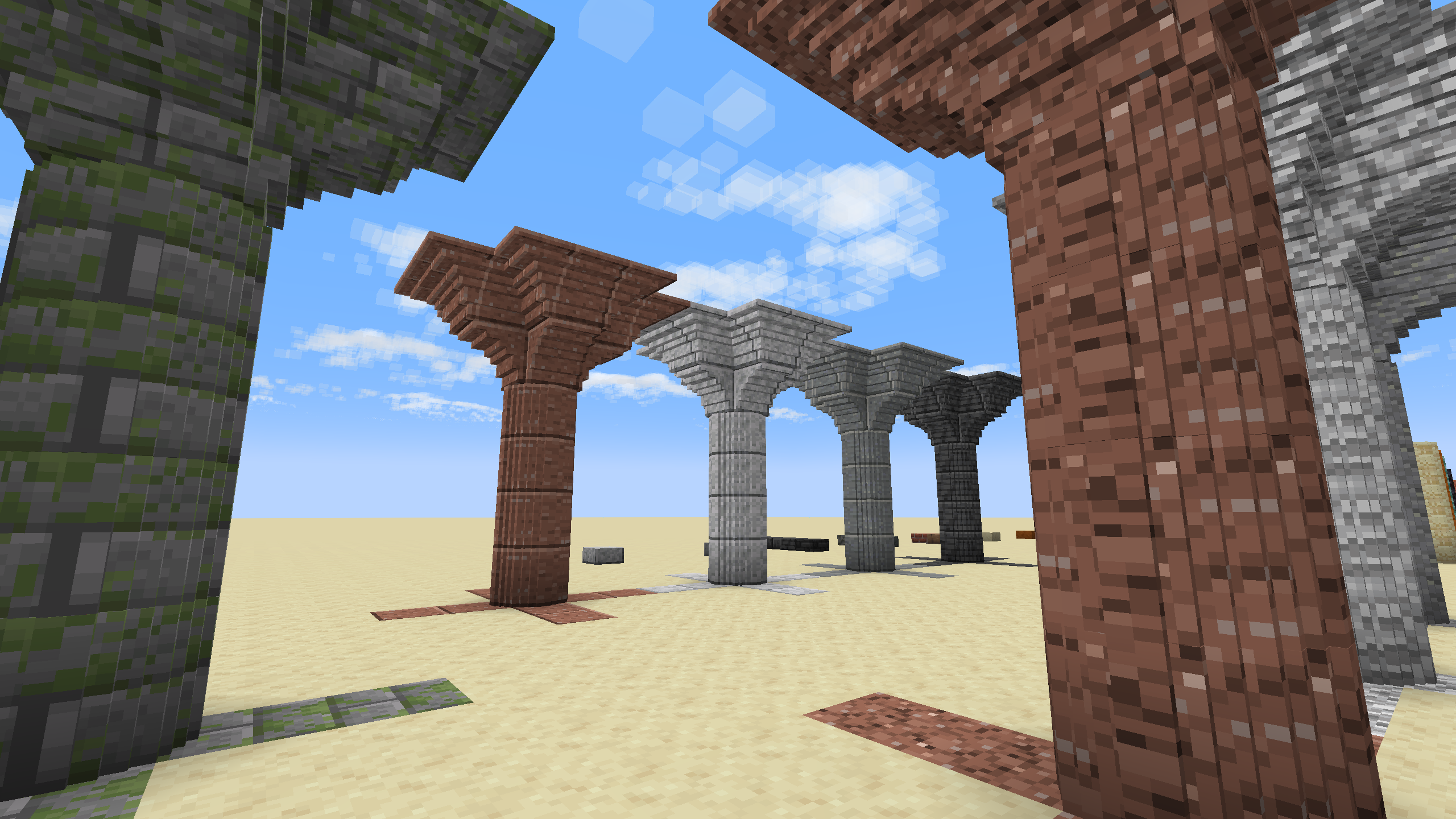
Pillars
Players spawn atop towering stone pillars in the sky, each positioned on their own platform. As the game begins, loot drops are scheduled and a central pillar offers high-value items to encourage movement and risk. If a player falls too far below the platform level, they’re instantly eliminated. The last surviving player triggers a cinematic win sequence with fireworks, lightning, and a broadcasted victory message. Eliminated players are teleported to a skybound spectator lobby enclosed in barriers, where they can watch the match unfold. The game resets automatically after each round, with new pillar layouts and randomized player positions. Everything is modular, configurable, and designed for dramatic, mythic gameplay.
Pillar Peril
# Pillar Peril
**Pillar Peril** in an **open-source Minecraft minigame** where players **spawn on bedrock pillars**, get **random items** every few seconds, and fight to be the last one standing.
**Highly configurable** modes and **lightweight performance** make it perfect for small and medium servers.
## Special about this Version
The special part about this plugin is the high *customizability* and *a bunch of different modes*!
Here are the different modes that are available, with each of them being fully customizable:
| Name | Cooldown | Time | Pillars | Description |
|—————-|———-|——|———-|—————————————————–|
| Blocky | 10s | 4m | Circular | Starts with a weapon; only blocks are given. |
| Chaos | 3s | 8m | Random | No filters, randomized pillars, fast item cooldown. |
| Classic | 5s | 5m | Circular | Classic rules, inspired by CubeCraft. |
| Item-Only | 10s | 10m | Circular | Only items (no blocks): long & tough. |
| Item-Shuffle | 10s | 5m | Circular | Items replaced every 10s (9 new items). |
| Original | 5s | 5m | Circular | Original gameplay as seen in early videos. |
| Player-Shuffle | 10s | 5m | Circular | All players randomly swapped every 10s. |
## Inspiration
This plugin is inspired by pillar-style minigames featured by creators like [CheapPickle](https://youtube.com/@CheapPickle) and large servers such as [CubeCraft](https://www.cubecraft.net/). This plugin is independent, open-source, and not affiliated with those projects.
## Commands
### Game Management
– **Start** using `/game start `
– **Stop** using `/game stop `
– Get **info** using `/game info `
– **List** games using `/game list`
> Use `/game list raw` to get a **raw list** which uses `2yiKLf2h1X6CenH1;h1enf2H12yiX6CKL;I8jos1lsvkh57wjs` format or, just `empty`.
### Queue
– **Join/leave** using `/queue join/leave`
– **Do admin stuff** using `/queue admin `
### Configuration
– **Get** a value using `/pp-config modify get`
– **Set** a value using `/pp-config modify set `
– **Modify** a list using `/pp-config modify add/remove `
– **Reload** the config using `/pp-config reload`
## Configuration
See **Commands** section above for the `/pp-config` command to modify the configuration in-game.
The configuration is designed to be simple and ships with comments, which explain themselves.
By default, the queue is disabled, so it needs to manually be enabled.
There are two queue modes: `command` (players use /queue) and `auto` (players are automatically queued).
## Translations
Translations are auto-downloaded from our translation server; if the server is not reachable, the plugin falls back to English. (No sensitive data is sent.)
—
Info about Metrics collected
PillarPeril by default collects some data about how people use the plugin, so game modes can better be adjusted and the game can further be balanced.
This is a complete list of all data collected, besides [FastStats](https://faststats.dev/) defaults:
– Amount of games running/started
– Game modifiers most frequently used
– Average amount of players per game
If you do not want to send any of these metrics, you can set `disable-faststats` in the configuration to true, or follow the instructions given on first startup with FastStats.
## Releases & Contact
You can find our official releases on these platforms:
**Recommended:** [Modrinth](https://modrinth.com/plugin/pillarperil) — [GitHub](https://github.com/MarcPG1905/PillarPeril/releases)
**Other:** [SpigotMC](https://www.spigotmc.org/resources/pillar-peril.119457) — [Hangar](https://hangar.papermc.io/MarcPG1905/PillarPeril)
**Contact:** Join our community on [Discord](https://discord.gg/HvWhqY3kRG), message me on Discord (`@marcpg1905`) or email me at [marcpg@proton.me](mailto:marcpg@proton.me).
PillarOfFortune
# PillarOfFortune
A competitive survival game plugin for Minecraft 1.21+ where players fight on tall bedrock pillars.
## Features
– **Multiple Game Modes**: Solo, Duo, Trio, and Squad gameplay
– **Dynamic World Generation**: Flat worlds with tall bedrock pillars
– **Party System**: Create parties and play with friends
– **Customizable Scoreboard**: Shows player stats and server info
– **NPC Integration**: Citizens NPCs for easy game joining
– **Random Item Distribution**: Items given every 10 seconds during gameplay
– **Spectator Mode**: Watch the action after elimination
– **Win/Loss Tracking**: Player statistics and leveling system
– **Configurable Settings**: Everything customizable via config.yml
## Commands
### Main Commands
– `/pof setlobby` – Set the lobby location (Admin)
– `/pof lobby` – Teleport to lobby
– `/pof reload` – Reload configuration (Admin)
– `/pof join ` – Join a game mode
### Party Commands
– `/pof party create` – Create a party
– `/pof party disband` – Disband your party (Leader only)
– `/pof party invite ` – Invite a player to your party
– `/pof party accept` – Accept a party invitation
– `/pof party decline` – Decline a party invitation
– `/pof party leave` – Leave your current party
– `/pof party kick ` – Kick a player from your party (Leader only)
– `/pof party list` – List all party members
### NPC Commands
– `/pof npc add ` – Create an NPC for a game mode (Admin)
– `/pof npc remove` – Remove the nearest PillarOfFortune NPC (Admin)
## Permissions
– `pillaroffurtune.*` – All permissions (Default: OP)
– `pillaroffurtune.use` – Basic plugin usage (Default: true)
– `pillaroffurtune.admin` – Administrative commands (Default: OP)
– `pillaroffurtune.setlobby` – Set lobby location (Default: OP)
– `pillaroffurtune.reload` – Reload configuration (Default: OP)
– `pillaroffurtune.npc` – Manage NPCs (Default: OP)
## Installation
1. Download the plugin JAR file
2. Place it in your server’s `plugins/` folder
3. Install the required dependencies:
– **FancyNpcs** (required, for NPC functionality)
– **PlaceholderAPI** (recommended, for chat prefixes and advanced placeholders)
– **LuckPerms** (optional, for permission-based chat prefixes)
– **Vault** (optional, for economy integration)
4. Restart your server
5. Configure the plugin in `plugins/PillarOfFortune/config.yml`
6. Set the lobby location with `/pof setlobby`
7. Create NPCs with `/pof npc add `
## Configuration
The plugin is highly configurable through the `config.yml` file. You can customize:
– Server information displayed on scoreboard
– Game settings (player limits, timers, pillar dimensions)
– Scoreboard appearance and content
– Messages and colors
– Random items given during gameplay
– Database settings for player statistics
– Chat formatting and LuckPerms integration
## Game Mechanics
### Game Flow
1. Players join a game mode (Solo/Duo/Trio/Squad)
2. They wait in a glass cube above the playing area
3. When enough players join, a countdown begins
4. Players are teleported to individual bedrock pillars
5. Every 10 seconds, random items are given to all players
6. Last player/team standing wins
7. Winner gets fireworks and title display
8. All players return to lobby after 10 seconds
### Party System
– Party leaders can invite up to 8 players
– When a party leader joins a game, all members join together
– Parties are automatically disbanded when the leader leaves
### Statistics
– Wins and losses are tracked per player
– Players gain experience and levels
– Statistics are displayed on the scoreboard
– Data is stored in SQLite database (MySQL support available)
## Building
This project uses Maven for building:
“`bash
mvn clean package
“`
The compiled JAR will be in the `target/` directory.
## Dependencies
– **Spigot/Paper 1.21+**
– **FancyNpcs** (Required for NPC functionality)
– **PlaceholderAPI** (Recommended for chat prefixes)
– **LuckPerms** (Optional for permission-based prefixes)
## Chat System
The plugin features a custom chat format that displays player levels:
– **Format**: `[level⭐] playername: message`
– **With LuckPerms**: `[level⭐][prefix] playername: message`
– **Configuration**: Enable/disable LuckPerms prefix via `chat.show-luckperms-prefix` in config.yml
### Requirements for Chat Prefixes
– **PlaceholderAPI** must be installed
– **LuckPerms** must be installed and configured
– Set `chat.show-luckperms-prefix: true` in config.yml (default)
If LuckPerms is detected but PlaceholderAPI is missing, a warning will be logged.
## Scoreboard System
The scoreboard supports both internal placeholders and PlaceholderAPI placeholders:
### Internal Placeholders
– `{player}` – Player name
– `{mode}` – Current game mode (Solo/Duo/Trio/Squad/Lobby)
– `{level}` – Player level
– `{wins}` – Player wins
– `{losses}` – Player losses
– `{server_ip}` – Server IP from config
### PlaceholderAPI Support
Any PlaceholderAPI placeholder can be used in the scoreboard, such as:
– `%luckperms_prefix%` – LuckPerms prefix
– `%player_ping%` – Player ping
– `%server_tps%` – Server TPS
– And many more from various plugins
### Reload Command
Use `/pof reload` to reload the configuration and update all scoreboards in real-time.
## Anti-Spam System
The plugin includes an anti-spam system for join commands to prevent double-clicking:
– **Cooldown**: 3-second cooldown between join attempts
– **First Click**: Shows “Configurazione mappa in corso, attendere prego…” message
– **Spam Prevention**: Shows “Hai già richiesto di entrare in una partita! Attendi…” if clicked too quickly
– **Auto-Cleanup**: Cooldowns are automatically removed when players leave the server
This prevents players from accidentally joining multiple games or spamming the join command.
## Support
For issues, suggestions, or contributions, please visit the project repository.
Pillarger
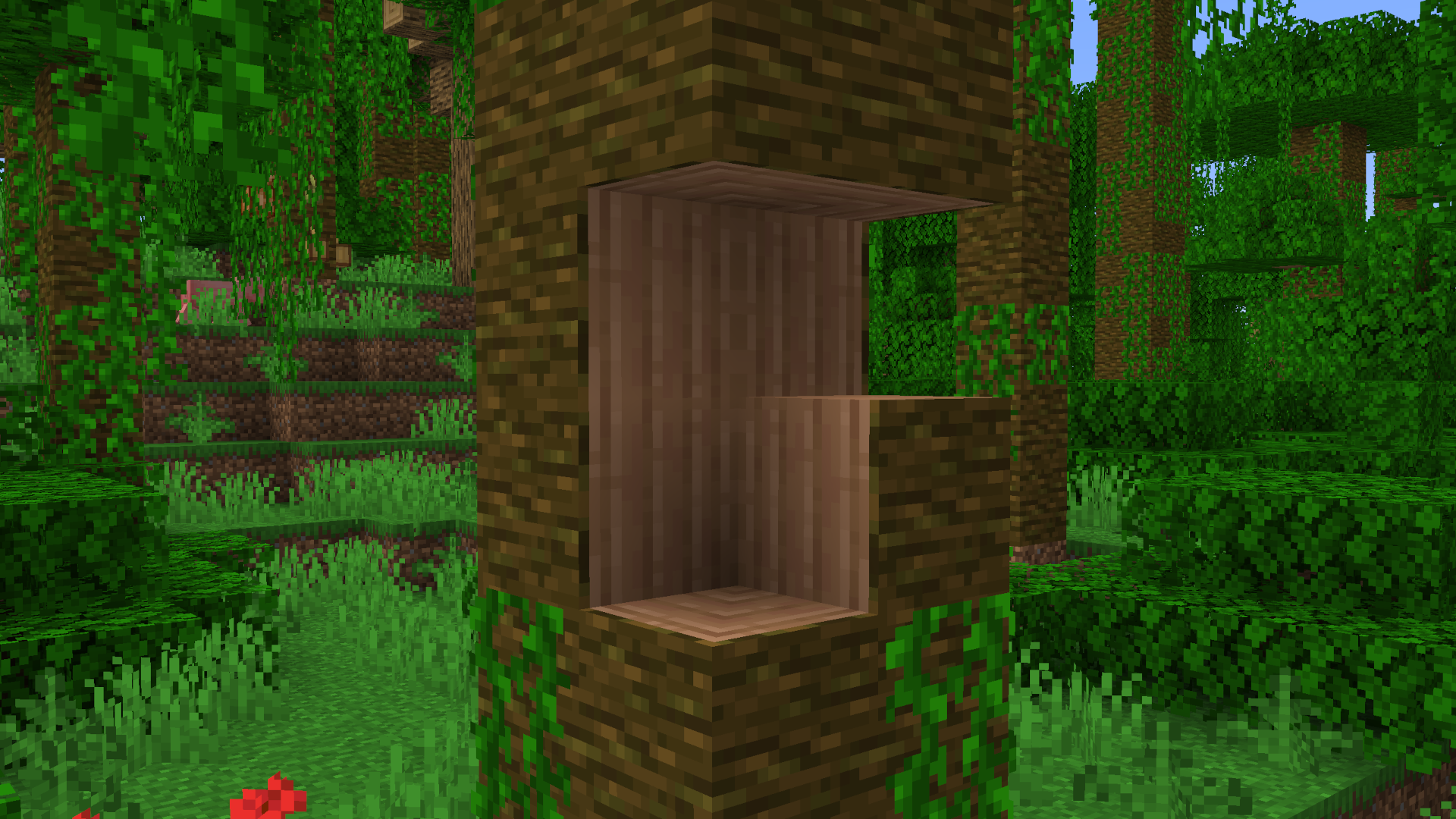
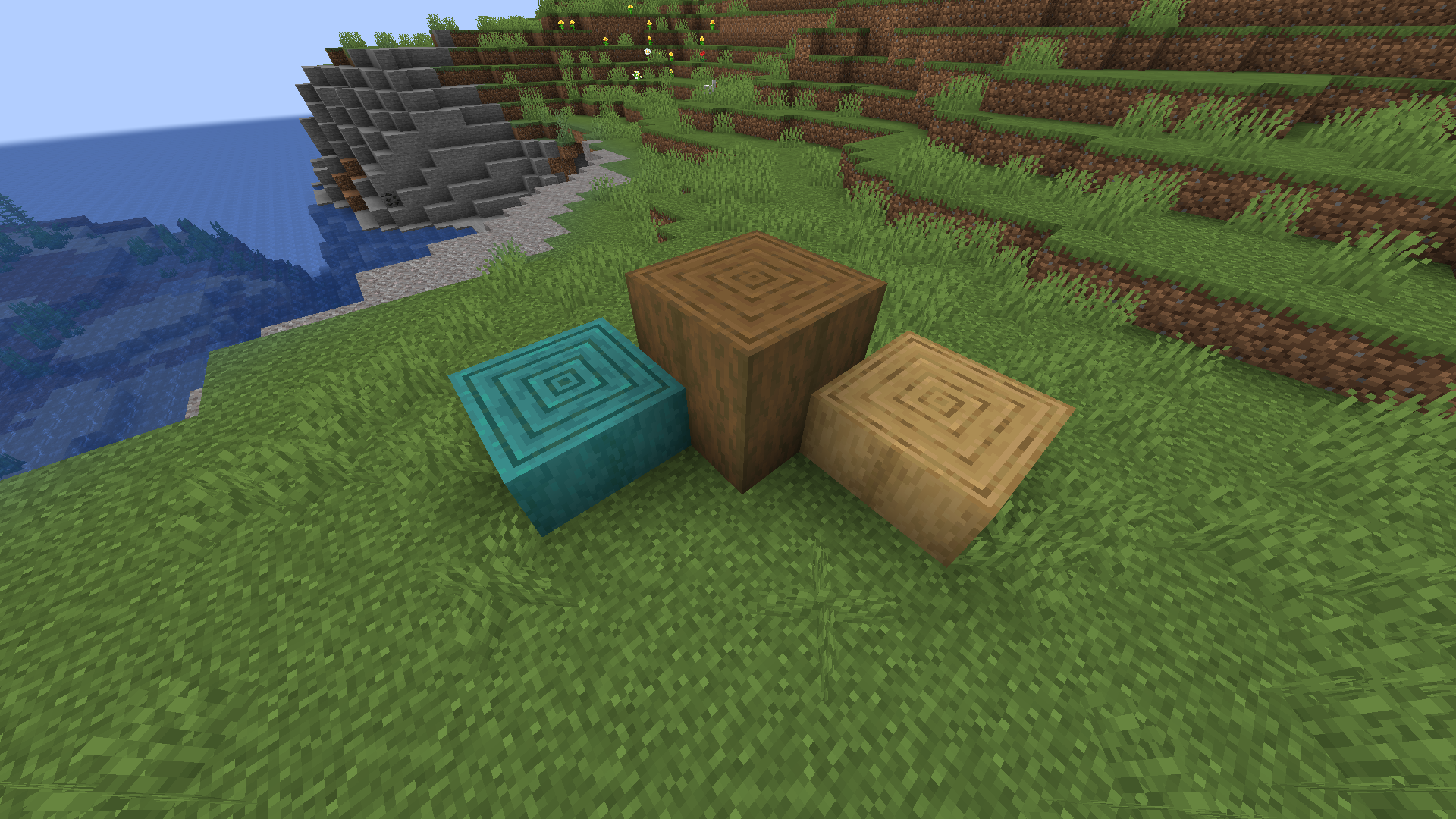
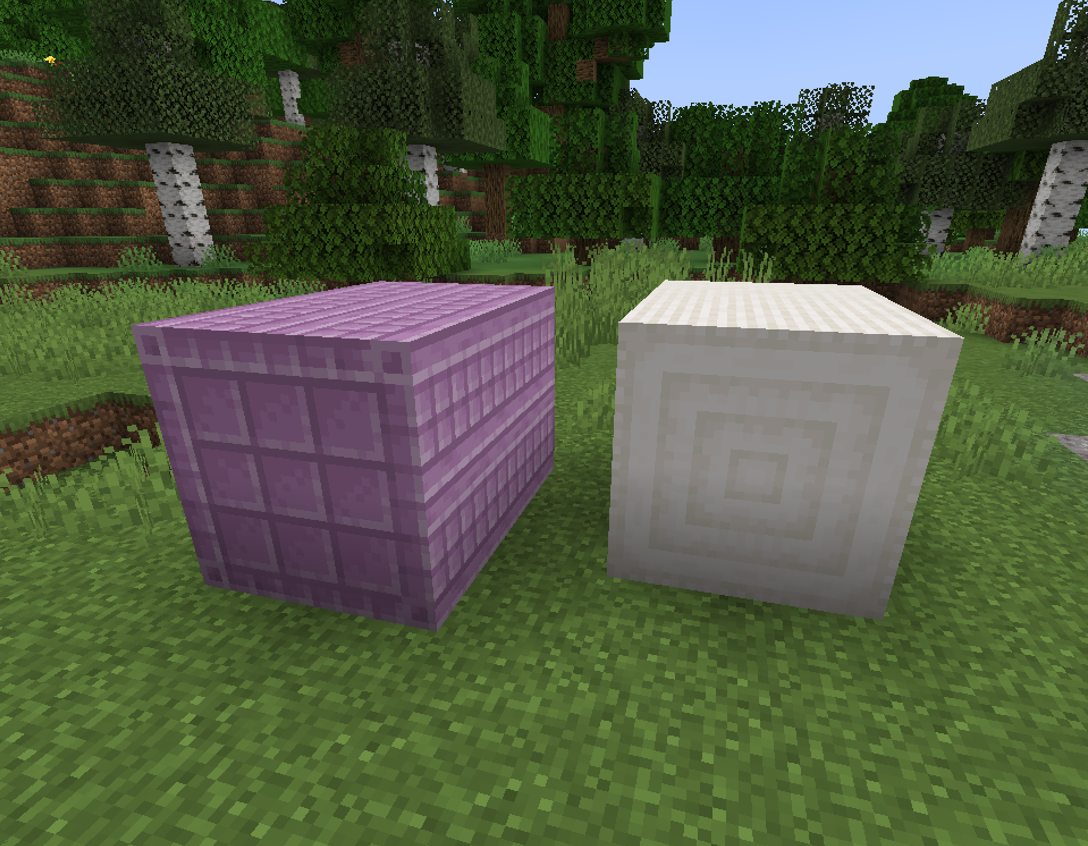
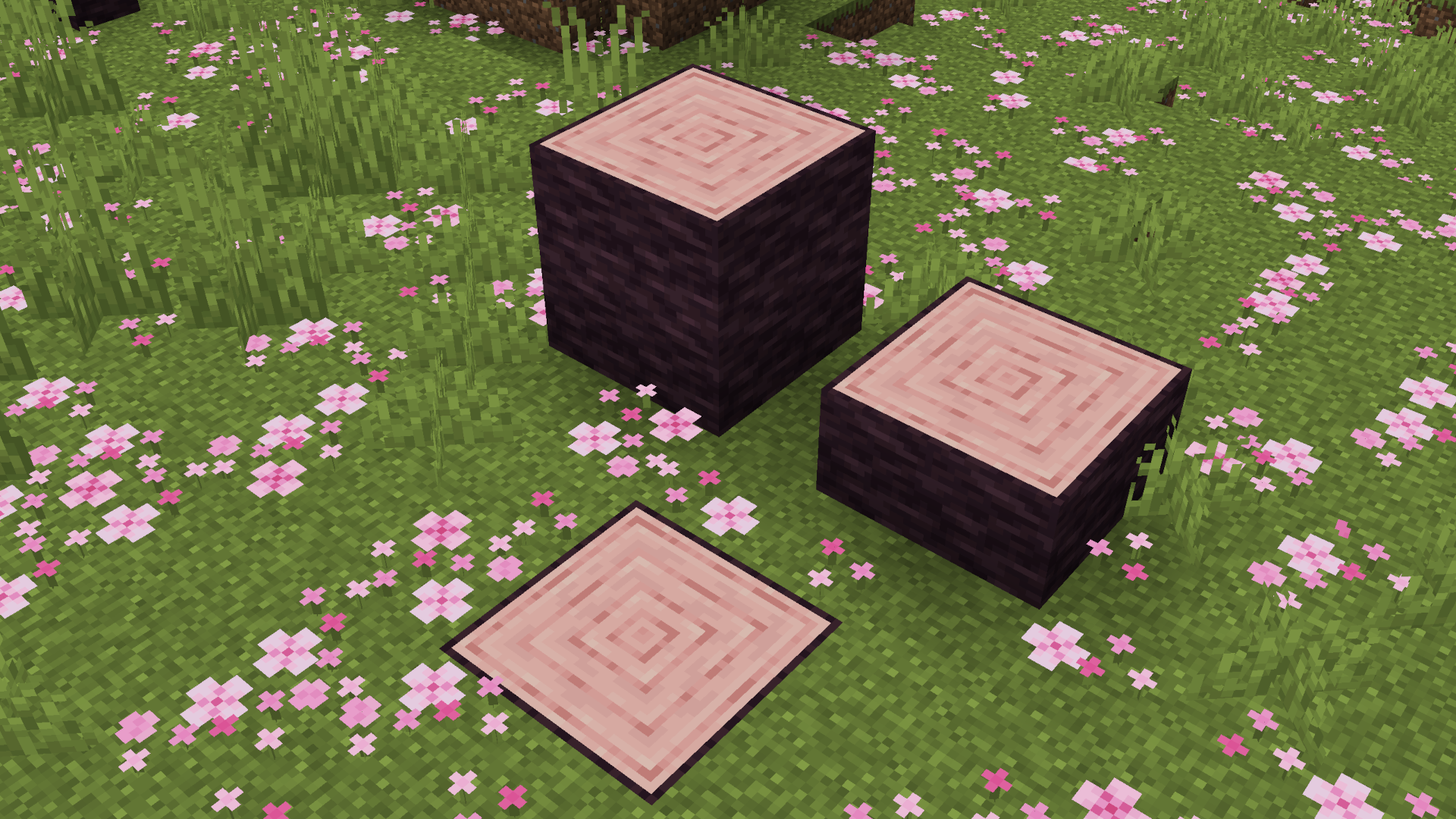
Makes all logs, stripped logs and pillar blocks connect to eachother in 2×2 patterns.
Simply place the blocks and they will connect automatically unless sneaking.
This also works with the world gen, allowing large trees to have connected logs.
## Showcase
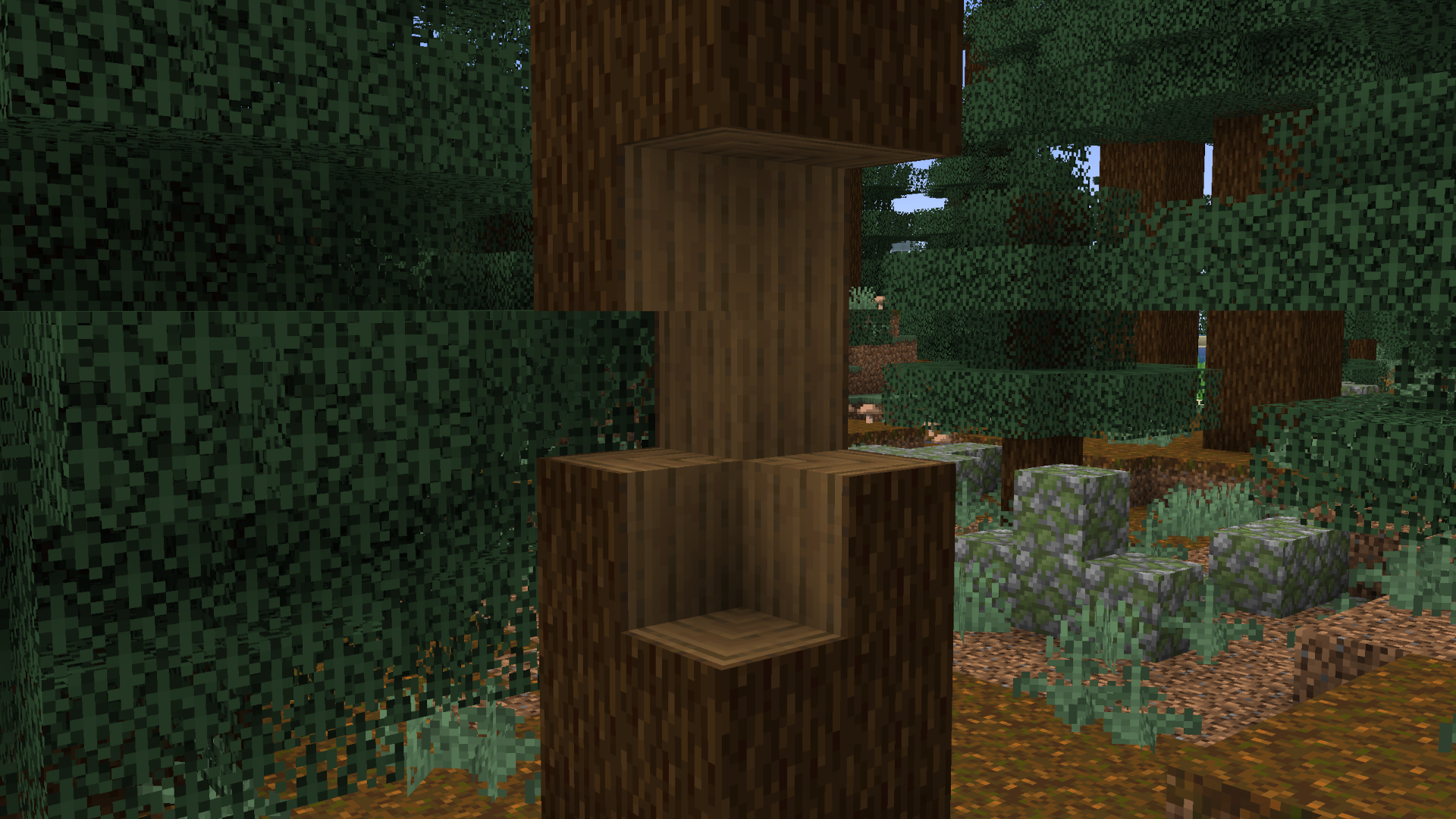
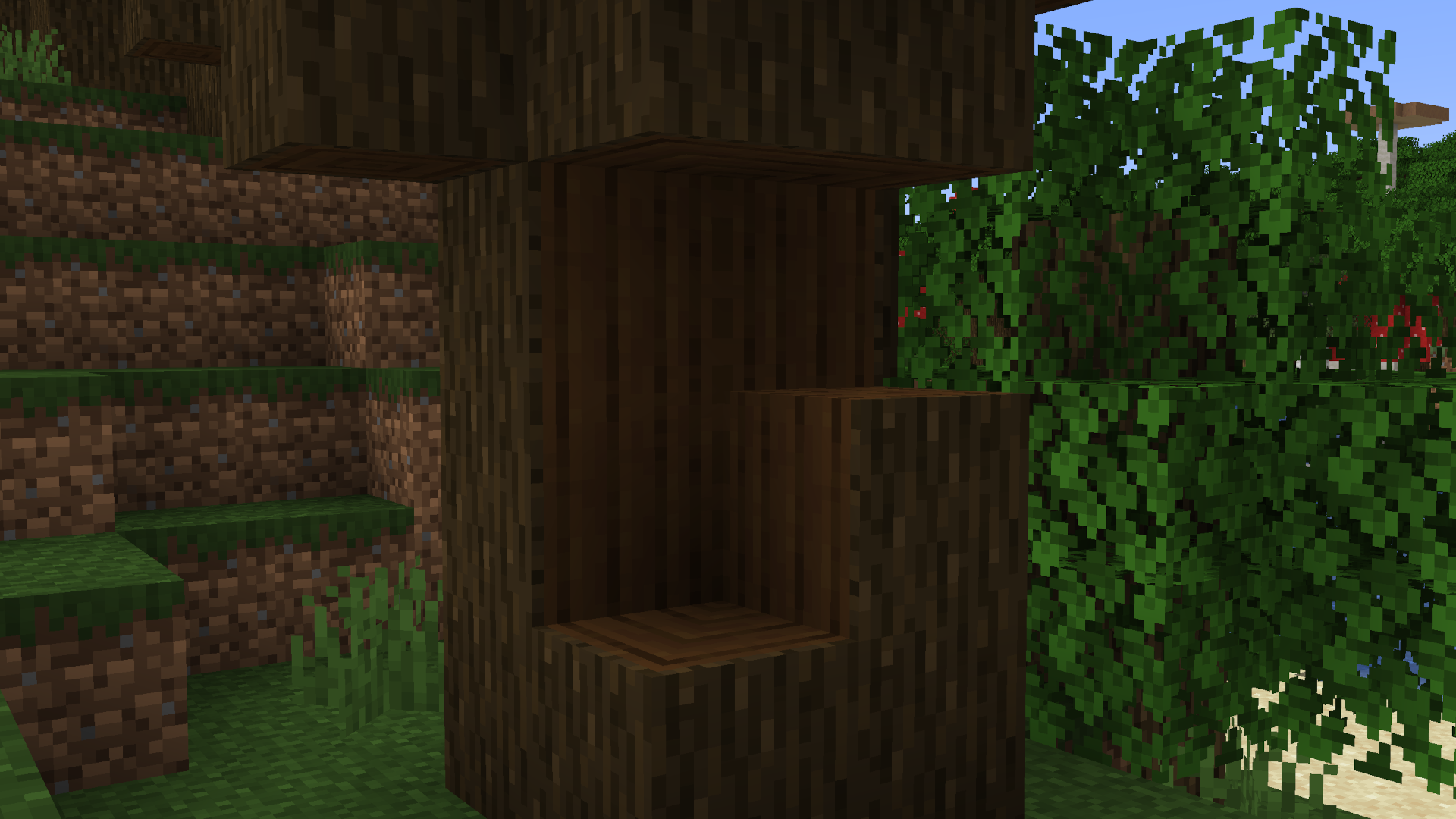
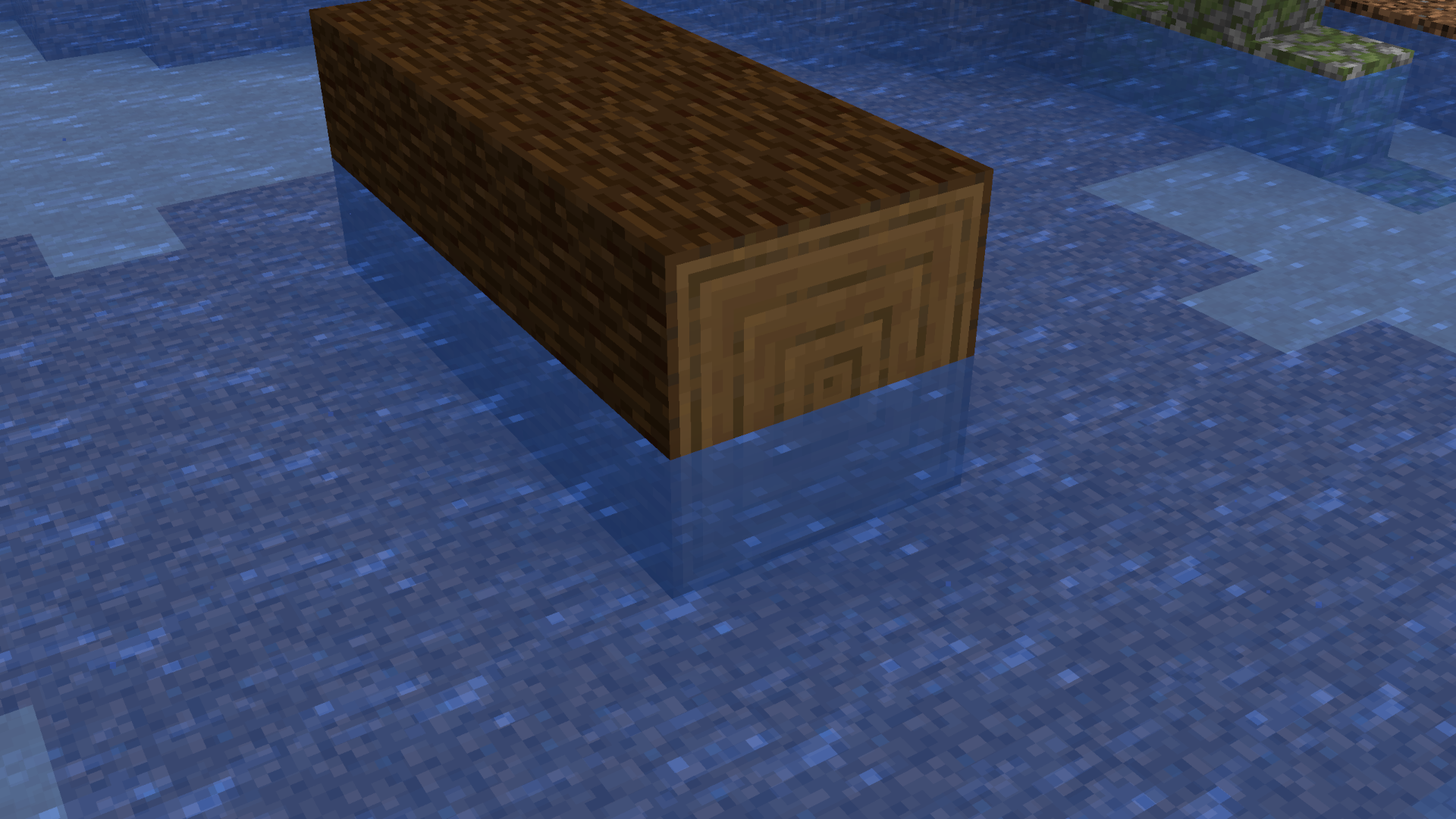
_Made by ultimatech._
[Discord](https://discord.gg/JKjdKKP)
[X](https://twitter.com/uItimatech)
[Carrd](https://ultimatech.carrd.co/)
PillagersPlus
**This mod require geckolib!**
****
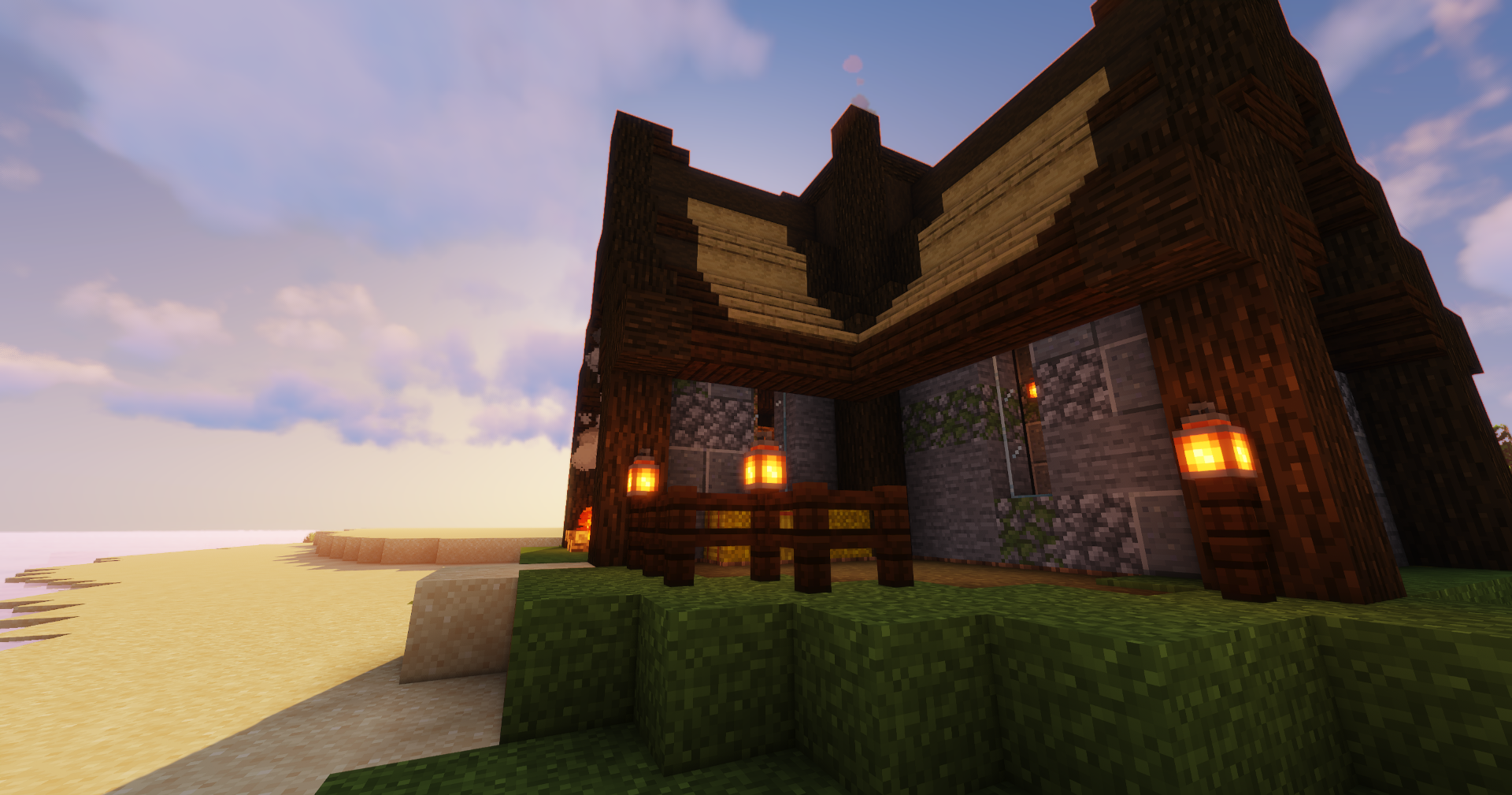
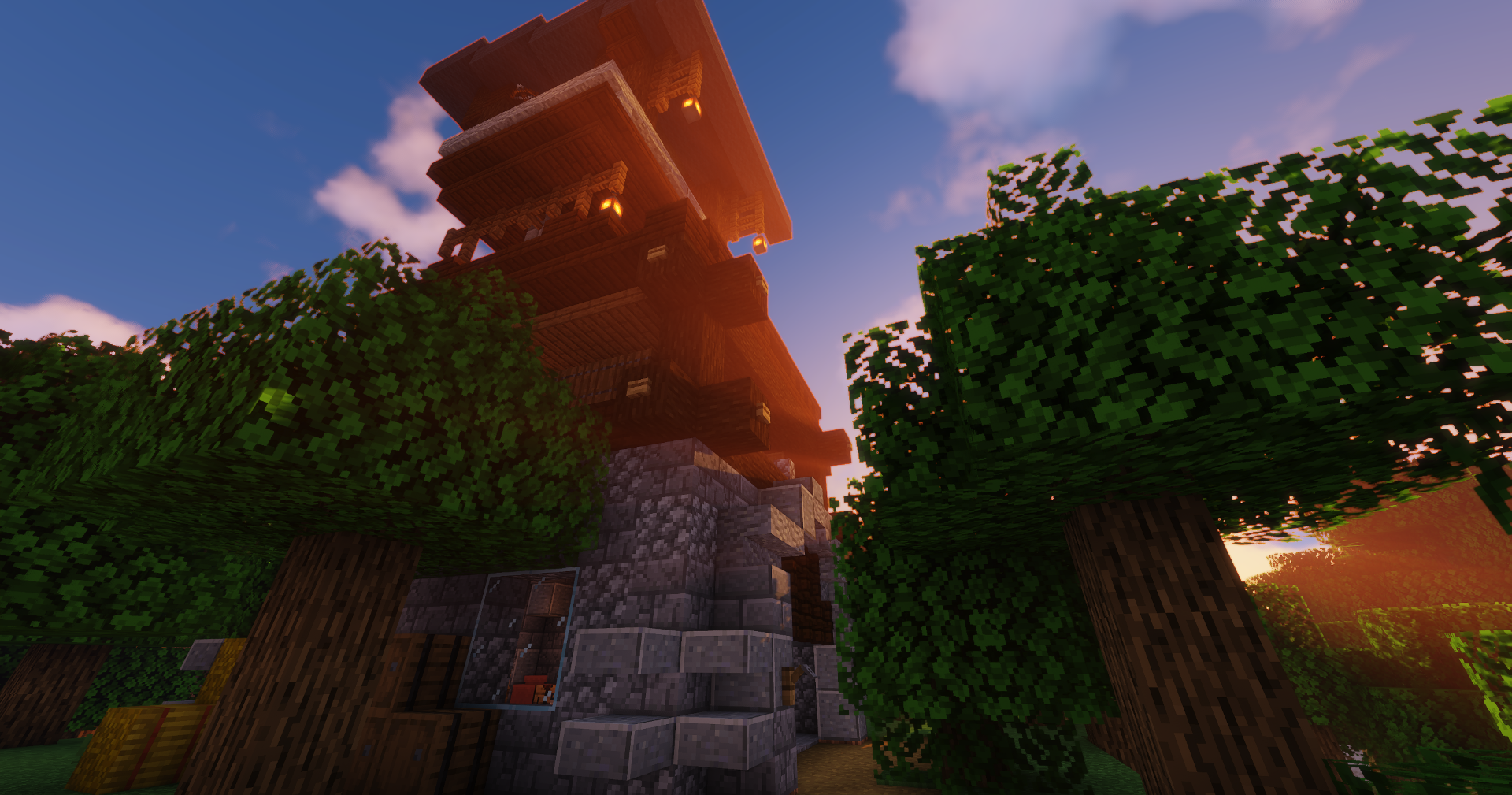
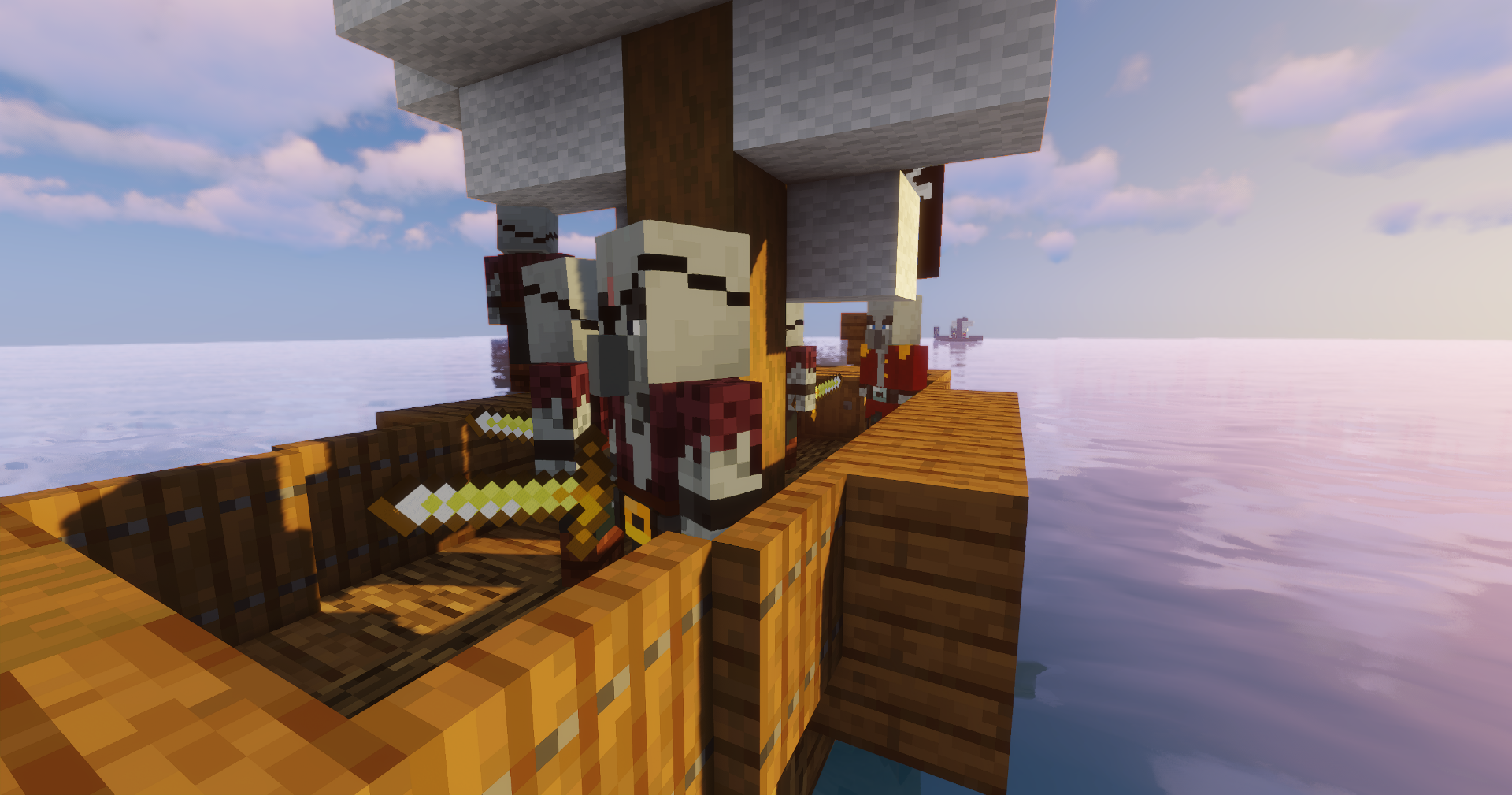
**Pillagers Plus adds different game elements with the aim of improving the adventure of the minecraft. These will be made up of with new improved animations, blocks, structrures, and are perfectly compatible with the default gaming experience.**
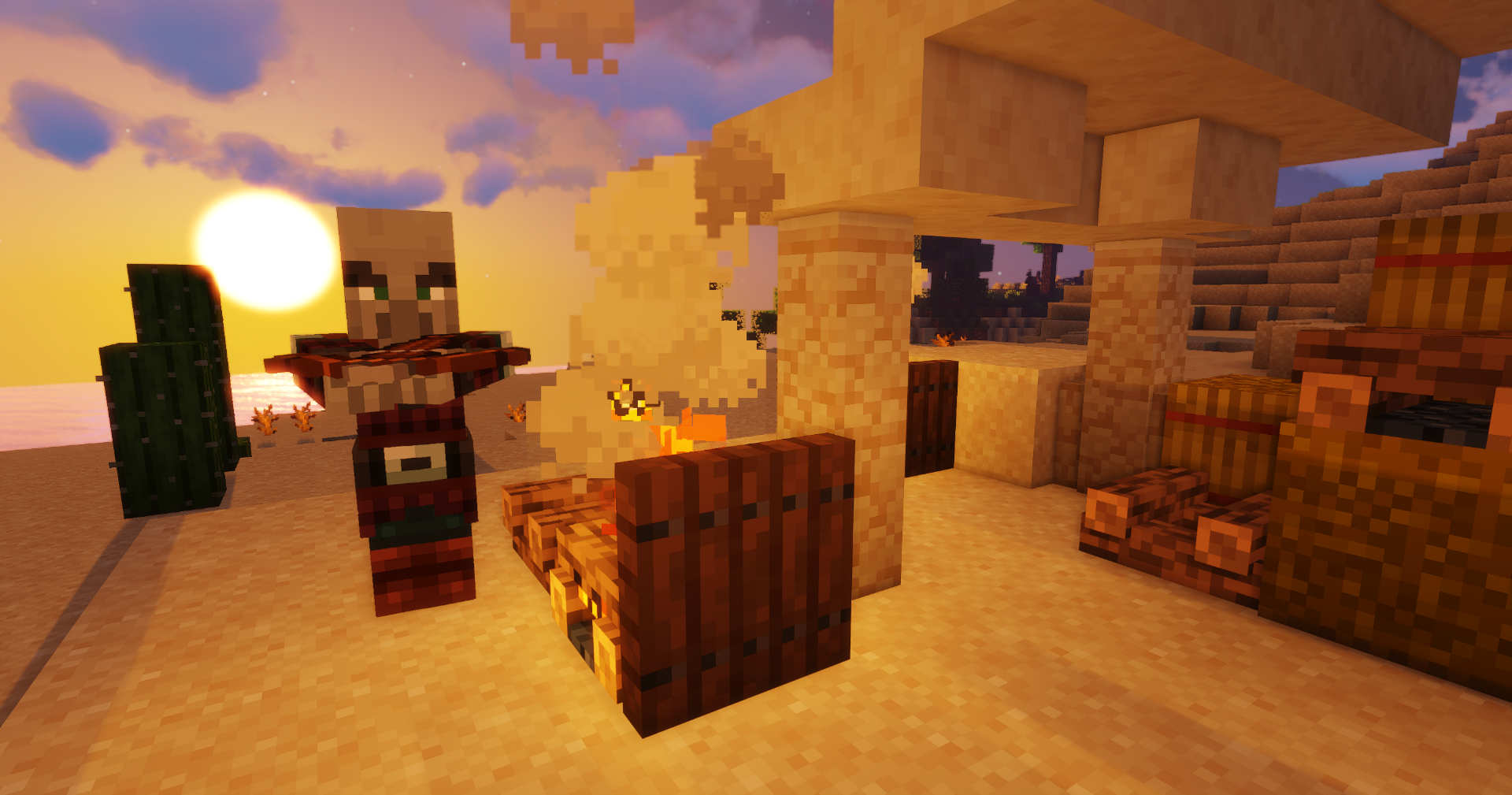
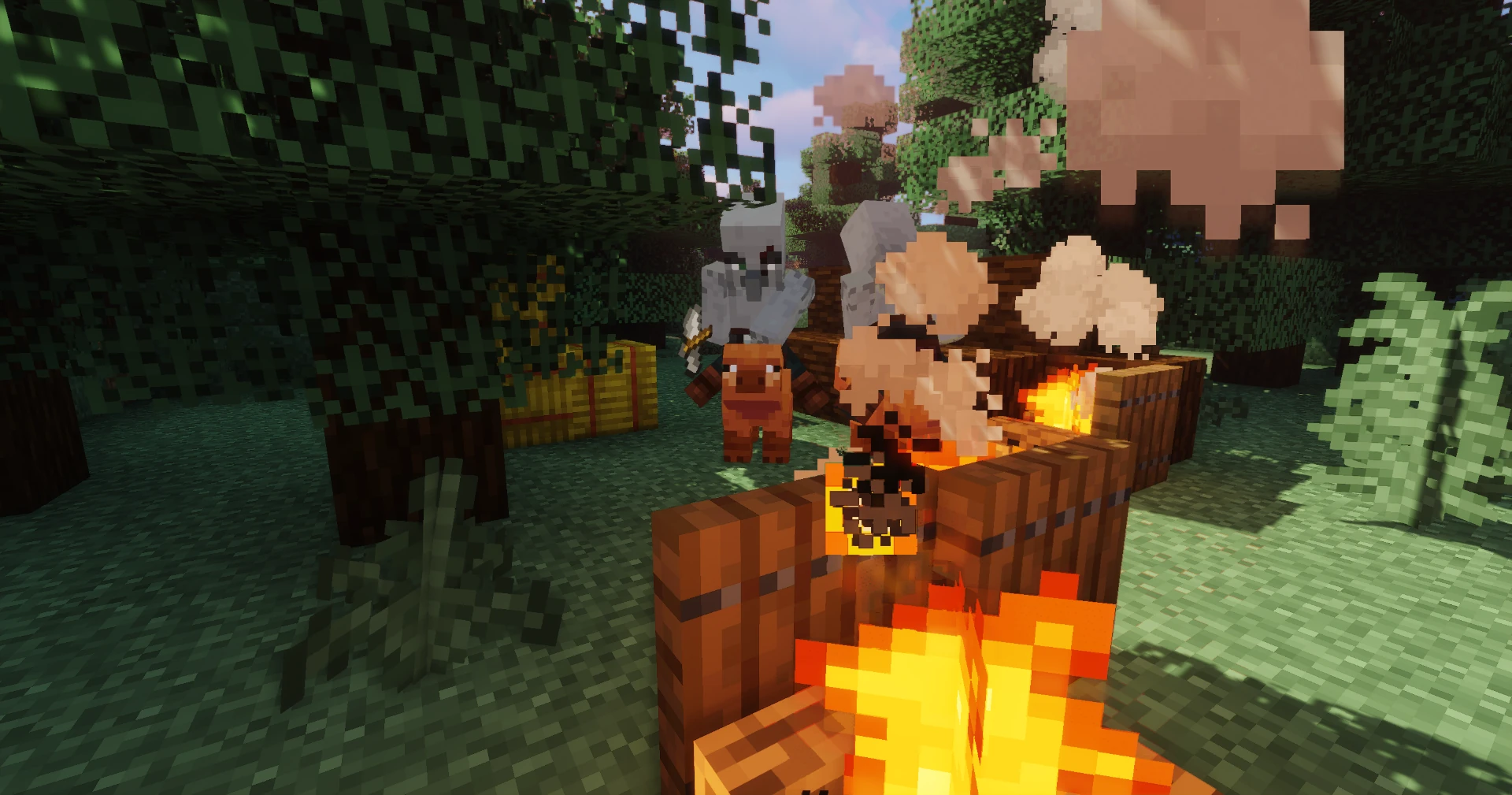
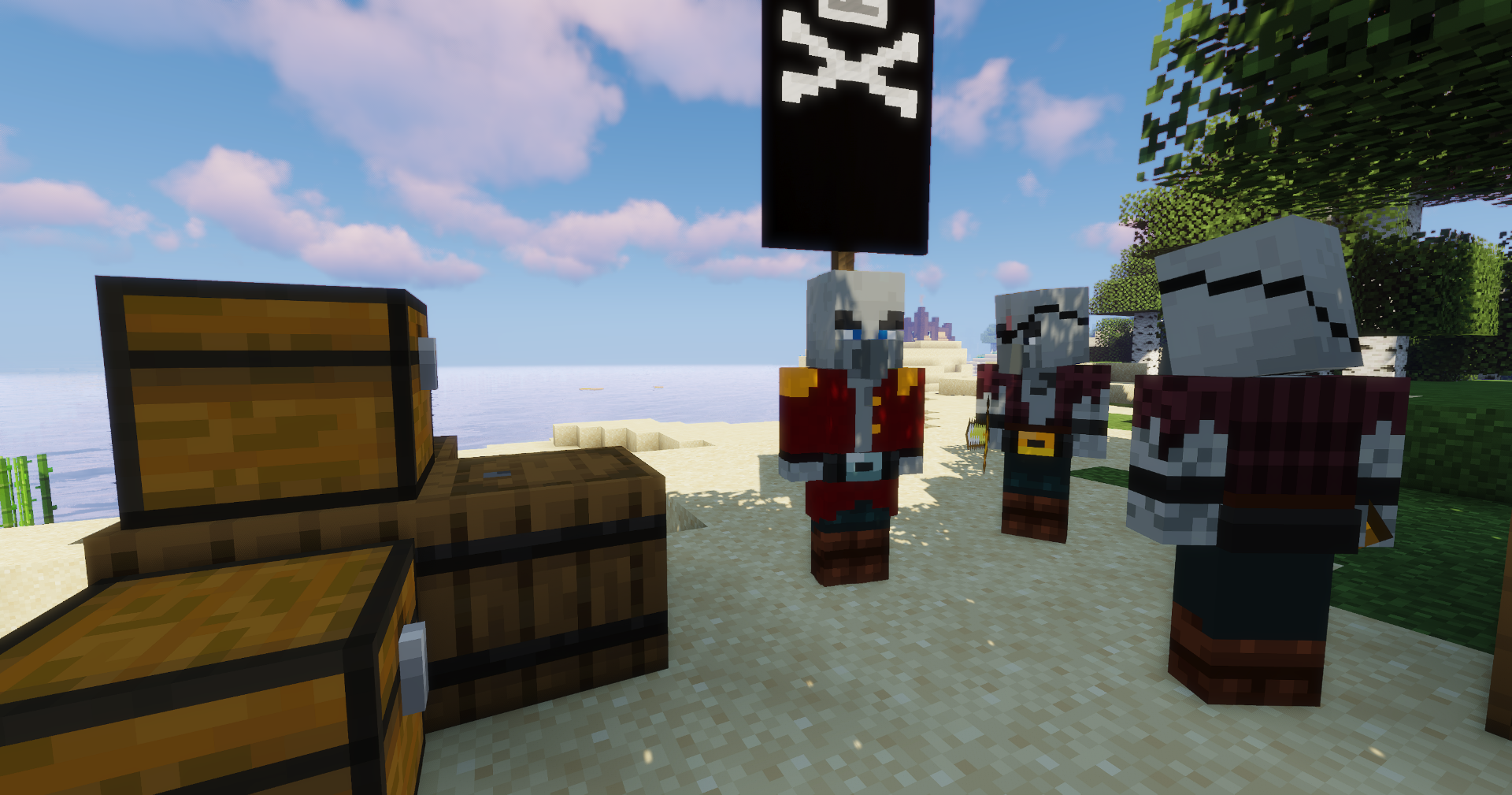
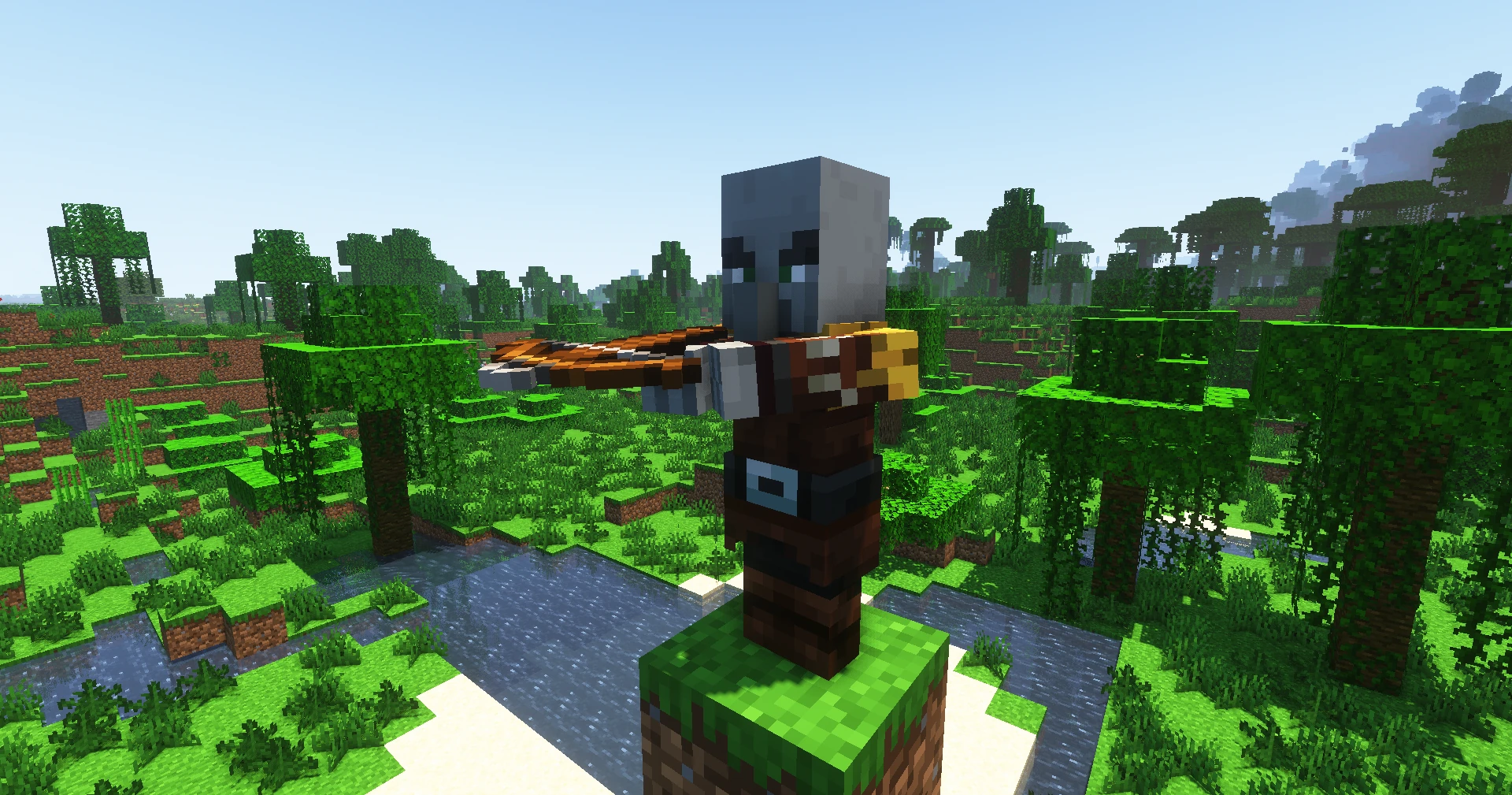
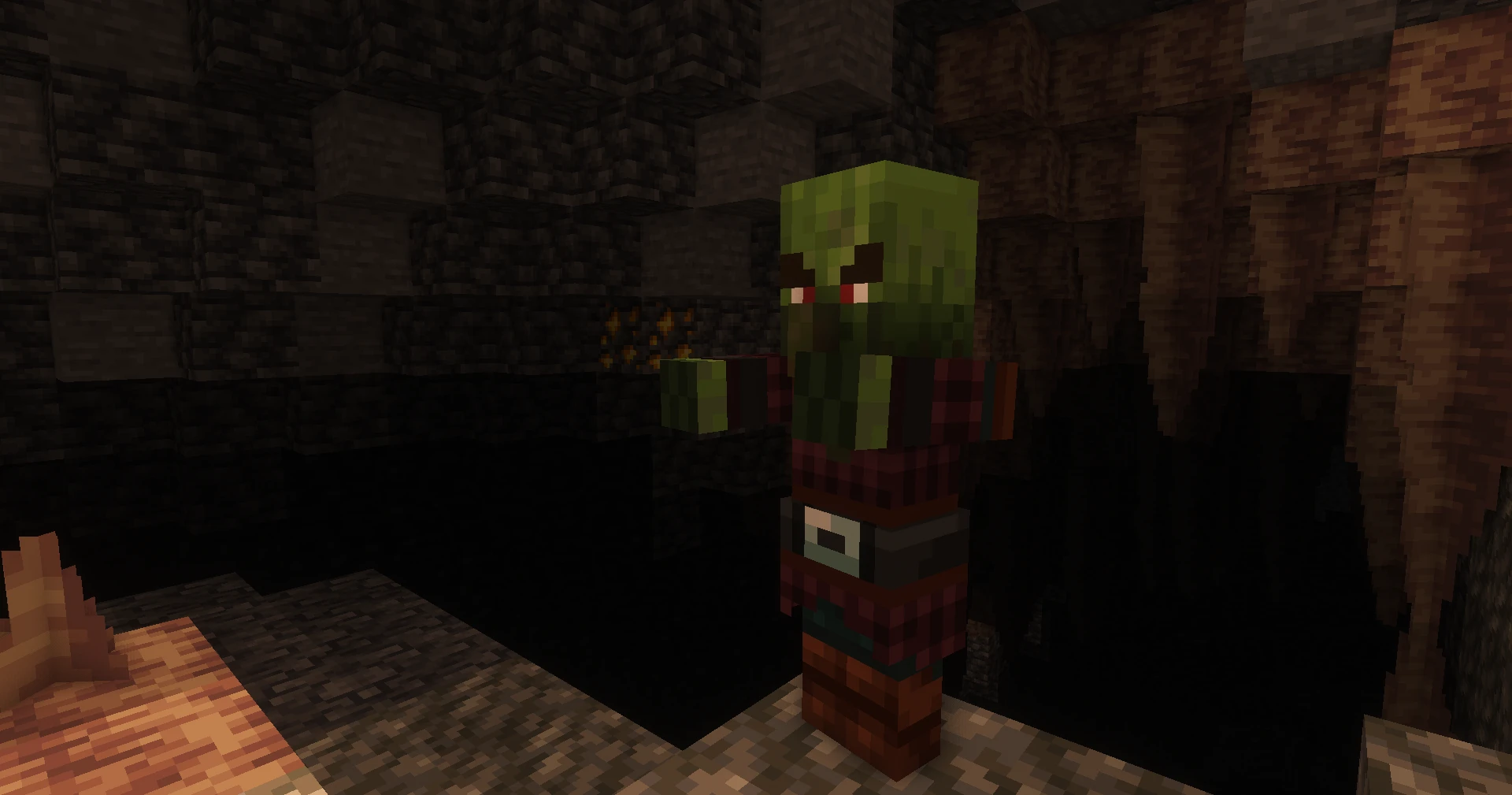
**There are 12 different new Pillagers added to the game in Pillager Plus mode with diffrent biome texture versions. The new pillagers have some special abilities, new weapons and mounts. There is a new raid system with pirate pillagers added to the game. There is also a new infinite raid system. Now You can be pillager.**
**Added New Pillager Types:**
**1- Summoner Pillager** **4-Bad Villager 7- Sword User Pillager 10- Pirate Pillager**
Summons pillagers. Golem like Pillager. He uses sword. Uses Sword
**2- Witch Pillager 5-Mage pillager 8- Spear user Pillager 11- Demolisher Pillager**
Ranged new pillager. Ranged new pillager He usses Spear He carries a tnt
**3- Royal Guards 6-Hog Rider 9- Miner Pillager 12- Captain Pillager**
He walks with a shiled. He rides a pig Usses pickaxe He carries new type of
He Reflects Arrows. Usses hammer Spawn in caves pillager Banner
**Added New Structures**
New biome added. New castle added. 7 Pillagers outposts added.