Server Maintenance Mode
Server Maintenance Mode provides a `/maintenance [on|off|status]` command, to toggle a “maintenance mode”.
When maintenance mode is enabled, it’ll prevent anyone who is not an op from joining the server.
Server Maintenance Mode provides a `/maintenance [on|off|status]` command, to toggle a “maintenance mode”.
When maintenance mode is enabled, it’ll prevent anyone who is not an op from joining the server.
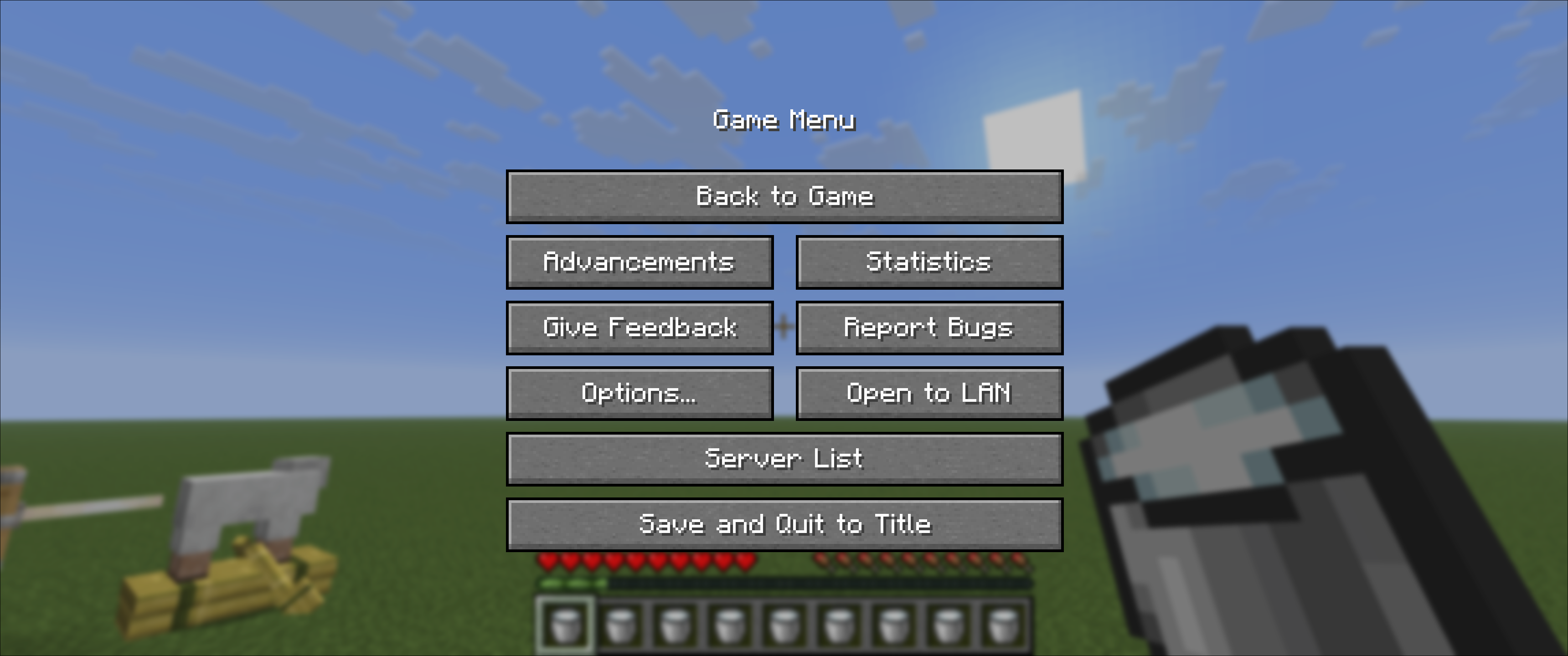
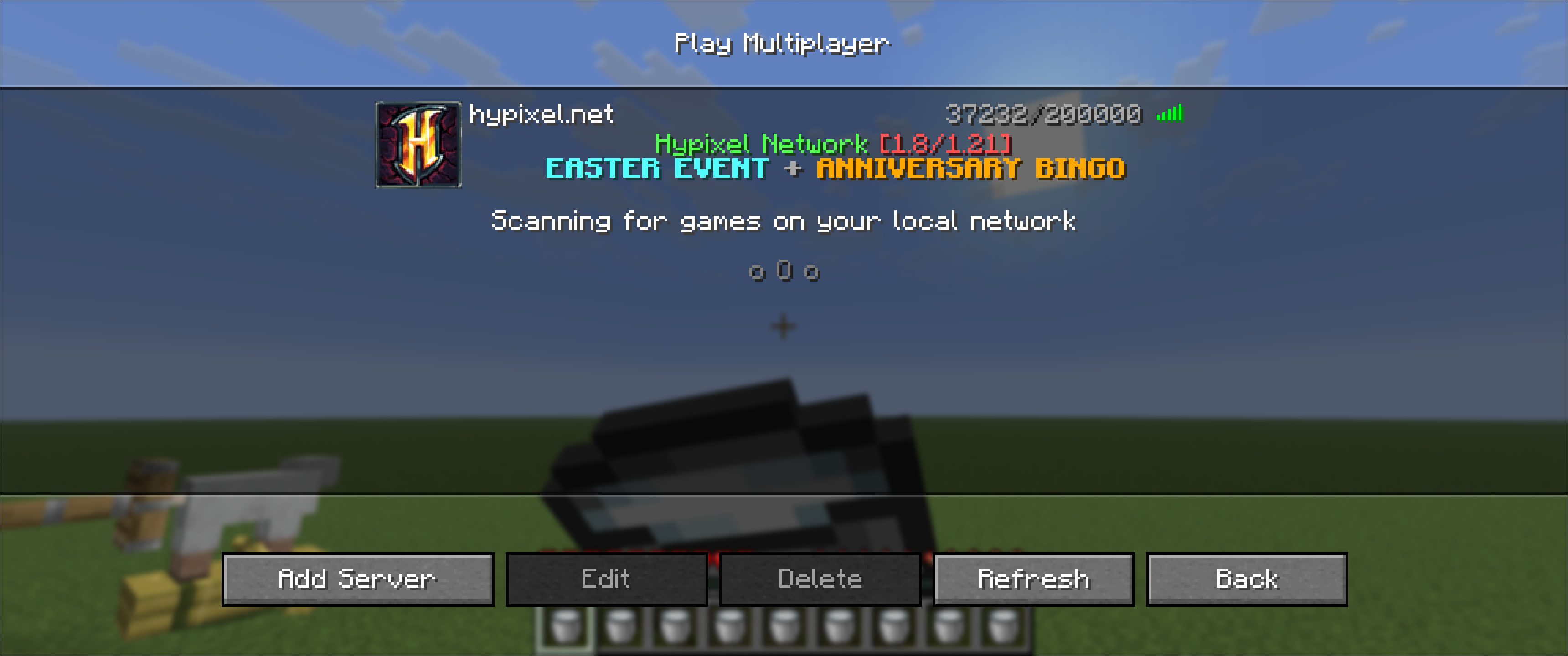
**This mod adds a Server List button above Disconnect in the pause screen — no need to return to the main menu, if you want to check on your servers.**
Pause Screen
Server List
ServerLinks is a easy plugin wich allows you to give the players on your server links to your
– Website
– Discord
– Teamspeak
– Twitter
– Instagram
– Youtube
– Twitch
If you want to costomize more or add and create own commands than checkout my new plugin CustomCommands
### Installation:
– Download the plugin
– Restart your server
### Setup:
– Fill in the links in the config.yml and restart your server
– or set the links with the a command
(/website https://www.example.com)
### Commands:
**/website
/forum
/discord
/teamspeak
/twitter
/instagram
/youtube
/twitch **
### Permissions:
– **serverlinks.admin** | This permission is only to edit the links
### To do:
– Add a reload command
🚀 LagFixer: The Ultimate Server Performance Booster
LagFixer is a lightweight, high-performance plugin designed to banish lag and lower ping on your Minecraft 1.21+ server. Whether you run a small survival server or a crowded SMP, LagFixer intelligently manages resources to keep your TPS high and your players happy.
LagFixer Banner Version
✨ Key Features
🟢 Smart Lag Cleanup
Don’t let ground items ruin your server performance. LagFixer automatically scans your worlds every 2 minutes to remove trash items and XP orbs, while keeping valuable named items safe.
📶 Ping & Network Optimizer
LagFixer actively monitors your server’s health. If the server detects heavy load or high player counts, it dynamically adjusts view distances. This reduces the amount of data sent to clients, effectively lowering ping for players with weaker connections.
👥 Intelligent Crowd Control
Got a popular spawn or a busy trading hall? CrowdManager detects when players cluster together (5+ in a chunk) and automatically:
Limits local view distances to prevent rendering overload.
Aggressively cleans up items in that specific area.
result: Smooth FPS even in the busiest server hubs!
⚡ Entity Logic Saver
When the server starts to struggle (TPS < 18), LagFixer intelligently disables the AI of distant mobs and limits natural spawning rates, giving your CPU the breathing room it needs to recover instantly.
📦 Compatibility
Built for the modern era. Fully compatible with:
Paper 1.21, 1.21.1, 1.21.2, 1.21.3, 1.21.4 (and newer!)
ViaVersion / ViaBackwards friendly.
🛠️ Commands & Permissions
Command Permission Description
/lagfix stats None View current Server TPS and status.
/lagfix clear lagfixer.admin Manually run a cleanup sweep immediately.
📥 Installation
Download the
.jar
matching your version.
Drop it into your /plugins folder.
Restart your server.
Enjoy the speed! 🚀
The **Server Kits Plugin** is a powerful and easy-to-use plugin that allows server owners to **create, manage, and distribute kits** on their Minecraft server. It is essentially a **server-side version of player kits mod**, designed to give full control to administrators.
With this plugin, you can **save your inventory as a kit**, allow players to **equip kits**, preview them, and even manage cooldowns — making it perfect for survival, PvP, or custom servers.
—
## 🔑 Permissions System
By default, **all commands are restricted to admins (operators)** only. This ensures that only authorized users can create, edit, or manage kits.
– ✅ **Operators (Admins):** Full access to all commands
– ❌ **Non-Operators:** No access to commands by default
However, you can **grant access to non-operator players** through the `config.yml` file. This allows you to:
– Give access to **specific kits only**
– Set **cooldowns** for kit usage
> ⚠️ **Important:**
> After making any changes in `config.yml`, you must run:
>
> “`
> /skit reload
> “`
>
> to apply the changes.
> ⏱️ **Cooldown Note:**
> All cooldown values in the config are **in seconds**.
—
## ⚙️ Commands
Here are all the available commands in the plugin:
– `/skit store
– `/skit equip
– `/skit remove
– `/skit preview
– `/skit give
– `/skit list` — List all available server kits
– `/skit reload` — Reload plugin configuration
– `/skit help` — Show help menu
—
## 🚀 Features
– Easy kit creation and management
– Admin-controlled permissions system
– Config-based access for players
– Custom cooldown support (in seconds)
– Kit preview system with interactive UI
– Lightweight and optimized for servers
—
**Made by Spunkyinsaan ❤️**
Every time you join the server, you get a cool welcoming message. You can customize the text and the style of the title. There are server descriptions that are shown in the chat. If you want to, you can add custom commands, too.
Have fun with this data pack : )
How to change the title:
1. Open the path “ServerJoinTitle-v1.??.zip/data/serverjointitle/functions” with 7-Zip or another ZIP-Programm
2. Open “join_title.mcfunction” with a text editor and change the values
You can design your own titles with https://colorize.fun/en/minecraft or https://minecraft.tools/de/json_text.php
3. Reload the Datapack
### This plugin depends on ProtocolLib 5.2.0
# Config
Items removed from config file are not applied.
To prevent the application of items while they are still in the config file, specify “default” for strings or -1 for numbers.
# Placeholder available in MotD
ColorCode: %MinecraftColorCode%
MaxPlayers: %max-players%
OnlinePlayers: %online-players%
Year: %year%
Month: %month%
Day: %day%
Hour: %hour%
Minute: %minute%
Second: %second%
An incredibly simple plugin for Velocity that receives and responds to the `worldinfo:world_id` (and legacy `world_id`) packet used by multiple client-sided mods to differentiate between different server worlds.
The primary difference between this plugin and others I have found is that this primarily supports world id during the **Configuration** phase of connecting to a server.
In fact, the entire reason for this project’s existence is I needed to identify a server during that Configuration phase and couldn’t find any other plugins that did it at the time.
A plugin config is intended eventually, but is not included currently.
# ServerIconX
ServerIconX allows you to set a custom server icon for your Minecraft server, with optional automatic resizing.
## Usage
1. **Install the Plugin**
– Download `ServerIconX.jar` and place it in your server’s `plugins` folder.
– Start the server to generate the default configuration file (`config.yml`) if it does not already exist.
2. **Configure the Plugin**
– Open the `config.yml` file located in the `plugins/ServerIconX` folder.
– Set the following options:
“`yaml
icon: “icon.png” # The filename of your server icon
rescale: false # Set to true to automatically resize the icon to 64×64
“`
– Place your server icon image in the same folder (`plugins/ServerIconX/`).
3. **Icon Requirements**
– The image can be in **PNG** format.
– Recommended dimensions: **64×64 pixels**.
If `rescale` is enabled, larger images will be resized automatically.
4. **Reload/Change Icon**
– To apply a new icon without restarting, update the `config.yml` and restart the server.
*(Hot reload is not supported.)*
5. **Server List**
– Once the plugin is running and the icon is loaded, your server will display the custom icon in the Minecraft server list.
## Example
“`yaml
icon: “icon.png”
rescale: true
“`
Place `icon.png` in the plugin folder, then restart your server. Your server will now display the custom icon automatically.
# 🎯 Server Hunt
**Server Hunt** is a competitive multiplayer PvP hunt plugin for Paper
servers! When the hunt is ON — every player becomes a target. Track
them down, eliminate them, and earn real in-game money rewards.
Perfect for survival servers, events, and competitive communities!
—
## ⚙️ Commands
| Command | Description |
|—|—|
| `/hunt start` | Manually start the hunt session |
| `/hunt stop` | Manually stop the hunt session |
| `/hunt find
| `/hunt time` | See how much time is left in the hunt |
| `/hunt help` | View all available commands |
—
## 🌟 Features
### 🎯 Hunt System
– Hunt runs for a maximum of **1 hour** then auto stops
– Countdown warnings broadcast at **10 min, 5 min, and 1 min** remaining
– Big screen **title announcement** to ALL players when hunt starts
– Full auto reset and clean state when hunt ends
### 🔍 Player Finder
Use `/hunt find