

1.0.1
release

Printer Datapack
This datapack adds a way to shrink down any build to a single block!
 416
416
Printer Datapack
About
This Datapack adds a way to shrink down any build to a single block! Requires you to have OP commands.
New
This is a short list of all the new features. For more information, expand the tabs bellow. - Printing Selection (x16, x32 and x64) - Printing Location - Print Remover
Printing Selection
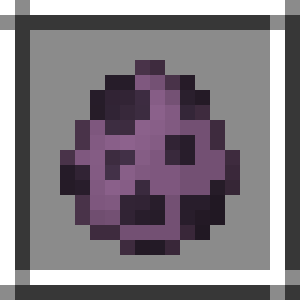
Before you print, select whatever area you want. There are three sizes when selecting: /function give:print_X. To select an area, place down the selection spawn eggs. They can be obtained using /function give:print_X with X being 16, 32 or 64. When placing the spawn egg you will grab the lowest x,y,z coordinates of your selection. Additionally, there will be a preview to see the area you selected.
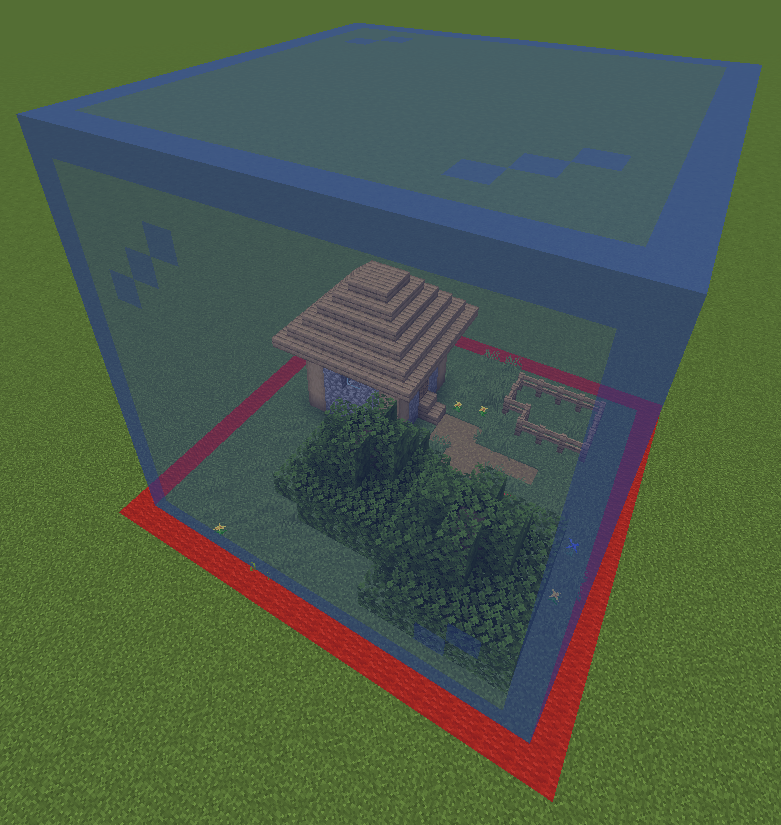
Printing Location
Can be obtained using /function give:print_location. Place down to select the spot where you would like to have your print. There will be a preview to see the area the print will be made. Left-Click the printing location to remove the location and to remove the selection. Right-Click the printing location to start printing.
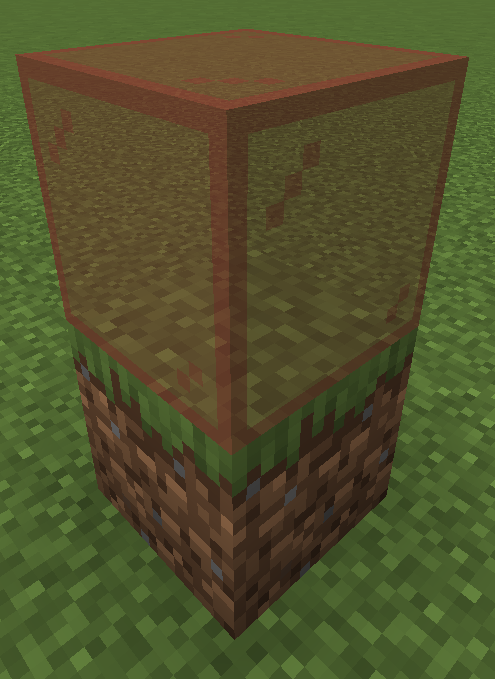
Print Remover
Can be obtained using /function give:print_remover. Place down to remove any print made on that block.
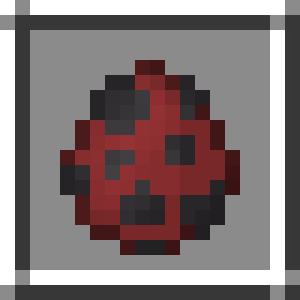
The prints are made out of block displays, which are entities. With small prints, such as 16x16x16, this won't produce any lag. However, large prints using the 64x64x64 printer may result in lag, and may take hours to complete.
⚠️ Bugs
If you notice any bugs report them in the [bugs] text channel in [bugs]
Download
To download the datapack, you have two options to add it to your world: - Printer_Datapack.zip file 1. Download the Printer_Datapack.zip file 2. Click Printer_Datapack.zip file in minecraft 3. Click Printer_Datapack.zip file 4. Drag the Printer_Datapack.zip file into there, and make sure you put it on the 'selected' side (right side)
- Printer_Datapack.zip file 1. Download the Printer_Datapack.zip file 2. Select your world in the single player menu 3. Click Printer_Datapack.zip file at the bottom of the screen 4. Click Printer_Datapack.zip file 5. Click on the Printer_Datapack.zip file folder 6. Drag the Printer_Datapack.zip file into there
Gallery
Versions
1.0.0
release