







1.3.0
release
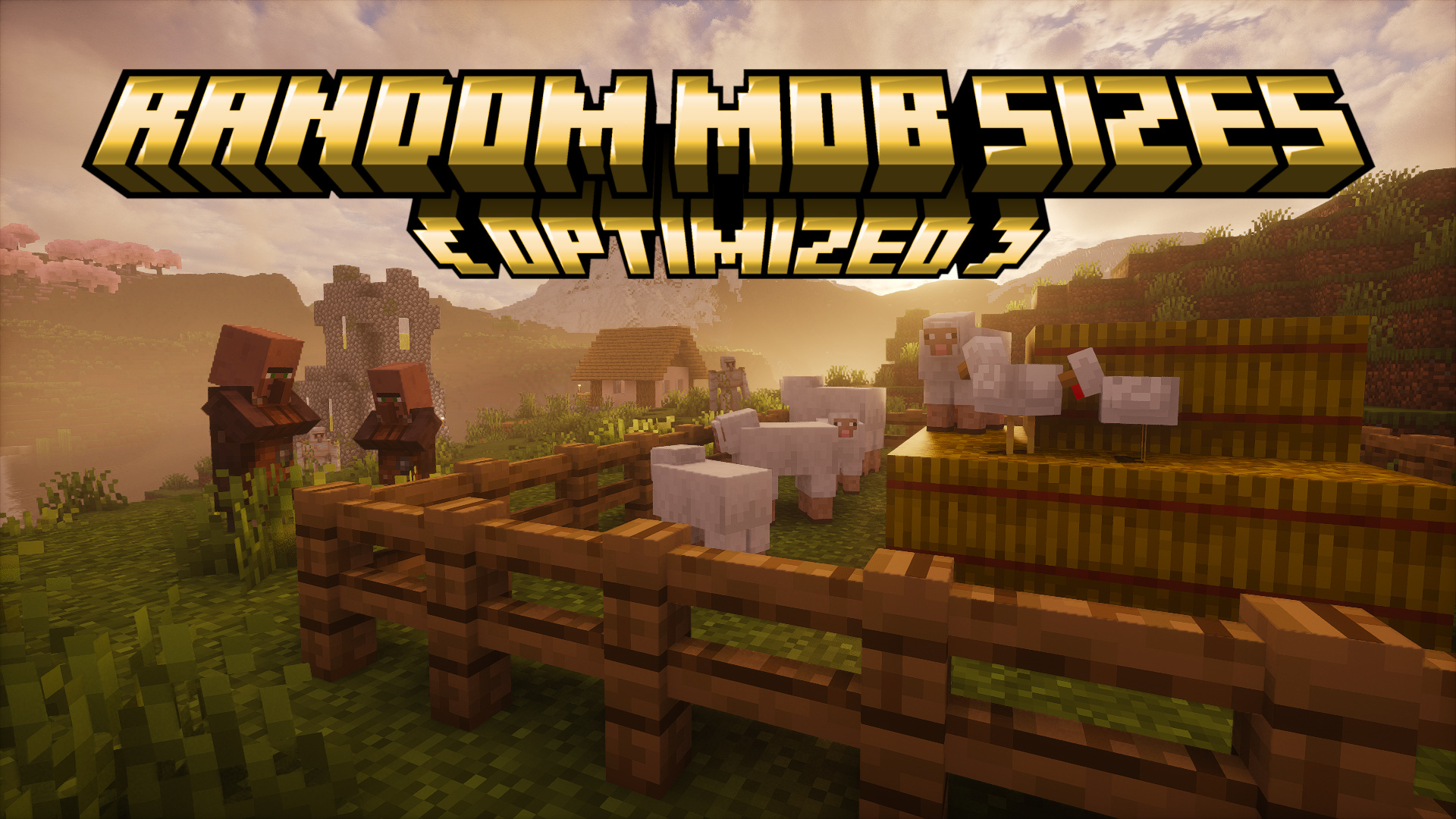
Random Mob Sizes
Random all the mob sizes in your world. (You can configure it as you want) [Optimized + Compatibility]
 21,12k
Random Mob Sizes
Random Mob Sizes
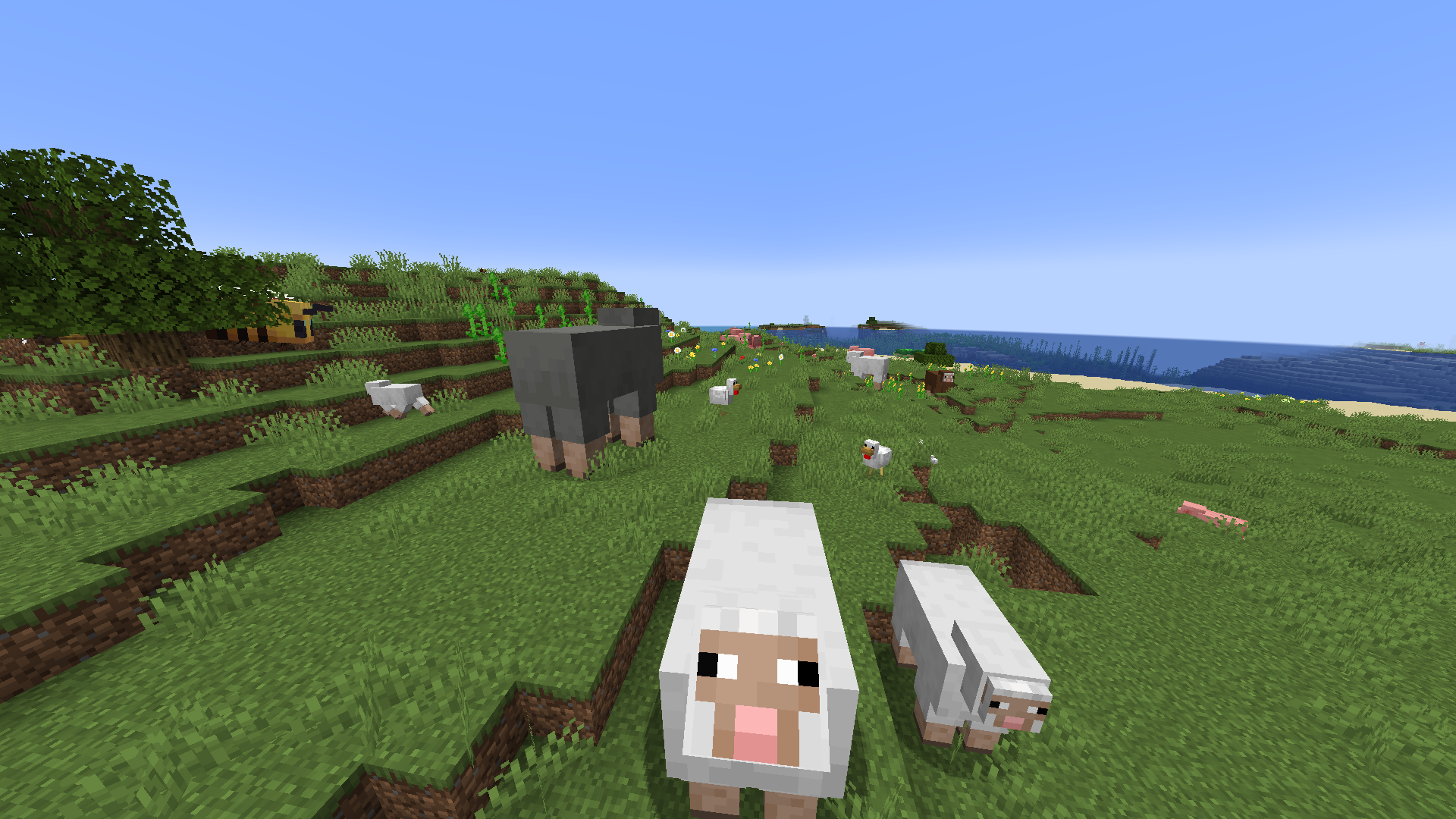
This datapack provides a funny game experience by randomizing every mob sizes in your world! 🎲 🎮<br> The default scale is 0.75-1.25 but can be configured as you want with the command `/function random_mob_sizes:config` ⚙️
The datapack is optimized, meaning it do not add any lag to your world/server! ⚡️
You can also configure per-mob behavior to fine‑tune size ranges and health scaling for specific entities. 🎯
Configuration ⚙️
Run the helper command to configure the pack:
- ▶️ Execute `/function random_mob_sizes:config` - 💬 This prints clickable messages in chat that prefill commands you can edit and send.
What you can configure (from the in-game helper):
- 📏 Value range for sizes: 0.0625 – 16.0 - 🌐 Default global range: min_size = 0.75, max_size = 1.25 - ❤️ Health scaling toggle: whether mob health scales with their size (enabled by default) - 🏃 Speed scaling toggle: whether mob movement speed scales with their size (disabled by default) - ⚔️ Damage scaling toggle: whether mob attack damage scales with their size (disabled by default)
Global settings examples 🛠️:
- ➖📏 Set minimum size - `/data modify storage random_mob_sizes:config min_size set value 0.75` - ➕📏 Set maximum size - `/data modify storage random_mob_sizes:config max_size set value 1.25` - 🔁❤️ Enable/disable health scaling - `/data modify storage random_mob_sizes:config health_scale set value false` - Use `true` to enable, `false` to disable. - 🔁🏃 Enable/disable speed scaling - `/data modify storage random_mob_sizes:config speed_scale set value true` - Use `true` to enable, `false` to disable. - 🔁⚔️ Enable/disable damage scaling - `/data modify storage random_mob_sizes:config damage_scale set value true` - Use `true` to enable, `false` to disable.
Per-mob overrides (optional) 🐾:
- 🧬 You can override the global settings for a specific mob type. Provide any subset of keys; omitted keys fall back to the global values. - 🐔 Example for chickens: - `/data modify storage random_mob_sizes:config mobs."minecraft:chicken" set value {min_size:0.75,max_size:1.25,health_scale:true,speed_scale:false,damage_scale:false}` - 🔁 Replace `minecraft:chicken` with the desired entity ID (e.g., `minecraft:zombie`).
💡 Tip: You can re-run `/function random_mob_sizes:config` at any time to show the clickable helpers again.
Technical / Compatibility 🔧
Mobs concerned by the datapack are: - mobs with a "Brain" NBT 🧠 - not players 👤 - not armor stands 🛡️ - not entities having the following Tags: `random_mob_sizes.checked`, `smithed.entity`, `smithed.strict`, `global.ignore` 🏷️
Meaning modded mobs can be concerned! 🎯
If you want to revert all loaded entities to their original size, you can type `/execute as @e run attribute @s scale base reset`.
⭐ Star History
<a href="https://star-history.com/#Stoupy51/RandomMobSizes&Date"> <picture> <source media="(prefers-color-scheme: dark)" srcset="https://api.star-history.com/svg?repos=Stoupy51/RandomMobSizes&type=Date&theme=dark" /> <source media="(prefers-color-scheme: light)" srcset="https://api.star-history.com/svg?repos=Stoupy51/RandomMobSizes&type=Date" /> <img alt="Star History Chart" src="https://api.star-history.com/svg?repos=Stoupy51/RandomMobSizes&type=Date" /> </picture> </a>
Gallery
Versions
1.1+mod
release
1.2.4+mod
release
1.3.3+fabric
release
1.3.3
release
1.2.4
release
1.2.6+fabric
release
1.2.6+forge
release
1.0
release
1.3.2
release
1.3.1
release
1.2.6+quilt
release
1.2.1+mod
release
1.2.3+mod
release
1.2.8+quilt
release
1.1
release
1.2.5
release
1.2.0
release
1.3.1+forge
release
1.2.6+neoforge
release
1.2.9+forge
release
1.3.2+fabric
release
1.2.8+neoforge
release
1.2.9
release
1.2.5+mod
release
1.3.4+neoforge
release
1.2.3
release
1.2.8+fabric
release
1.2.9+neoforge
release
1.3.2+forge
release
1.3.1+neoforge
release
1.2.0+mod
release
1.3.4+quilt
release
1.3.2+quilt
release
1.3.3+quilt
release
1.0+mod
release
1.2.2+mod
release
1.3.4+fabric
release
1.2.6
release
1.3.2+neoforge
release
1.3.3+forge
release
1.3.0+quilt
release
1.3.1+fabric
release
1.2.8+forge
release
1.2.2
release
1.3.4+forge
release
1.3.3+neoforge
release
1.3.1+quilt
release
1.3.0+forge
release
1.2.1
release
1.3.4
release
1.3.0+neoforge
release
1.2.9+fabric
release
1.2.9+quilt
release
1.2.8
release
1.3.0+fabric
release