

1.2.1+1.21
release
Simple Info Display
A simple, yet customizable, mod that can display some useful infos on the HUD, similar to the one in Lunar Client.
 2,82k
2,82k
Simple Info Display
Minecraft Info Display
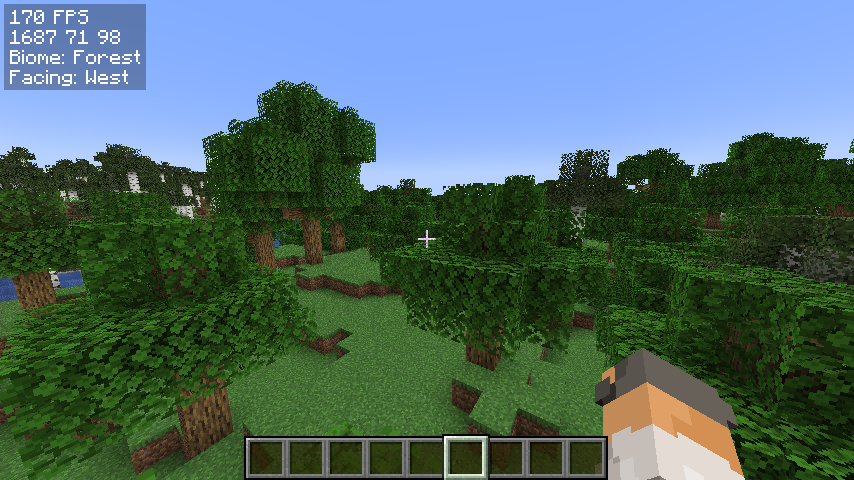
A simple, yet customizable, mod that can display some useful infos on the hud, similar to the one in Lunar Client.
I am very new to fabric modding, so if you have suggestions or find any bugs, DM me on Discord: @jamicah or open an issue on GitHub.
Features
Info Display:
- FPS - Coordinates - Biome - Facing Direction - Real Time
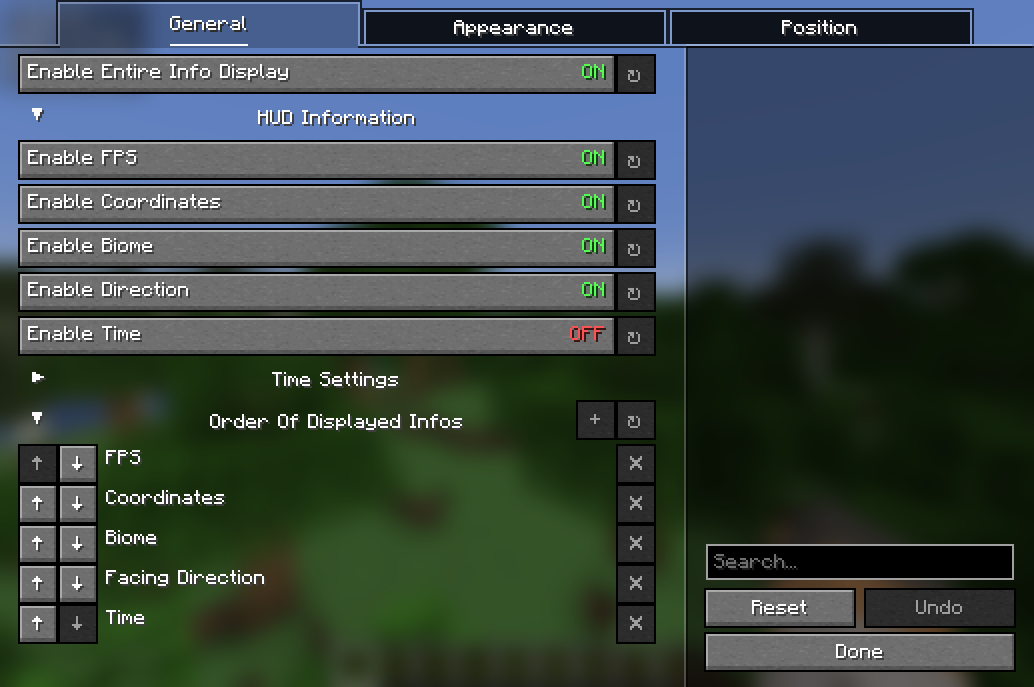
Toggle all of them on/off using a keybind or in the config menu.
Customization:
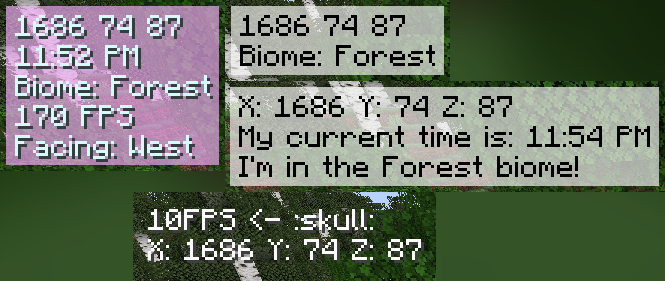
- Change the display order - Change the (absolute) position of the HUD - Change the color of the text - Change the background color - Customize the HUD text - and more!
TODO:
- more customization options - more info to display - relative HUD position
Requirements
- Fabric API - YetAnotherConfigLib - Mod Menu (optional)
How to install
1. Download the latest release on modrinth or from the releases page 2. Put the downloaded jar file into your mods folder 3. Launch the game
How to use
Open the configuration menu by either: 1. running the command `/infodisplay` 2. opening it using Mod Menu 3. setting a keybind for it in the controls menu
Contribute
Feel free to open an issue or a pull request on GitHub!
How to add localization for a new language: 1. Create a new file in `src/main/resources/assets/coords_mod/lang/` 2. Name it `xx_XX.json`, where `xx_XX` is the language code (e.g. `en_us` for English (US), `de_de` for German (DE)) 3. Copy the contents of `en_us.json` into the new file 4. Translate the values on the right side of the colons into the new language 5. Create a pull request
Gallery
Versions
1.3.1+1.21
release
1.4+1.21
release
1.2
release
1.3.0+1.21
release
1.4.1+1.21
release
1.5.0+1.21.9
release
1.5.0+1.21.6
release