2.2
release

Stilled TFC
A calming and beautiful TerraFirmaCraft experience on 1.21.1 with QOL additions, ambiance, and a steady framerate!
 683
683
Stilled TFC
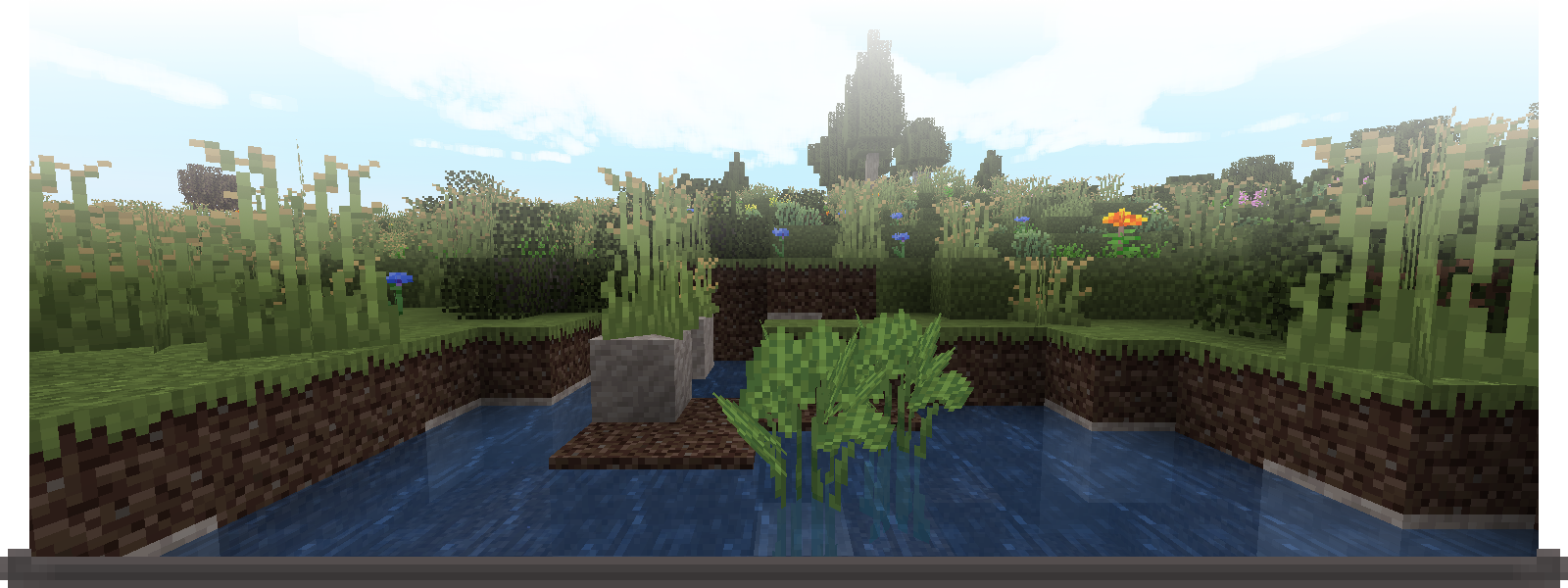
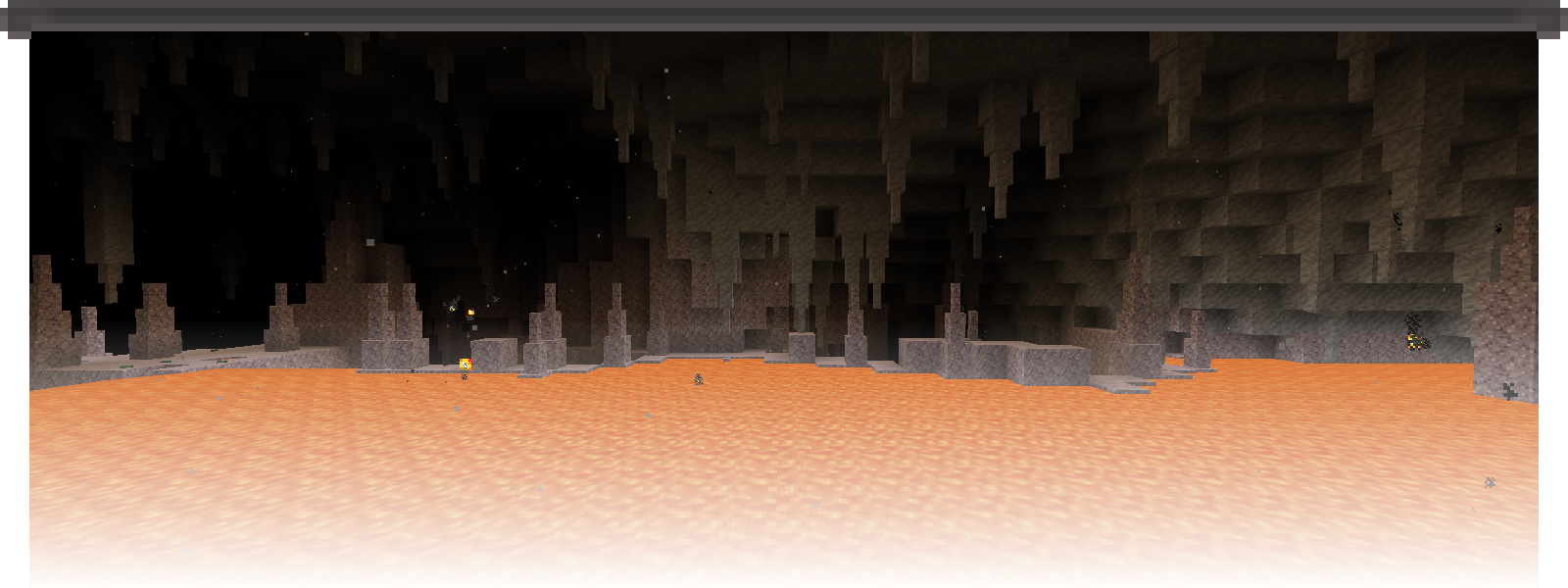
Stilled TFC is a modpack built around TerraFirmaCraft that makes the world more beautiful. You'll see waves upon the beaches, hear winds in the grasses, and see land as far as the horizon of the Earth. It does all this while maintaining a high FPS. I've worked hard to make this modpack as cohesive as possible while being as performant as possible.
For the best experience, I'd recommend allocating between 4gb and 6gb of ram and using best experience with `-XX:+UseZGC -XX:+UseCompactObjectHeaders` JVM arguments. See %%MD1%% for more detailed information on which JVM arguments to use and what they do!
Low Frame Rate?
You could try disabling either Distant Horizons, Better Clouds, or both.
- To disable Distant Horizons, from the Main Menu or Pause Menu go to `Options...` Within `Options...` click on the Distant Horizons button to the top left. Set both `Enable Rendering` and `Enable Distant Generation` to False. - To re-enable vanilla fog, proceed down `Advanced options` then to `Graphics`. Here set `Enable Distant Horizons Fog` to False and `Enable Vanilla Fog` to True.
- To disable Better Clouds, from the Main Menu or Pause Menu go to `Mods` Search or scroll to the Better Clouds mod, then click on `Config`. Click on the `Enabled` button at the top of the config screen to change `Better Clouds` to `Vanilla`.

High performance - QOL in the form of - Inventory management - Crafting tweaks - Dedicated and more precise prospecting tools - and more!... - Improved Visuals with - High performance - Rain splashes on water - Better clouds - Low cost High performance with Distant Horizons - Improved Sounds with - Walking sounds - Occlusion and reverb - High performance - High performance with configs specifically tweaked to reduce stutters and increase FPS - Expanded Temperature mechanics with the addition of Cold Sweat TFC - and too much polish to even list...
<a href="https://fabulously-optimized.github.io/mrpack-to-zip/?project=7v1c6OuQ"><img src="https://cdn.modrinth.com/data/cached_images/b09b543a01571244182a4c51ea8d7cbc813170b9.png" alt="A folder holding the curse and modrinth logos along with a bunch of jar files" align="left" height="96"></a>
be patient, don't have Prism Launcher or the Modrinth App but still like the look of this? You can click the link below to convert the most recent version of this modpack to a .zip containing all the modpack's resources. This conversion is done locally, so be patient.
With these resources you're able to import Stilled TFC into Minecraft Launcher! I've made guides for the Minecraft Launcher app and the Minecraft Launcher below.
Modpack Converter: .mrpack to .zip
<div style="clear: both;"></div>
Importing into the CurseForge app
Begin by opening the CurseForge app, once opened click on the `+ Create` button to start a new modpack.
1. Fill out the data like so: Modpack Name: `Stilled TFC` Minecraft Version: `1.21.1` Game Type: `NeoForge` Modloader Version: `[Select the most recent version]`
2. Once the modpack has finished setting up, navigate to the modpack folder: From within the modpack click on the three dots next to `Play` then head to `Open Folder ↗` If instead on the main page, first right click on the modpack then head to `Open Folder ↗`
3. Bring over the .zip containing all of Stilled TFC now. To finish off the modpack import you will need to extract the .zip in the modpack directory. Make certain the contents are extracted directly into the modpack directory! If you get a folder containing all the files, move those files into the modpack directory.
You're fine to delete the zip after completing these steps. To update the modpack in the future, delete the `mods`, `resourcepacks`, `datapacks`, and `config` folder before repeating step 3.
Importing into the Minecraft Launcher
1. Download the NeoForged Installer, select `1.21.1` as the Minecraft Version and use the latest NeoForged Version. I'd suggest following the entire installation section of the NeoForged docs.
2. Now that you have NeoForged installed on the Minecraft Launcher and have decided on whether to make a separate profile or not, navigate to that profile directory. (What the NeoForged docs and I refer to as `profiles` are labeled `Installations` within the Minecraft Launcher. Me referring to them as `Installations` would lead to confusion however)
3. Bring over the .zip containing all of Stilled TFC. To finish off the modpack import you will need to extract the .zip in the modpack directory. Make certain the contents are extracted directly into the modpack directory! If you get a folder containing all the files, move those files into the modpack directory.
You're fine to delete the zip after completing these steps. To update the modpack in the future, delete the `mods`, `resourcepacks`, `datapacks`, and `config` folder before repeating step 3.